
1. Коопсуздук боюнча маанилүү маалымат
Please read all instructions carefully before using the BLACK+DECKER CC2001 paper shredder. Keep this manual for future reference.
- Балдарды жана үй жаныбарларын майдалагычтан алыс кармаңыз.
- Keep loose clothing, jewelry, hair, and other foreign objects away from the shredder opening.
- Do not insert more than the maximum sheet capacity (20 sheets) to prevent jams.
- Майдалагычка тез күйүүчү каражаттарды же майлоочу материалдарды чачпаңыз.
- Майдалагычты колдонбогондо же тазалоодон мурун розеткадан сууруп коюңуз.
- Эгерде электр шнуру бузулган болсо, майдалагычты иштетпеңиз.
2. Продукт бүтүп калдыview
The BLACK+DECKER CC2001 is a compact and efficient crosscut paper shredder designed for home and office use. It features a convenient countertop design and is capable of shredding paper, CDs, DVDs, and credit cards.
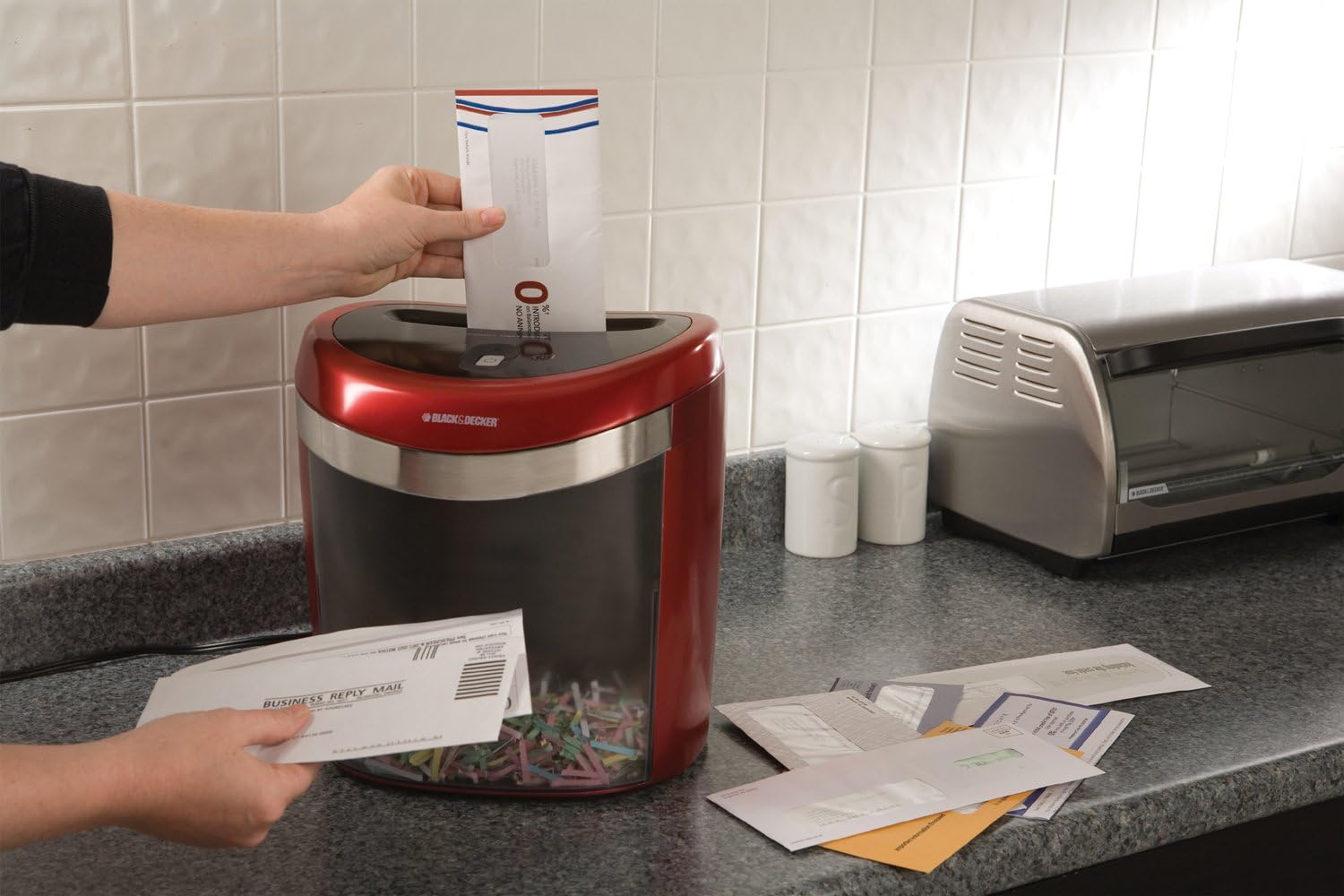
This image shows the BLACK+DECKER CC2001 Crosscut Paper Shredder from a front-side angle, highlighting its red and black design and compact form factor.
3. Орнотуу
- Таңылганын ачуу: Carefully remove the shredder from its packaging. Ensure all components are present and undamaged.
- Жайгашкан жери: Place the shredder on a flat, stable surface, such as a countertop or desk. Ensure there is adequate space around the unit for ventilation and operation.
- Туташуу кубаты: Электр шнурын стандарттуу электр розеткасына сайыңыз.
- Empty Bin: Ensure the easy-empty bin is correctly inserted into the shredder unit.
4. Иштөө нускамалары
The CC2001 shredder is designed for efficient and secure document disposal.
- Күйгүзүү: Locate the power switch or button, typically on the top or side of the shredder head. Set it to the 'ON' or 'AUTO' position. The shredder is now ready for use.
- Майдалоочу кагаз: Insert up to 20 sheets of paper (or 10 folded sheets) into the paper entry slot. The shredder will automatically start and stop once the paper has passed through. For optimal performance, avoid exceeding the maximum sheet capacity.
- Shredding CDs, DVDs, and Credit Cards: Use the dedicated slot for media shredding. Insert one CD, DVD, or credit card at a time. The shredder will process the item and stop automatically.
- Ызы-чуу деңгээли: The shredder operates at a noise level of 65dB.
- Өчүрүү: When finished shredding, set the power switch to the 'OFF' position and unplug the unit from the power outlet.
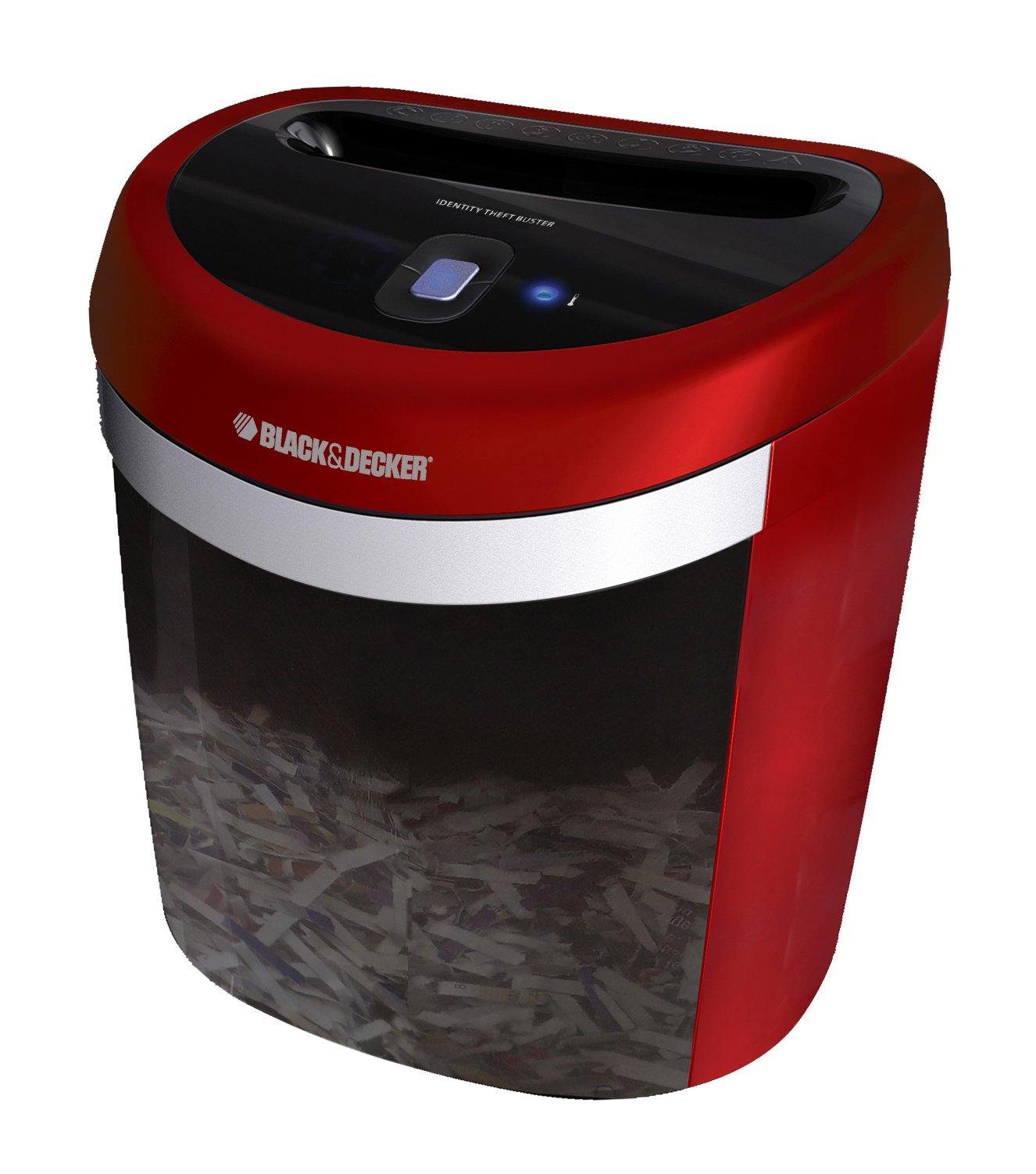
This image illustrates a person feeding an envelope into the BLACK+DECKER CC2001 shredder, demonstrating its use for shredding documents.
5. Техникалык тейлөө
- Биникти бошотуу: Regularly check and empty the shredder bin to prevent paper jams and ensure continuous operation. The lightweight design of the bin makes it easy to remove and empty.
- Тазалоо: Unplug the shredder before cleaning. Use a soft, dry cloth to wipe the exterior of the shredder. Do not use abrasive cleaners or solvents.
- Майлоо (сунушталат): To maintain optimal performance and extend the life of the shredder, it is recommended to oil the cutting blades periodically. Apply shredder oil (not included) across the paper entry slot, then run a few sheets of paper through the shredder.
6. Кыйынчылыктарды
- Шредер күйбөйт:
- Электр шнурунун иштеген электр розеткасына бекем сайылганын текшериңиз.
- Check that the power switch is in the 'ON' or 'AUTO' position.
- Verify the shredder bin is correctly seated.
- Кагаз тыгылышы:
- Turn the shredder off and unplug it.
- Carefully remove any visible paper from the entry slot.
- If the shredder has a reverse function, try using it to clear the jam.
- If the jam persists, contact customer support.
- Shredder Stops During Operation:
- The shredder may have overheated. Allow it to cool down for at least 30 minutes before resuming operation.
- The bin may be full. Empty the bin.
7. Техникалык шарттар
| Бренд | BLACK+DECKER |
| Модел | CC2001 |
| Shred түрү | Кайчылаш кесүү |
| Барактын сыйымдуулугу | 20 sheets (10 folded) |
| чылпак | Paper, CDs, DVDs, Credit Cards, Staples |
| Ызы-чуу деңгээли | 65дБ |
| Продукциянын өлчөмдөрү | 30.99 x 29.01 x 35 см |
| Салмагы | 3.4 кг |
8. Кепилдик жана колдоо
The BLACK+DECKER CC2001 Crosscut Paper Shredder comes with a Limited Lifetime Warranty. Please refer to the warranty card included with your product for specific terms and conditions.
For technical support, troubleshooting assistance, or warranty claims, please contact BLACK+DECKER customer service. Contact information can typically be found on the manufacturer's official webсайтында же продуктунун таңгагында.