
Introduction
Thank you for choosing the Westclox 66705 Digital Alarm Clock. This clock is designed for simplicity and reliability, featuring a large 1.8-inch red LED display for clear visibility and an oversized snooze bar for easy access. It operates on AC power with a battery backup system to maintain time and alarm settings during power interruptions. This manual provides detailed instructions for setup, operation, and maintenance to ensure optimal performance of your alarm clock.
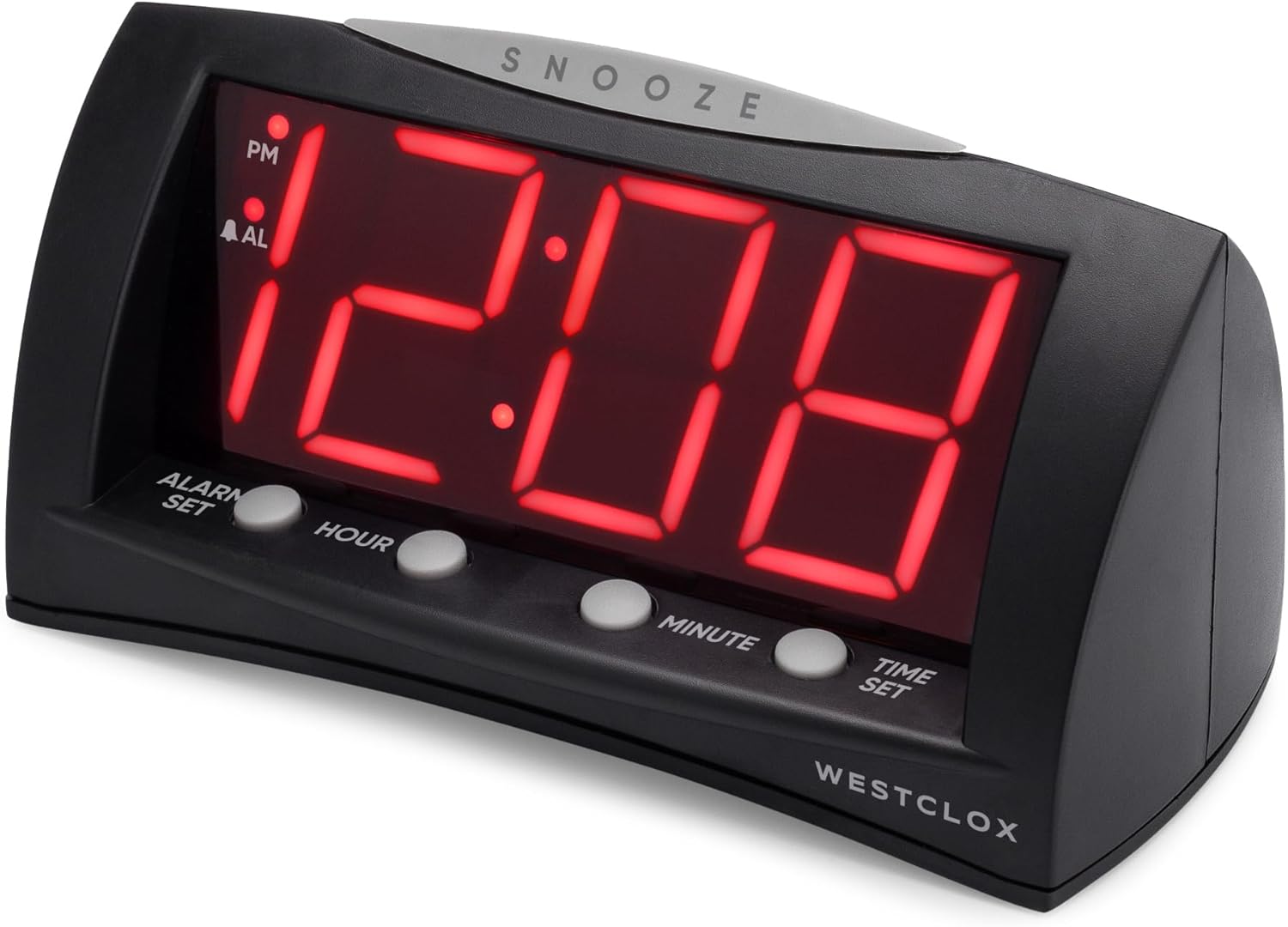
Фронт view of the Westclox 66705 Digital Alarm Clock, showing the large red LED display and control buttons.
Продукт өзгөчөлүктөрү
- 1.8" Extra Large Display: Large red LED digits ensure visibility from anywhere in the room.
- Convenient Oversized Snooze Bar: Easy-to-find snooze bar for temporary alarm pause.
- Кош кубат параметрлери: Corded operation for reliability and battery backup for power outages.
- Санариптик тактык: Precise timekeeping for maintaining your schedule.
- Modern and Versatile Style: Sleek black finish and compact design suitable for various spaces.
Жайгашуу
- AC кубатына туташтыруу: Connect the AC power cord to a standard household electrical outlet. The clock will display 12:00.
- Батареянын камдык көчүрмөсүн орнотуу: Open the battery compartment on the bottom of the clock. Insert one (1) AA battery (not included), ensuring correct polarity. This battery preserves time and alarm settings during power outages but does not power the display.
- Учурдагы убакытты коюу:
- ' баскычын басып, кармап туруңузУБАКЫТТЫ ОРНОТУУ' баскычы.
- While holding 'УБАКЫТТЫ ОРНОТУУ', press 'HOUR' to advance the hour.
- Continue holding 'УБАКЫТТЫ ОРНОТУУ' and press 'MINUTE' to advance the minute.
- Observe the 'PM' indicator on the display to ensure correct AM/PM setting.
- Release 'УБАКЫТТЫ ОРНОТУУ' when the correct time is displayed.
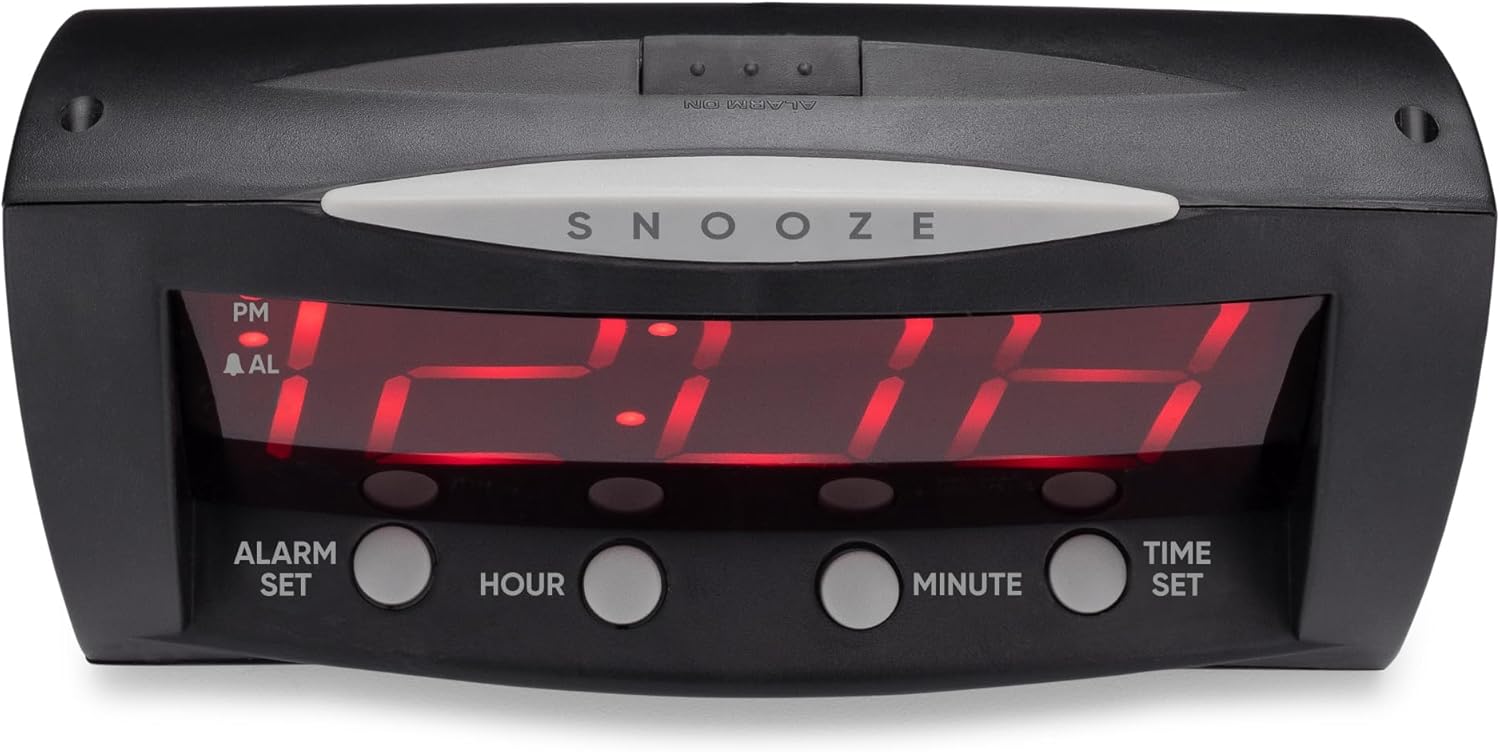
Frontal view of the Westclox 66705 Digital Alarm Clock, highlighting the oversized snooze bar and time/alarm setting buttons.
Иштөө нускамалары
- Ойготкуч убактысын коюу:
- ' баскычын басып, кармап туруңузСигналды орнотуу' баскычы.
- While holding 'Сигналды орнотуу', press 'HOUR' to advance the alarm hour.
- Continue holding 'Сигналды орнотуу' and press 'MINUTE' to advance the alarm minute.
- Observe the 'PM' indicator and the 'AL' (alarm) indicator for correct AM/PM setting.
- Release 'Сигналды орнотуу' when the desired alarm time is displayed.
- Сигналды иштетүү/өчүрүү:
- Locate the 'КҮЙГҮЗҮҮ / КҮЧҮРҮҮ' slide switch on the back of the clock.
- Slide the switch to 'ОЙГОЛГОН' to enable the alarm. The 'AL' indicator will illuminate on the display.
- Slide the switch to 'ОЙГОЛГОН ӨЧҮРҮҮ' to disable the alarm. The 'AL' indicator will turn off.
- Чырым Function:
- When the alarm sounds, press the large 'СОЮЗ' bar located on top of the clock.
- Ойготкуч убактылуу токтоп, болжол менен 9 мүнөттөн кийин кайра чыгат.

Арткы view of the Westclox 66705 Digital Alarm Clock, displaying the power cord and the alarm on/off switch.
Техникалык тейлөө
- Тазалоо: To clean the clock, wipe it with a soft, dry cloth. Do not use abrasive cleaners or solvents, as they may damage the finish.
- Батареяны алмаштыруу: If the battery backup is used frequently or if the clock experiences power outages and settings are lost, replace the AA battery in the compartment on the bottom of the clock.
- Сактагыч: Саатты узак убакытка сактасаңыз, агып кетпеш үчүн батареяны алып салыңыз.
Проблемаларды чечүү
- Display is blank or not working:
- AC кубат шнуру иштеп жаткан электр розеткасына бекем сайылганын текшериңиз.
- If a battery is installed, check if it is fresh and correctly inserted. The battery backup only maintains settings, not the display.
- Ойготкуч угулбайт:
- Verify that the 'ALARM ON/OFF' switch on the back of the clock is set to 'ALARM ON'.
- Check that the alarm time is correctly set and the 'AL' indicator is visible on the display.
- Time or alarm cannot be set:
- Ensure you are pressing and holding the 'УБАКЫТТЫ ОРНОТУУ'же'Сигналды орнотуу' button while adjusting the hour and minute. Release the button after setting.
- Display is too bright:
- This model does not feature a dimmer function. Consider adjusting the clock's position if the brightness is an issue.
Техникалык шарттар
| Бренд | Westclox |
| Модель номери | 66705 |
| Дисплей түрү | Digital, 1.8" Red LED |
| Power Source | Corded-electric with Battery Backup |
| Батареяга талап | 1 AA батарейка (киргизилген эмес) |
| Продукциянын өлчөмдөрү | 22.1"W x 17.8"H |
| Элемент Салмагы | 12.5 унция |
| Материал | Пластик |
| Өзгөчөлүктөр | Large Digits, Oversized Snooze, Corded, Battery Backup |
Кепилдик маалымат
This Westclox product is covered by a 1-year limited warranty from the date of purchase. This warranty covers manufacturing defects in materials and workmanship. It does not cover damage caused by misuse, accidents, unauthorized repairs, or normal wear and tear. Please retain your original proof of purchase for any warranty claims.
Колдоо
For further assistance, technical support, or to inquire about replacement parts, please visit the official Westclox website or refer to the contact information provided on the product packaging. Our customer service team is available to help with any questions or concerns you may have regarding your Westclox 66705 Digital Alarm Clock.