Introduction
This manual provides essential instructions for the setup, operation, maintenance, and troubleshooting of your iHome 7-Port USB 2.0 Hub, model IH-U512SP. Please read this guide thoroughly before using the product to ensure proper functionality and longevity.
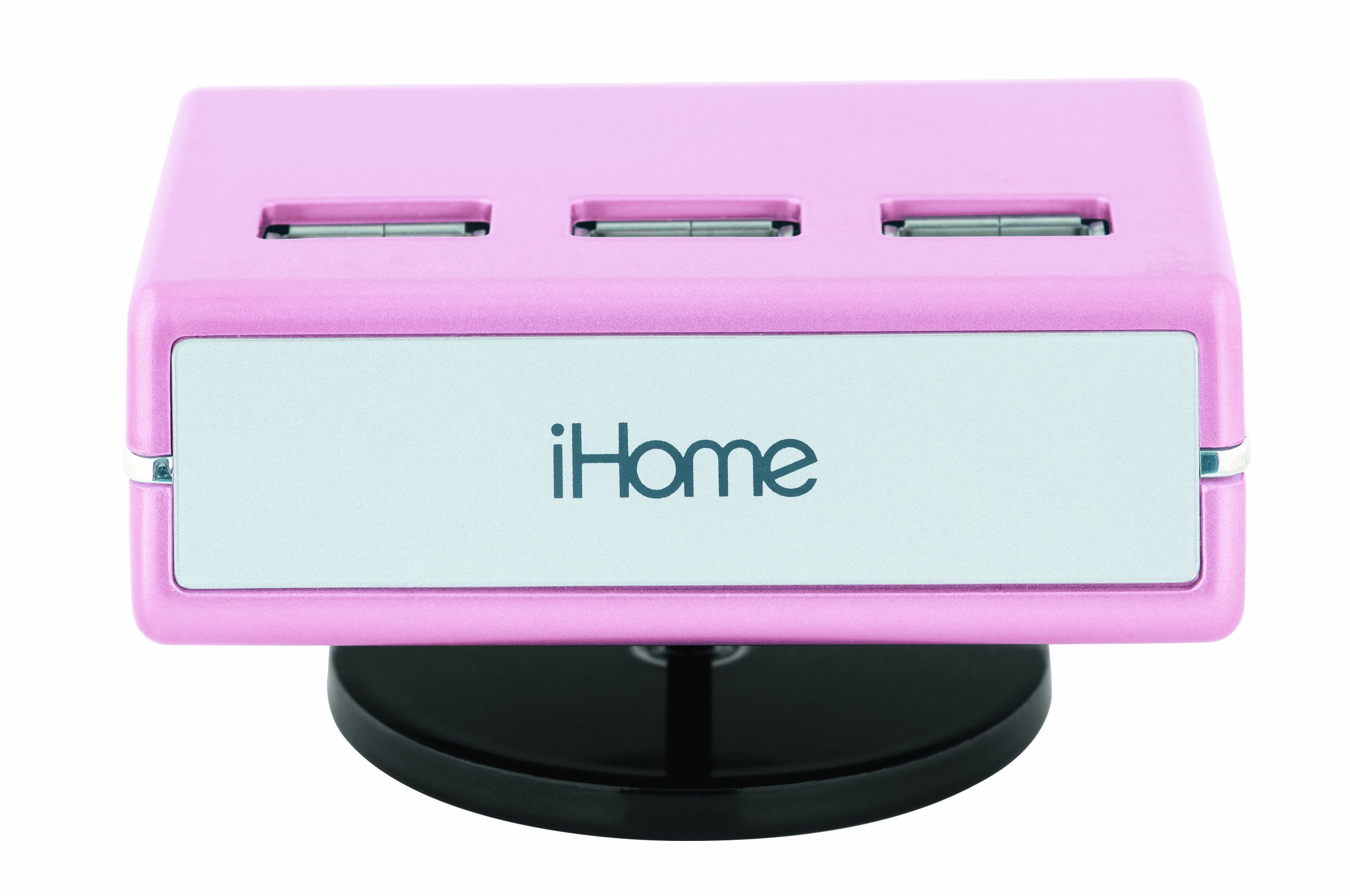
An image of the iHome 7-Port USB 2.0 Hub, featuring its compact design and seven USB 2.0 ports, including three top-loading ports, in a pink finish.
Жайгашуу
Follow these steps to set up your iHome 7-Port USB 2.0 Hub:
- AC адаптерин туташтыруу: Plug the included AC adapter into the power input port on the iHome USB hub. Then, plug the other end of the AC adapter into a standard electrical outlet. This provides necessary power for the hub and connected devices.
- Компьютерге туташуу: Use the provided USB cable to connect the iHome USB hub to an available USB port on your computer. Ensure the connection is secure.
- Драйверлерди орнотуу (зарыл болсо): For most modern operating systems (Windows, macOS, Linux), the hub should be recognized automatically without additional driver installation. If prompted, follow the on-screen instructions to install any required drivers.
- Түзмөктөрдү туташтыруу: You can now connect up to seven USB devices (such as printers, digital cameras, or iPods) to the available USB ports on the hub. The hub features three top-loading ports for convenient access.
Иштөө нускамалары
The iHome 7-Port USB 2.0 Hub is designed for simple plug-and-play operation:
- Түзмөктү таануу: Once connected, your computer should automatically detect any devices plugged into the hub.
- Жогорку ылдамдыктагы маалыматтарды өткөрүп берүү: The hub supports Hi-Speed USB 2.0 technology, allowing for data transfer rates up to 480 Mbps. Actual speeds may vary depending on the connected devices and your computer's USB capabilities.
- Энергияны башкаруу: The included AC adapter ensures sufficient power delivery to all connected devices, which is especially important for power-hungry peripherals.
- Шайкештик: This hub is ideal for connecting a wide range of USB 2.0 compatible devices, including but not limited to printers, digital cameras, external hard drives, and portable media players like iPods.
Техникалык тейлөө
To ensure the longevity and optimal performance of your USB hub, follow these maintenance guidelines:
- Тазалоо: Disconnect the hub from power and your computer before cleaning. Use a soft, dry, lint-free cloth to wipe the exterior. Do not use liquid cleaners, aerosols, or solvents.
- Сактагыч: Колдонулбаган учурда хабды күн тийбеген жана өтө температурадан алыс салкын, кургак жерде сактаңыз.
- Кабельге кам көрүү: Avoid bending or crimping the USB and power cables excessively. Always grasp the plug, not the cable, when disconnecting.
- Экологиялык шарттар: Do not expose the hub to moisture, dust, or corrosive environments.
Проблемаларды чечүү
If you encounter issues with your iHome USB hub, refer to the following common solutions:
- Түзмөк таанылган жок:
- Ensure the hub's AC adapter is securely plugged into both the hub and a working electrical outlet.
- Verify that the USB cable connecting the hub to your computer is firmly connected at both ends.
- Try connecting the problematic device directly to your computer's USB port to confirm the device itself is functioning.
- Connect the hub to a different USB port on your computer.
- Компьютериңизди өчүрүп күйгүзүңүз.
- Жетишсиз күч: If devices are not functioning correctly or intermittently, ensure the AC adapter is connected. Some high-power devices require the hub's external power supply.
- Жай берилиштерди өткөрүү: Ensure both the hub and the connected device are USB 2.0 compatible. Connecting a USB 1.1 device will limit speeds to USB 1.1 rates.
- Жетишпеген компоненттер: If you believe essential parts are missing for proper functionality (e.g., specific cables for certain operating systems), please contact iHome customer support or your retailer.
Техникалык шарттар
| Модель номери | IH-U512SP |
| Продукциянын өлчөмдөрү | 2.9 x 1.6 x 2.1 дюйм |
| Элемент Салмагы | 10.1 унция |
| Жалпы USB порттору | 7 |
| Аппараттык интерфейс | USB 2.0 |
| Шайкеш түзмөктөр | Digital Cameras, Printers, iPods, and other USB 2.0 devices |
| Power Source | AC адаптер (кошулган) |
Кепилдик жана колдоо
Кепилдик маалыматы же техникалык колдоо алуу үчүн, сатып алууда камтылган документтерди караңыз же расмий iHome сайтына баш багыңыз webсайт. Кепилдик дооматтар үчүн сатып алганыңыздын далилин сактаңыз.
Өндүрүүчү: Lifeworks Technology, Inc.
Биринчи жеткиликтүү болгон күнү: 1-февраль, 2009-жыл