
BESTEK FBA_MRI711C-MX
BESTEK 75W Power Inverter User Manual
Model: FBA_MRI711C-MX
1. Киришүү
This manual provides essential information for the safe and efficient use of your BESTEK 75W Power Inverter. This device converts 12V DC power from your vehicle's cigarette lighter socket into 110V AC power, suitable for various electronic devices. It also features dual USB charging ports for convenience.

Figure 1: BESTEK 75W Power Inverter
2. Маанилүү коопсуздук нускамалары
Please read and understand all safety instructions before using the power inverter.
- This product is designed for 12V DC vehicle power systems only. Do not use with 24V DC systems or in aircraft.
- The inverter may become warm during operation. Avoid placing it in direct sunlight or near heat-sensitive materials to prevent overheating. Ensure adequate ventilation around the unit.
- Do not use the inverter to power high-wattage electrical devices such as hair dryers or electric heaters, as this may overload the unit and blow a fuse. Refer to the specifications for maximum wattage.
- Инверторду суудан, нымдуулуктан жана тез күйүүчү материалдардан алыс кармаңыз.
- Do not disassemble or modify the inverter. Servicing should only be performed by qualified personnel.
- Балдар жетпеген жерде сактаңыз.
3. Пакеттин мазмуну
Пакетте бардык буюмдар бар экенин текшериңиз:
- 1 x BESTEK 75W Power Inverter
- 1 x User Manual
4. Продукциянын өзгөчөлүктөрү
- Provides 75 watts continuous DC to AC power and 200 watts of peak power.
- Equipped with 1 AC outlet and 3.1A dual USB charging ports.
- Designed for direct plug-in to any 12V cigarette lighter socket.
- Features a pivoting head for easy adjustment.
- Built-in cooling fan and auto-shutdown mechanisms protect devices and the car from overheating, overloading, low load, short circuit, low voltage, жана андан ашык томtage.

Figure 2: Inverter showing AC outlet and USB ports
5. Орнотуу
- Ensure your vehicle's engine is running or the ignition is in the accessory position to provide power to the cigarette lighter socket.
- Insert the inverter's cigarette lighter plug firmly into your vehicle's 12V cigarette lighter socket.
- Adjust the pivoting head of the inverter to a comfortable and secure position.
- The LED indicator on the inverter will illuminate green, indicating it is powered on and ready for use.

Figure 3: Rotatable cigarette lighter plug for flexible positioning
6. Иштөө нускамалары
6.1 Using the AC Outlet
- Plug your electronic device (e.g., laptop charger) into the 110V AC outlet on the inverter.
- Ensure the device's power consumption does not exceed 75W continuous power or 200W peak power.
6.2 Using the USB Charging Ports
- Connect your USB-powered devices (e.g., smartphones, tablets) to the 3.1A dual USB charging ports.
- For optimal charging of devices like iPads, use the 2.1A USB port and leave the other USB port free.
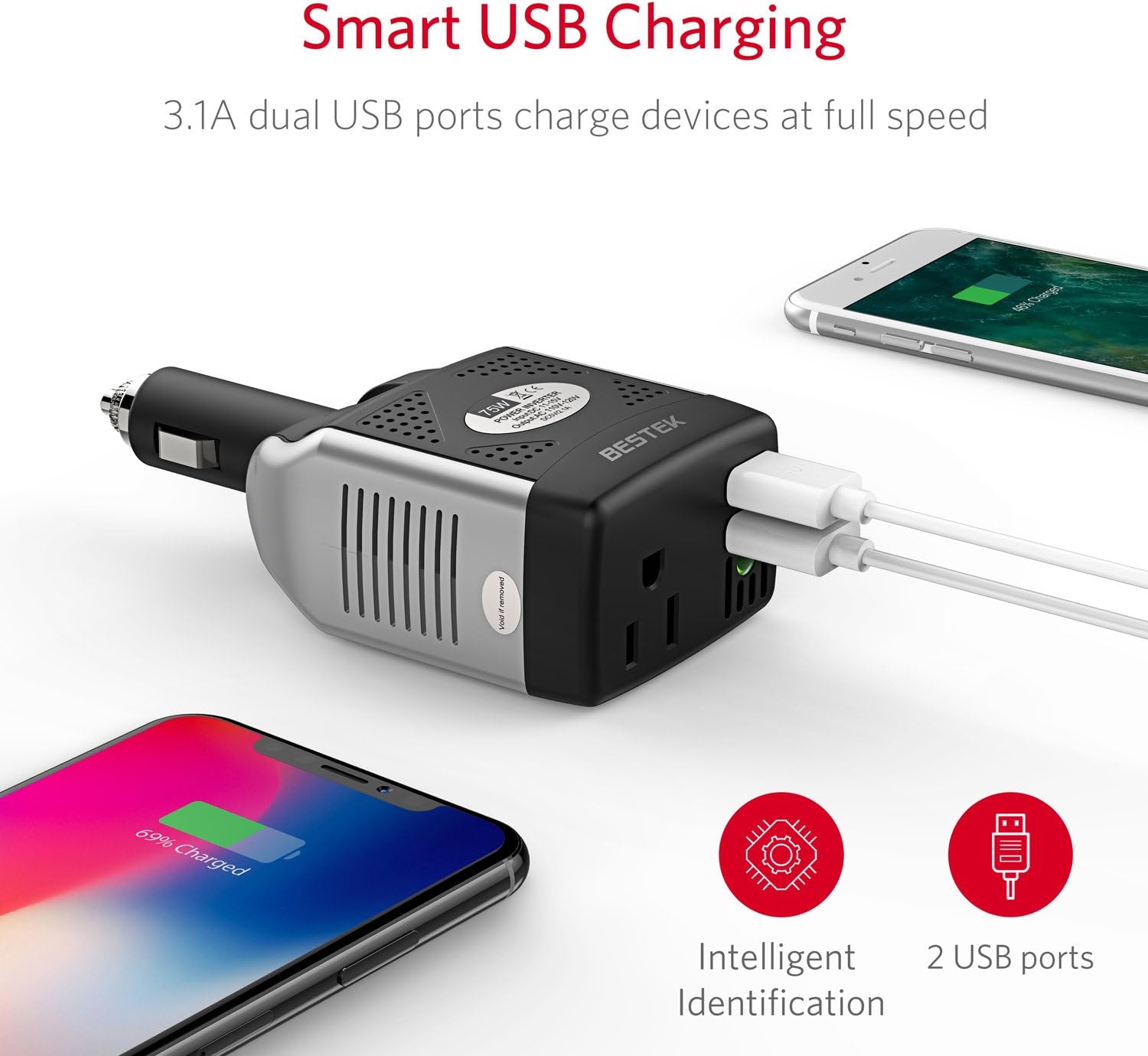
Figure 4: Smart USB charging ports in use
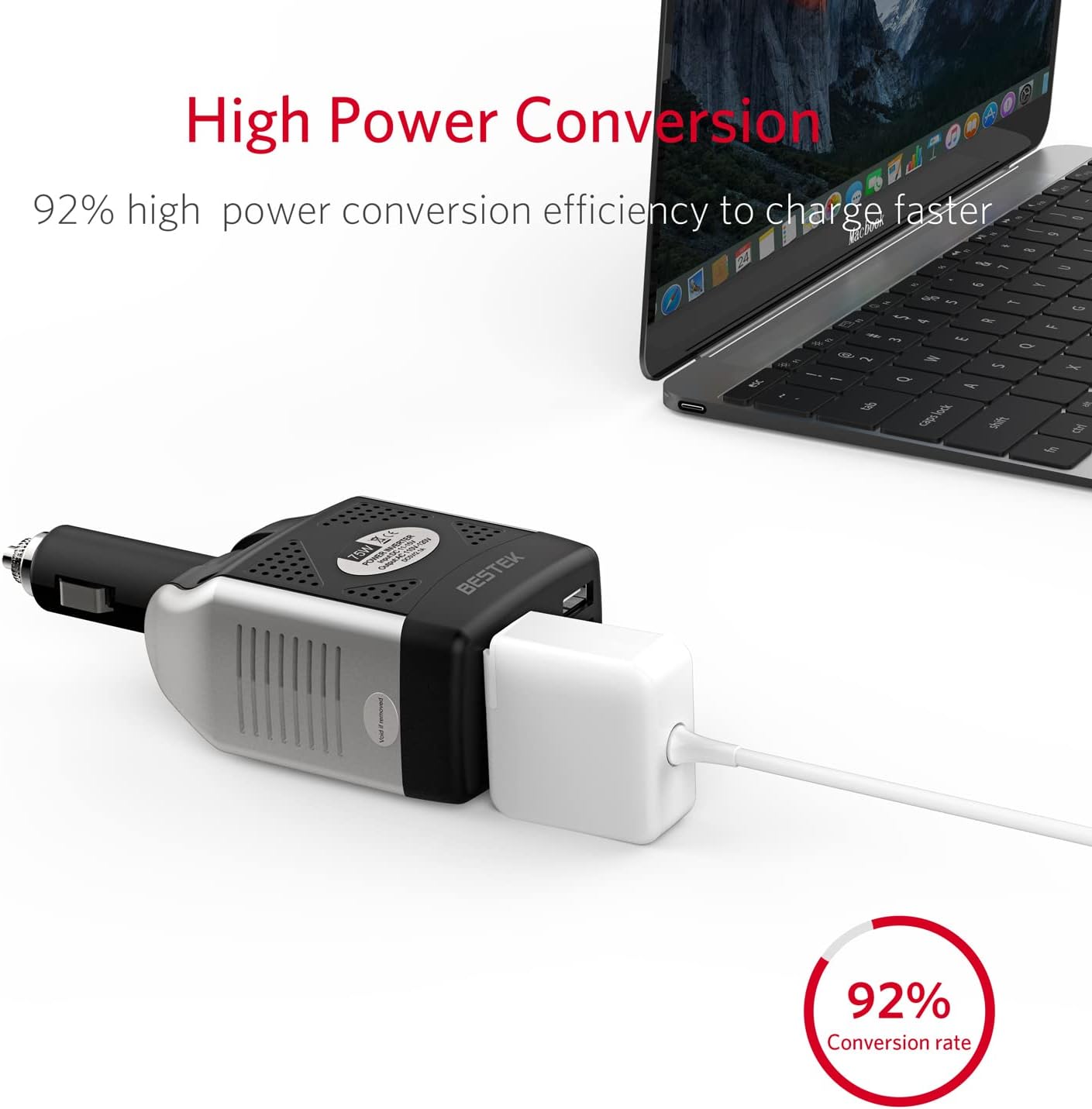
Figure 5: High power conversion efficiency for faster charging
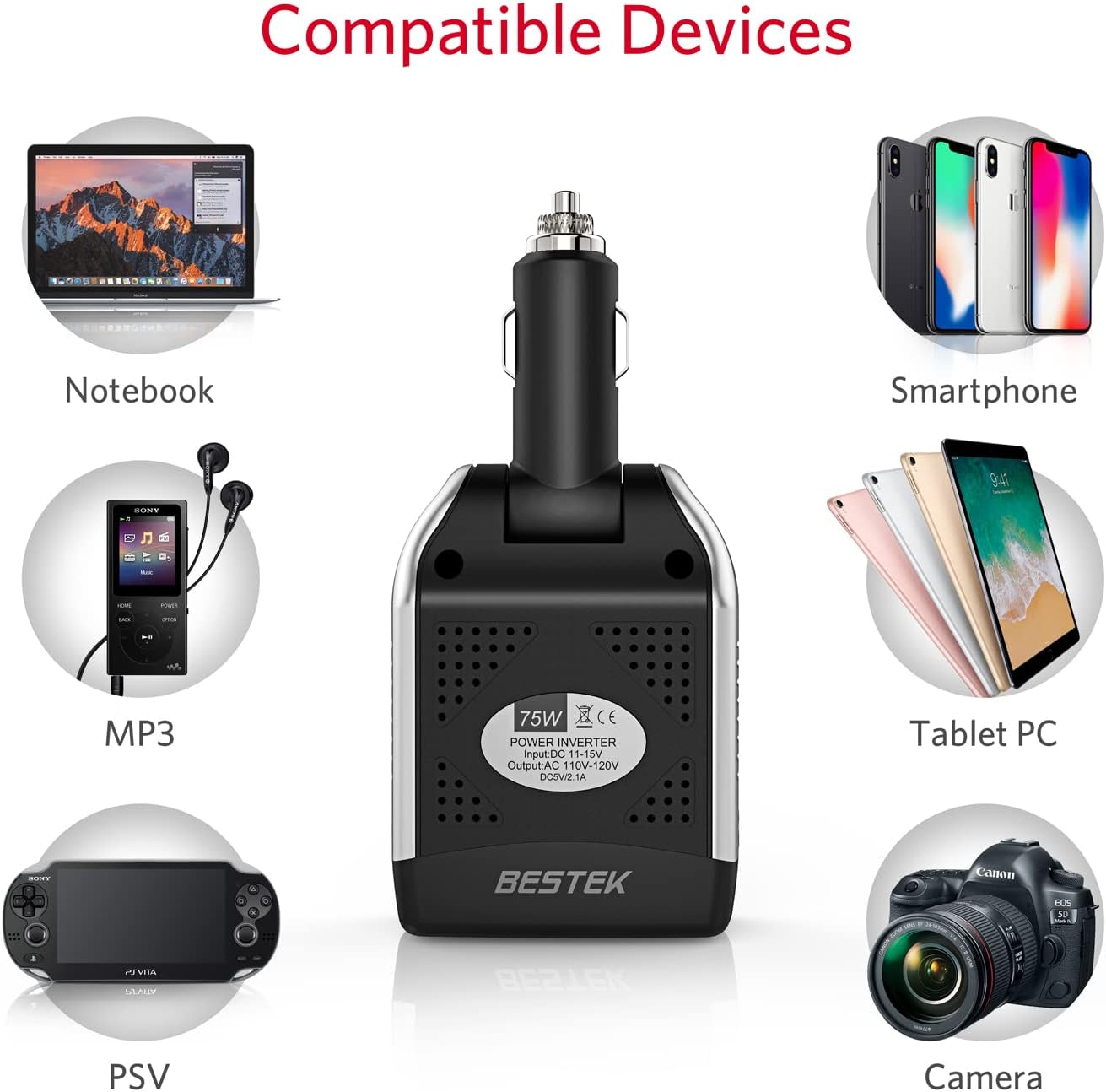
6-сүрөт: Мисamples of compatible devices
7. Техникалык тейлөө
- Инверторду таза жана чаң менен таштандылардан таза кармаңыз. Тазалоо үчүн кургак, жумшак чүпүрөк колдонуңуз.
- Ensure the cooling fan vents are not obstructed to maintain proper airflow and prevent overheating.
- Колдонулбаган учурда инверторду салкын, кургак жерде сактаңыз.
- Regularly check the cigarette lighter plug and cables for any signs of damage.
8. Кыйынчылыктарды
| Көйгөй | Мүмкүн себеп | Чечим |
|---|---|---|
| Inverter not powering on (no green LED) | Loose connection; vehicle's cigarette lighter socket not providing power; vehicle battery low. | Ensure the plug is fully inserted. Check vehicle's fuse for the cigarette lighter. Start vehicle engine to ensure sufficient battery voltage. |
| Device not charging/powering | Device power consumption too high; faulty device cable; inverter in protection mode (red LED). | Verify device wattage is within inverter limits (75W continuous). Try a different cable. Disconnect and reconnect the inverter to reset protection mode. |
| Inverter gets warm/hot | Normal operation; insufficient ventilation; prolonged high-power use. | Ensure vents are clear. Reduce load if possible. This is normal for electronics under load. If excessively hot, disconnect and allow to cool. |

Figure 7: Inverter's internal protection circuit device
9. Техникалык шарттар
| Өзгөчөлүк | Деталь |
|---|---|
| Номиналдуу кубаттуулук | 75 Вт үзгүлтүксүз |
| Max Power | 100 Вт |
| Чоку күч | 200 Вт |
| Киргизүү көлөмүtage | DC 12V |
| Output Voltage | AC 110V-120V |
| USB портунун чыгышы | DC 5V, 3.1A total (one 1A, one 2.1A) |
| Индикатор | Green (Operation), Red (Shutdown) |
| Voltage Өчүрүү | DC 15V-16V |
| Low Voltage Өчүрүү | DC 10V-11V |
| Электрдик чыгуу толкун формасы | Модификацияланган синус толкуну |
| Өлчөмдөрү (L x W x Y) | 5.5" x 2.4" x 1.6" (143 мм x 63 мм x 40 мм) |
| Элемент Салмагы | 5.76 унция |
| Модель номери | FBA_MRI711C-MX |

Figure 8: Compact design and dimensions of the inverter
10. Кепилдик жана колдоо
10.1 Кепилдик маалыматы
This BESTEK product comes with an 18-month warranty. For details regarding warranty claims, please refer to the official BESTEK webсайтка же кардарларды колдоо менен байланышыңыз.
Additionally, a 30-day return policy is typically offered for this product.
10.2 Кардарларды колдоо
For any questions, technical assistance, or support needs, please contact BESTEK customer service. Refer to the product packaging or the official BESTEK webакыркы байланыш маалыматы үчүн сайт.
BESTEK is committed to providing friendly and easy-to-reach support for all users.
Ask a question about this manual
Ask about setup, troubleshooting, compatibility, parts, safety, or missing instructions. Manuals+ will review the question and use this page’s manual context to help answer it.