
1. Киришүү
The Escali Pico N115S is a compact digital kitchen and office scale designed for precise measurements. Despite its pocket-sized design, it offers an 11 lb (5 kg) capacity, making it suitable for various weighing tasks from food portioning to hobby use. Key features include tare functionality, parts counting, display hold, and automatic shut-off to conserve battery life.

Image: Escali Pico N115S Digital Scale highlighting its features such as pocket size, parts counting, unit selection, easy-to-read display, tare function, and audio control.
2. Орнотуу
2.1 Батареяны орнотуу
The Escali Pico N115S scale requires 3 AAA batteries (included). To install or replace batteries:
- Таразанын астыңкы жагындагы батарейка отсегин табыңыз.
- Батарея уясынын капкагын ачыңыз.
- Туура полярдуулукту (+/-) камсыз кылуу менен 3 AAA батарейкасын салыңыз.
- Батарея уясынын капкагын бекем жабыңыз.
2.2 Алгачкы колдонуу
Place the scale on a flat, stable surface before turning it on to ensure accurate readings.
3. Иштөө нускамалары
3.1 Күйгүзүү/өчүрүү
басыңыз КҮЙҮК/НӨЛ button to turn the scale on. The display will show '0.00' when ready. To turn the scale off, press and hold the КҮЙҮК/НӨЛ button for a few seconds, or it will automatically shut off after five minutes of inactivity.
3.2 Тара Функциясы
The tare feature allows you to reset the scale to zero weight, enabling you to measure multiple items consecutively or subtract the weight of a container.
- Таразага бош контейнерди коюңуз. Дисплей анын салмагын көрсөтөт.
- басыңыз КҮЙҮК/НӨЛ баскычын басыңыз. Дисплей '0.00' абалына кайтарылат.
- Add items to the container; only the weight of the added items will be displayed.
3.3 Бирдикти тандоо
The scale can measure in various units. Press the UNIT button to cycle through available measurement units: grams (g), pounds (lb), ounces (oz), and pounds + ounces (lb:oz).
3.4 Parts Counting (PCS)
This feature allows you to count large quantities of small items with accuracy.
- катары жайгаштырууample of 10 items on the scale.
- басыңыз PCS button to enter counting mode. The scale will calibrate based on the sample.
- Add the remaining items; the display will show the total quantity.
3.5 Display Hold
The display hold function allows you to view weight measurements on screen even after removing large items that might obstruct the display.
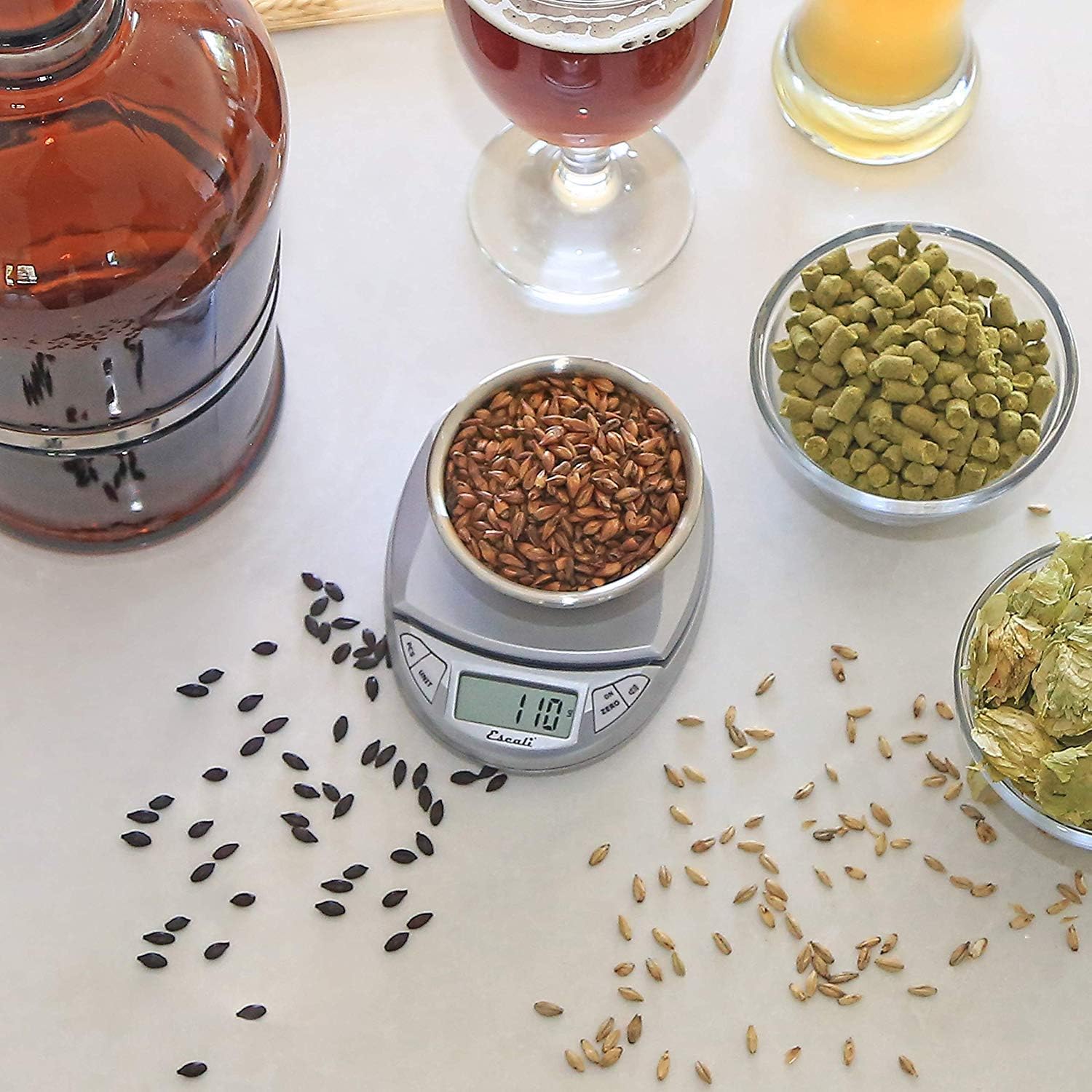
Image: Escali Pico N115S Digital Scale accurately weighing grains in a bowl, demonstrating its use for precise ingredient measurement in brewing.
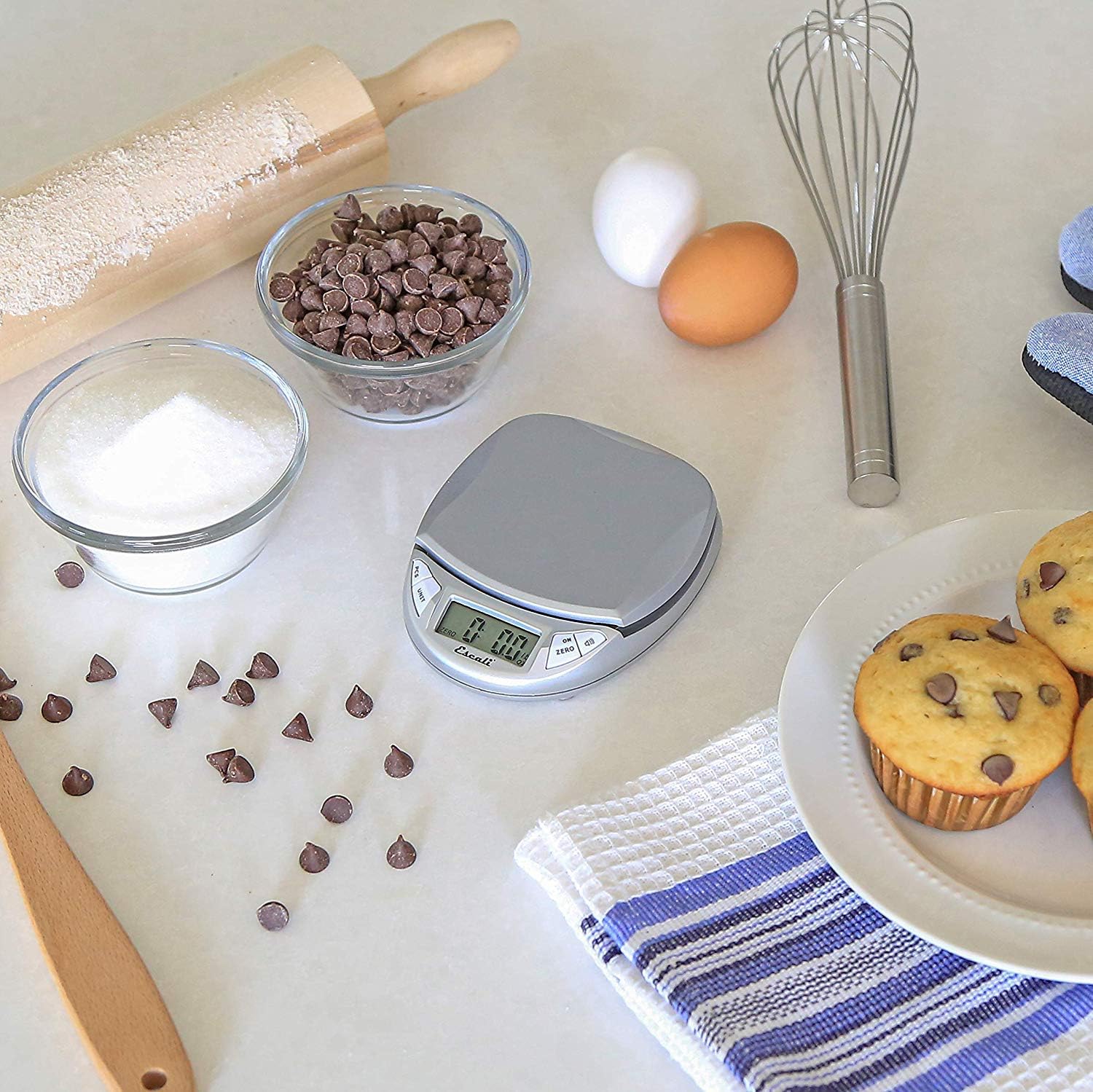
Image: Escali Pico N115S Digital Scale weighing sugar in a bowl, surrounded by other baking ingredients like chocolate chips, eggs, and muffins, illustrating its utility in baking.
3.6 Расмий продукт Videos
Видео: Бүттүview of the Escali Pico Digital Scale, demonstrating its compact design, tare function, unit conversion, and parts counting capabilities. This video highlights the scale's versatility for various weighing needs.
Video: A detailed demonstration of the Escali Pico Scale's features, including how to use the tare function, switch between measurement units (grams, pounds, ounces), and utilize the parts counting feature for small items. The video emphasizes the scale's ease of use and accuracy.
4. Техникалык тейлөө
4.1 Тазалоо
Таразаны тазалоо үчүн, аны жарнама менен сүртүңүзamp cloth. Do not immerse the scale in water or use abrasive cleaners, as this can damage the electronic components.
4.2 Сактоо
Store the scale in a dry, cool place. Its compact design allows for easy storage in a drawer or cabinet.
5. Кыйынчылыктарды
5.1 Туура эмес окуулар
- Ensure the scale is placed on a flat, stable, and level surface.
- Таразаны күчтүү электромагниттик талаалардын же титиреген жабдуулардын жанына койбоңуз.
- Check battery level; replace batteries if the low battery indicator appears.
5.2 Дисплей иштебей жатат
- Verify that the batteries are correctly installed and not depleted.
- If the display shows an error message, refer to the specific error codes in the full product manual (if available) or contact customer support.
6. Техникалык шарттар
- Бренд: Escali
- Модел: N115S
- Түсү: Күмүш боз
- Салмак чеги: 11 фунт (5 кг)
- Окуу тактыгы: 0.1 унция
- Дисплей түрү: LCD
- Материал: Пластик
- Продукциянын өлчөмдөрү: 4.5 x 3.75 x 1 дюйм
- Элемент Салмагы: 6.2 унция
- Батареялар: 3 AAA батарейка талап кылынат (кошулган)
- Өзгөчөлүктөр: Auto Shut Off, Tare Feature, Parts Counting, Display Hold
7. Кепилдик жана колдоо
7.1 Кепилдик маалыматы
The Escali Pico N115S Digital Kitchen Scale is backed by a Өмүр бою чектелген кепилдик, reflecting its superior build quality and design for lasting performance. For detailed warranty terms and conditions, please refer to the official Escali webсайтка же кардарларды колдоо менен байланышыңыз.
7.2 Кардарларды колдоо
For further assistance, technical support, or warranty claims, please visit the official Escali webсайтка же кардарларды тейлөө бөлүмүнө кайрылыңыз. Байланыш маалыматы, адатта, продуктунун таңгагында же өндүрүүчүнүн дарегинде тапса болот webсайт.