
Introduction
This manual provides essential information for the setup, operation, maintenance, and troubleshooting of your HP Compaq LA2206x 21.5-inch LED LCD Monitor. The monitor features a super-thin, soft black design with a 21.5-inch diagonal widescreen display, offering Full HD images. Its WLED backlight technology contributes to improved recyclability, and advanced adjustability enhances user productivity.
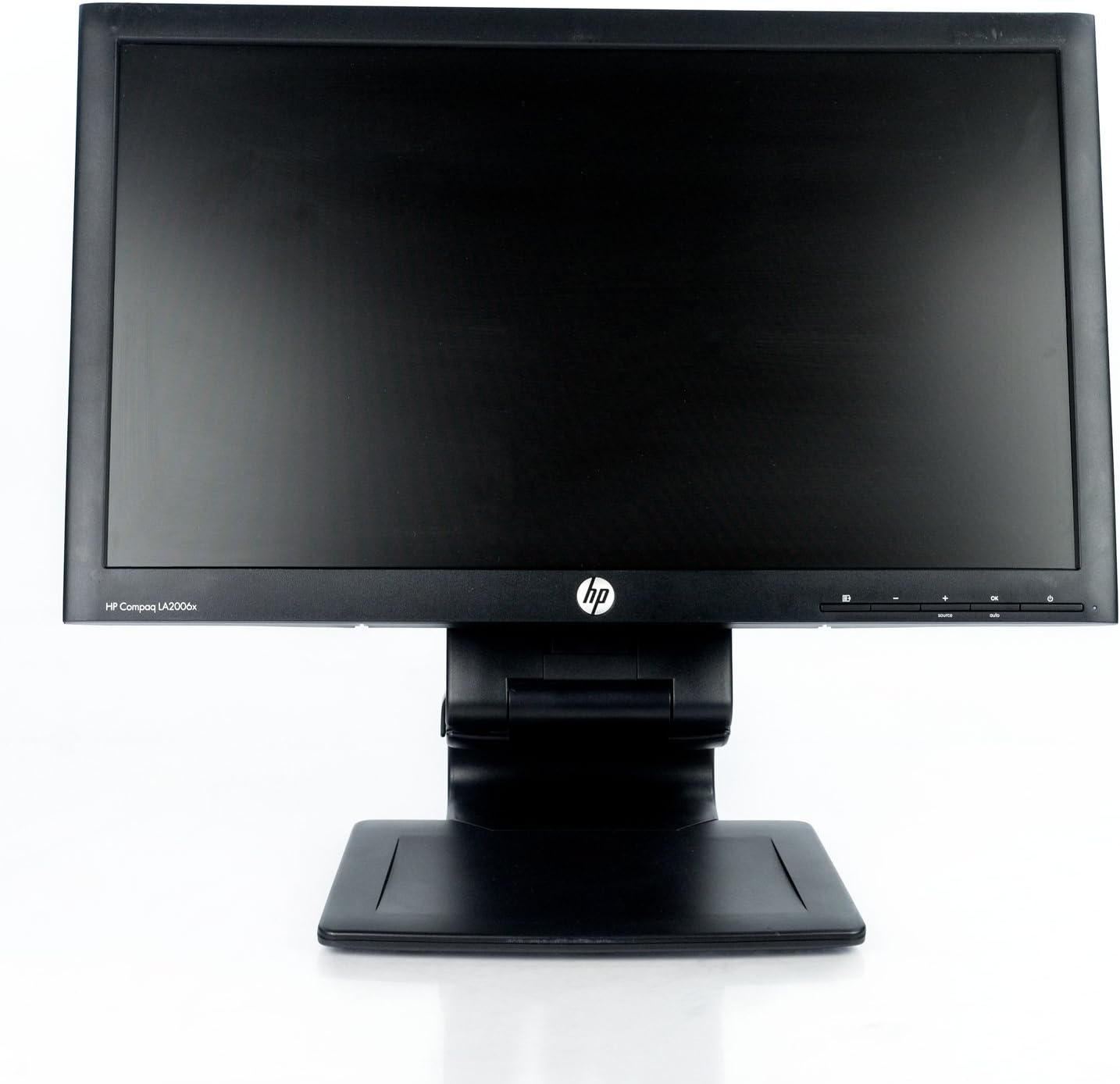
1-сүрөт: Фронт view of the HP Compaq LA2206x monitor, showcasing its slim bezel and adjustable stand.
Жайгашуу
1. Мониторду таңгактан чыгаруу
Carefully remove all components from the packaging. Ensure all parts are present before proceeding with assembly. Retain packaging for future transport or service.
2. Стендди чогултуу
- Чийип кетпеши үчүн мониторду жумшак, таза бетке ылдый каратып кой.
- Align the stand base with the stand column. Secure the base to the column using the provided screw, if applicable.
- Attach the assembled stand to the back of the monitor. Ensure it clicks securely into place or is fastened with screws as per the included quick setup guide.
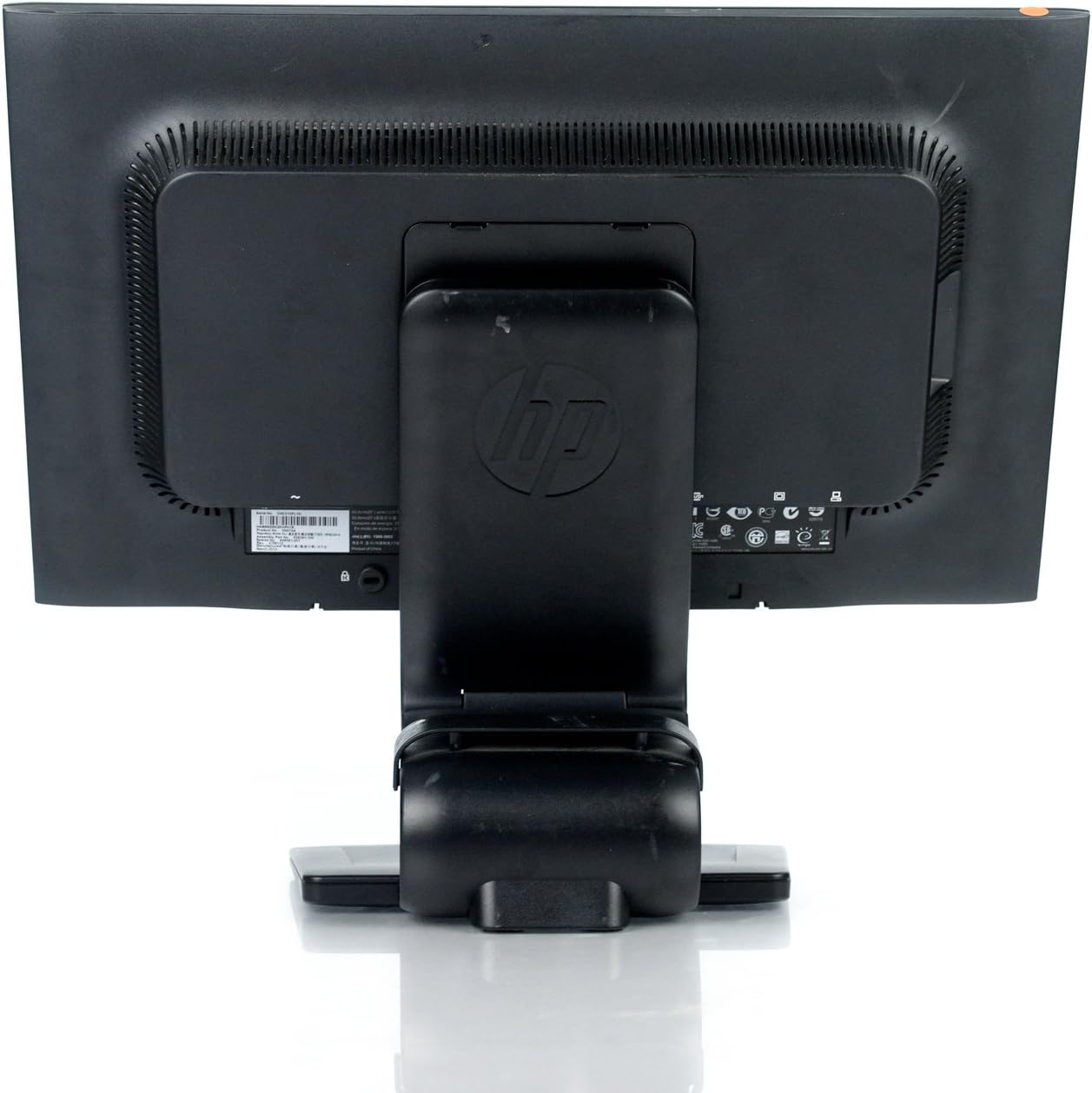
2-сүрөт: Арткы view of the monitor showing the attached stand, ready for cable connections.
3. Туташтыруучу кабельдер
Connect the necessary cables to the monitor and your computer. Ensure all connections are firm.
- Кубат кабели: Бир учун монитордун кубат киргизүүсүнө, ал эми экинчи учун жерге туташтырылган электр розеткасына туташтырыңыз.
- Видео кабель: Connect a DVI, DisplayPort, or VGA cable from your computer's video output to the corresponding input on the monitor. The monitor supports 1920x1080 resolution.
- USB кабели (милдеттүү эмес): Connect a USB upstream cable from your computer to the monitor's USB upstream port to enable the monitor's integrated USB 2.0 ports.

3-сүрөт: Деталдаштырылган view of the monitor's rear panel, highlighting the power input, DisplayPort, DVI, VGA, and USB ports.
Мониторду иштетүү
1. Күйгүзүү/өчүрүү
Press the power button located on the front right side of the monitor to turn it on or off. The power indicator light will illuminate when the monitor is active.
2. Экрандагы дисплей (OSD) менюсунун навигациясы
The monitor features an On-Screen Display (OSD) menu for adjusting various settings. Use the control buttons located on the front bezel to navigate and select options.

4-сүрөт: Close-up of the monitor's control buttons, including power, menu navigation, and input selection.
- Меню баскычы: OSD менюсун ачат.
- '+' / '-' баскычтары: Меню параметрлери аркылуу өтүңүз же маанилерди тууралаңыз.
- OK баскычы: Тандоону ырастайт же субменюга кирет.
- Булак баскычы: Quickly switches between available video inputs (DVI, DisplayPort, VGA).
- Авто баскычы: Automatically adjusts the screen image for optimal display, particularly useful for analog (VGA) connections.
3. Монитордун жөндөөлөрүн тууралоо
Through the OSD menu, you can adjust settings such as:
- Жарыктык жана контраст: Жарык жана караңгы аймактардын жалпы жарыктыгын жана айырмасын тууралаңыз.
- Түстү көзөмөлдөө: Select color temperature or customize RGB values.
- Сүрөттү башкаруу: Fine-tune sharpness, clock, and phase for optimal image clarity.
- Киргизүүнү башкаруу: Manually select the video input source.
- Энергияны башкаруу: Уйку таймерлерин жана энергияны үнөмдөө режимдерин конфигурациялаңыз.
Техникалык тейлөө
1. Мониторду тазалоо
- Тазалоодон мурун, мониторду ар дайым өчүрүп, розеткадан сууруп алыңыз.
- Жумшак, түксүз кездемени жеңил колдонуңуз dampсуу же абразивдүү эмес экран тазалагыч менен иштетиңиз.
- Do not spray cleaners directly onto the screen or casing.
- Avoid using benzene, thinners, or any volatile solvents, as these may damage the monitor's surface.
2. Коопсуздук чаралары
- Монитордогу желдетүү тешиктерин жаппаңыз.
- Мониторду күн нурунан, жылуулук булактарынан жана ашыкча нымдуулуктан алыс кармаңыз.
- Монитор же анын кабелдерине оор нерселерди коюудан алыс болуңуз.
- If the monitor is damaged or malfunctions, do not attempt to repair it yourself. Contact qualified service personnel.
Проблемаларды чечүү
This section addresses common issues you might encounter with your HP Compaq LA2206x monitor.
Күч жок
- Ensure the power cable is securely connected to both the monitor and a working electrical outlet.
- Башка аспапка сайып, розетка иштеп жатканын текшериңиз.
- Check if the monitor's power button is pressed.
Сигнал жок / Бош экран
- Confirm that the video cable is securely connected to both the monitor and the computer's video output port.
- Ensure the correct input source is selected on the monitor using the 'Source' button.
- Компьютериңизди өчүрүп күйгүзүңүз.
- Test the monitor with another computer or a different video cable if possible.
Distorted or Unclear Image
- For analog (VGA) connections, press the 'Auto' button on the monitor to automatically adjust the image.
- Adjust the brightness, contrast, sharpness, clock, and phase settings through the OSD menu.
- Ensure your computer's display resolution is set to the monitor's native resolution of 1920x1080.
Техникалык шарттар
Below are the key technical specifications for the HP Compaq LA2206x monitor (Model: XN376AA):
| Өзгөчөлүк | Спецификация |
|---|---|
| Screen Size | 21.5 дюйм |
| Max Screen Resolution | 1920 x 1080 (FHD 1080p) |
| Аспект катышы | 16:9 |
| Жооп убактысы | 5 мс |
| Дисплей технологиясы | LED-LCD |
| Байланыш | DisplayPort, DVI, VGA, 2x USB 2.0 Ports |
| Түс | Кара |
| Элемент Салмагы | 13.45 фунт |
| Продукциянын өлчөмдөрү (LxWxH) | 8.95 x 20.39 x 13.12 дюйм |
| Модель номери | XN376AA |
Кепилдик маалымат
This HP Compaq LA2206x monitor is covered by a standard manufacturer's warranty. Please refer to the warranty card included with your product or visit the official HP support website for detailed terms and conditions, including warranty duration and service procedures. Keep your proof of purchase for warranty claims.
Колдоо
For technical assistance, driver downloads, or further information regarding your HP Compaq LA2206x monitor, please visit the official HP support website. You may need your monitor's serial number for support inquiries.

5-сүрөт: Location of the serial number label on the back of the monitor. The serial number for this unit is CNC210PLYN.
When contacting support, please have your model number (XN376AA) and serial number ready to expedite service.