
1. Киришүү
This manual provides instructions for the installation, operation, and maintenance of the Emerson F145RF-1600 Wireless Remote Temperature Sensor. This sensor is designed to work with the Emerson BLUE Wireless Easy Install Universal Wireless Thermostat System to enhance temperature control and reduce hot and cold spots within your home.
Негизги өзгөчөлүктөрү:
- Reduces temperature inconsistencies in various areas.
- Supports up to four wireless remote sensors with the Emerson BLUE Wireless Easy Install Thermostat System.
- Designed for easy installation and pairing.
2. Коопсуздук маалыматы
Please read and understand all instructions before installing or operating this device. Failure to follow these instructions could result in property damage or personal injury.
- Always turn off power to the thermostat system before performing any installation or maintenance.
- Do not expose the sensor to extreme temperatures, direct sunlight, or moisture.
- Көрсөтүлгөн батареянын түрүн гана колдонуңуз (2 AA батарейка).
- Эски батареяларды жергиликтүү эрежелерге ылайык таштаңыз.
- Балдар жетпеген жерде сактаңыз.
Сунуш 65 Эскертүү: Бул продукт Калифорния штатында рак жана тубаса кемтик же башка репродуктивдүү зыян келтирүүчү химиялык заттарды камтышы мүмкүн.
3. Продукт бүтүп калдыview
The Emerson F145RF-1600 is a compact, battery-powered wireless sensor designed to monitor ambient temperature. It communicates wirelessly with a compatible Emerson BLUE thermostat system.
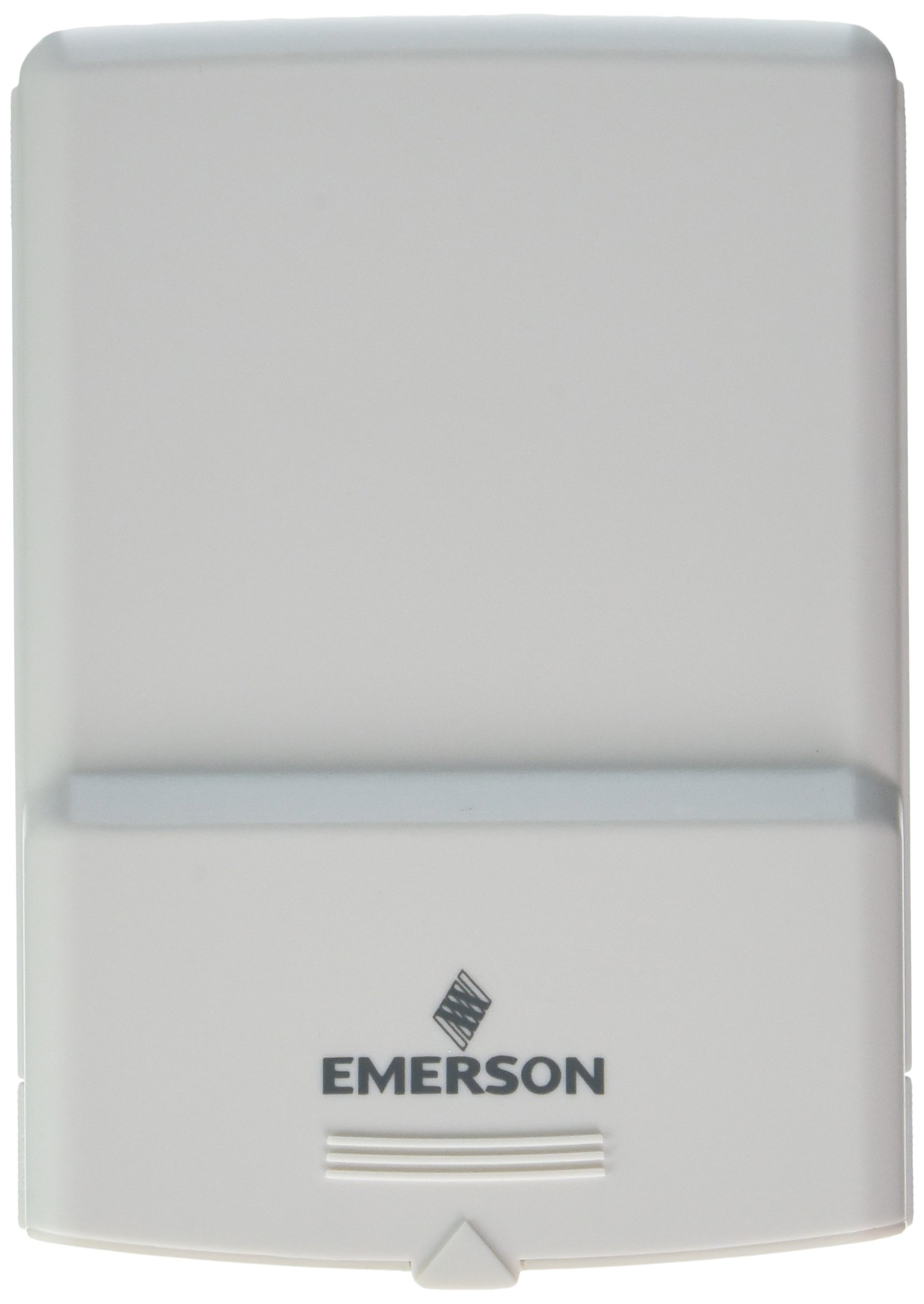
1-сүрөт: Emerson F145RF-1600 Wireless Remote Temperature Sensor. The image displays the sensor in a hand, indicating its approximate height of 4.8 inches (12 cm). The sensor is light-colored, likely white or light grey, with the 'EMERSON' logo visible at the bottom front.
4. Орнотуу
4.1. Батареяны орнотуу
- Сенсордун артындагы батарея бөлүкчөсүн табыңыз.
- Батарея уясынын капкагын ачыңыз.
- Insert two (2) AA alkaline batteries, ensuring correct polarity (+/-).
- Батарея уясынын капкагын бекем жабыңыз.
4.2. Pairing with Thermostat System
Refer to your Emerson BLUE Wireless Easy Install Universal Wireless Thermostat System manual for detailed pairing instructions. Generally, the process involves:
- Placing the thermostat system into pairing mode.
- Activating the sensor's pairing function (often a button press or battery insertion).
- Confirming successful pairing on the thermostat display.
Up to four F145RF-1600 sensors can be paired with a single Emerson BLUE Wireless Easy Install system.
4.3. Сенсордун жайгашуусу
Proper placement is crucial for accurate temperature readings and effective system operation.
- Ички жайгаштыруу:
- Place the sensor in a central location within the area you wish to monitor.
- Avoid placing near heat sources (lamps, appliances, direct sunlight) or cold drafts (windows, vents).
- Ensure it is not obstructed by furniture or curtains.
- Outdoor Placement (if applicable):
- Mount the sensor in a shaded area, away from direct sunlight, which can cause inaccurate readings.
- Protect it from direct rain and snow.
- Ensure it is easily accessible for battery replacement.
5. Иштөө нускамалары
Once successfully paired and placed, the F145RF-1600 sensor will automatically transmit temperature data to your Emerson BLUE Wireless Easy Install Thermostat System. The thermostat system will then use this data to optimize heating and cooling, helping to maintain a more consistent temperature throughout your home.
- The sensor operates continuously, sending updates to the main thermostat.
- The thermostat system will display the temperature readings from the remote sensors and use them for its control logic.
- No direct user interaction is typically required with the sensor after setup, other than battery replacement.
6. Техникалык тейлөө
6.1. Батареяны алмаштыруу
The sensor requires two (2) AA batteries. When batteries are low, your Emerson BLUE thermostat system may indicate a low battery warning for the sensor. Replace batteries promptly to ensure continuous operation.
- Батарея отсегин ачыңыз.
- Эски батареяларды алып салыңыз.
- Insert new AA batteries, observing polarity.
- Купени жабыңыз.
6.2. Тазалоо
Wipe the sensor's exterior with a soft, dry cloth as needed. Do not use liquid cleaners or abrasive materials, as these can damage the device.
7. Кыйынчылыктарды
| Көйгөй | Мүмкүн себеп | Чечим |
|---|---|---|
| Sensor not reporting temperature / No signal |
|
|
| Температураны туура эмес көрсөткүчтөр |
|
|
8. Техникалык шарттар
| Модель номери | F145RF-1600 |
| Өндүрүүчү | Уайт-Роджерс (Эмерсон) |
| Power Source | Батарея менен иштейт |
| Батареялар талап кылынат | 2 АА батарейка |
| Элемент Салмагы | 3.2 унция |
| Продукциянын өлчөмдөрү | 3.5 x 2.5 x 5.25 дюйм |
| Материал | Пластик |
| Түс | Көк (Note: Product image shows light grey/white) |
| Элементтин пакетинин саны | 1 |
9. Кепилдик маалыматы
Specific warranty details for the Emerson F145RF-1600 Wireless Remote Temperature Sensor are typically provided with the product packaging or can be found on the official Emerson/White-Rodgers webсайт. Кепилдик дооматтары үчүн сатып алганыңыздын далилин сактап коюңуз.
Кепилдиктин толук шарттары жана эрежелери менен таанышуу үчүн, сураныч, төмөнкү дарекке кириңиз: Emerson official webсайт же кардарларды тейлөө бөлүмүнө кайрылыңыз.
10. Колдоо
If you encounter issues not covered in this manual or require further assistance, please contact Emerson customer support.
- Онлайн колдоо: зыярат кылыңыз Emerson Support Page Көп берилүүчү суроолор, документтер жана байланыш параметрлери үчүн.
- Телефондук колдоо: Refer to your product packaging or the Emerson webакыркы кардарларды тейлөө телефон номерлери үчүн сайт.