
Introduction
The Nolan MIC Bluetooth Wireless Microphone BTMIC2 is designed to capture and transmit audio wirelessly. It features dual modes for compatibility with various Bluetooth-enabled devices, offering clear sound and an extended operating range. This manual provides instructions for proper setup, operation, and maintenance of your BTMIC2 microphone.
Продукт бүттүview
Негизги өзгөчөлүктөрү
- Dual modes (A/B) for broad compatibility with Bluetooth speakers, headphones, audio receivers, smartphones, tablets, PCs, and Macs.
- Omnidirectional microphone for comprehensive sound capture.
- Low latency audio transmission.
- 20 метрге (65 фут) чейин иштөө диапазону.
- Integrated rechargeable battery providing up to 6 hours of talk time.
- Lightweight design with a built-in clip for convenient wearing.
- LED indicator for operational status.
Пакеттин мазмуну
- Nolan BTMIC2 Wireless Microphone
- USB заряддоо кабели
- User Manual
Компоненттин идентификациясы

1-сүрөт: Фронт view of the Nolan BTMIC2 microphone, showing the Alead branding and Bluetooth microphone logo.

2-сүрөт: Side view of the BTMIC2, illustrating the USB charging port, ON/OFF switch, and integrated clip. The slide switch for A/B mode selection is also visible.
Жайгашуу
Микрофонду заряддоо
- Connect the supplied USB charging cable to the BTMIC2 microphone's charging port.
- USB кабелинин экинчи учун стандарттуу USB кубат булагына туташтырыңыз (мисалы, компьютердин USB порту, USB дубал адаптери).
- The LED indicator will show charging status. A full charge provides up to 6 hours of operation.
Түзмөктөр менен жупташтыруу
The BTMIC2 features two operating modes, A and B, for different device types.
Mode A: For Audio Receivers, Speakers, PA Systems, and Headphones

3-сүрөт: Mode A compatibility with various audio output devices.
- Slide the mode switch on the BTMIC2 to position A.
- Turn on the BTMIC2 microphone. The LED indicator will flash, indicating it is in pairing mode.
- Put your Bluetooth speaker, headphones, or audio receiver into pairing mode (refer to your device's manual for specific instructions).
- Once paired, the LED indicator on the BTMIC2 will show a steady light.
Mode B: For iPhones, iPads, Tablets, Smartphones, PCs, and Laptops

4-сүрөт: Mode B compatibility with various smart devices and computers.
- Slide the mode switch on the BTMIC2 to position B.
- Turn on the BTMIC2 microphone. The LED indicator will flash, indicating it is in pairing mode.
- On your smartphone, tablet, PC, or laptop, go to the Bluetooth settings menu.
- Издөө available devices and select "BTMIC2" (or similar name) from the list.
- Once paired, the LED indicator on the BTMIC2 will show a steady light.
Important Note for Mode B:
- Default voice or video recording applications on iPhone, iPad, and Android devices typically do not support external Bluetooth microphones. Users must utilize third-party recording applications that explicitly support Bluetooth microphone input (e.g., "Voice Recorder HD", "Audio Memos", "Easy Voice Recorder Pro", "ReadyMIC", "Captures").
- For PC or laptop use, ensure your device has compatible Bluetooth functionality or a USB Bluetooth adapter that supports the headset or hands-free profile for microphone operation.
Иштөө нускамалары
Using the Microphone for Voice Transmission (Mode A)
In Mode A, the BTMIC2 captures your voice and transmits it wirelessly to a paired Bluetooth audio receiver, speaker, or PA system. This is suitable for presentations, lectures, or public speaking where your voice needs to be ampтирүү.

5-сүрөт: Example of using the BTMIC2 in Mode A for a presentation, transmitting voice to a speaker.
- Ensure the BTMIC2 is in Mode A and successfully paired with your desired audio output device.
- Clip the microphone to your clothing, ensuring it is positioned to capture your voice clearly.
- Speak normally. Your voice will be transmitted to the paired device.
Using the Microphone for Voice Recording (Mode B)
In Mode B, the BTMIC2 captures your voice for recording on a paired smartphone, tablet, PC, or laptop using compatible applications. This is ideal for podcasts, interviews, vlogging, or distance education.
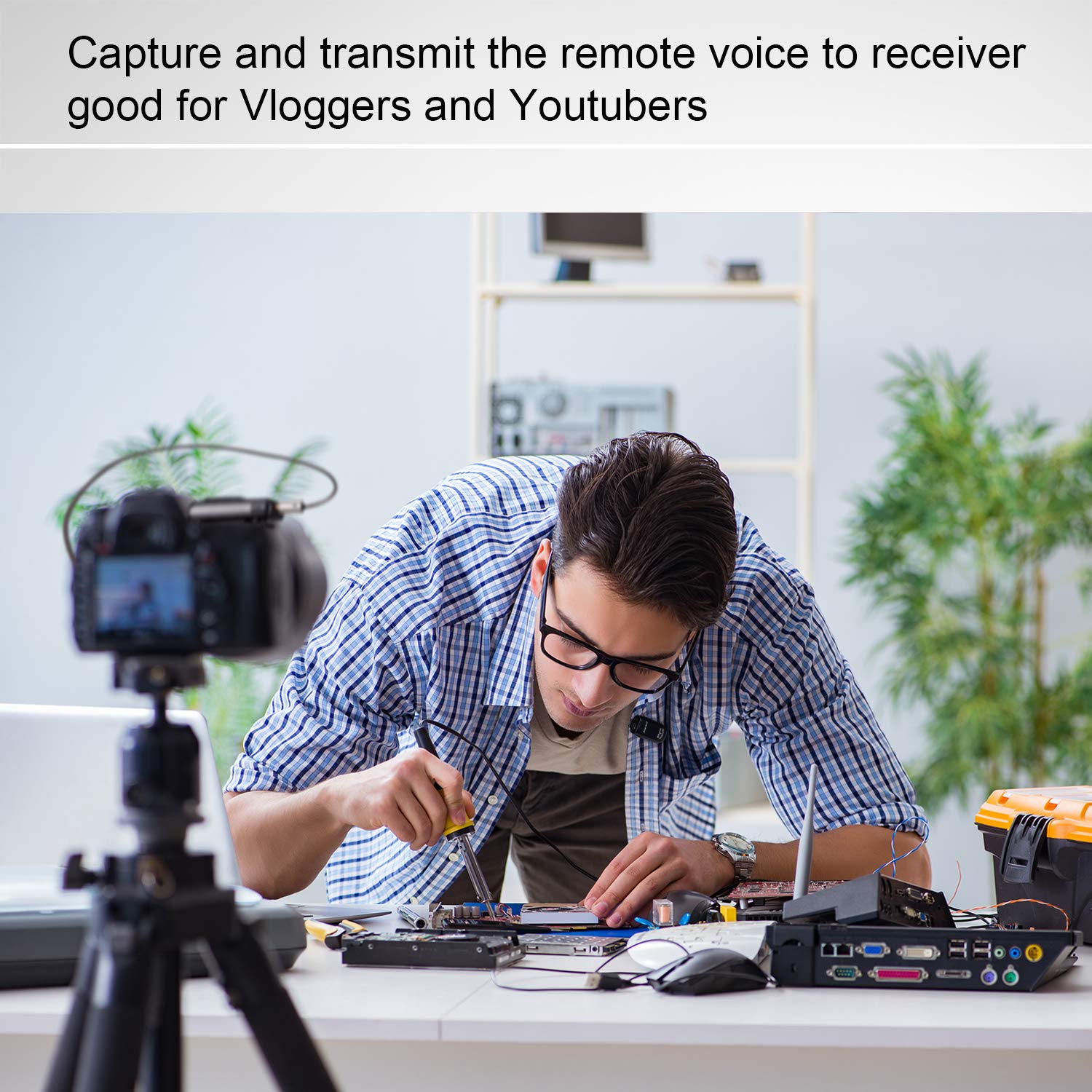
6-сүрөт: Example of using the BTMIC2 in Mode B for capturing remote voice during a meeting for recording purposes.
- Ensure the BTMIC2 is in Mode B and successfully paired with your recording device.
- Open a compatible recording application on your device.
- Select the BTMIC2 as the audio input source within the application's settings, if necessary.
- Жаздырууну баштаңыз.
- Clip the microphone to your clothing for optimal voice capture.
Техникалык тейлөө
- Тазалоо: Use a soft, dry cloth to clean the exterior of the microphone. Do not use liquid cleaners or solvents.
- Сактагыч: Микрофонду күндүн тике тийген нурунан жана экстремалдык температурадан алыс, салкын, кургак жерде сактаңыз.
- Батареяга кам көрүү: Батареянын иштөө мөөнөтүн узартуу үчүн, бат-баттан батарейканы толук зарядсыздандырбаңыз. Аппаратты узак убакыт бою колдонбосо дагы, үзгүлтүксүз заряддаңыз.
- Нымдуулуктан качыңыз: Do not expose the microphone to water or high humidity.
Проблемаларды чечүү
| Көйгөй | Мүмкүн себеп | Чечим |
|---|---|---|
| Микрофон күйбөй жатат. | Батарея заряды түгөнгөн. | Charge the microphone using the supplied USB cable. |
| Түзмөк менен жупташтыруу мүмкүн эмес. | Incorrect mode selected (A/B). Түзмөк жупташтыруу режиминде эмес. Чектен тышкары. | Ensure the correct mode (A or B) is selected for your device type. Put both the BTMIC2 and the target device into pairing mode. Move the devices closer to each other (within 20m/65ft). |
| No audio output/recording. | Туура эмес режим тандалган. Not selected as input device. Incompatible recording app (Mode B). Bluetooth проfile issue (PC/Laptop). | Verify the BTMIC2 is in the correct mode (A for output, B for recording). Ensure BTMIC2 is selected as the audio input/output device in your device's settings or application. For Mode B, use a recording app that supports external Bluetooth microphones. For PC/Laptop, ensure your Bluetooth adapter supports headset/hands-free profiles. |
| Аудио кечигүү же жаңырык. | Bluetooth speaker/receiver latency. | Some Bluetooth speakers may introduce audio delay. Consider using a receiver designed for low-latency audio or adjust settings on your receiving device if available. |
| Interference during operation. | Other wireless devices. Иштөө чөйрөсү. | The BTMIC2 operates at low power and may be susceptible to interference from other devices. Try moving away from other wireless equipment or sources of electromagnetic interference. |
Техникалык шарттар
| Бренд | Нолан |
| Модель аты | MIC |
| Модель номери | BTMIC2 |
| Байланыш технологиясы | Bluetooth |
| Туташтыргыч түрү | Зымсыз |
| Өзгөчө өзгөчөлүк | Интеграцияланган клип |
| Шайкеш түзмөктөр | Bluetooth Speakers, Headphones, PCs, Smartphones, Tablets, Camcorders |
| Түс | Satin Black |
| Полярдык үлгү | Көп багыттуу |
| Продукт Салмагы | 15 грамм (0.53 унция) |
| Микрофон форма фактору | Микрофон гана |
| Power Source | Заряддалуучу батарея |
| Батарея түрү | 1 Lithium Polymer |
| Ызы-чуунун катышы | 76 дБ |
| Аппараттык платформа | ЖК, ноутбук, смартфон, планшет |
| Каналдардын саны | 1 |
| Элементтин өлчөмдөрү (L x W x Y) | 5.2 x 1.3 x 2.5 см |
| Иштөө диапазону | 20 метрге чейин (65 фут) |
| Talk Time | 6 саатка чейин |
Керектөөчү маалымат
Most users do not require a license to operate this wireless microphone system. However, operation without a license is subject to certain restrictions:
- The system must not cause harmful interference.
- It must operate at a low power level (not exceeding 50 milliwatts).
- It has no protection against interference received from any other device.
Users are advised to consult their national telecommunications authority for specific regulations regarding wireless microphone operation in their region.