
Introduction
This manual provides instructions for the proper use and care of your Transcend 4GB microSDHC Memory Card and its accompanying SD Adapter. This memory card is designed to expand storage capacity for compatible devices such as smartphones, digital cameras, and other portable electronics. The SD adapter allows for broader compatibility with devices that accept standard SD cards, facilitating easy data transfer to computers or other devices.

Image: Transcend 4GB microSDHC card in use with a camera, demonstrating its application for storing digital content.
Пакеттин мазмуну
- 1 x Transcend 4GB microSDHC Memory Card
- 1 x SD адаптер

Image: The Transcend 4GB microSDHC card and its corresponding SD adapter, illustrating the two main components of the product.
Жайгашуу
- Inserting the microSDHC Card into a Device:
- Locate the microSD card slot on your compatible device (e.g., smartphone, tablet, camera).
- Ensure the device is powered off before insertion.
- Gently insert the microSDHC card into the slot with the gold contacts facing down or as indicated by your device's manual, until it clicks into place.
- Power on your device. The device should recognize the new storage.
- SD адаптерин колдонуу:
- To use the microSDHC card with devices that accept standard SD cards (e.g., laptops, card readers, some cameras), insert the microSDHC card into the larger SD adapter.
- Ensure the microSDHC card is fully seated within the adapter.
- Insert the SD adapter (with the microSDHC card inside) into the SD card slot of your computer or compatible device.
- Баштапкы форматтоо (зарыл болсо):
- Some devices may prompt you to format the memory card upon first use. Formatting erases all data on the card and prepares it for use with that specific device.
- If prompted, follow the on-screen instructions to format the card. Эскертүү: Formatting will delete all existing data.
- If not prompted, the card is typically ready for use.
Иштөө нускамалары
- Дайындарды сактоо:
- Once the memory card is recognized by your device, you can save photos, videos, documents, and other fileтүздөн-түз ага.
- Refer to your device's user manual for specific instructions on how to select the memory card as the default storage location or how to move fileага.
- Маалыматтарды компьютерге өткөрүп берүү:
- Insert the microSDHC card into the SD adapter, then insert the adapter into your computer's SD card slot or an external card reader.
- Your computer should recognize the card as a removable drive.
- Open the drive to access your files. You can then copy, paste, or drag-and-drop files between the memory card and your computer.
- Always safely eject the removable drive from your computer's operating system before physically removing the SD adapter.
- Маалыматтарды жок кылуу:
- Files can be deleted directly from the memory card using your device's file management system or by connecting the card to a computer.
- Be cautious when deleting files, as they may not be recoverable without specialized software.

Image: Data transfer in progress, showing an SD adapter containing the microSDHC card being inserted into a laptop for file башкаруу.
Техникалык тейлөө
- Туура иштетүү:
- Эстутум картасына же адаптерге ийилип, түшүп же ашыкча күч колдонулбасын.
- Do not touch the gold contacts on the card, as oils and dirt can interfere with connectivity.
- Store the card in its protective case or a secure location when not in use to prevent damage.
- Экологиялык шарттар:
- Keep the card away from extreme temperatures, direct sunlight, and high humidity.
- While the card may be water-resistant, avoid prolonged exposure to liquids.
- Маалыматтын камдык көчүрмөсү:
- Маалыматтардын жоголушун алдын алуу үчүн эстутум картаңыздагы маанилүү маалыматтарды башка сактагыч түзмөгүнө (мисалы, компьютердин катуу дискине, булут сактагычына) үзгүлтүксүз камдык көчүрмөсүн сактап туруңуз.
- Тазалоо:
- If necessary, gently clean the gold contacts with a soft, lint-free cloth. Do not use abrasive materials or harsh chemicals.
Проблемаларды чечүү
- Карта таанылбайт:
- Карта түзмөккө же адаптерге толугу менен жана туура салынганын текшериңиз.
- Түзмөгүңүздү өчүрүп күйгүзүңүз.
- Try the card in a different compatible device or card reader to determine if the issue is with the card or the original device.
- Check if the SD adapter's write-protection switch is in the 'unlocked' position if using the adapter.
- Маалыматтарды өткөрүү көйгөйлөрү / Жай иштөө:
- Ensure your device or card reader supports the speed class of the memory card.
- Маалыматтарды өткөрүп берүү учурунда бир нече талап кылынган тиркемелерди иштетүүдөн алыс болуңуз.
- Check for sufficient free space on both the memory card and the destination device.
- Try using a different USB port or card reader on your computer.
- Cannot Delete or Format Card:
- If using the SD adapter, ensure the write-protection switch on the side of the adapter is in the 'unlocked' (upward) position.
- Try formatting the card using a computer's disk management utility.
Техникалык шарттар
| Өзгөчөлүк | Деталь |
|---|---|
| Бренд | Transcend |
| Flash эс тутум түрү | Микро SDHC, SD |
| Эстутум сактоо сыйымдуулугу | 4 ГБ |
| Шайкеш түзмөктөр | Smartphone (and other devices compatible with microSDHC/SD) |
| Өзгөчө өзгөчөлүк | Water Proof |
| Аппараттык байланыш | microSDHC |
| Элемент Салмагы | 22.68 г |
| Модель номери | BF226862 |
| UPC | 726046576490 |
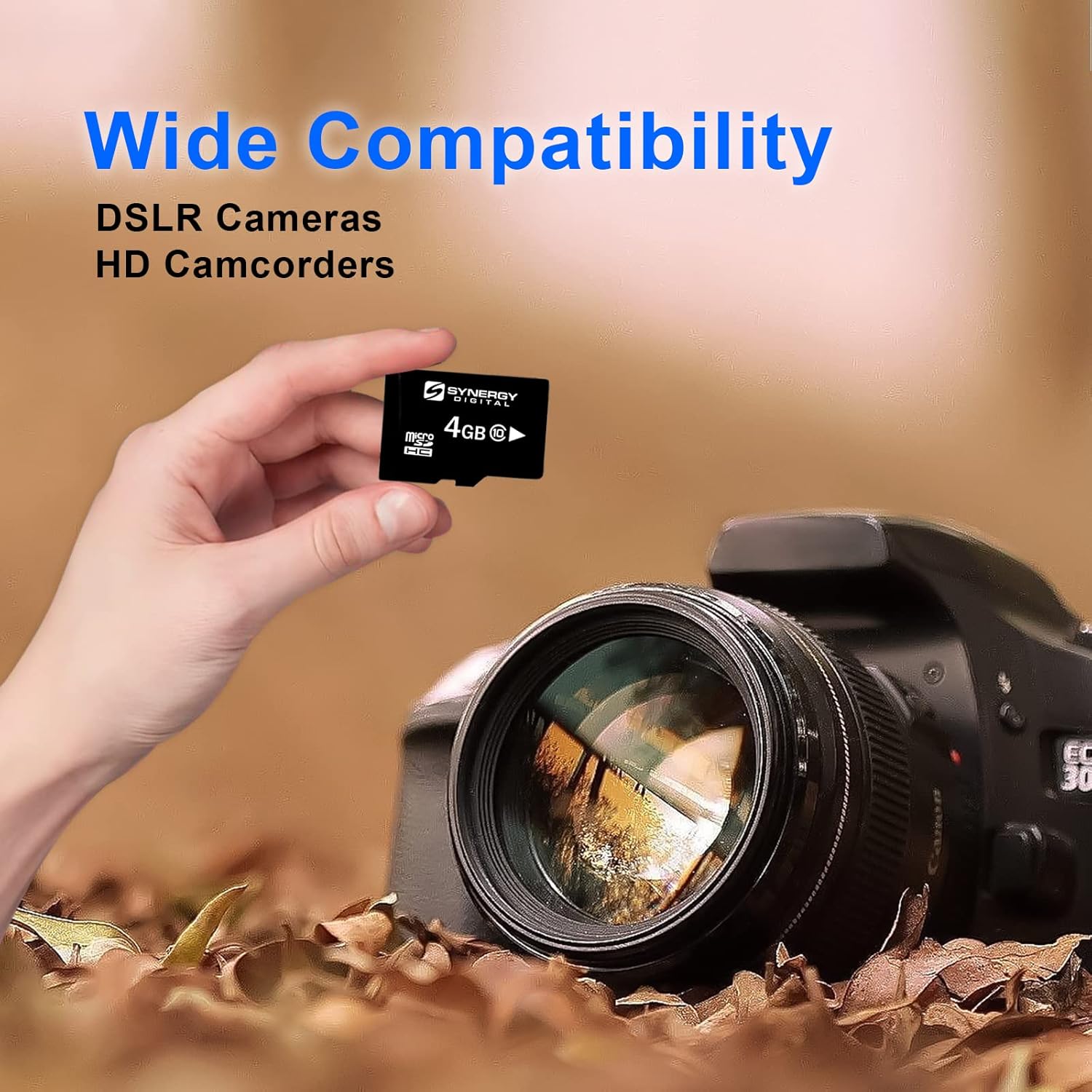
Image: The microSDHC card shown with a DSLR camera, highlighting its wide compatibility with various electronic devices.
Кепилдик жана колдоо
For warranty information and technical support, please refer to the official Transcend website or contact their customer service directly. Details regarding warranty periods and support procedures are typically provided with the product packaging or on the manufacturer's webсайт.
Transcend Official Webсайт: www.transcend-info.com