
Introduction
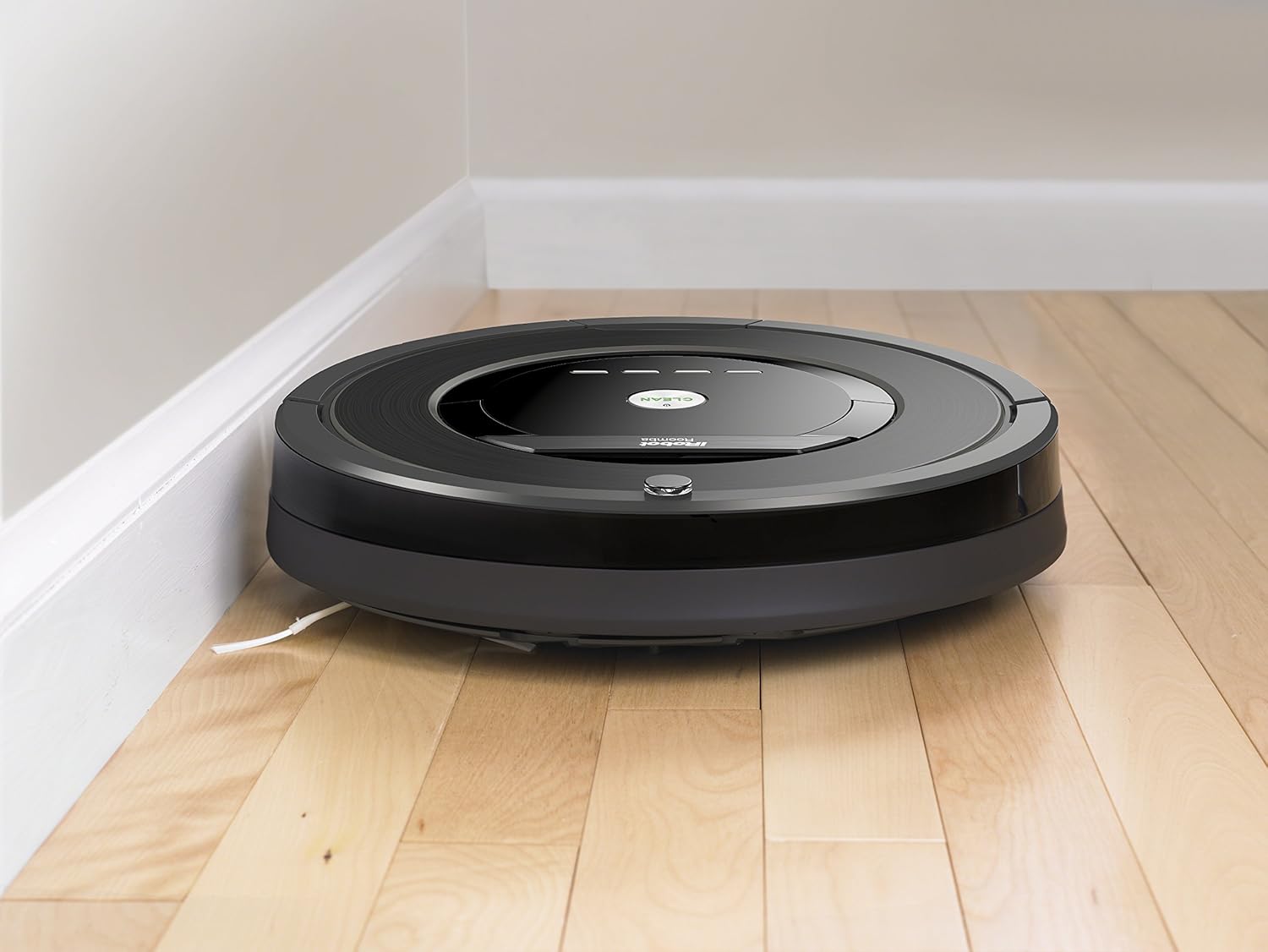
The iRobot Roomba 880 Robot Vacuum is designed to provide a deeper, multi-room clean daily. It features the revolutionary AeroForce Cleaning System, delivering up to 5x the air power and requiring less maintenance compared to previous models. With guided room-to-room cleaning, the Roomba 880 efficiently tackles multiple areas of your home. It operates on all floor types and its compact 3.6-inch height allows it to clean under most furniture, beds, and kickboards.
Негизги өзгөчөлүктөрү
- iAdapt Multi-Room Navigation: Utilizes a full suite of sensors to navigate and adapt to your home's changing environment.
- Бөлмөдөн бөлмөгө тазалоо: Capable of cleaning up to 3 rooms with the included Virtual Wall Lighthouse beacons.
- AeroForce 3-Stage тазалоо системасы: Delivers up to 50% more cleaning performance for thorough dirt and debris removal.
- Tangle-Free Extractors: Designed to prevent hair and debris clogs, reducing maintenance.
- AeroForce High-Efficiency Filter: Traps fine dirt and dust particles, improving air quality.
Жайгашуу
- Таңгактан чыгарып, жайгаштырыңыз: Remove the Roomba 880 and its charging station from the packaging. Place the Home Base charging station against a wall in an open, uncluttered area, ensuring at least 1.5 feet of clearance on either side and 4 feet in front.
- Туташуу кубаты: Plug the Home Base power cord into a wall outlet.
- Баштапкы төлөм: Place your Roomba onto the Home Base. The battery indicator will pulse amber during charging. A full charge can take up to 3 hours.
- Батареяны иштетүү: Remove the yellow battery pull tab from the bottom of the robot.
- Колдонмону жүктөп алуу: Download the iRobot HOME App on your smartphone or tablet to connect your Roomba to your home Wi-Fi network and access advanced features like scheduling and cleaning preferences.

Орнотуу бүттүview Video
An overview of the iRobot Roomba 880, demonstrating its features and basic setup. This video is provided by the merchant.
Иштеп жатат
- Тазалоону баштоо: Press the large CLEAN button on the top of the robot to start a cleaning cycle. Roomba will automatically navigate and clean your floors.
- Пландаштыруу: Use the iRobot HOME App to set a cleaning schedule for your Roomba. You can schedule it to clean up to 7 times per week.
- Бөлмөдөн бөлмөгө тазалоо: Deploy Virtual Wall Lighthouse beacons to guide Roomba for sequential room-to-room cleaning in up to three rooms.
- Автоматтык орнотуу: When the cleaning cycle is complete or the battery is low, Roomba will automatically return to its Home Base to recharge.
- Пол түрлөрү: The Roomba 880 is designed to work effectively on all floor types, including hardwood, tile, and carpet.
Техникалык тейлөө
Regular maintenance ensures optimal performance of your Roomba 880.
- Чаң урнасын бошотуңуз: Empty the dust bin after each cleaning cycle. The iRobot HOME App will notify you when the bin is full.
- Clean Brushes/Extractors: Periodically remove and clean the tangle-free extractors to remove any wrapped hair or debris.
- Таза чыпкалар: Tap the AeroForce High-Efficiency Filter to dislodge debris. Replace the filter every 2-3 months, or more frequently if you have pets.
- Таза сенсорлор: Wipe the charging contacts and cliff sensors with a clean, dry cloth to ensure proper operation.
Проблемаларды чечүү
If your Roomba encounters an issue, the iRobot HOME App will often provide specific guidance. Here are some common troubleshooting tips:
- Robot Stuck: If the robot stops and alerts you, check for obstructions around the wheels, brushes, or under the bumper. Clear any debris.
- Bin Full Alert: Empty the dust bin and clean the filter. Ensure the bin is properly reinserted.
- кубаттоо маселелери: Ensure the Home Base is plugged in and the charging contacts on both the robot and Home Base are clean.
- Начар тазалоо көрсөткүчтөрү: Check and clean the brushes/extractors and filter. Replace the filter if it's old or heavily soiled.
Техникалык шарттар
| Бренд | iRobot |
| Модель номери | R880060 |
| Өзгөчө өзгөчөлүк | Tangle-free and Efficient filter |
| Түс | Кара |
| Камтылган компоненттер | Instruction Guide |
| Чыпка түрү | Диск |
| Батареянын иштөө мөөнөтү | 730 саат |
| Power Source | Батарея менен иштейт |
| Батареялар камтылган | Yes (2 AA batteries required for Virtual Wall Lighthouse, included) |
| Башкаруу ыкмасы | Колдонмо |
| Шайкеш түзмөктөр | Amazon Echo |
| Форма фактору | Робот |
| Продукциянын өлчөмдөрү | 13.9 x 13.9 x 3.6 дюйм |
| Элемент Салмагы | 8.4 фунт |
| Surface Recommendation | Полдор |
Кепилдик жана колдоо
The iRobot Roomba 880 comes with a 1 жылдык чектелген кепилдик. For detailed warranty information, technical support, or service inquiries, please refer to the full instruction guide included with your product or visit the official iRobot support webсайт.