
1. Introduction and Overview
The Lightolier ITSRB3W is a 3-way remote switch designed for use with Lightolier ITS2U Occupancy Sensor Switches. This device provides remote ON and OFF operations in multi-location lighting applications. It is compatible with both 120V and 277V electrical installations and features a decorator-style design. Proper functionality requires a ground connection.
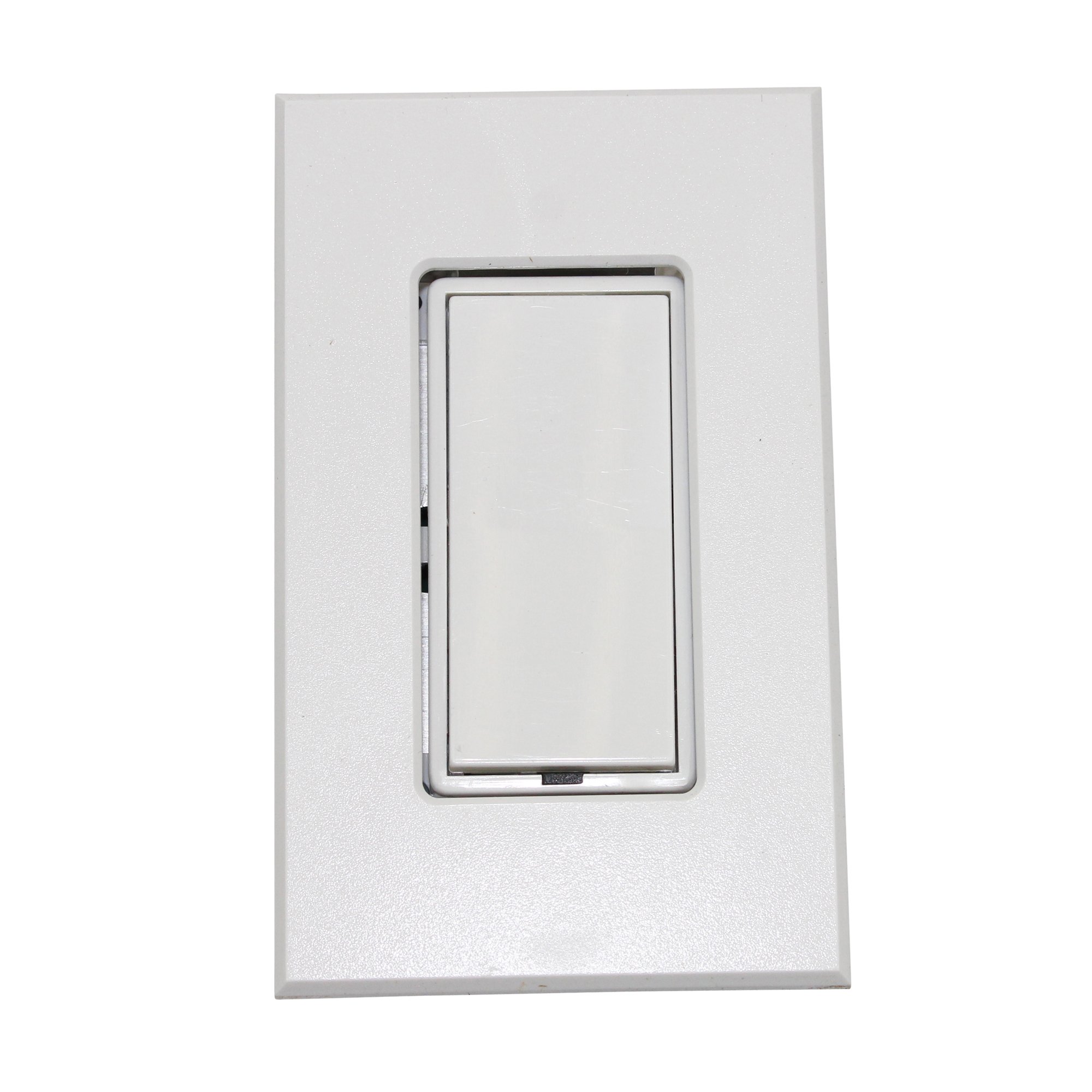
Image: The Lightolier ITSRB3W Intellisight 3-Way Remote Occupancy Sensor Switch, shown with its white decorator-style faceplate. This image illustrates the physical appearance of the product.
2. Коопсуздук маалыматы
ЭСКЕРТҮҮ: Электр шок коркунучу. Improper installation may result in serious injury or death. Always turn off power at the circuit breaker or fuse box before beginning any installation, wiring, or maintenance procedures. All wiring must be performed by a qualified electrician in strict accordance with national and local electrical codes and regulations.
Ensure proper grounding. This device requires a ground connection for safe and correct operation. Do not install this switch without a ground wire.
3. Пакеттин мазмуну
Пакетиңизде төмөнкү заттар бар экенин текшериңиз:
- Lightolier ITSRB3W 3-Way Remote Switch
- Decorator Style Faceplate
- Монтаждоо бурамалар
- Көрсөтмө (бул документ)
4. Орнотуу жана орнотуу
This remote switch is intended for use in conjunction with a Lightolier ITS2U Occupancy Sensor Switch in a 3-way wiring configuration. Refer to the ITS2U Occupancy Sensor Switch manual for detailed wiring diagrams and complete installation instructions for the primary sensor.
- Step 1: Power Disconnection. Locate the circuit breaker or fuse box that controls the power to the switch location. Turn off the power completely to prevent electrical shock. Verify power is off using a voltage сыноочу.
- Step 2: Wiring Identification. Carefully remove the existing switch (if any) from the wall box. Identify the line (hot), load, traveler, and ground wires. The ITSRB3W requires a ground connection.
- Step 3: Wiring Connections. Connect the wires from the wall box to the ITSRB3W remote switch terminals. Ensure all connections are secure and made according to the wiring diagram provided with your ITS2U Occupancy Sensor Switch. This is a 3-way remote, so ensure proper traveler wire connections between the ITSRB3W and the ITS2U sensor.
- Step 4: Mounting. Gently push the wired ITSRB3W switch into the wall box. Secure the switch to the wall box using the provided mounting screws. Attach the decorator-style faceplate.
- Step 5: Power Restoration. Once installation is complete and all connections are secure, restore power at the circuit breaker. Test the functionality of the remote switch in conjunction with the ITS2U sensor.
5. Иштөө нускамалары
The Lightolier ITSRB3W functions as a remote ON/OFF control for the connected ITS2U Occupancy Sensor Switch. It does not contain its own occupancy sensing capabilities.
- To turn the connected lights ON, press the top portion of the rocker switch.
- To turn the connected lights ӨЧҮРҮҮ, press the bottom portion of the rocker switch.
The primary occupancy sensing, time delay, and sensitivity settings are controlled by the main ITS2U Occupancy Sensor Switch. Refer to the ITS2U manual for adjustments to these functions.
6. Техникалык тейлөө
The Lightolier ITSRB3W remote switch requires minimal maintenance.
- Тазалоо: Clean the faceplate and switch surface with a soft, damp кездеме. Абразивдүү тазалагычтарды, эриткичтерди же катуу химиялык заттарды колдонбоңуз, анткени алар финишке зыян келтириши мүмкүн.
- Туташуу текшерүү: Periodically, or if experiencing intermittent operation, ensure all wiring connections are tight and secure. Always turn off power at the circuit breaker before checking connections.
7. Кыйынчылыктарды
| Көйгөй | Мүмкүн себеп | Чечим |
|---|---|---|
| Lights do not turn ON/OFF from the ITSRB3W remote switch. | Схемага кубат жок. Бошоң же туура эмес зым байланыштары. Main ITS2U Occupancy Sensor Switch malfunction. | Check power at the circuit breaker and ensure it is ON. Turn off power, then verify all wiring connections (line, load, ground, traveler) are secure and correct according to the ITS2U manual. Refer to the troubleshooting section of the ITS2U Occupancy Sensor Switch manual. |
| Intermittent operation or unreliable control. | Бошоң зымдар байланыштары. Interference (if Wi-Fi connectivity is active). | Turn off power, then check and tighten all wiring connections. Ensure the remote switch is within range of the main sensor or Wi-Fi network if applicable. Consult the ITS2U manual for specific pairing or connectivity instructions. |
8. Техникалык шарттар
| Өзгөчөлүк | Спецификация |
|---|---|
| Бренд | Lightolier |
| Модел | ITSRB3W |
| Operating Voltage | 120V / 277V |
| Circuit Type | 3-жол |
| Башкаруу ыкмасы | Алыстан |
| Монтаж түрү | Панел орнотуу |
| Өлчөмдөрү (L x W x Y) | 4.5 x 3 x 2 дюйм |
| Түс | Ак |
| Эл аралык коргоо рейтинги | IP67 |
| Connectivity Protocol | Wi-Fi (Note: This may refer to connectivity features of the main ITS2U sensor or advanced integration capabilities.) |
9. Кепилдик жана колдоо
For detailed warranty information, technical assistance, or customer support regarding your Lightolier ITSRB3W Intellisight 3-Way Remote Occupancy Sensor Switch, please contact Lightolier customer service directly. You may also visit the official Lightolier website for product resources and contact details. Please retain your purchase receipt as proof of purchase for any warranty claims.