
Introduction
This manual provides instructions for the Datalogic Barcodescanner Touch TD1100 90 Light, model TD1120-BK-90K1. It covers essential information for setting up, operating, maintaining, and troubleshooting your device to ensure optimal performance. Please read this manual thoroughly before using the scanner.
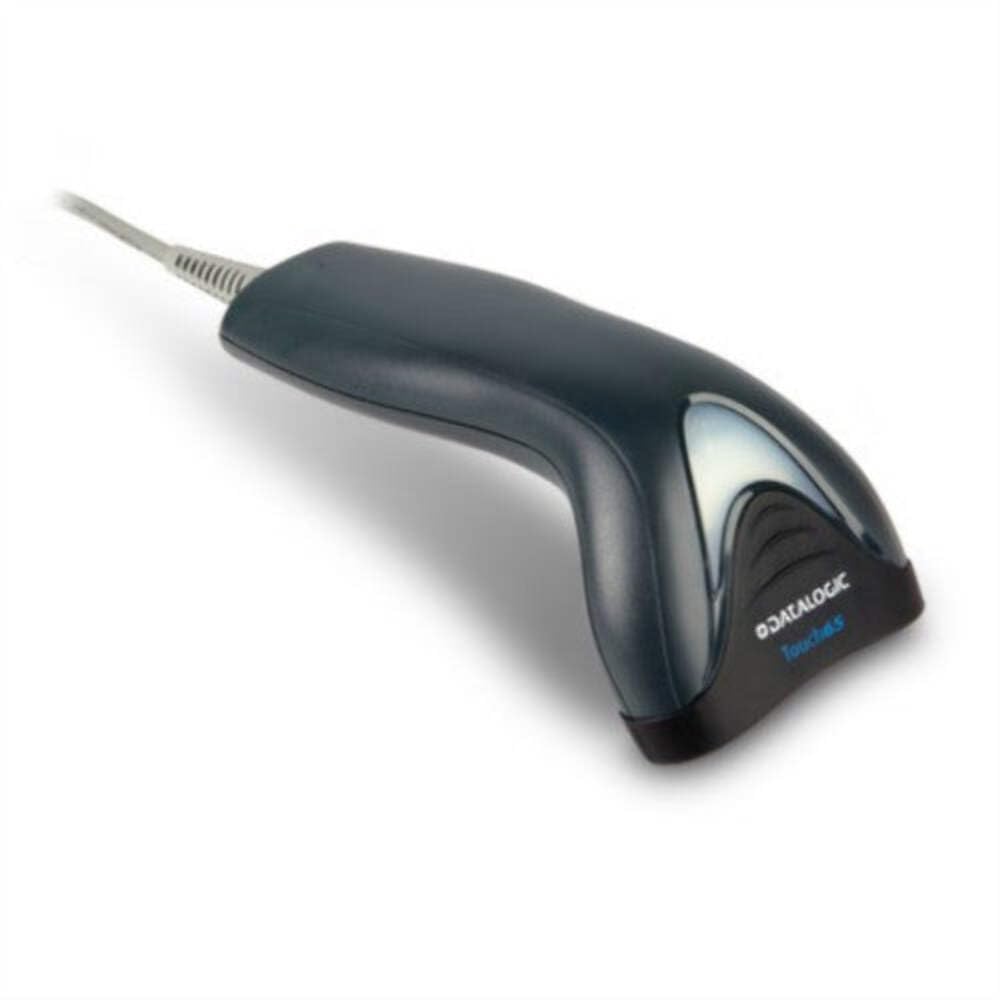
Image: The Datalogic Touch TD1100 90 Light barcode scanner, showing its ergonomic design and integrated cable.
Жайгашуу
1. таңгактан чыгаруу
Бардык компоненттерди таңгактан кылдаттык менен алып салыңыз. Бардык элементтер бар экенин текшериңиз:
- Datalogic Touch TD1100 90 Light Barcode Scanner
- USB кабели (интеграцияланган)
- Ыкчам баштоо колдонмосу (эгер камтылган болсо)
2. Сканерди туташтыруу
The TD1120-BK-90K1 model connects via a USB interface. Follow these steps:
- Компьютериңизде (компьютерде же ноутбукта) жеткиликтүү USB портун табыңыз.
- Insert the USB connector of the scanner's cable firmly into the USB port.
- The operating system should automatically detect the new hardware and install the necessary drivers. This process may take a few moments.
- Once drivers are installed, the scanner will typically emit a short beep or an indicator light will illuminate, signifying it is ready for use.
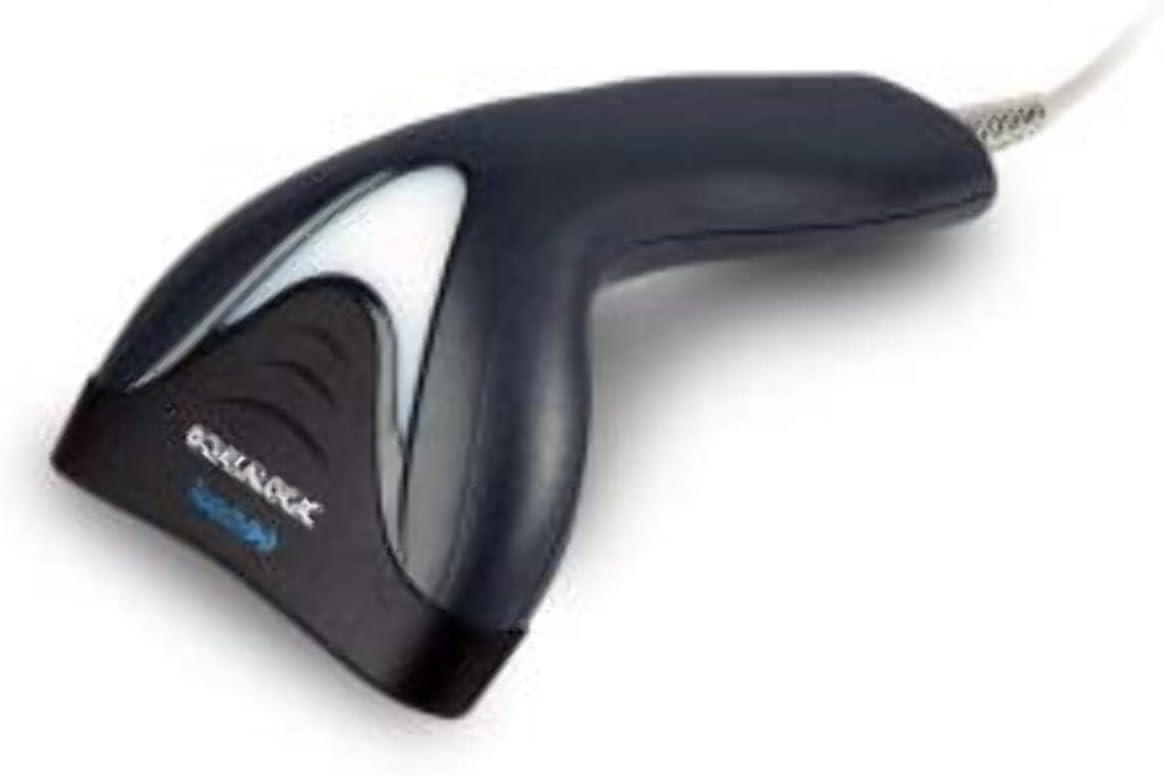
Сүрөт: каптал view of the Datalogic Touch TD1100 90 Light barcode scanner, highlighting the integrated cable for connection.
Иштөө нускамалары
1. Сканерлөөнүн негизги жол-жобосу
Штрих-кодду сканерлөө үчүн:
- Сканер туташтырылганын жана күйүп турганын текшериңиз.
- Open an application on your computer where you want the scanned data to appear (e.g., a text editor, spreadsheet, or POS software).
- Hold the scanner with the scanning window facing the barcode.
- Press and hold the trigger button. A red aiming line or light will project from the scanning window.
- Position the aiming line across the entire barcode.
- Once the barcode is successfully read, the scanner will emit a beep and/or the indicator light will flash green. The data will then appear in your active application.
- Триггер баскычын коё бериңиз.
2. Scanning Techniques
- Оптималдуу аралык: Hold the scanner at an appropriate distance from the barcode, typically between 2-10 cm (1-4 inches), depending on the barcode size and density.
- Бурч: Scan barcodes at a slight angle to avoid direct reflection, which can interfere with reading.
- Damaged Barcodes: For poorly printed or damaged barcodes, try scanning from different angles or distances.
Техникалык тейлөө
1. Сканерди тазалоо
Regular cleaning helps maintain optimal scanning performance.
- Сканерлөө терезеси: Жумшак, түксүз кездемени колдонуңуз dampened with a mild, non-abrasive cleaner (e.g., isopropyl alcohol or glass cleaner) to gently wipe the scanning window. Avoid harsh chemicals or abrasive materials.
- Сырткы: Сыртын сүртүңүз casing жумшак менен, гamp cloth. Do not allow liquids to enter the scanner.
- Тазалоодон мурун сканердин кубат булагынан ажыратылганын текшериңиз.
2. Сактоо
When not in use, store the scanner in a clean, dry environment, away from direct sunlight, extreme temperatures, and corrosive materials.
Проблемаларды чечүү
If you encounter issues with your Datalogic TD1100 scanner, refer to the following common problems and solutions:
| Көйгөй | Мүмкүн себеп | Чечим |
|---|---|---|
| Сканер күйбөйт же жооп бербейт. | Loose cable connection, faulty USB port, power issue. |
|
| Сканер штрих-коддорду окубайт. | Incorrect scanning technique, damaged barcode, dirty scanning window, incompatible barcode type, application not ready. |
|
| Сканерленген маалыматтар туура эмес көрсөтүлөт. | Keyboard wedge settings, incorrect language settings. |
|
Техникалык шарттар
Key technical specifications for the Datalogic Touch TD1100 90 Light (TD1120-BK-90K1):
- Модель номери: TD1120-BK-90K1
- Бренд: Datalogic
- Скандоонун ылдамдыгы: секундуна 90 кадр (кадр/секунда)
- Байланыш технологиясы: Bluetooth
- Шайкеш түзмөктөр: Иш такта, ноутбук
- Кубат булагы: Батарея менен иштейт
- Элемент Салмагы: 153 грамм
- Чыныгы бурч View: 3.5 градус
- Өндүрүүчү: Datalogic
Note: Some specifications like "Battery Powered" and "Bluetooth" might be generic for the TD1100 series. The TD1120-BK-90K1 is primarily a wired USB scanner.
Кепилдик жана колдоо
Кепилдик маалымат
Datalogic products are covered by a standard manufacturer's warranty. For specific warranty terms and conditions, please refer to the warranty card included with your product or visit the official Datalogic webсайт. Кепилдик дооматтар үчүн сатып алганыңыздын далилин сактаңыз.
Техникалык колдоо
For technical assistance, troubleshooting beyond this manual, or to inquire about repairs, please contact Datalogic customer support. You can typically find contact information on the Datalogic webсайтында же сканериңиз менен берилген документтерде.
- Datalogic расмий өкүлү Webсайт: www.datalogic.com
- Колдоо булактары: Check the support section of the webКөп берилүүчү суроолор, драйверлер жана кошумча документтер үчүн сайт.