
Introduction
The Axis M3037-PVE is a compact network surveillance camera designed for versatile monitoring. It delivers high-quality images in various lighting conditions, including daylight and low-light environments. This camera supports multiple viewing modes such as 360° overview, panorama, double panorama, 270° corner, and quad views. It features full-duplex audio with echo cancellation and noise reduction, and integrates with IP phone systems via Session Initiation Protocol (SIP). The M3037-PVE also supports the AXIS Camera Application Platform, enabling advanced video analytics like people counting and cross-line detection to enhance situational awareness.
Пакеттин мазмуну
Пакетте бардык компоненттер бар экенин текшериңиз:
- Axis M3037-PVE Network Surveillance Camera (fixed dome, outdoor, vandal/weatherproof)
- Монтаждоо комплекти
Жайгашуу
1. Физикалык орнотуу
The Axis M3037-PVE camera is designed for wall mounting. Use the provided mounting kit to securely attach the camera to the desired location. Ensure the mounting surface is stable and can support the camera's weight.
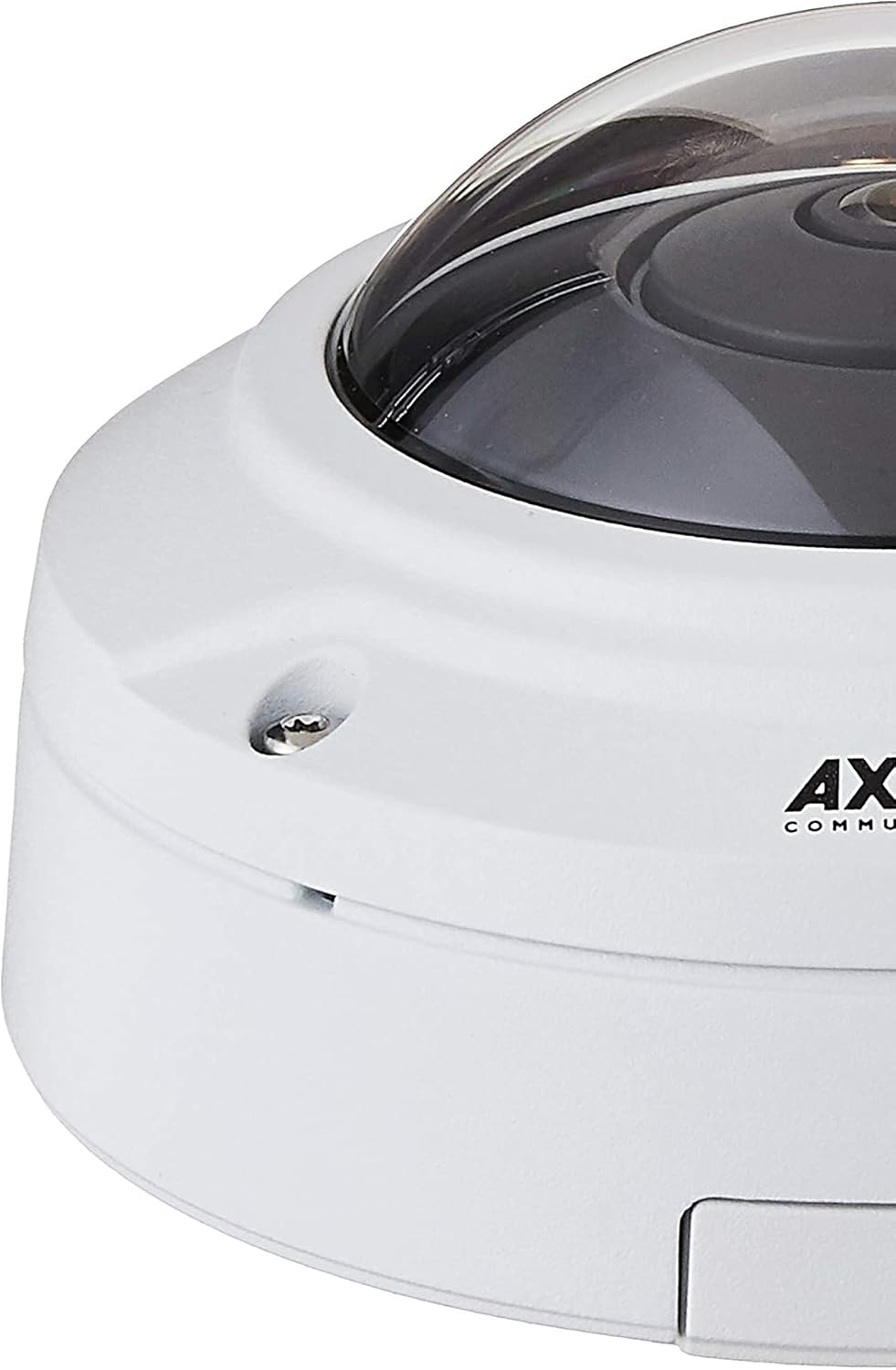
1-сүрөт: Close-up of the camera's base, illustrating mounting points.
2. Кубат жана тармак туташуусу
The camera is powered via Power over Ethernet (PoE). Connect an Ethernet cable from a PoE-enabled switch or injector to the camera's network port. This single connection provides both power and network connectivity. The camera supports Wi-Fi for wireless communication, but a wired Ethernet connection is recommended for initial setup and stable operation.
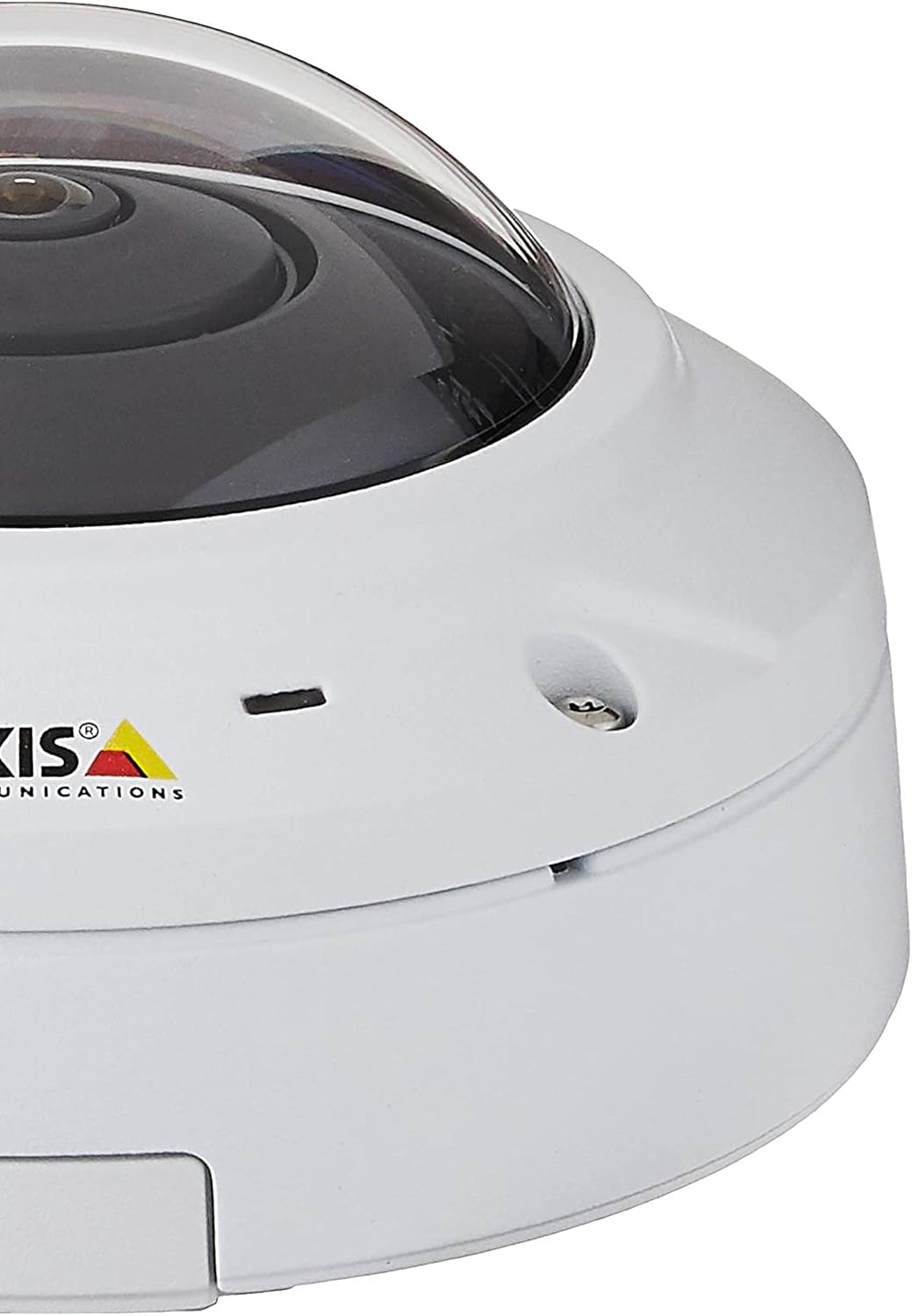
2-сүрөт: Side view of the camera, highlighting connectivity options.
3. Баштапкы конфигурация
Once powered, the camera will acquire an IP address. Use the Axis IP Utility or a network scanner to locate the camera on your network. Access the camera's web аркылуу интерфейс web browser using its IP address. Follow the on-screen prompts to set up administrator credentials and basic network settings.
Иштөө нускамалары
Viewкирүү режимдери
The M3037-PVE offers flexible viewтандоо параметрлери:
- 360° Overview: Provides a complete panoramic view көзөмөлдөнгөн аймактын.
- Dewarped Views: The camera's fisheye lens captures a wide field of view, which can be digitally dewarped into various formats:
- Панорама: A wide, stretched view suitable for long corridors.
- Double Panorama: Two panoramic viewлар жанаша.
- 270° Corner: Optimized for corner installations.
- төрт Views: Divides the 360° view into four distinct sections.
- Digital PTZ: Pan, Tilt, and Zoom digitally within any dewarped view to focus on specific areas of interest without mechanical movement.
- көп-view Агым: Stream multiple dewarped viewс бир эле учурда.
Аудио өзгөчөлүктөрү
The camera includes a built-in weather-proof speaker and microphone, supporting full-duplex audio communication. Echo cancellation and noise reduction features ensure clear audio. Session Initiation Protocol (SIP) support allows for integration with IP phone systems for two-way communication.
Видео Аналитика
Leverage the AXIS Camera Application Platform for advanced surveillance capabilities:
- Адамдарды эсептөө: Monitor the number of individuals entering or exiting an area.
- Cross-line Detection: Trigger alerts when an object crosses a predefined virtual line.
Контролдоо ыкмалары
The camera can be controlled via its web interface or through compatible surveillance management software and mobile applications.
Техникалык тейлөө
Камераны тазалоо
Regularly clean the camera's dome and lens to ensure optimal image clarity. Use a soft, damp cloth. Avoid abrasive cleaners or solvents that could damage the lens coating or housing.
Орнотулган программаны жаңыртуу
Axis Communications кызматын мезгил-мезгили менен текшерип туруңуз website for firmware updates. Keeping the camera's firmware up-to-date ensures access to the latest features, security patches, and performance improvements. Follow the instructions provided by Axis for firmware update procedures.
Экологиялык эске алуулар
While the camera is weatherproof, ensure its mounting location does not expose it to extreme conditions beyond its operating specifications. Regularly inspect the mounting for stability and check cables for wear or damage.
Проблемаларды чечүү
No Power/No Image
- Verify the Ethernet cable is securely connected to both the camera and the PoE switch/injector.
- Ensure the PoE switch/injector is powered on and functioning correctly.
- Check if the PoE port on the switch is active and providing power.
Тармакка туташуу маселелери
- Confirm the camera has a valid IP address. Use the Axis IP Utility to discover devices on the network.
- Тармак кабелинин бүтүндүгүн текшериңиз.
- Тармагыңызда IP даректеринин карама-каршылыктары жок экенин текшериңиз.
- If using Wi-Fi, verify the camera is connected to the correct network and the signal strength is adequate.
Сүрөттүн сапаты начар
- Clean the camera lens and dome.
- Adjust camera settings (e.g., exposure, white balance, resolution) via the web интерфейс.
- Ensure sufficient lighting in the monitored area, especially for night vision performance.
- Камеранын талаасындагы тоскоолдуктарды текшериңиз view.
Аудио көйгөйлөрү
- Verify audio settings are enabled in the camera's web интерфейс.
- Check microphone and speaker volume levels.
- Ensure no physical obstructions are blocking the microphone or speaker.
Техникалык шарттар
| Өзгөчөлүк | Деталь |
|---|---|
| Модель аты | 0548-001 (M3037-PVE) |
| Бренд | Axis Communications |
| Форма фактору | Купол |
| Ички/тышкы колдонуу | Ички, сырткы |
| Байланыш технологиясы | Ethernet, Wi-Fi |
| Power Source | PoE (Power over Ethernet) |
| Видео тартуунун резолюциясы | 5 депутат |
| Натыйжалуу Video Resolution | 5 депутат |
| Field Of View | 360 градус |
| Төмөн жарык технологиясы | Күн/Түн |
| Аудио | Built-in weather-proof speaker and microphone, full-duplex, echo cancellation, noise reduction, SIP support |
| Башкаруу ыкмасы | Колдонмо, Web Интерфейс |
| Эл аралык коргоо рейтинги | IP65 (Vandal/Weatherproof) |
| Элементтин өлчөмдөрү (LxWxH) | 5.2 x 5.2 x 2.9 дюйм |
| Элемент Салмагы | 1.63 фунт |
| Тtage | 48 вольт |
| Ватtage | 3.4 ватт |
| Flash эстутум орнотулган өлчөмү | 128 MB |
| Камтылган компоненттер | Mounting kit, Network surveillance camera |
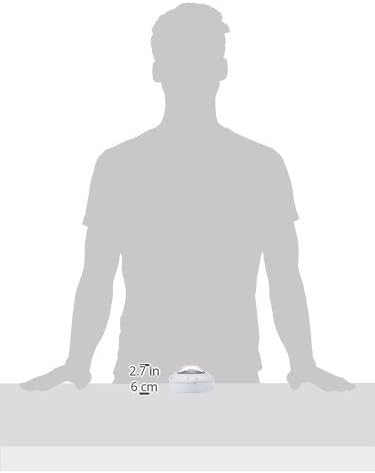
3-сүрөт: Camera dimensions for installation planning.
Кепилдик маалымат
The Axis M3037-PVE Network Surveillance Camera comes with a full manufacturer's warranty. For specific terms, conditions, and duration of the warranty, please refer to the official Axis Communications webсайт же сатып алуу менен кошо документтер. Кепилдик дооматтар үчүн сатып алганыңыздын далилин сактаңыз.
Эскертүү: Any returns or warranty claims may require troubleshooting and a case number from Axis Communications support.
Колдоо
For technical assistance, product documentation, firmware downloads, or further inquiries, please visit the official Axis Communications support website. You can typically find detailed FAQs, troubleshooting guides, and contact information for customer support there.
Өндүрүүчү: Axis Communications
Webсайт: www.axis.com