
1. Киришүү
Сатып алганыңыз үчүн рахматasing the FIFINE K669 USB Condenser Microphone. This microphone is designed for high-quality audio capture with a simple plug-and-play setup, making it ideal for various applications including gaming, streaming, online calls, and home recording. Its durable metal construction and compact design ensure reliability and portability. Please read this manual carefully to ensure proper use and optimal performance.
2. Пакеттин мазмуну
Төмөндө тизмеленген нерселердин баары пакетиңизге камтылганын текшериңиз:
- FIFINE K669 USB Condenser Microphone
- Бүктөлүүчү штаттык стенд
- USB Cable (1.8m, integrated)
- User Manual

Image: All components included with the FIFINE K669 USB Condenser Microphone, showing the microphone, tripod stand, and integrated USB cable.
3. Орнотуу нускамалары
- Штатив стендин чогултуу: Unfold the legs of the included tripod stand and place it on a stable, flat surface.
- Микрофонду бекитүү: Screw the microphone onto the tripod stand. Ensure it is securely fastened. The microphone's angle can be adjusted up to 180 degrees for optimal positioning.
- Түзмөгүңүзгө туташуу: Plug the USB cable directly into an available USB port on your computer (Windows/Mac) or PlayStation console (PS4/PS5). The device will automatically recognize the microphone without requiring additional drivers.
- Киргизүү түзмөгү катары тандаңыз: After connecting, go to your device's sound settings and select the FIFINE K669 as your default audio input device.

Image: The FIFINE K669 microphone mounted on its tripod, illustrating the 180-degree adjustable angle for flexible positioning.
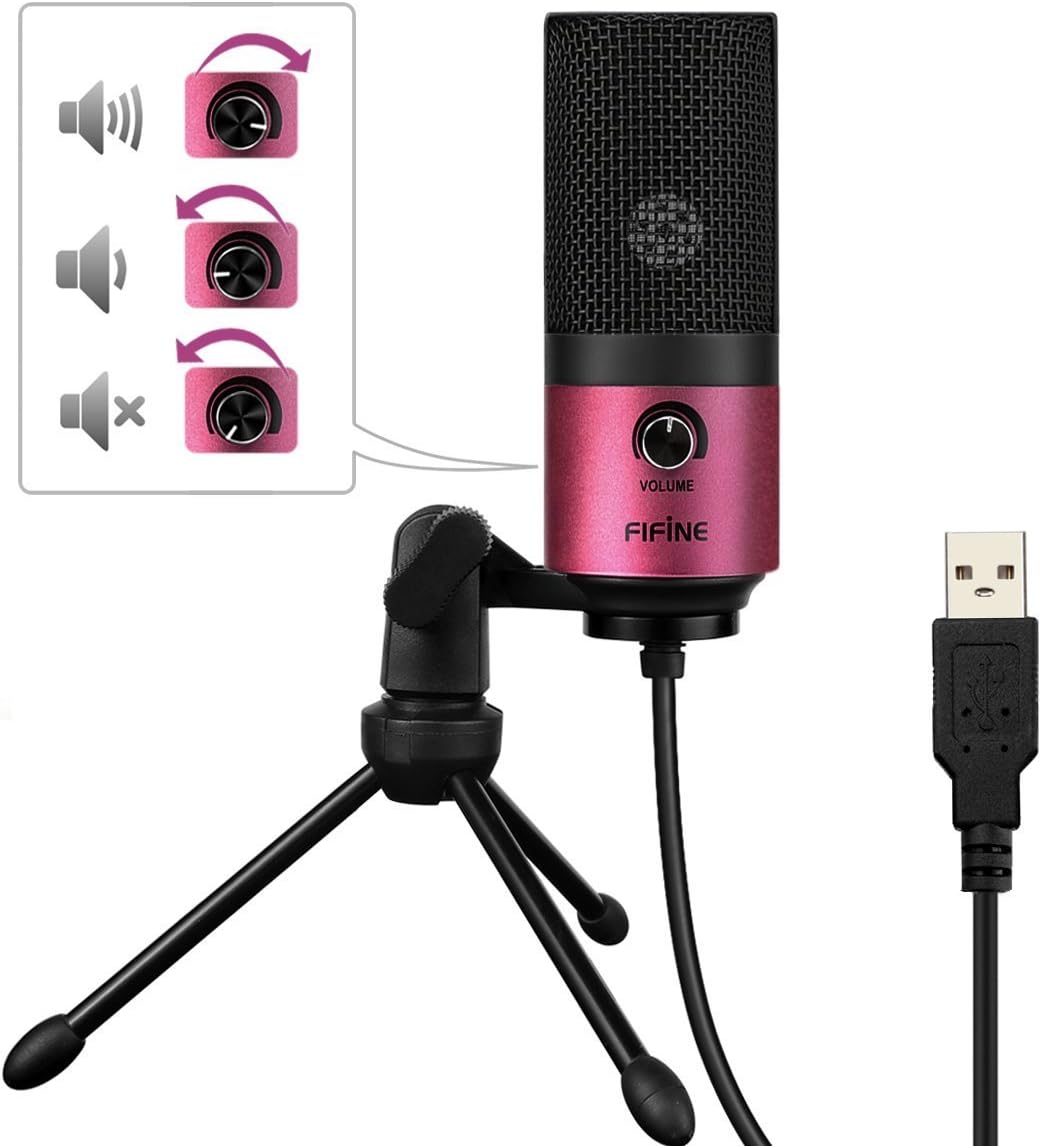
Image: A close-up of the FIFINE K669 microphone's USB cable being plugged into a laptop, demonstrating the plug-and-play connection.
Видео: Кыскача алдын ала маалыматview demonstrating the setup and key features of the FIFINE K669 microphone, including its plug-and-play functionality and volume control.
4. Иштөө нускамалары
- Үндү көзөмөлдөө: The microphone features a volume knob on its body. Rotate the knob clockwise to increase the input volume and counter-clockwise to decrease it.
- Optimal Placement (Cardioid Pattern): The K669 utilizes a cardioid polar pattern, meaning it primarily picks up sound from the front. For best results, position the microphone directly in front of the sound source (e.g., your mouth) within a 30cm range. This helps to minimize background noise and capture clear audio.
Image: The volume control knob on the front of the FIFINE K669 microphone, indicating its function for adjusting audio input levels.

Image: A polar pattern diagram illustrating the cardioid pickup pattern of the FIFINE K669 microphone, highlighting its sensitivity to sounds directly in front (approximately 130-degree range).
5. Өзгөчөлүктөрү
- Узак металл конструкциясы: Both the microphone body and stand are made from a robust alloy, providing excellent durability and stability.
- High Sensitivity & Noise Reduction: Equipped with special noise suppression technology and a cardioid pickup pattern, the microphone effectively reduces ambient noise and white noise, capturing clear and faithful sound from up to 30cm away.
- Plug & Play туташуусу: Connects easily via a single USB cable to PC, Mac, PS4, or PS5 without the need for complex driver installations.
- Портативдик дизайн: The included foldable tripod stand allows for easy storage and transport, making the microphone convenient for use anywhere.
- Кеңири шайкештик: Suitable for a broad range of applications including gaming, Skype calls, web conferences, live streaming, YouTube video creation, home recording, narration, and game commentary.

Image: A person using the FIFINE K669 microphone with a laptop during an online video call, demonstrating its use for communication.
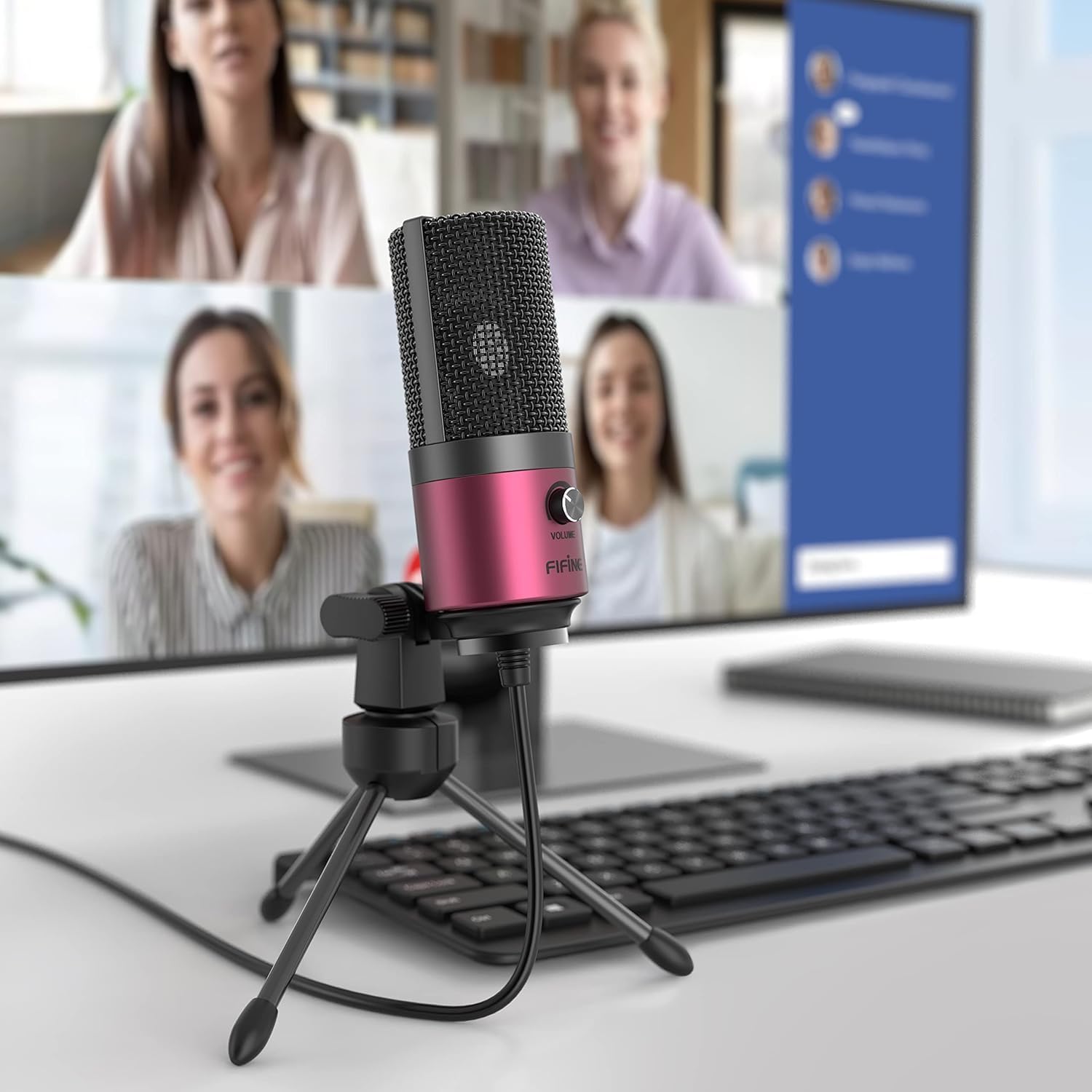
Image: The FIFINE K669 microphone positioned on a desk in front of a computer monitor displaying a video conference, highlighting its suitability for professional and casual online meetings.
6. Техникалык шарттар
| Өзгөчөлүк | Description |
|---|---|
| Бренд | ЖАКШЫ |
| Модель номери | K669 |
| Байланыш технологиясы | USB |
| Туташтыргыч түрү | USB Type-A |
| Өзгөчөлүктөр | Тур, үндү башкаруу |
| Шайкеш түзмөктөр | Game Console, Laptop, PC |
| Түс | Кызгылт |
| Камтылган компоненттер | USB Cable, User Manual |
| Полярдык үлгү | Бир багыттуу (Кардиоид) |
| Микрофон форма фактору | Пин микрофон |
| Power Type | Электр зымдары |
| Сигнал-ызы-чуу катышы (S/N) | 78 дБ |
| Аппараттык платформа | Game Console, Desktop PC, Laptop |
| Frequency Response | 20 Гц - 20 КГц |
| Материал | Металл |
| UPC | 712383826909 |
7. Кыйынчылыктарды
- Микрофон таанылбайт:
- USB кабелинин микрофонго жана түзмөгүңүзгө бекем туташтырылганын текшериңиз.
- Try a different USB port on your computer or console.
- Компьютериңизди же консолуңузду өчүрүп күйгүзүңүз.
- Check your device's sound settings to ensure the FIFINE K669 is selected as the input device.
- Төмөн үнү же үн жок:
- Adjust the volume knob on the microphone itself.
- Increase the input volume level in your device's sound settings.
- Ensure the microphone is positioned correctly, facing the sound source directly.
- Check if any other applications are muting or lowering the microphone input.
- Фондогу ызы-чуу:
- The K669 has a cardioid pattern; ensure you are speaking directly into the front of the microphone.
- Minimize ambient noise in your environment (e.g., close windows, turn off fans).
- Adjust microphone sensitivity in your device's sound settings if necessary.
8. Кепилдик жана колдоо
The FIFINE K669 USB Condenser Microphone comes with a 1 жылдык өндүрүүчүнүн кепилдиги.
For further assistance, technical support, or warranty claims, please contact FIFINE customer service. You can typically find contact information on the official FIFINE webсайты же продуктуну сатып алган сатуучу аркылуу.
When contacting support, please have your product model (K669) and proof of purchase readily available.