
Introduction
Welcome to your new Targus Compact Wireless Mouse. This manual provides essential information for proper setup, operation, and maintenance of your device. Please read these instructions carefully before use.
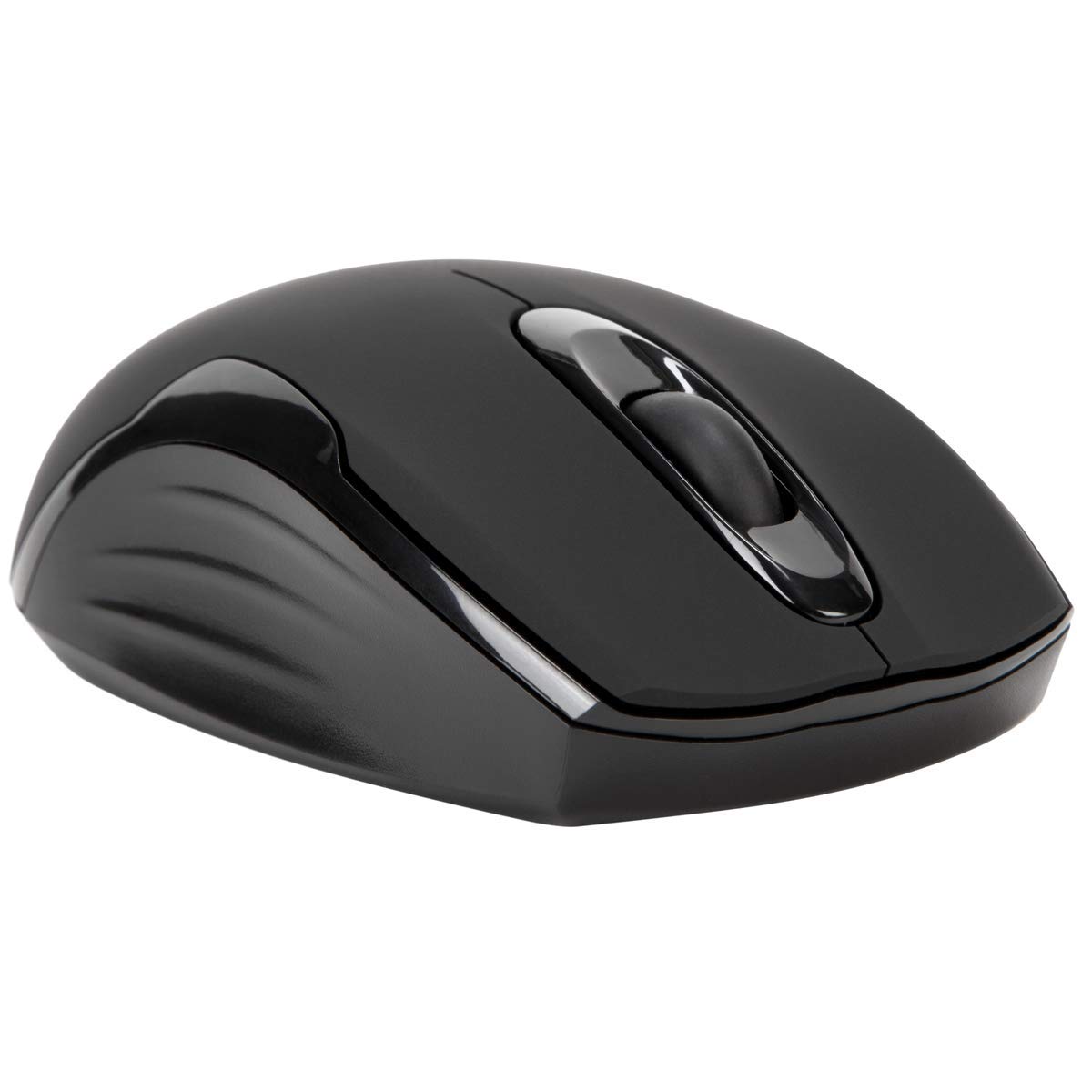
Пакеттин мазмуну
- Targus Compact Wireless Mouse
- USB кабыл алгыч
- 1 x AA Батарея
- Көрсөтмө (бул документ)
Жайгашуу
1. Батареяны орнотуңуз
Locate the battery compartment on the underside of the mouse. Insert the provided 1 x AA battery, ensuring correct polarity (+/-). Close the battery compartment cover securely.

2. USB кабыл алгычты туташтырыңыз
Remove the USB receiver from its storage compartment, typically located near the battery. Plug the USB receiver into an available USB port on your computer.


3. Күйгүзүү
Turn on the mouse using the power switch, usually located on the underside. The mouse should automatically connect to the receiver, and you can begin using it.
Операция
Негизги функциялар
- Сол чыкылдатуу: Use for primary selection, opening items, and activating functions.
- Оң чыкылдатуу: Access contextual menus and additional options.
- Жылдыруу дөңгөлөгү: Документтерди чабыттоо жана web pages vertically. Pressing the scroll wheel typically functions as a middle-click.
Blue Trace Technology
The Targus Compact Wireless Mouse features Blue Trace Technology, which allows it to track accurately on a wider variety of surfaces compared to standard optical mice, including glass, granite, and wood.
DPI сезгичтиги
The mouse is equipped with a 1,600 DPI (Dots Per Inch) optical sensor, providing a precise and responsive cursor movement for various tasks.
Техникалык тейлөө
Батареяны алмаштыруу
When the mouse performance degrades or if it stops responding, it may be time to replace the AA battery. The average battery life is approximately 6 months, but this can vary based on usage.
Тазалоо
Чычканды тазалоо үчүн жумшак, кургак чүпүрөктү колдонуңуз. Өжөр кир үчүн бир азamp cloth can be used, ensuring no moisture enters the internal components. Avoid using harsh chemicals, solvents, or abrasive cleaners, as these can damage the mouse's surface or internal parts.
USB Receiver Storage
For convenient transport or storage, the USB receiver can be securely stored inside a dedicated compartment within the mouse itself. This helps prevent loss of the small receiver.
Проблемаларды чечүү
Чычкан жооп бербейт
- Ensure the mouse is powered on using the switch on its underside.
- Check the battery level and replace the AA battery if necessary.
- USB кабыл алгыч компьютериңиздеги иштеген USB портуна бекем сайылганын текшериңиз.
- USB ресиверди компьютериңиздин башка USB портуна сайып көрүңүз.
- Restart your computer to refresh the connection.
Курсордун туура эмес кыймылы
- Чычкандын астыңкы жагындагы оптикалык сенсорду жумшак, кургак чүпүрөк менен тазалаңыз.
- Ensure the surface you are using the mouse on is clean, flat, and suitable for optical tracking. Avoid highly reflective or transparent surfaces.
- Move the mouse closer to the USB receiver to reduce potential wireless interference.
Байланыш маселелери
The mouse uses 2.4 GHz wireless technology designed for stable connection. If you experience persistent connectivity issues, try to minimize other wireless devices operating in close proximity that might cause interference.
Техникалык шарттар
| Бренд | Таргус |
| Модель аты | AMW575TT |
| Байланыш технологиясы | USB (Wireless 2.4 GHz) |
| Кыймылды аныктоо | Optical (Blue Trace Technology) |
| Button Quantity | 3 |
| Колдун багыты | Эки тараптуу |
| Шайкеш түзмөктөр | Universal (Windows® 10/8.1/8/7/Vista/XP/2000, Mac OS® X 10.6-10.12.4) |
| Power Source | Battery Powered (1 AAA battery required, included) |
| Mouse Maximum Sensitivity | 1600 Dots per Inch (DPI) |
| Зымсыз диапазон | 33.0 фут (10 метр) |
| Батареянын орточо иштөө мөөнөтү | 6 ай |
| Элемент Салмагы | 0.14 фунт |
| Элементтин өлчөмдөрү (L x W) | 4.4"L x 2.3"W |
| Коргоочу материал | Пластик |
| Кошумча функциялар | 128-bit AES-CCM encryption |
Кепилдик жана колдоо
Кепилдик маалымат
This Targus product is covered by a 1 жылдык Өндүрүүчүнүн Кепилдиги. Сураныч, кепилдик дооматтар үчүн сатып алуу далилиңизди сактап коюңуз. Кепилдик нормалдуу колдонуудагы материалдардагы жана жасалгадагы кемчиликтерди камтыйт.
Кардарларды колдоо
For further assistance, technical support, or to inquire about warranty services, please visit the official Targus website or contact their customer service department. Contact information can typically be found on the Targus webсайт.
Эскертүү: Сунуш 65 Эскертүү: Бул продукт Калифорния штатында рак жана тубаса кемтик же башка репродуктивдүү зыян келтирүүчү химиялык заттарды камтышы мүмкүн.