
1. Киришүү
This manual provides essential information for the proper use, installation, and maintenance of the DELFIELD 417-CR2-0003-S Tray Mhc Insert. This is a genuine OEM replacement part designed for commercial foodservice equipment, ensuring safety, reliability, and optimal performance.
DELFIELD has over 50 years of industry experience, providing high-quality components for various applications. Using genuine OEM parts is crucial for maintaining the integrity and functionality of your equipment.
Негизги өзгөчөлүктөрү:
- Genuine OEM replacement part
- Designed for commercial foodservice equipment
- Ensures safety, reliability, and performance
2. Орнотуу
The DELFIELD 417-CR2-0003-S Tray Mhc Insert is designed for straightforward installation into compatible commercial refrigeration units or equipment. Before installation, ensure the equipment is powered off and disconnected from its power source to prevent injury.
- Inspect the Insert: Carefully unpackage the tray and inspect it for any signs of damage during transit. Ensure all perforations are clear and the tray is free from bends or deformities.
- Prepare the Cavity: Identify the designated slot or cavity within your commercial refrigeration unit where the tray is to be inserted. Ensure the area is clean and free of debris.
- Табакчаны салыңыз: Gently slide the DELFIELD 417-CR2-0003-S Tray Mhc Insert into the prepared cavity. Ensure it sits flush and securely within its designated position. Do not force the tray if it encounters resistance; re-check alignment.
- Жарактуулугун текшерүү: Once inserted, gently push and pull the tray to confirm it is stable and does not wobble. A proper fit is essential for efficient air circulation and product support.
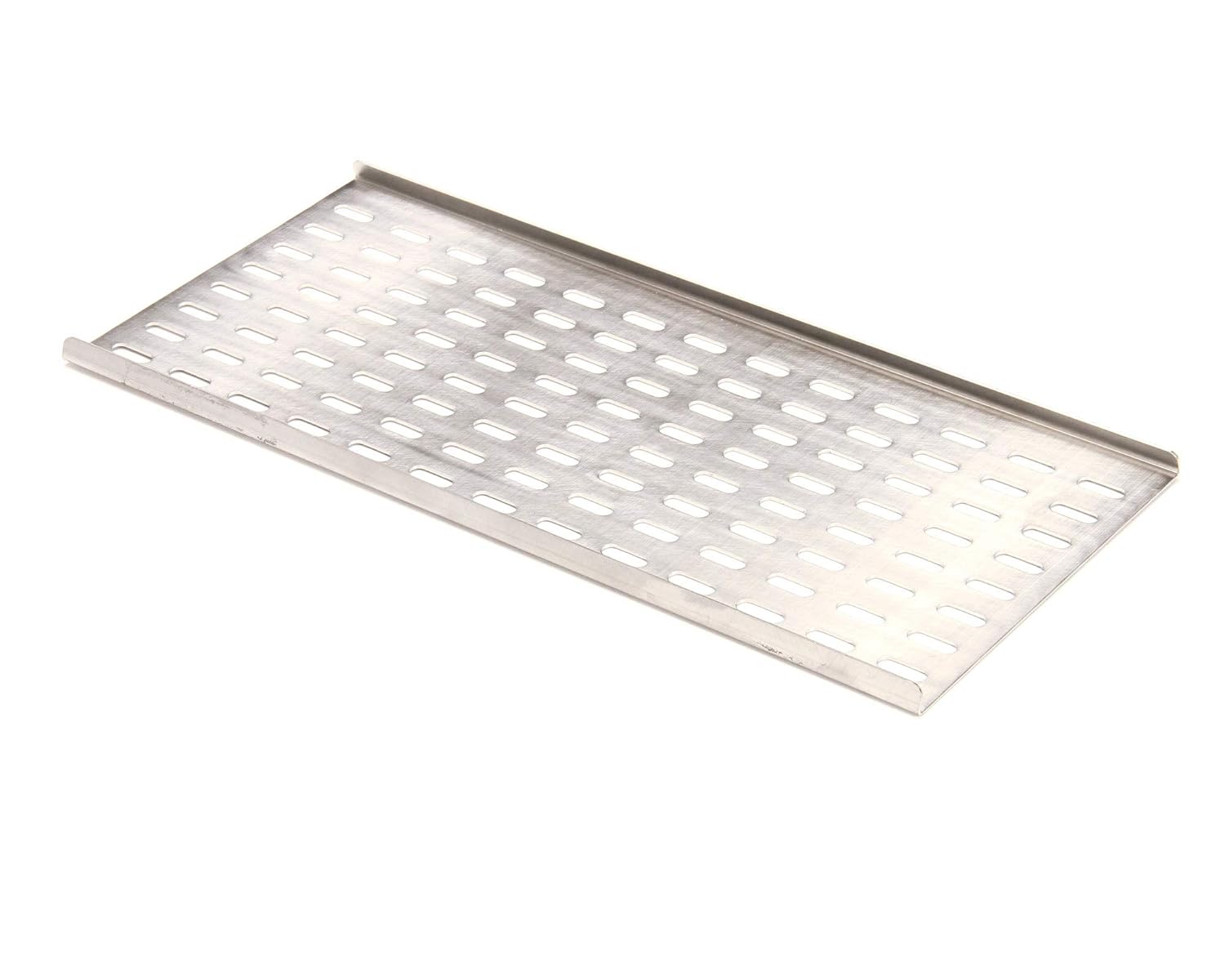
Figure 1: The DELFIELD 417-CR2-0003-S Tray Mhc Insert, showcasing its design for optimal air flow.
3. Иштөө
The DELFIELD 417-CR2-0003-S Tray Mhc Insert functions as a support and air circulation component within commercial refrigeration systems. Its perforated design allows for consistent airflow around stored items, which is critical for maintaining proper temperatures and preserving product quality.
- Жүктөө: Place items evenly on the tray. Avoid overloading to ensure proper air circulation and prevent damage to the tray or the refrigeration unit.
- Аба агымы: Do not block the perforations on the tray. Obstructed perforations can impede airflow, leading to inefficient cooling and potential temperature fluctuations within the unit.
- Шайкештик: This tray is specifically designed for certain DELFIELD Mhc-22 models. Ensure it is used with compatible equipment to guarantee optimal performance and fit.
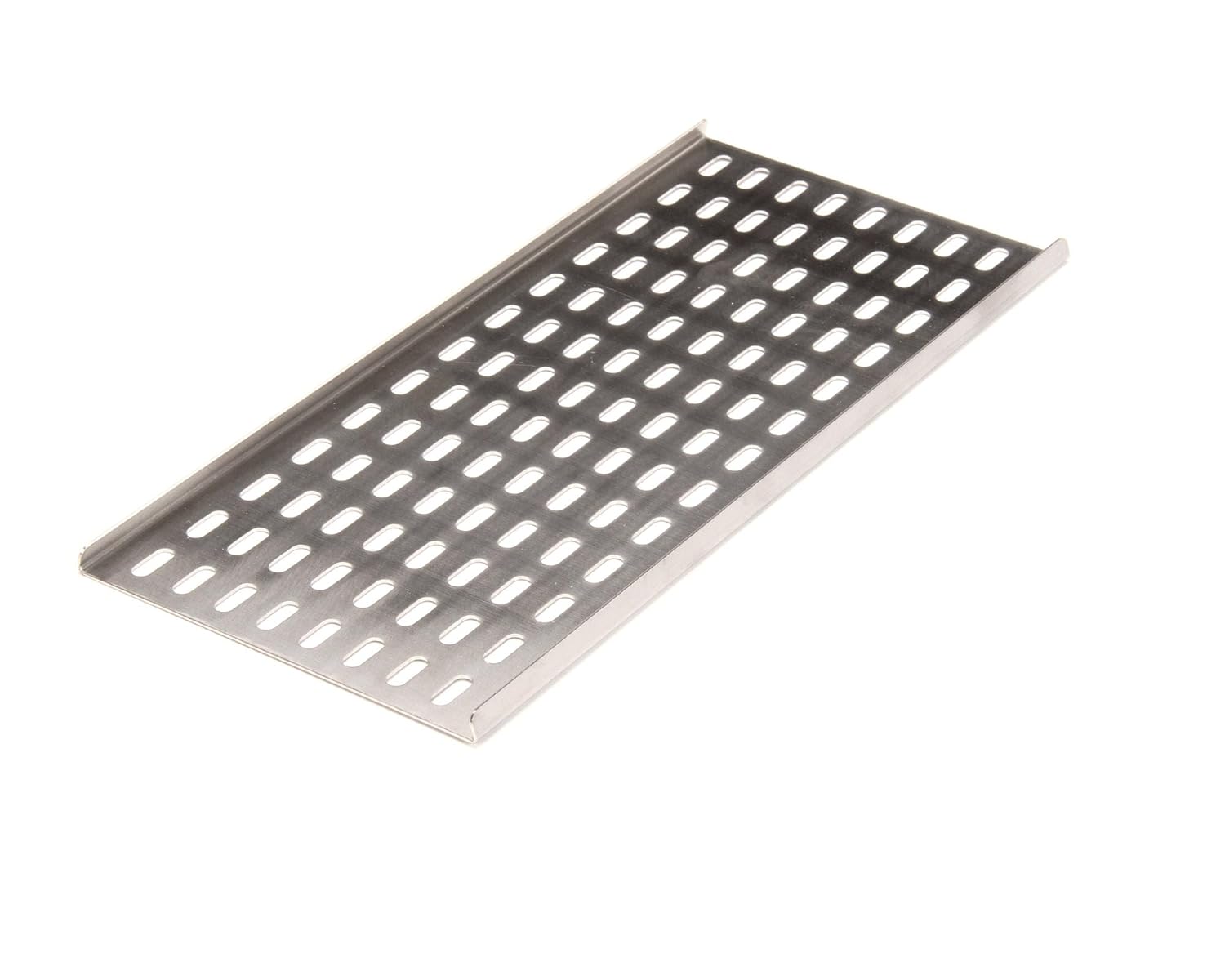
Figure 2: The tray's perforated surface, essential for maintaining consistent temperatures.
4. Техникалык тейлөө
Regular cleaning and inspection of the DELFIELD 417-CR2-0003-S Tray Mhc Insert will extend its lifespan and ensure continued hygienic operation within your commercial foodservice environment.
- Тазалоо:
- лотокту аппараттан алып салыңыз.
- Wash with warm, soapy water using a soft cloth or sponge. Avoid abrasive cleaners or scouring pads that could scratch the surface.
- Таза суу менен жакшылап чайкаңыз.
- Allow the tray to air dry completely or dry with a clean cloth before re-inserting into the unit.
- Текшерүү: Periodically inspect the tray for any signs of wear, corrosion, or damage. Check that the perforations remain clear and unobstructed. If significant damage is observed, consider replacing the tray to maintain optimal performance and hygiene.

Figure 3: Detail of the tray's metal surface, emphasizing the need for gentle cleaning.
5. Кыйынчылыктарды
This section addresses common issues that may arise with the DELFIELD 417-CR2-0003-S Tray Mhc Insert.
| Көйгөй | Мүмкүн себеп | Чечим |
|---|---|---|
| Tray does not fit into the unit. | Incorrect model compatibility or obstruction in the slot. | Verify the model number of your equipment against the tray's specifications. Check the slot for any debris or foreign objects. Ensure the tray is not bent or damaged. |
| Аба агымы чектелген окшойт. | Perforations are blocked by debris or items on the tray. | Remove the tray and clean all perforations. Ensure items are not overloaded or placed directly over the holes when in use. |
| Tray appears damaged or corroded. | Physical impact, improper cleaning agents, or prolonged exposure to harsh conditions. | If the damage affects functionality or hygiene, the tray should be replaced with a new genuine OEM part. Follow recommended cleaning procedures. |

Figure 4: The robust construction of the tray, designed for durability in commercial settings.
6. Техникалык шарттар
| Атрибут | Нарк |
|---|---|
| Бренд | ДЕЛФИЛЬД |
| Модель номери | DEL417-CR2-0003-S |
| ASIN | B07233JD3J |
| UPC | 046852080272 |
| Пакеттин өлчөмдөрү | 24 x 7 x 6 дюйм |
| Элемент Салмагы | 0.48 фунт |
| Форма фактору | лоток |
| Specification Met | OEM |
| Дата биринчи жеткиликтүү | 16-май, 2017-жыл |
7. Кепилдик жана колдоо
As a genuine OEM replacement part, the DELFIELD 417-CR2-0003-S Tray Mhc Insert is manufactured to high standards. Specific warranty details for this component are typically covered under the warranty of the larger DELFIELD equipment it is intended for, or by the distributor from whom it was purchased.
For detailed warranty information, technical support, or to inquire about replacement parts, please contact DELFIELD customer service or your authorized DELFIELD distributor. Always provide the model number (DEL417-CR2-0003-S) and the ASIN (B07233JD3J) when seeking support.
Өндүрүүчү: Delfield