
Introduction
This instruction manual provides detailed information on the setup, operation, and maintenance of your Bowei Wireless PS3 Controller. Please read this manual thoroughly before using the product to ensure proper functionality and to maximize your gaming experience.
Пакеттин мазмуну
Пакет төмөнкү нерселерди камтыйт:
- 2 x Bowei Wireless PS3 Controllers (Blue and Purple)
- 2 x USB Charging Cables (0.8M)
- 1 x Instruction Manual

Image: Contents of the Bowei Wireless PS3 Controller package, including two controllers and charging cables.
Продукт бүттүview
The Bowei Wireless PS3 Controller is designed for comfortable and responsive gameplay on your PlayStation 3 console. It features an ergonomic design, dual vibration motors, and six-axis motion sensing technology.

Image: Labeled diagram of the Bowei Wireless PS3 Controller's buttons and ports.
Негизги өзгөчөлүктөрү:
- Эргономикалык дизайн: Shaped to fit comfortably in palms for extended gameplay sessions.
- Double Shock Vibration: Built-in electric motors provide realistic feedback for in-game actions.
- Алты огулуу кыймылды башкаруу: Highly sensitive motion sensing technology allows for intuitive gameplay.
- Кайра заряддалуучу батарея: Integrated lithium battery ensures hours of gameplay.
Initial Setup and Syncing
To use the Bowei Wireless PS3 Controller for the first time, it must be activated and synced with your PlayStation 3 console using the provided USB cable.
- Connect one end of the USB charging cable to the controller's charging port and the other end to a USB port on your PS3 console.
- Press the "P3" (Home) button on the controller. The controller will activate and attempt to sync with the console.
- Once synced, you can disconnect the USB cable to use the controller wirelessly.
If the controller does not work wirelessly after disconnecting the cable, try restarting the console or ensuring the controller is sufficiently charged. If issues persist, refer to the troubleshooting section.
Контроллерди заряддоо
The Bowei Wireless PS3 Controller is equipped with a rechargeable lithium battery. To charge the controller:
- Connect the controller to your PS3 console using the USB cable.
- During charging, the red indicator light on the controller will flash.
- Толук заряддалгандан кийин кызыл индикатор өчөт.
You can continue to play games while the controller is charging. A full charge typically provides approximately 5 hours of gaming time and 24 hours of standby time, with a charging time of about 2 hours.
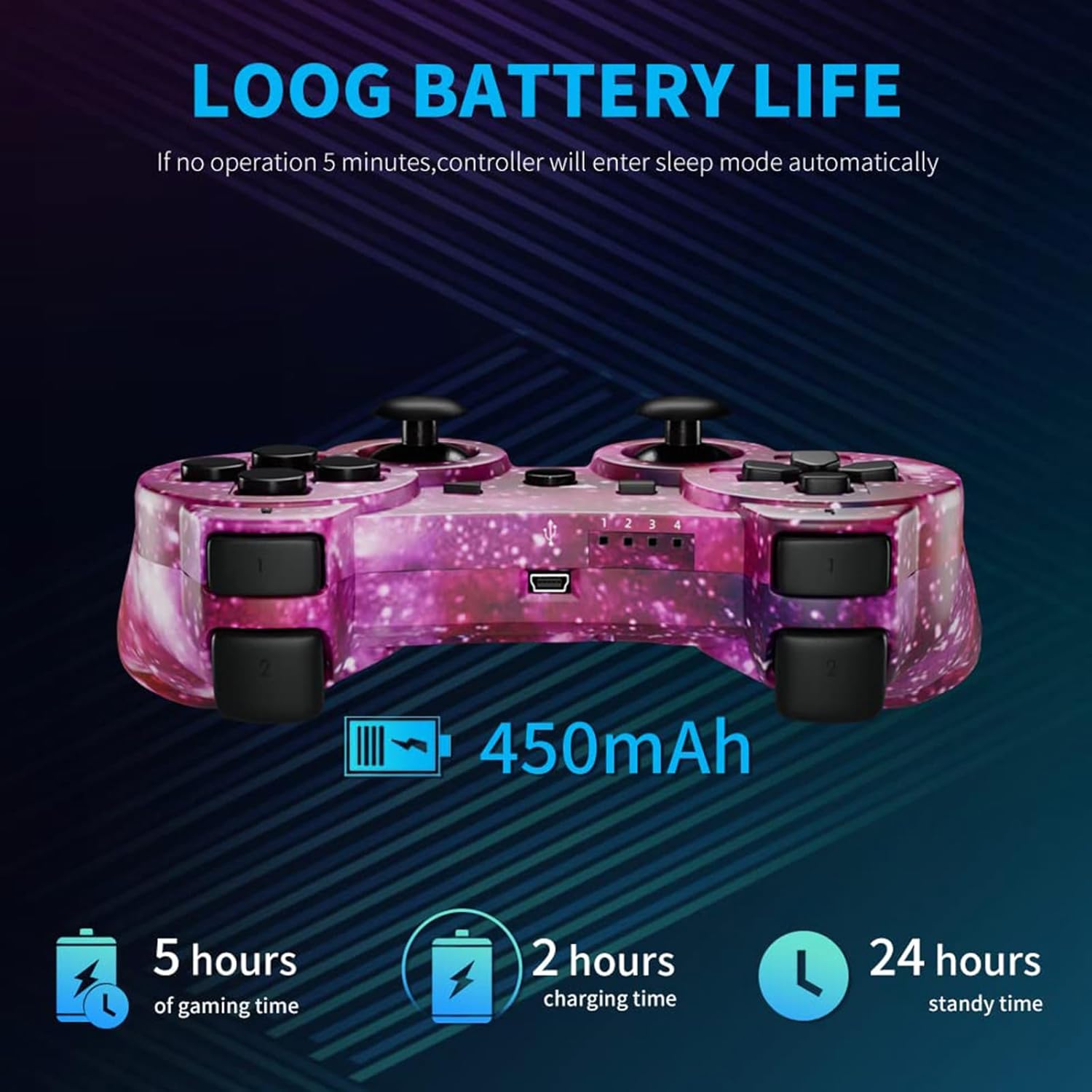
Image: Battery life and charging indicators.
Контроллерди иштетүү
Dual Shock Vibration
Experience enhanced immersion with the controller's dual shock vibration feature. Every hit, crash, and explosion in your game will provide realistic haptic feedback directly to your hands.

Image: Illustration of the dual shock vibration feature.
Six-Axis Motion Control
The highly sensitive motion control system detects your every movement. Characters and objects in the game will respond as you tilt, push, and shake the controller, offering truly intuitive gameplay through 6-axis technology.
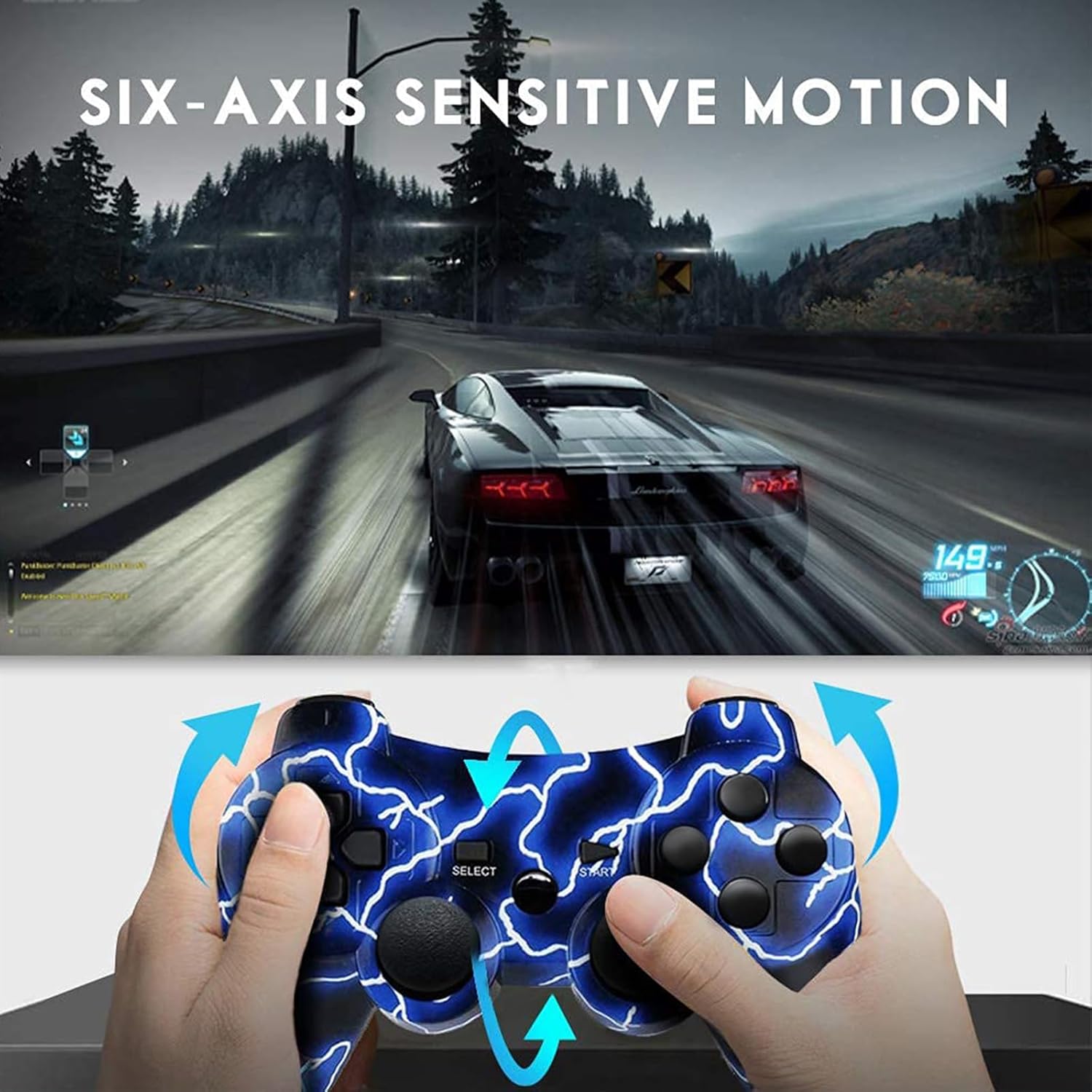
Image: Demonstration of six-axis motion control.
Upgraded Joysticks
The controller features refined analog sticks for precise control and improved durability, enhancing your accuracy and responsiveness in games.

Image: Close-up of the controller's upgraded joysticks.
Power Management
Күйгүзүү/өчүрүү
The wireless PS3 controller will power on when you press the "P3" (Home) button or connect it to a computer/console via the data cable.
It will automatically power off after 5 minutes of being disconnected or inactive. If the controller remains on for an extended period, plug the data cable into a computer or console and then immediately pull it out to force a power-off.
Проблемаларды чечүү
Controller Not Responding / Not Syncing
- Контроллердин толук заряддалганын текшериңиз.
- Reconnect the controller to the PS3 console with the USB cable and press the "P3" button to re-sync.
- If the above steps fail, locate the small reset hole on the back of the controller. Insert a thin, pointed object (like a needle or paperclip) into the hole and press the button inside to reset the controller. Then, attempt to re-sync.
Peeling/Wear on Analog Sticks
While the controllers are designed for durability, prolonged heavy use may lead to wear on the analog stick covers. This is a common occurrence with gaming peripherals. Consider using third-party joystick caps for added protection if desired.
Техникалык шарттар
| Өзгөчөлүк | Деталь |
|---|---|
| Бренд | Bowei |
| Модель номери | PS3 controller wireless |
| Шайкеш түзмөктөр | PlayStation 3 |
| Controller Type | Gamepad |
| Байланыш технологиясы | Зымсыз |
| Power Source | Батарея менен иштейт (Кайра заряддалуучу литий батареясы) |
| Элемент Салмагы | 1.1 фунт (болжол менен) |
| Продукциянын өлчөмдөрү (LxWxH) | 6.5 x 3.5 x 2 дюйм (болжол менен) |
Коопсуздук маалыматы
- Do not expose the controller to extreme temperatures or direct sunlight.
- Көзөмөлдөгүчтү кулап же катуу таасирлерге дуушар кылуудан качыңыз.
- Контроллерди суудан жана башка суюктуктардан алыс кармаңыз.
- Do not attempt to disassemble or modify the controller. This may void any potential warranty.
- Кубаттоо үчүн берилген кубаттоо кабелин же шайкеш келген USB кабелин гана колдонуңуз.
Кепилдик жана колдоо
For warranty information or technical support, please refer to the contact details provided with your purchase or visit the official Bowei webсайт. Ар кандай кепилдик дооматтары үчүн сатып алганыңыздын далилин сактаңыз.