
1. Киришүү
This manual provides detailed instructions for the safe and effective use of your comiso X26 Bluetooth Speaker. Please read this manual thoroughly before operating the device and retain it for future reference. The comiso X26 is a portable, waterproof Bluetooth speaker designed to deliver 360° HD surround sound with enhanced bass, offering wireless dual pairing and extended playtime for various indoor and outdoor environments.

Image 1.1: Comiso X26 Bluetooth Speaker (White)
2. Продукт бүтүп калдыview
2.1 Негизги өзгөчөлүктөрү
- 360° HD көлөмдүү үн: Equipped with two precision acoustic drivers and a passive bass radiator for rich, full-bodied audio.
- IPX4 Суу өткөрбөйт: Splashproof, dustproof, and sandproof design suitable for various environments.
- Чыныгы зымсыз стерео (TWS) жупташтыруу: Connect two X26 speakers for a synchronized, enhanced stereo sound experience.
- Узартылган ойноо убактысы: Up to 24 hours of continuous music playback on a full charge (at medium volume).
- Ультра портативдик дизайн: Compact and lightweight, designed for easy carrying.
- Камтылган микрофон: Үнсүз чалууну колдойт.
- Зымсыз мүмкүнчүлүгү: Bluetooth 5.0 with a range of up to 10 meters (33 feet).
2.2 Динамиктин компоненттери жана башкаруу элементтери

Image 2.1: Comiso X26 Speaker Controls and Ports Diagram
- Power ON/OFF баскычы: Күйгүзүү же өчүрүү үчүн басып туруңуз.
- Ойнотуу/тындыруу баскычы: Аудиону ойнотуу же тындыруу үчүн басыңыз.
- Үндү азайтуу / Мурунку трек баскычы: Press to decrease volume; press and hold for previous track.
- TWS жупташтыруу баскычы: Чыныгы зымсыз стерео жупташтыруу үчүн басыңыз.
- Үндү катуулатуу / Кийинки трек баскычы: Press to increase volume; press and hold for next track.
- Индикатор жарыгы: Кубаттоо, кубаттоо жана Bluetooth абалын көрсөтөт.
- Микрофон (микрофон): Үнсүз чалуулар үчүн.
- Заряддоо порту: Заряддоо үчүн Micro USB киргизүү.
- Калыбына келтирүү баскычы: Small pinhole for factory reset.
3. Орнотуу
3.1 Алгачкы заряддоо
Before first use, fully charge the speaker. Connect the provided Micro USB cable to the charging port on the speaker and the other end to a USB power adapter (not included) or a computer's USB port. The indicator light will show charging status. A full charge typically takes approximately 6 hours.
3.2 Күйгүзүү/өчүрүү
- Күйгүзүү үчүн: Press and hold the Power ON/OFF button for approximately 3 seconds until the indicator light illuminates and you hear an audible prompt.
- Өчүрүү үчүн: Press and hold the Power ON/OFF button for approximately 3 seconds until the indicator light turns off and you hear an audible prompt.
4. Иштөө нускамалары
4.1 Bluetooth жупташтыруу
- Динамиктин күйүп турганын жана жупташтыруу режиминде экенин текшериңиз (индикатор жарыгы күйүп-өчөт).
- Түзмөгүңүздө (смартфон, планшет ж.б.) Bluetooth иштетиңиз жана жеткиликтүү түзмөктөрдү издеңиз.
- Select "COMISO X26" from the list of devices.
- Once connected, the indicator light will become solid, and you will hear a confirmation sound.

4.1-сүрөт: Bluetooth 5.0 байланышы
4.2 Чыныгы зымсыз стерео (TWS) жупташтыруу
To achieve a stereo sound experience with two comiso X26 speakers:
- Ensure both X26 speakers are powered on and not connected to any other Bluetooth device.
- On one speaker (this will be the master speaker), press the TWS Pairing button. The indicator light will flash rapidly.
- The two speakers will automatically connect to each other. Once connected, you will hear a confirmation sound, and the indicator light on the master speaker will flash slowly, while the other speaker's light will be solid.
- Now, connect your device to the master speaker via Bluetooth as described in Section 4.1.
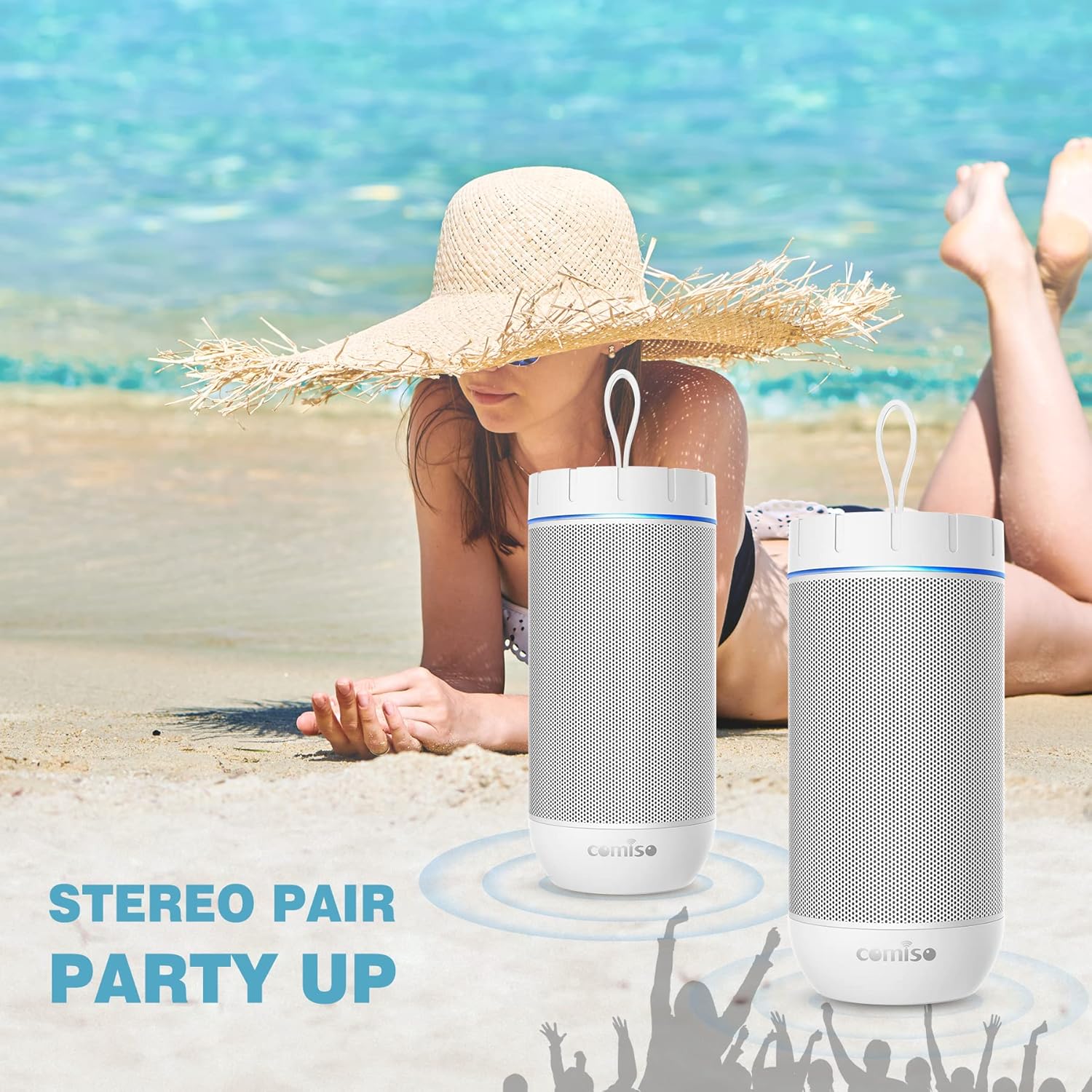
Image 4.2: Two Comiso X26 Speakers in TWS Pairing Mode
4.3 Аудио ойнотуу
- Ойнотуу/тындыруу: Play/Pause баскычын басыңыз.
- Үнүн жогорулатуу/төмөндөтүү: Үндү жогорулатуу (+) же үндү азайтуу (-) баскычтарын басыңыз.
- Кийинки трек: Үндү жогорулатуу (+) баскычын басып, кармап туруңуз.
- Мурунку трек: Үндү азайтуу (-) баскычын басып, кармап туруңуз.
4.4 Hands-Free чалуу
When connected to your smartphone via Bluetooth, the built-in microphone allows for hands-free calls.
- Чакырууга жооп берүү: Play/Pause баскычын бир жолу басыңыз.
- Чакырууну аяктоо: Чалуу учурунда Play/Pause баскычын бир жолу басыңыз.
- Чакырууну четке кагуу: Play/Pause баскычын басып, кармап туруңуз.

Image 4.3: Hands-Free Calling Feature
5. Техникалык тейлөө
5.1 Тазалоо
The comiso X26 speaker is IPX4 waterproof, meaning it is resistant to splashing water from any direction. To clean the speaker, gently wipe it with a soft, damp cloth. Do not use harsh chemicals or abrasive cleaners. Ensure the charging port cover is securely closed before exposing the speaker to water.
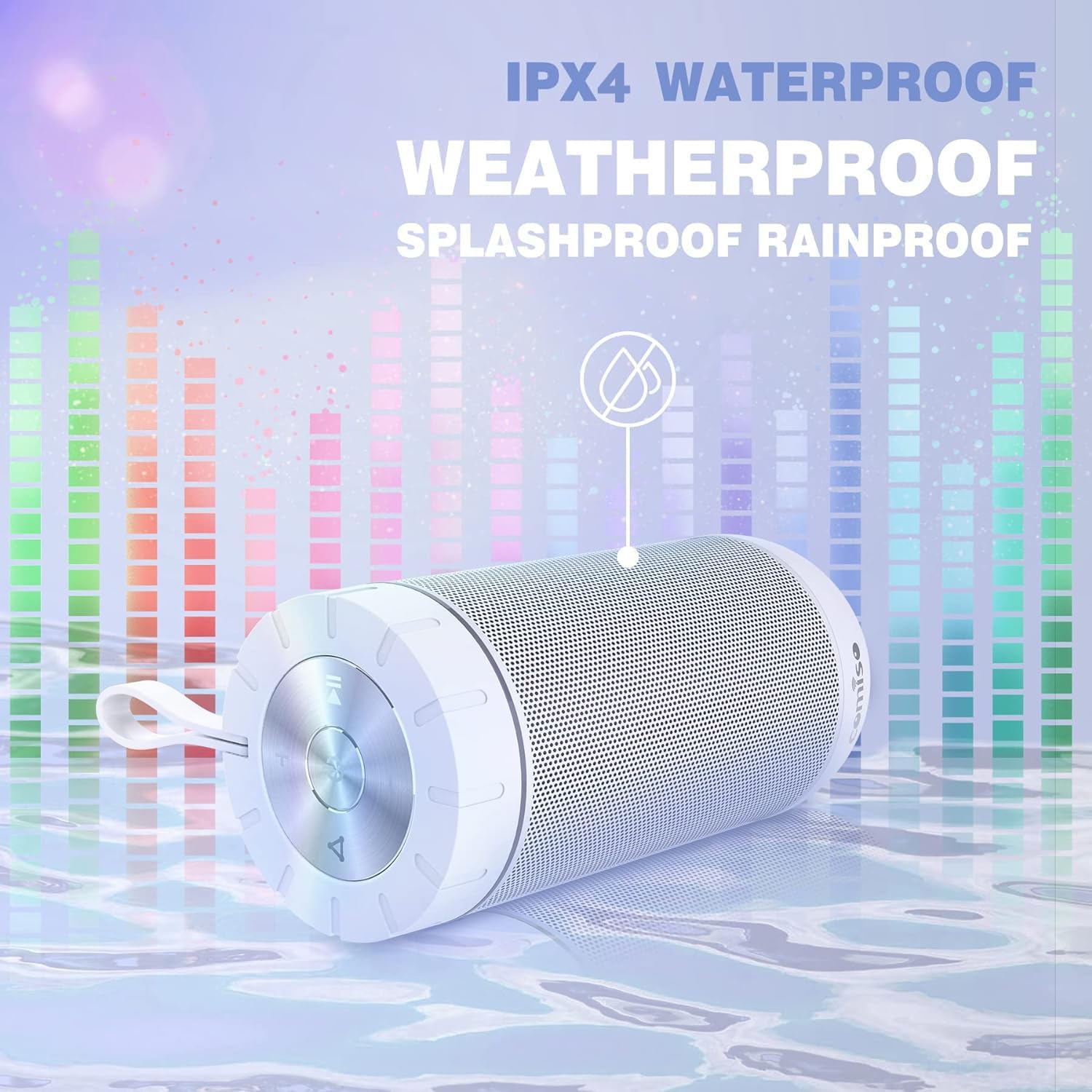
Image 5.1: IPX4 Waterproof Feature
5.2 Батареяга кам көрүү
- Батареяны бат-баттан толук кубаттап калуудан алыс болуңуз.
- Батареянын иштөө мөөнөтүн сактоо үчүн, колдонулбаса дагы, динамикти үзгүлтүксүз кубаттап туруңуз.
- Динамикти узак убакытка колдонбогондо салкын, кургак жерде сактаңыз.
6. Кыйынчылыктарды
| Көйгөй | Мүмкүн себеп | Чечим |
|---|---|---|
| Динамик күйбөйт. | Батарея аз. | Динамикти толук заряддаңыз. |
| Bluetooth аркылуу жупташтыруу мүмкүн эмес. | Динамик жупташтыруу режиминде эмес; түзмөк Bluetooth өчүк; спикерден өтө алыс. | Ensure speaker is in pairing mode (flashing indicator light). Turn on Bluetooth on your device. Move device closer to speaker (within 10m). |
| Үн жок. | Үн өтө төмөн; динамик туташкан эмес; аудио булагы маселеси. | Increase speaker and device volume. Re-pair Bluetooth. Check audio source playback. |
| TWS жупташтыруу ишке ашпай калды. | Speakers already connected to another device. | Disconnect both speakers from any other Bluetooth devices before initiating TWS pairing. |
| Speaker unresponsive. | Программанын катасы. | Use a small pin to press the Reset button located near the charging port. |
7. Техникалык шарттар
| Өзгөчөлүк | Спецификация |
|---|---|
| Модель аты | X26 |
| Бренд | comiso |
| Байланыш технологиясы | Bluetooth 5.0 |
| Bluetooth диапазону | 10 метрге чейин (33 фут) |
| Динамик түрү | Surround Sound |
| Аудио чыгаруу режими | Стерео |
| Динамиктин максималдуу чыгаруу күчү | 20 Ватт |
| Сууга туруктуулук деңгээли | IPX4 (чачууга каршы) |
| Батарея сыйымдуулугу | 2200 мАч |
| Оюн убактысы | 24 саатка чейин (орточо көлөмдө) |
| Заряддоо убактысы | Болжол менен 6 саат |
| Продукциянын өлчөмдөрү | 2.7"D x 2.7"W x 5.9"H |
| Элемент Салмагы | 13.6 унция |
| Өзгөчө өзгөчөлүк | Built-in Microphone, True Wireless Stereo (TWS) |
8. Кепилдик жана колдоо
8.1 Кепилдик маалыматы
The comiso X26 Bluetooth Speaker comes with a limited warranty. For specific details regarding warranty coverage, terms, and conditions, please refer to the warranty card included with your product or contact comiso customer support directly.
8.2 Кардарларды колдоо
If you encounter any issues or have questions not covered in this manual, please contact comiso customer support. Contact information can typically be found on the official comiso webсайтында же продуктунун таңгагында.