
Introduction
This manual provides detailed instructions for the setup, operation, and maintenance of your Youshiko YK YC8025-B Radio Controlled Wall Clock. This clock is designed for precise timekeeping, automatically adjusting for seasonal changes and receiving time signals specific to the UK and Ireland (MSF).
The clock features a large LCD display showing time in 12/24 hour format, date, month, day of the week, indoor temperature (Celsius or Fahrenheit), and moon phase. It also includes an alarm with a snooze function.

1-сүрөт: Фронт view of the Youshiko YK YC8025-B Radio Controlled Wall Clock. The large LCD screen displays the current time, date, day of the week, indoor temperature, and moon phase.
Жайгашуу
1. Батареяны орнотуу
- Сааттын артындагы батарея бөлүкчөсүнүн капкагын табыңыз.
- Капкакты алып салыңыз.
- Insert the required batteries (not included) according to the polarity markings (+ and -) inside the compartment.
- Батарея бөлүгүнүн капкагын ордуна коюңуз.

2-сүрөт: Арткы view of the clock, showing the battery compartment and control buttons (SET, ALARM, UP, DOWN, SNOOZE, WAVE).
2. Initial Signal Reception
After battery installation, the clock will automatically begin searching for the radio time signal. This clock is designed for the UK and Ireland (MSF signal).
- Place the clock near a window or in an open area to optimize signal reception.
- The signal reception icon (often a tower with waves) on the display will flash during the search.
- Once the signal is successfully received, the clock will automatically set the correct time, date, and day, and the signal icon will become solid. This process may take several minutes.
Note: For optimal signal reception, avoid placing the clock near electronic devices that may cause interference.
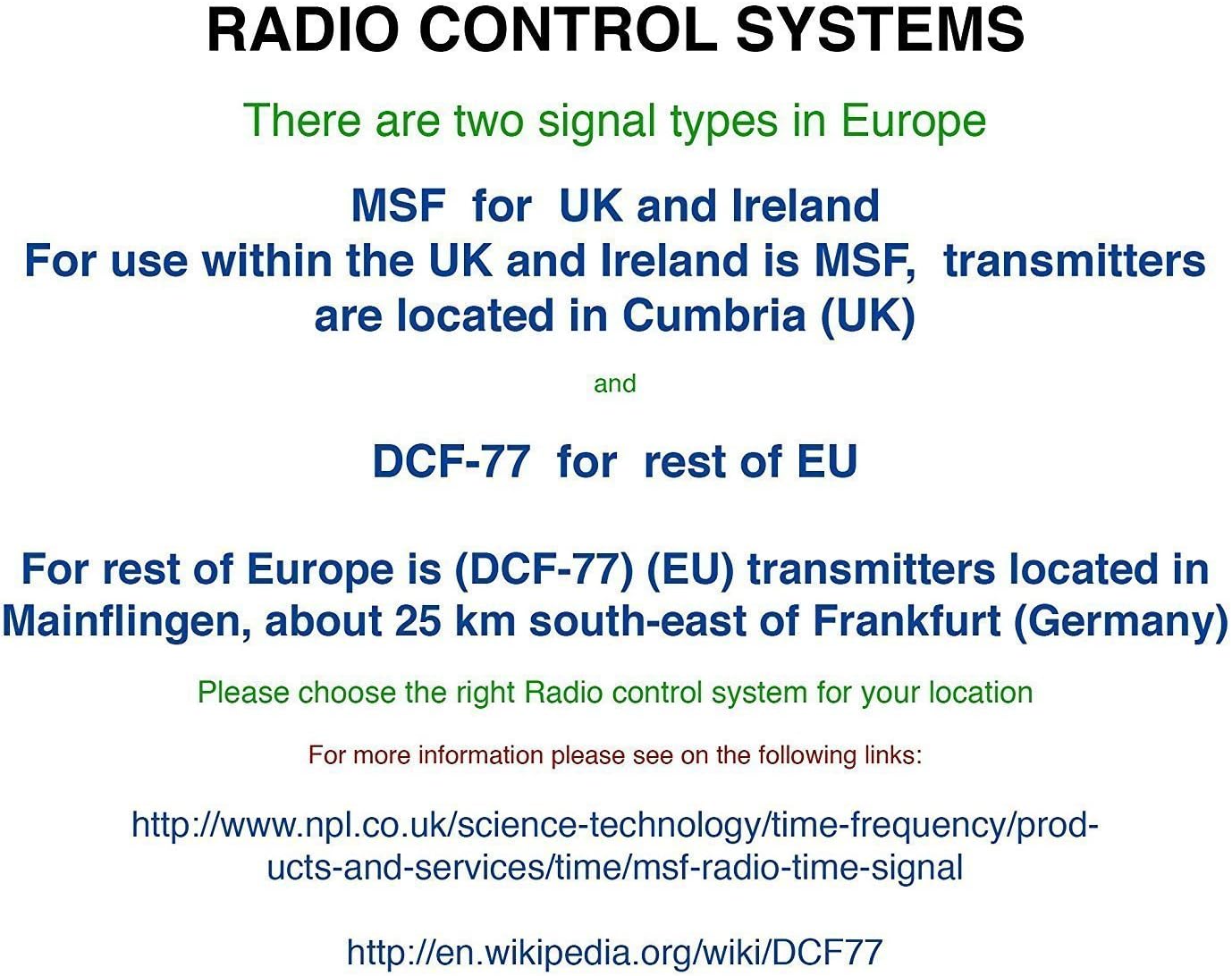
3-сүрөт: Explanation of radio control systems. The Youshiko YK YC8025-B uses the MSF signal for the UK and Ireland.
Иштөө нускамалары
1. Маалыматты көрсөтүү
The large LCD display provides the following information:
- Убакыт: Current time in 12-hour (with AM/PM indicator) or 24-hour format.
- Дата: Күн жана ай.
- Аптанын күнү: Күндүн кыскартылган аталышы.
- Ички температура: Measured in Celsius (°C) or Fahrenheit (°F).
- Ай фазасы: Айдын учурдагы фазасынын графикалык чагылдырылышы.
- Сигнал сөлөкөтү: Indicates radio signal reception status.
- Ойготкуч сүрөтчөсү: Сигнализация иштеп турганын көрсөтөт.
2. Убакытты жана датаны кол менен орнотуу (зарыл болсо)
While the clock is radio-controlled, manual adjustments may be necessary in certain situations (e.g., outside signal range).
- басып, кармап туруңуз SET дисплей күйүп баштаганга чейин баскычты басыңыз.
- колдонуу UP or ылдый жаркылдаган маанини тууралоо үчүн баскычтарды басыңыз (мисалы, саат, мүнөт, жыл, ай, күн).
- Басыңыз SET again to confirm the setting and move to the next adjustable item.
- Repeat until all desired settings are configured. The clock will exit setup mode automatically after a period of inactivity or by pressing SET repeatedly until the normal display returns.
3. 12/24 Hour Format and Temperature Unit
- 12 сааттык жана 24 сааттык убакыт форматына которулуу үчүн, басыңыз UP Кадимки убакытты көрсөтүү учурунда баскычын басыңыз.
- Температураны көрсөтүү үчүн Цельсий (°C) жана Фаренгейт (°F) ортосунда которулуу үчүн, басыңыз ылдый Кадимки убакытты көрсөтүү учурунда баскычын басыңыз.
4. Alarm Setting and Snooze
- басыңыз АЛАРМ Учурдагы ойготкучтун убактысын көрсөтүү үчүн баскычты бир жолу басыңыз.
- басып, кармап туруңуз АЛАРМ ойготкуч убактысы жарк этип баштаганга чейин баскычты басыңыз.
- колдонуу UP or ылдый buttons to adjust the alarm hour and then the alarm minute.
- Басыңыз АЛАРМ again to confirm and activate the alarm. The alarm icon will appear on the display.
- Ойготкуч басылганда, басыңыз СОЮЗ Аны убактылуу өчүрүү үчүн баскычын басыңыз. Ойготкуч бир нече мүнөттөн кийин кайрадан чырылдайт.
- To turn off the alarm completely, press any other button (e.g., АЛАРМ, SET) when it is sounding or when the snooze is active.
5. Manual Signal Search
If the clock fails to receive the radio signal automatically, you can initiate a manual search.
- басыңыз WAVE баскычы.
- The signal icon will flash, indicating the clock is searching for the radio signal.
- Allow several minutes for the clock to attempt synchronization.
Техникалык тейлөө
1. Батареяны алмаштыруу
Дисплей күңүрт болуп калганда же саат иштебей калганда, батареяларды алмаштырууга убакыт келди.
- Сааттын артындагы батарея отсегин ачыңыз.
- Эски батарейкаларды алып салыңыз.
- Туура полярдуулукту камсыз кылуу менен жаңы батарейкаларды салыңыз.
- Close the battery compartment. The clock will then attempt to re-synchronize with the radio signal.
2. Тазалоо
- Сааттын бетин жумшак, кургак чүпүрөк менен сүртүңүз.
- Do not use abrasive cleaners or chemical solvents, as these can damage the display or casing.
Проблемаларды чечүү
- No Time Display / Incorrect Time:
- Батареялардын туура орнотулганын жана түгөнүп калбагандыгын текшериңиз. Керек болсо алмаштырыңыз.
- Check signal reception. Move the clock to a location with better reception, away from electronic interference.
- Initiate a manual signal search by pressing the WAVE баскычы.
- Verify that you are within the MSF signal range (UK and Ireland).
- Күңүрт дисплей:
- Батареяларды жаңыларына алмаштырыңыз.
- Ойготкуч угулбайт:
- Ойготкучтун иштетилгенин текшериңиз (дисплейде сигналдын сөлөкөтү көрүнүп турат).
- Check that the alarm time is set correctly.
Техникалык шарттар
| Бренд | Youshiko |
| Модель номери | YK YC8025-B |
| Түс | Кара |
| Өлчөмдөрү (L x W x Y) | 23 x 16 x 3 см |
| Салмагы | 30 грамм |
| Материал | Пластик, айнек |
| Дисплей түрү | Санарип |
| Өзгөчөлүктөр | Temperature Display, Alarm, Moon Phase, Radio Controlled |
| Power Source | Батарея менен иштейт (Батареялар камтылган эмес) |

4-сүрөт: Dimensions of the Youshiko YK YC8025-B Radio Controlled Wall Clock.