
Introduction
This manual provides instructions for the Bestron Crazy Croc Electric Toothbrush Replacement Heads, model DSA5555A. These colorful replacement brush heads are designed to be compatible with Bestron electric children's toothbrushes (DSA3500B, DSA3500A, DSA3500P).
Each set includes two replacement brush heads, one green and one purple, making them ideal for siblings or for distinguishing between heads. The round brush heads, with a diameter of 1.2 cm, feature soft bristles engineered for gentle yet effective cleaning, plaque removal, and mild gum massage.

Image: Two Bestron Crazy Croc replacement brush heads, green and purple.
Setup and Replacement
Replacing the brush heads is a quick and straightforward process, ensuring continuous oral hygiene for your child.
- Remove the old brush head: Gently pull the existing brush head straight off the handle of the Bestron electric toothbrush.
- Attach the new brush head: Align the new replacement brush head with the shaft of the toothbrush handle. Push the new head firmly onto the shaft until it clicks securely into place.
Ensure the brush head is securely attached before use to prevent it from detaching during brushing.
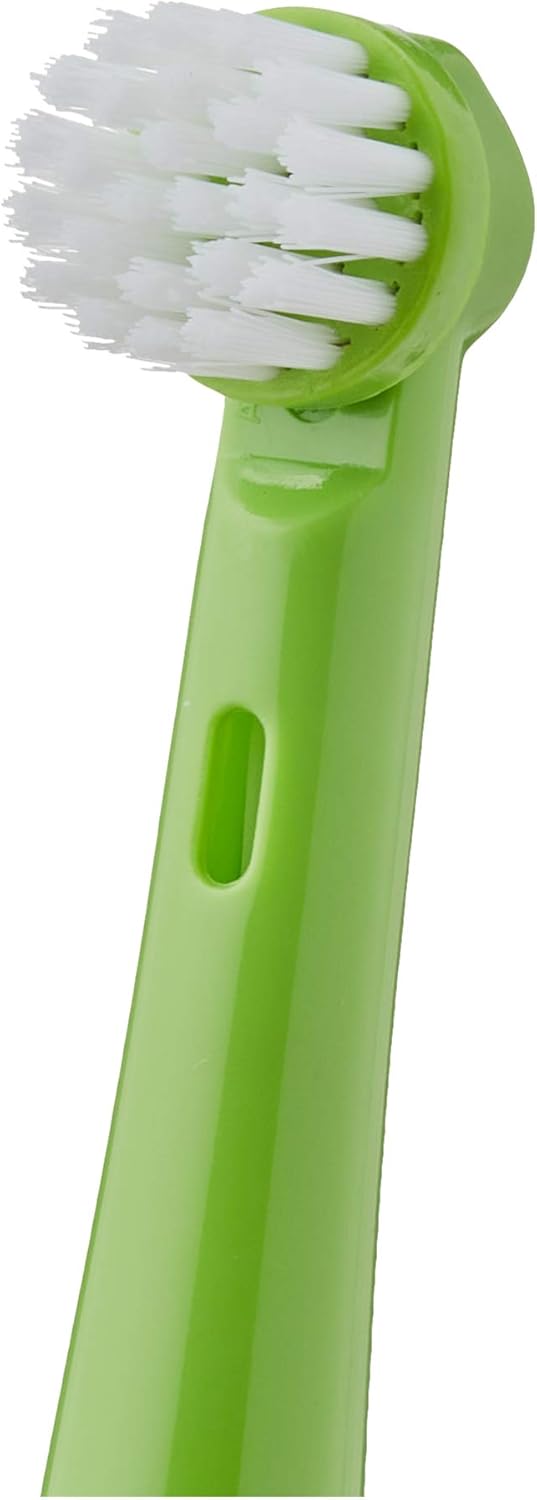
Image: Close-up of a green replacement brush head, highlighting the bristles and attachment point.
Иштөө нускамалары
These replacement brush heads are designed for use with Bestron electric children's toothbrushes. Follow the operating instructions provided with your Bestron electric toothbrush for proper use.
- Тиш пастасын бир аз түкчөлөргө сүйкөңүз.
- Guide the brush head gently over each tooth surface.
- Allow the electric toothbrush to do the work, moving the brush head slowly from tooth to tooth.
- The soft bristles provide gentle cleaning, effective plaque removal, and mild gum massage.
Техникалык тейлөө
Колдонгондон кийин тазалоо
After each brushing session, rinse the brush head thoroughly under running water to remove any toothpaste residue and debris. Allow it to air dry.
Качан алмаштыруу керек
For optimal oral hygiene and cleaning performance, it is recommended to replace the brush head every three months, or sooner if the bristles appear worn or frayed. Worn bristles are less effective at cleaning and can potentially harm gums.
Проблемаларды чечүү
These replacement brush heads are passive components. If you experience issues such as the brush head not attaching correctly or poor cleaning performance, please ensure the brush head is properly seated on the toothbrush handle. If problems persist, refer to the troubleshooting section of your Bestron electric toothbrush manual or contact Bestron customer support.
Техникалык шарттар
| Өзгөчөлүк | Деталь |
|---|---|
| Бренд | Bestron |
| Модель аты | Bestron DSA5555 A Toothbrush Heads |
| Элемент номери | DSA5555A |
| Түс | Green/Purple (Crazy Croc) |
| Материал | Пластик |
| Жаш аралыгы (сүрөттөө) | бойго жеткен (Note: Product is for children's toothbrushes, 'Adult' may refer to the purchaser) |
| Даана саны | 2 |
| Элемент Салмагы | 10 грамм |
| Пакеттин өлчөмдөрү | 9 x 7.8 x 1.2 см |

Image: Packaging of Bestron Crazy Croc replacement brush heads, illustrating the size.
Кепилдик жана колдоо
Specific warranty information for the Bestron Crazy Croc Electric Toothbrush Replacement Heads (DSA5555A) is not provided in this manual. For warranty details, please refer to the documentation included with your Bestron electric toothbrush or visit the official Bestron website. For customer support, please contact Bestron directly through their official channels.