
Zerone H980
Zerone Mini Portable LED Projector User Manual
Модели: H980
Introduction
Сатып алганыңыз үчүн рахматasing the Zerone Mini Portable LED Projector. This compact and versatile projector is designed to provide an immersive home theater experience, allowing you to enjoy movies, videos, and games in a dark environment, whether at home or outdoors. With its multiple input interfaces and long-life LED light source, it offers a convenient and environmentally friendly solution for your entertainment needs.
This manual provides essential information on setting up, operating, and maintaining your projector to ensure optimal performance and longevity. Please read it thoroughly before use and keep it for future reference.
Пакеттин мазмуну
Пакетти ачкандан кийин, төмөндө көрсөтүлгөн нерселердин бардыгы бар экенин жана жакшы абалда экендигин текшериңиз:
- 1 x Zerone Mini Portable LED Projector
- 1 x Remote Control (батареялар кошулган эмес)
- 1 x Кубат адаптери (АКШ сайгычы)
- 1 х AV Cable
- 1 х Колдонуучунун колдонмосу (бул документ)

Figure 1: Zerone Mini Portable LED Projector and its accessories. The image shows the compact white and yellow projector, a black remote control, a black power adapter with a US plug, and a black AV cable with red, white, and yellow connectors.
Продукт бүттүview
The Zerone Mini Portable LED Projector is designed for ease of use and portability. It features a compact form factor, making it suitable for various environments. Below is an overview анын негизги компоненттери жана өзгөчөлүктөрү жөнүндө.

2-сүрөт: жогорудан ылдыйга view of the projector's input and control panel. Visible ports include MicroSD, AV, and a 3.5mm earphone port. Control buttons are also visible on the top surface.
Негизги өзгөчөлүктөрү:
- 1500lm High Brightness: Delivers clear and vibrant images.
- Түпкү резолюция: 320 x 240P, supporting up to 1080P HD input.
- Long-Life LED Light Source: 30,000 hours of operation, environmentally friendly.
- Multiple Input Interfaces: HDMI, USB, AV, VGA, Micro Secure Digital, 3.5mm Earphone Port.
- Портативдик дизайн: Small and lightweight for easy transport.

Figure 3: Connectivity options for the projector. This diagram illustrates how various devices such as laptops, desktop PCs, U disks/TF cards, DVD/VCD players, game consoles, TV boxes, and HDMI players can connect to the projector via its HDMI, AV, USB, VGA, and Micro SD inputs.
Жайгашуу
1. Кубат туташуу:
- Connect the provided power adapter to the "DC IN" port on the projector.
- Кубат адаптерин стандарттуу электр розеткасына сайыңыз.
- Проектордогу кубат индикаторунун жарыгы күйөт.
2. Positioning the Projector:
Place the projector on a stable, flat surface. Ensure there is adequate ventilation around the unit to prevent overheating. The ideal projection distance ranges from 1.0 to 2.8 meters (approximately 3.3 to 9.2 feet) to achieve a screen size of 24 to 60 inches.
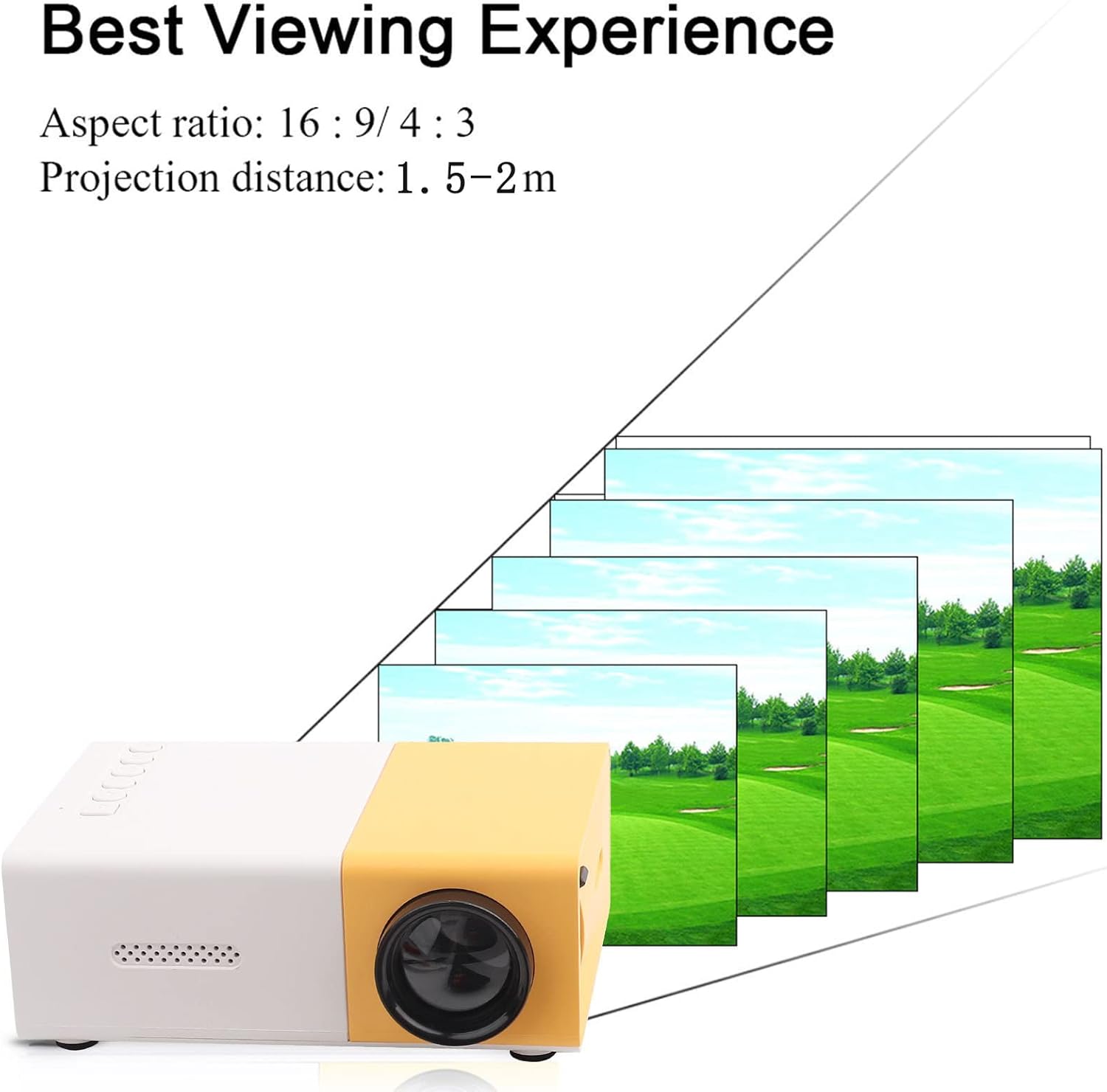
4-сүрөт: Эң жакшы Viewing Experience. This image shows the projector projecting onto a screen, with text indicating an aspect ratio of 16:9/4:3 and a projection distance of 1.0-2.8m. It visually represents how the image size changes with distance.
3. Киргизүү түзмөктөрүн туташтыруу:
Connect your desired media device (e.g., laptop, TV box, game console, USB drive) to the appropriate port on the projector:
- HDMI: Жогорку сапаттагы видео жана аудио үчүн.
- USB: Медиа ойнотуу үчүн fileтүздөн-түз USB флэш-дискинен.
- OF: For connecting devices using the included AV cable (e.g., older DVD players).
- VGA: For connecting computers.
- Micro Secure Digital (MicroSD): Медиа ойнотуу үчүн fileтүздөн-түз MicroSD картасынан.
- 3.5 мм кулакчын порту: Тышкы кулакчындарды же динамиктерди туташтыруу үчүн.
Иштөө нускамалары
1. Күйгүзүү/өчүрүү:
Проектордун же пульттун кубат баскычын басып, блокту күйгүзүңүз же өчүрүңүз.
2. Focusing the Image:
The projector features manual focusing. Rotate the focus ring on the lens until the projected image appears clear and sharp on the screen.
3. Selecting Input Source:
Use the "Source" button on the projector or remote control to cycle through the available input sources (HDMI, USB, AV, VGA, MicroSD) until your connected device's content is displayed.
4. Adjusting Aspect Ratio:
The projector supports aspect ratios of 16:9 and 4:3. You can adjust this setting via the projector's menu or remote control to best suit your content.
5. Медиа ойнотуу:
When playing media from USB or MicroSD, navigate through files using the remote control's directional buttons and "OK" button. The projector supports a wide range of formats:
- Аудио Files: MP3, WMA, OGG, AAG, FLAC, APE, WAV
- Сүрөт Files: JPEG, BMP, PNG
- Video Files: Supports Full Format Files
- Текст Files: TXT
Техникалык тейлөө
1. Линзаны тазалоо:
Проектордун линзасын акырын сүртүү үчүн атайын оптикалык линзалар үчүн жасалган жумшак, түксүз кездемени колдонуңуз. Абразивдүү тазалагычтарды же ашыкча күч колдонуудан качыңыз, анткени бул линзаны чийип алышы мүмкүн.
2. Cleaning the Projector Body:
Проектордун сыртын жумшак, кургак чүпүрөк менен сүртүңүз. Суюк тазалагычтарды же эриткичтерди колдонбоңуз.
3. Вентиляция:
Ensure that the ventilation vents on the projector are not blocked. Proper airflow is crucial to prevent overheating and maintain the lifespan of the LED light source.
4. Сактоо:
Узак мөөнөткө колдонулбаганда, проекторду салкын, кургак жерде, тике күндүн нурунан жана ашыкча чаңдан алыс сактаңыз. Оригиналдуу таңгагын же коргоочу капты колдонуу сунушталат.
Проблемаларды чечүү
| Көйгөй | Мүмкүн себеп | Чечим |
|---|---|---|
| Эч кандай сүрөт проекцияланган эмес. |
|
|
| Сүрөт бүдөмүк. |
|
|
| Үн жок. |
|
|
| Проектор ысып кетет же өчүп калат. |
|
|
Техникалык шарттар
| Өзгөчөлүк | Деталь |
|---|---|
| Жарык булагы | LED, 30,000 hours lifespan |
| Native Resolution | 320 x 240P |
| Жарыктык | 1500лм |
| Контраст катышы | 800:1 |
| Фокустоо режими | Кол менен Фокустоо |
| Көрсөтүлүүчү Түстөр | 1.67M |
| Аспект катышы | 16:9 / 4:3 |
| Проекциялык аралык | 1.0 - 2.8м |
| Проекциялык экрандын өлчөмү | 24 - 60 дюйм |
| Киргизүү күчү | DC12V-2A |
| Өлчөмдөр | Болжол менен 127 x 81.5 x 48.5 мм (5 x 3.2 x 1.9 дюйм) |
| Салмагы | Approx. 500g (1.1 pounds) |
| Interfaces | 1 x HDMI, 1 x USB, 1 x AV, 1 x VGA, 1 x Micro Secure Digital, 1 x 3.5mm Earphone Port |
Кепилдик жана колдоо
For warranty information and technical support, please refer to the purchase documentation or contact your retailer. Keep your proof of purchase for any warranty claims.
For further assistance, you may also visit the official Zerone store on Amazon: Zerone Store.
Ask a question about this manual
Ask about setup, troubleshooting, compatibility, parts, safety, or missing instructions. Manuals+ will review the question and use this page’s manual context to help answer it.