
1. Киришүү
Сатып алганыңыз үчүн рахматasing the Jam HX-P202 Chill Out Bluetooth Speaker. This manual provides essential information for setting up, operating, and maintaining your speaker. Please read these instructions carefully before use to ensure optimal performance and longevity of your device.
The Jam Chill Out speaker is designed for portability and durability, featuring a compact design, Bluetooth connectivity, and water and dust resistance, making it suitable for various environments.
2. Продукт бүтүп калдыview жана өзгөчөлүктөрү
The Jam HX-P202 Chill Out speaker offers a range of features for an enhanced audio experience:
- Bluetooth байланышы: Easily connect your device wirelessly within a 100 ft (30 m) range.
- Интеграцияланган USB кабели: A convenient built-in charging cable ensures you always have a way to power your speaker.
- Mono Speaker: Despite its compact size, the 3W driver with passive radiator delivers clear sound.
- Water and Dust Proof (IP67): Designed to withstand dirt and submersion in water up to one meter for 30 minutes.
- 8 саатка чейин ойноо убактысы: Enjoy extended listening sessions on a single charge.
- Динамик функциясы: Answer calls directly through the speaker without disconnecting your phone. The music pauses automatically for incoming calls and resumes when the call ends.

Bluetooth шайкеш: Connect wirelessly up to 100 ft (30 m).

Water & Dust Proof (IP67): Built for durability in various conditions.

Динамик: Answer calls directly through the speaker.

Интеграцияланган USB кабели: Convenient built-in charging solution.
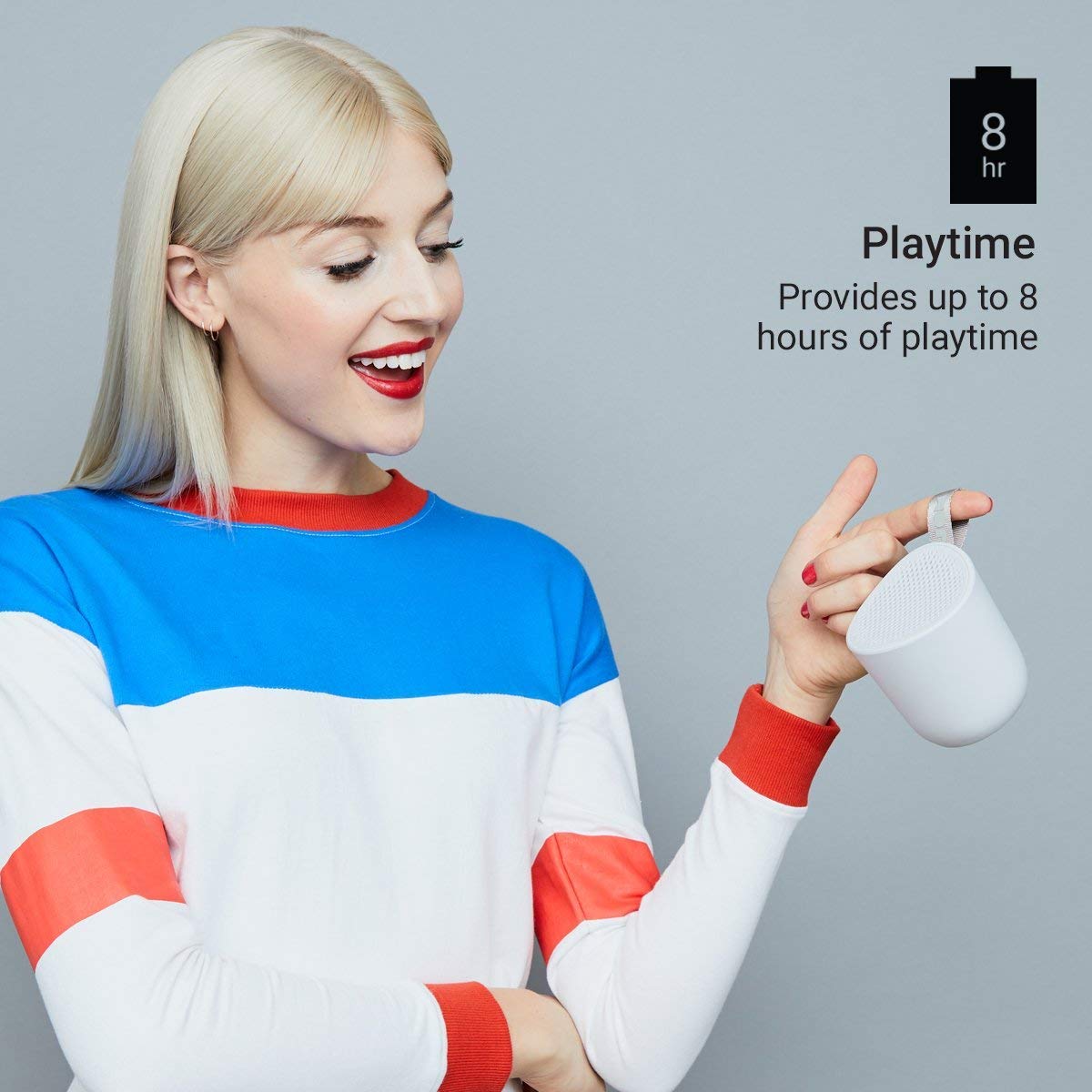
8 саатка чейин ойноо убактысы: Enjoy music for longer periods.
3. Орнотуу
3.1 Динамикти заряддоо
- Locate the integrated USB charging cable on your Jam Chill Out speaker.
- Plug the USB end of the cable into a powered USB port (e.g., computer, USB wall adapter).
- Кубатталып жаткандыгын көрсөткөн индикатор күйөт. Толук заряддалгандан кийин, жарык өзгөрөт же өчөт (кененирээк маалымат алуу үчүн LED индикатор бөлүмүн караңыз).
- Толук кубаттоо адатта 2 сааттан аз убакытты алат.
3.2 Күйгүзүү/өчүрүү
- Күйгүзүү үчүн: Press and hold the power button (usually marked with a circle or power symbol) for a few seconds until you hear an audible tone or see the LED indicator light up.
- Өчүрүү үчүн: Press and hold the power button again for a few seconds until you hear an audible tone or the LED indicator turns off.
3.3 Bluetooth жупташтыруу
- Ensure the speaker is powered on and within close proximity to your Bluetooth-enabled device (e.g., smartphone, tablet).
- The speaker will automatically enter pairing mode, indicated by a flashing LED light (typically blue).
- Түзмөгүңүздө Bluetooth жөндөөлөрүнө өтүп, Bluetooth'ду иштетиңиз.
- Издөө available devices. You should see "Jam Chill Out" or a similar name appear in the list.
- Жупташтыруу үчүн тизмеден динамикти тандаңыз.
- Once successfully paired, the speaker will emit an audible confirmation tone, and the LED light will become solid blue.
- If pairing fails, power off the speaker and your device, then repeat the steps.
4. Иштөө нускамалары
4.1 Музыка ойнотуу
- After successful Bluetooth pairing, open your preferred music application on your connected device.
- Select and play your desired audio. The sound will be streamed through the Jam Chill Out speaker.
- Use the volume controls on your connected device or the speaker's physical buttons (if available) to adjust the playback volume.
4.2 Спикерфондун иштеши
- When an incoming call is received on your paired device, the music playback will automatically pause, and the speaker will ring.
- Press the designated call answer button (often the play/pause button or a specific phone icon button) on the speaker to answer the call.
- Speak into the speaker for hands-free communication.
- To end the call, press the call answer button again. Music playback will resume automatically.
- To make a call, initiate dialing from your phone; the speaker will automatically switch to hands-free mode.
5. Техникалык тейлөө
5.1 Тазалоо
- Тазалоодон мурун, динамиктин өчүрүлгөнүн жана башка кубаттоо булактарынан ажыратылганын текшериңиз.
- Динамиктин сыртын жумшак, d менен сүртүңүзamp cloth. Do not use harsh chemicals, cleaning solvents, or abrasive cleaners.
- Ensure all ports are dry before charging or using the speaker after cleaning.
5.2 Суу жана чаңга туруктуулук (IP67)
- The speaker is rated IP67, meaning it is dirt-proof and can be submerged in water up to one meter for 30 minutes.
- Always ensure the charging port cover is securely closed before exposing the speaker to water or dust.
- After exposure to water, gently shake off excess water and allow the speaker to air dry completely before charging or opening any port covers.
- Динамикти атайылап узак убакытка же белгиленген тереңдиктен ашпаңыз.
5.3 Батареяга кам көрүү
- To preserve battery life, avoid fully discharging the speaker frequently.
- If storing the speaker for an extended period, charge it to approximately 50% and store it in a cool, dry place. Recharge every few months to prevent deep discharge.
- Динамикти экстремалдык температурага дуушар кылбаңыз.
6. Кыйынчылыктарды
If you encounter issues with your Jam Chill Out speaker, refer to the following common solutions:
| Көйгөй | Мүмкүн чечим |
|---|---|
| Динамик күйбөйт. | Ensure the battery is charged. Connect the integrated USB cable to a power source and allow it to charge for at least 15 minutes before attempting to power on again. |
| Bluetooth түзмөгү менен жупташтыруу мүмкүн эмес. | Ensure the speaker is in pairing mode (flashing blue LED). Turn off and on your device's Bluetooth. Move the speaker closer to your device. Forget the speaker from your device's Bluetooth list and try pairing again. |
| Үн жок же үнү төмөн. | Check the volume levels on both the speaker and your connected device. Ensure the speaker is properly paired and connected. Try playing a different audio source. |
| Үндүн бузулушу. | Reduce the volume on both the speaker and your device. Ensure the speaker is not too far from your device, causing signal interference. |
| Динамик иштебей жатат. | Ensure the speaker is paired and connected to your phone. Check your phone's call audio routing settings to ensure audio is directed to the Bluetooth speaker. |
Эгерде бул кадамдар маселени чечпесе, кошумча жардам алуу үчүн Кепилдик жана колдоо бөлүмүнө кайрылыңыз.
7. Техникалык шарттар
| Спецификация | Деталь |
|---|---|
| Бренд | Jam Audio |
| Модель номери | HX-P202-GY |
| Байланыш технологиясы | Bluetooth, USB |
| Зымсыз технология түрү | Bluetooth |
| Аудио чыгаруу режими | Моно |
| Динамик түрү | Сыртта |
| Продукт өзгөчөлүктөрү | Bluetooth, зымсыз |
| Башкаруу ыкмасы | Баскыч, Баскыч |
| Түс | Боз |
| Батареянын орточо иштөө мөөнөтү | 8 саат |
| Сууга туруктуулук деңгээли | Суу өткөрбөйт (IP67) |
| Элемент Салмагы | 294 грамм |
| Шайкеш түзмөктөр | Смартфон, Планшет |
| Power Source | Батарея менен иштейт (1 литий-иондук батарейка камтылган) |
8. Кепилдик жана колдоо
8.1 Кепилдик маалыматы
The Jam HX-P202 Chill Out Bluetooth Speaker comes with a 1 жылдык кепилдик сатып алынган күндөн тартып даярдоочу тарабынан берилет. Кепилдик дооматтары үчүн сатып алганыңыздын далилин сактап коюңуз.
8.2 Кардарларды колдоо
For further assistance, technical support, or warranty inquiries, please contact Jam Audio customer service through their official webпродукт сатылып алынган сайт же сатуучу.