
Introduction
Thank you for choosing the Riwbox CT-7S Kids Wireless Headphones. These headphones are designed with children in mind, featuring a fun cat-ear design with LED lights, 85dB volume limiting for hearing protection, and versatile wired/wireless connectivity. This manual provides detailed instructions to help you get the most out of your new headphones.
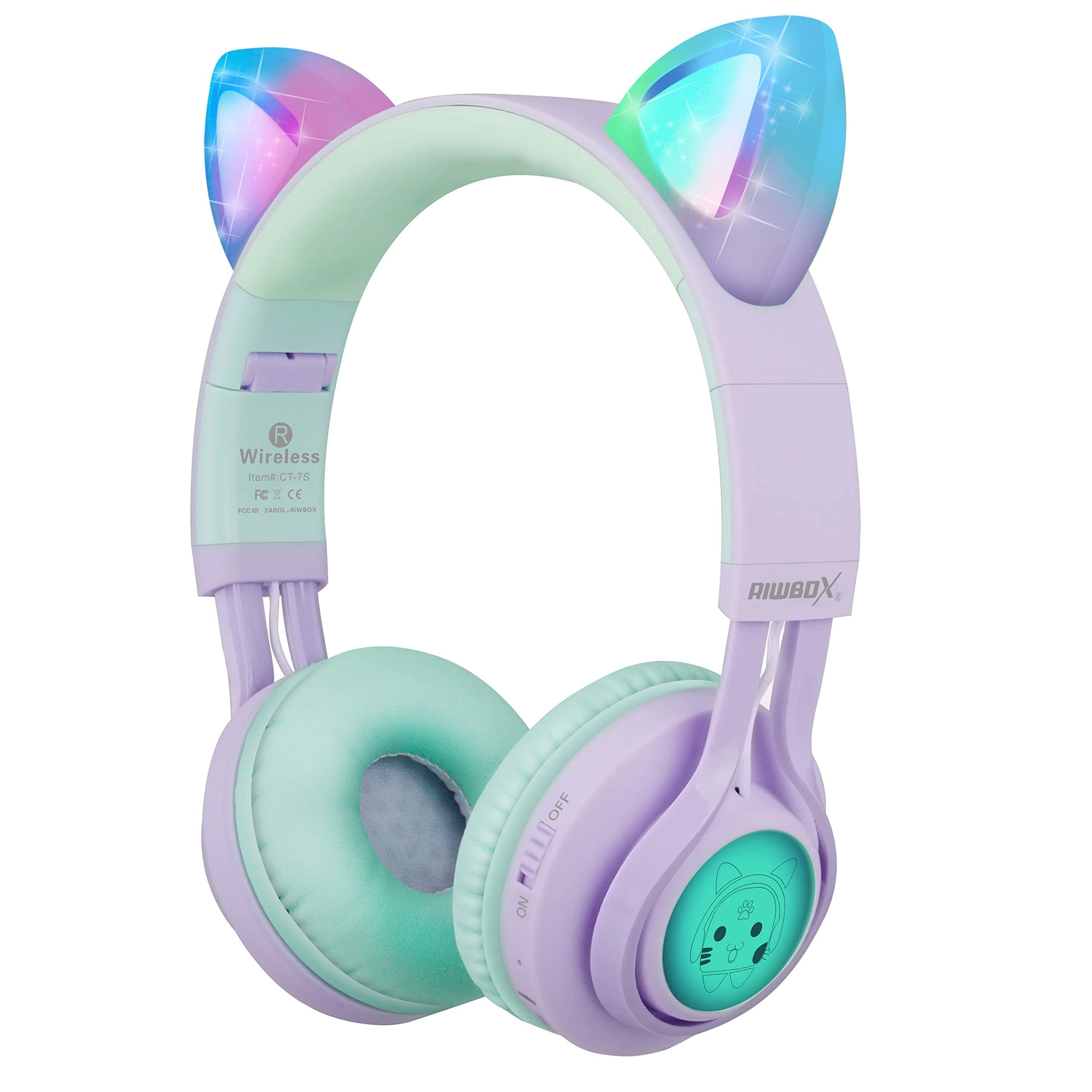
Image: Riwbox CT-7S Kids Wireless Headphones in purple and green, showcasing the cat-ear design and soft earcups.
Кутуда эмне бар
- Volume limiting cat ear headphones (Wireless)
- 3.5mm Anti-Tangle Audio Cable with Mic
- USB-C заряддоо кабели
- User Manual

Image: The included 3.5mm audio cable and USB-C charging cable.
Жайгашуу
1. Наушниктерди заряддоо
Before first use, fully charge the headphones. Connect the provided USB-C charging cable to the charging port on the headphone and the other end to a USB power source (e.g., computer, wall adapter). The LED indicator will show charging status. A full charge takes approximately 2 hours and provides up to 40 hours of playback.
2. Күйгүзүү / Өчүрүү
Locate the ON/OFF switch on the side of the headphone. Slide the switch to the "ON" position to power on. Slide to "OFF" to power off.
3. Bluetooth Жупташтыруу
- Наушниктердин өчүрүлгөнүн текшериңиз.
- Slide the ON/OFF switch to the "ON" position. The headphones will automatically enter pairing mode, and the LED indicator will flash.
- Түзмөгүңүздө (смартфон, планшет, ноутбук) Bluetooth иштетиңиз жана жеткиликтүү түзмөктөрдү издеңиз.
- Select "CT-7S" from the list of devices.
- Once paired, the LED indicator will stop flashing and remain solid, and a voice reminder will confirm the connection.
- The connection status and battery level will be shown on your smartphone screen.

Image: Detailed diagram showing the location of the ON/OFF switch, microphone, LED indicator, USB charge port, and 3.5mm audio AUX port on the headphones.
Иштөө нускамалары
1. Wired Mode (Optional)
If the headphone battery runs out, or if you prefer a wired connection, you can use the provided 3.5mm anti-tangle audio cable. Simply plug one end into the headphone's AUX port and the other end into your device's 3.5mm audio jack. The cable includes a built-in microphone for phone calls.
2. Үндү башкаруу
In Bluetooth mode, use the volume control buttons on the headphone to adjust the sound level. The 85dB volume limiting feature ensures safe listening levels for children.
3. Music Playback & Call Management
- Ойнотуу/тындыруу: Play/Pause баскычын кыска басыңыз.
- Кийинки ыр: Үндү жогорулатуу (+) баскычын көпкө басыңыз.
- Мурунку ыр: Үндү азайтуу (-) баскычын көпкө басыңыз.
- Чалууга жооп берүү/аяктоо: Play/Pause баскычын кыска басыңыз.
4. LED жарыгын башкаруу
The cat ears and side panels feature colorful LED lights that can blink and change color with the rhythm of the music. To turn the LED lights ON or OFF, press and hold the 'M' button for 3 seconds. Turning off the LED lights can help conserve battery for longer music playback.

Image: Illustration showing the LED lights on the cat ears and side panels of the headphones.
Техникалык тейлөө
- Наушниктерди жумшак, кургак чүпүрөк менен сүртүп, таза кармаңыз.
- Наушниктерди экстремалдык температурага же тике күн нуруна тийгизүүдөн сактаңыз.
- Наушниктерди колдонбогондо салкын, кургак жерде сактаңыз. Бүктөлүүчү дизайн компакт сактоого мүмкүндүк берет.
- Кулакчындарды өз алдынча бөлүп алууга же оңдоого аракет кылбаңыз, анткени бул кепилдикти жокко чыгарышы мүмкүн.
- Keep away from water. While the product description mentions "Waterproof" in one specification, it's generally safer to avoid direct water exposure for electronic devices.

Image: Riwbox CT-7S headphones shown in their folded position, highlighting portability.
Проблемаларды чечүү
| Көйгөй | Чечим |
|---|---|
| Кулакчындар күйбөйт. | Ensure the headphones are charged. Connect the USB-C charging cable and try again. |
| Bluetooth аркылуу жупташтыруу мүмкүн эмес. |
|
| Зымсыз режимде үн жок. |
|
| Зымдуу режимде үн жок. |
|
| LED жарыктары иштебейт. | Press and hold the 'M' button for 3 seconds to toggle the LED lights on/off. Ensure headphones are charged. |
Техникалык шарттар
| Өзгөчөлүк | Деталь |
|---|---|
| Модель номери | CT-7S |
| Бренд | Riwbox |
| Байланыш технологиясы | Bluetooth, Зымдуу, Зымсыз |
| Bluetooth версиясы | 5.3 |
| Bluetooth диапазону | 50 Фут |
| Аудио драйверинин өлчөмү | 40 миллиметр |
| Сезимталдуулук | 85 dB (Volume Limiting) |
| Frequency Response | 2 KHz |
| Батареяны заряддоо убактысы | 2 саат |
| Батареянын орточо иштөө мөөнөтү | 40 саат |
| Башкаруу түрү | Volume Control, Touch, Button |
| Кулак жайгаштыруу | On Ear |
| Форма фактору | Кулактын үстүнөн, бүктөлүүчү |
| Материал | Пластик |
| Элемент Салмагы | 0.35 фунт |
Кепилдик жана колдоо
Riwbox offers a 1 жылдык кепилдик for products purchased from Amazon. To register for warranty service, please email support@riwbox.com within one week of purchase. Don't forget to offer your order number for verification.
For further assistance or inquiries, please visit the official Riwbox webсайтка же кардарларды тейлөөгө кайрылыңыз.