
1. Киришүү
The Alphacool Eisbaer LT240 Aurora is an All-In-One (AIO) liquid cooling system designed for efficient CPU temperature management. This unit features a 240mm full copper radiator and integrated digital RGB lighting for aesthetic customization. The design incorporates high-quality components from Alphacool's custom water cooling range, ensuring reliable performance. This manual provides essential information for the proper installation, operation, and maintenance of your Eisbaer LT240 Aurora.
Негизги өзгөчөлүктөрү:
- All-In-One CPU water cooler
- Compatible with Intel and AMD sockets
- 240mm full copper radiator for superior heat dissipation
- Integrated digital RGB lighting for customizable aesthetics
- Expandable design with quick-release fasteners for future upgrades

Сүрөт 1.1: Бүттүview of the Alphacool Eisbaer LT240 Aurora AIO liquid cooler, showing the radiator, fans, and CPU block with tubing.
2. Коопсуздук маалыматы
Please read all safety instructions before installing or operating the product. Failure to follow these instructions may result in product damage, personal injury, or voiding of your warranty.
- Электр коопсуздугу: Орнотуудан же тейлөөдөн мурун ар дайым компьютериңизден электр кубатын ажыратыңыз.
- Суюктук менен иштөө: While the system is sealed, handle with care to prevent leaks. Do not open the sealed loops unless performing an authorized expansion.
- Статикалык разряд: Take precautions against electrostatic discharge (ESD) when handling internal computer components.
- Компоненттин шайкештиги: Ensure all components are compatible with your system before installation.
- Вентиляция: Ensure adequate airflow within your computer case for optimal cooling performance.
- Балдар жана үй жаныбарлары: Таңгактоочу материалдарды жана майда тетиктерди балдардан жана үй жаныбарларынан алыс кармаңыз.
3. Пакеттин мазмуну
Verify that all items are present in the package before beginning installation. If any components are missing or damaged, contact Alphacool support.
- Alphacool Eisbaer LT240 Aurora CPU AIO Unit (Radiator, Fans, Pump/CPU Block, Tubing)
- Mounting hardware for Intel sockets (LGA 115x, 1200, 1700, 2011, 2066)
- AMD розеткалары (AM4, AM5) үчүн орнотуучу жабдыктар
- Жылуулук пастасы
- Digital RGB controller and cables
- желдеткич бөлүүчү кабель
- Колдонуучунун Колдонмосу (бул документ)

Сүрөт 3.1: жогорудан ылдыйга view of the Eisbaer LT240 Aurora, highlighting the two fans mounted on the radiator and the CPU block.
4. Орнотуу жана орнотуу
This section guides you through the installation process. Ensure your system is powered off and unplugged before proceeding.
4.1 Алдын ала орнотуу
- Бардык компоненттерди таңгактан чыгарып, пакеттин мазмунун тизме менен текшериңиз.
- Prepare your computer case by removing the side panel and clearing any obstructions for radiator mounting.
- Identify your CPU socket type (Intel or AMD) to select the correct mounting hardware.
4.2 CPU Block Mounting
Follow the specific instructions for your CPU socket type.
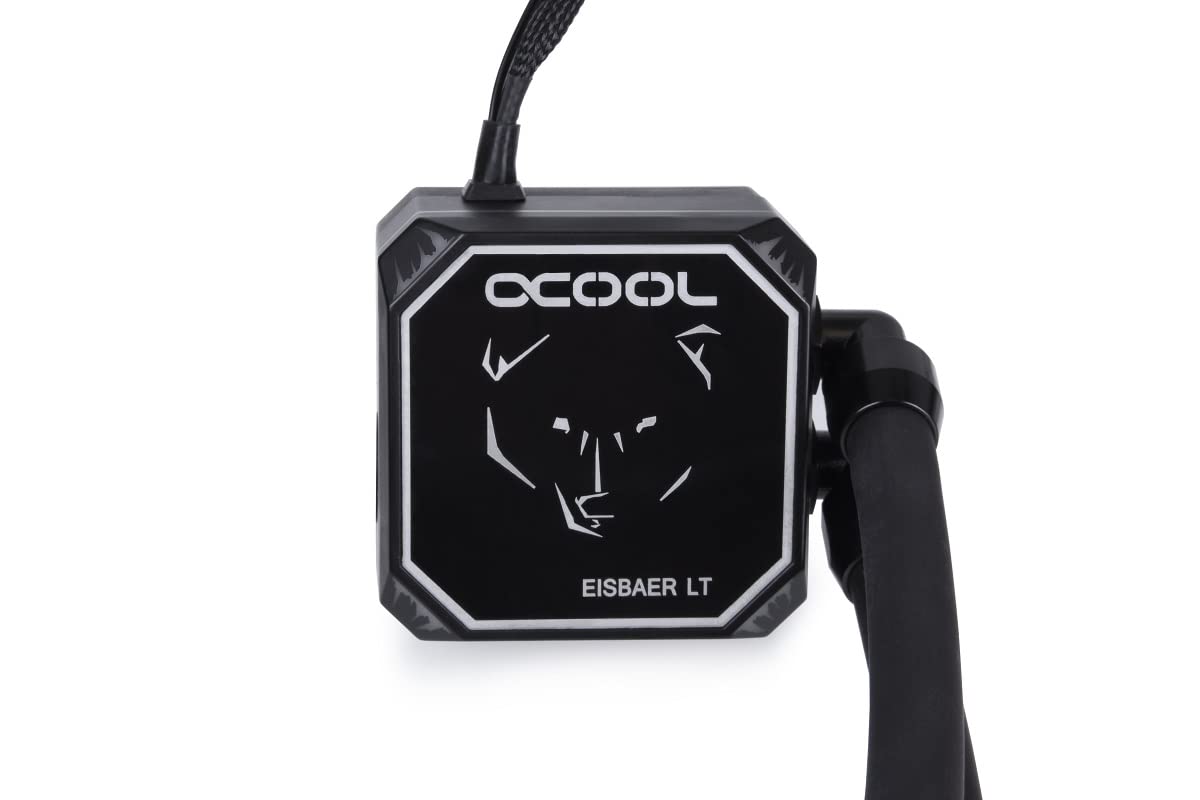
Image 4.2.1: Close-up of the Eisbaer LT CPU block, featuring the Alphacool logo and bear design.
- Процессоруңуздун интеграцияланган жылуулук тараткычынын (IHS) ортосуна бир аз көлөмдөгү термикалык пастаны сүйкөңүз.
- Attach the appropriate mounting brackets to the CPU block.
- Carefully place the CPU block onto the CPU, aligning the mounting holes.
- Secure the CPU block with the provided screws, tightening them in a cross pattern until snug. Do not overtighten.
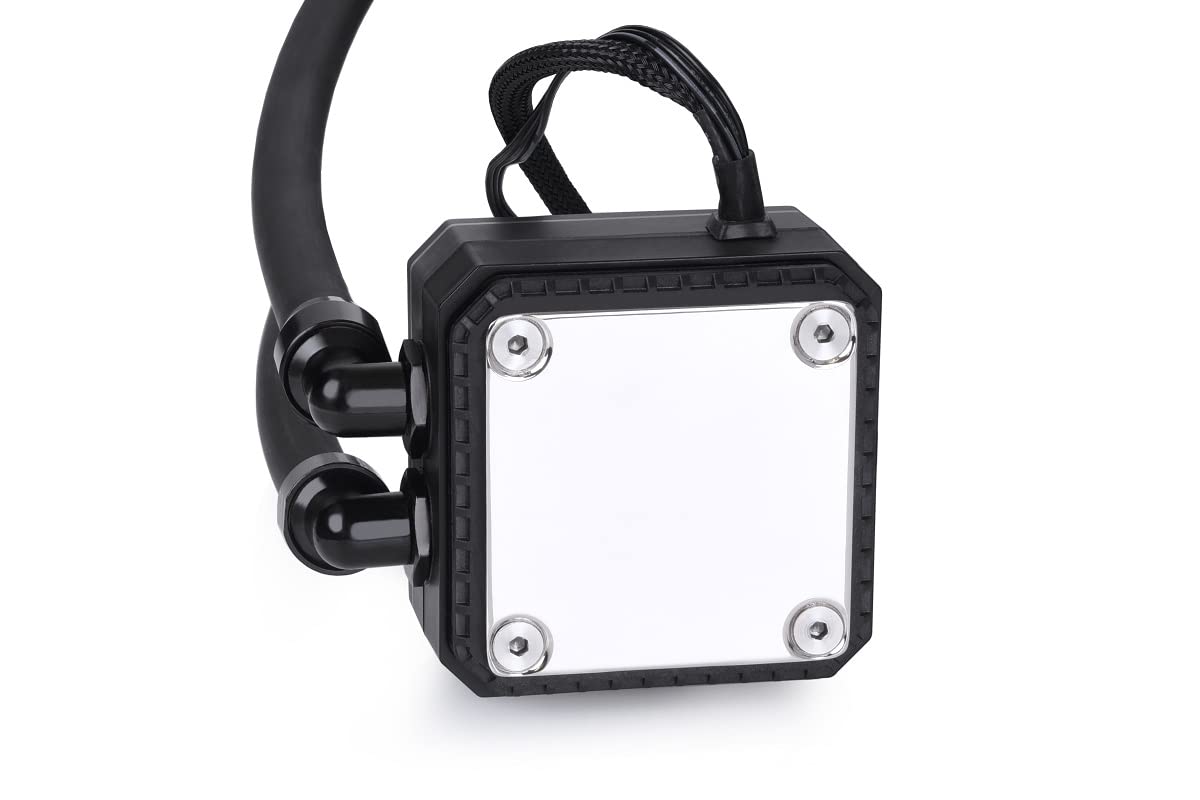
Сүрөт 4.2.2: Астыңкы бети view of the CPU block, showing the polished cold plate surface.
4.3 Радиаторду жана желдеткичти орнотуу
Mount the radiator and fans in a suitable location within your computer case, typically at the top or front.

Сүрөт 4.3.1: Бурчтуу view of the Eisbaer LT240 Aurora, showing the radiator with two fans attached.
- Attach the two 120mm fans to the radiator using the longer screws provided. Ensure the fan orientation is correct for desired airflow (intake or exhaust).
- Mount the radiator assembly to your case using the shorter screws.

Image 4.3.2: Detail of the radiator and fan mounting, showing the connection points and tubing.
4.4 Кабелдик байланыштар
Connect all necessary cables to your motherboard and power supply.
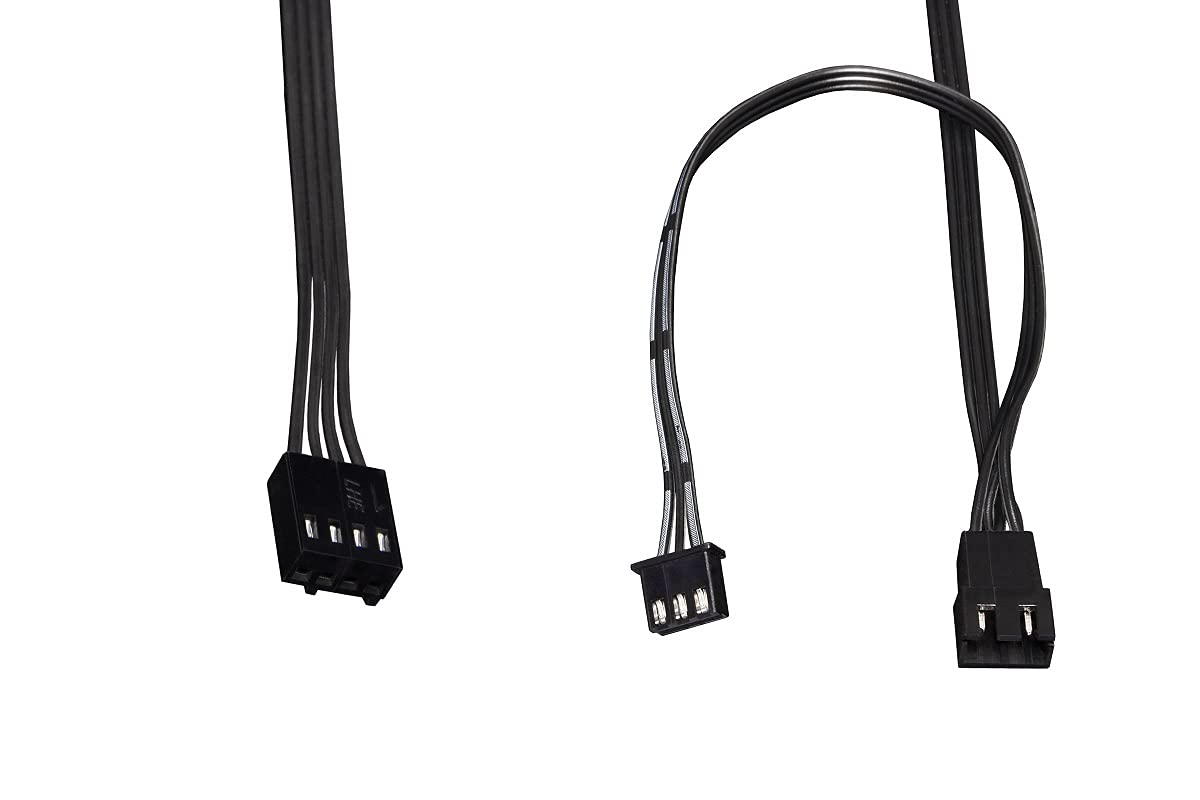
Image 4.4.1: Various cables included with the AIO for power and RGB connections.
- Connect the pump's 3-pin or 4-pin power cable to a CPU_FAN or AIO_PUMP header on your motherboard. Ensure it receives full power (DC mode or PWM at 100% duty cycle) for optimal pump performance.
- Connect the fan cables to the provided fan splitter, then connect the splitter to a CPU_FAN or SYS_FAN header on your motherboard.
- Connect the digital RGB cables from the fans and CPU block to the included digital RGB controller, then connect the controller to a compatible 3-pin 5V addressable RGB header on your motherboard or a separate RGB controller.
5. Иштөө нускамалары
Once installed, the Eisbaer LT240 Aurora operates automatically. The pump and fans will adjust their speed based on CPU temperature, controlled by your motherboard's BIOS/UEFI settings or dedicated software.
5.1 Баштапкы күйгүзүү
- Тутумуңузду күйгүзүүдөн мурун бардык байланыштарды эки жолу текшериңиз.
- Power on your computer. Listen for any unusual noises and visually inspect for leaks.
- Enter your motherboard's BIOS/UEFI to ensure the CPU fan/pump header is set to PWM or DC mode for proper control and that the pump is running at its intended speed.
5.2 Digital RGB Control
The digital RGB lighting can be controlled via your motherboard's RGB software (e.g., ASUS Aura Sync, MSI Mystic Light, Gigabyte RGB Fusion, ASRock Polychrome Sync) if connected to a compatible 3-pin 5V addressable RGB header. Alternatively, the included controller may offer basic lighting modes.
6. Техникалык тейлөө
Regular maintenance ensures optimal performance and longevity of your Eisbaer LT240 Aurora.
- Чаңды тазалоо: Periodically clean the radiator fins and fan blades using compressed air to remove dust buildup. This should be done every 3-6 months, depending on your environment.
- Tubing and Fittings: Inspect tubing and fittings for any signs of wear, kinks, or leaks. While the system is designed to be maintenance-free in terms of coolant, the quick-release fasteners allow for expansion or servicing by qualified users.
- Насостун ызы-чуусу: Monitor the pump for unusual noises. A slight hum is normal, but grinding or rattling may indicate an issue.
7. Кыйынчылыктарды
Эгерде сиз көйгөйлөргө туш болсоңуз, төмөнкү жалпы көйгөйлөрдү чечүү кадамдарын караңыз.
| Көйгөй | Мүмкүн себеп | Чечим |
|---|---|---|
| Жогорку CPU Температуралары |
|
|
| RGB жарыктандыруу жок |
|
|
| Насостун адаттан тыш ызы-чуусу |
|
|
8. Техникалык шарттар
Detailed technical specifications for the Alphacool Eisbaer LT240 Aurora.
| Өзгөчөлүк | Деталь |
|---|---|
| Модель номери | 11678 |
| Радиатордун өлчөмү | 240мм |
| Радиатордун өлчөмдөрү (узундугу x туурасы x бийиктиги) | 274 x 120 x 25 мм |
| Продукциянын өлчөмдөрү (жалпы) | 10.79"L x 4.72"W x 4.72"H |
| Материал | Copper (Radiator) |
| Муздатуу ыкмасы | Суюктук (Суу) |
| Шайкеш розеткалар | Intel (LGA 115x, 1200, 1700, 2011, 2066), AMD (AM4, AM5) |
| Желдетүүчү ылдамдык (макс) | 1500 RPM |
| Ызы-чуу деңгээли | 31 децибел |
| Кубат туташтыргычынын түрү | 4-Pin (Сеул) |
| RGB түрү | Digital RGB (3-pin, 5V Addressable) |
| Элемент Салмагы | 2.2 фунт |
9. Кепилдик жана колдоо
Alphacool products are manufactured to the highest quality standards. This product comes with a manufacturer's warranty against defects in materials and workmanship. The specific warranty period may vary by region and retailer. Please retain your proof of purchase for warranty claims.
For technical support, warranty inquiries, or to report missing/damaged parts, please visit the official Alphacool website or contact their customer service department. You can find contact information and FAQs at:
Колдоо кызматына кайрылганда, товарыңыздын моделинин номери (11678) жана сатып алганыңыздын далили даяр болушу керек.