
Introduction
This manual provides detailed instructions for the setup, operation, and maintenance of your OWLENZ 100-inch 16:9 Projector Screen with Stand. Designed for both indoor and outdoor use, this screen offers a premium wrinkle-free viewing surface with a 1.1 gain for bright and clear projections. Please read this manual thoroughly before using your projector screen to ensure proper installation and optimal performance.
Продукт өзгөчөлүктөрү
- Экрандын өлчөмү: 100 inches diagonal, 16:9 aspect ratio.
- Материал: High-quality polyester with a 1.1 gain for enhanced brightness.
- Дизайн: Premium wrinkle-free surface, easy to clean.
- Көчүрүү мүмкүнчүлүгү: Includes a carrying bag for easy transport and storage.
- Ар тараптуулугу: Ички жана тышкы чөйрөгө ылайыктуу.
- Стенд: Stable tripod stand for quick and easy setup.
Орнотуу нускамалары
Follow these steps to set up your OWLENZ projector screen:
- Компоненттерди таңгактан чыгаруу: Carefully remove all components from the carrying bag. You should have the screen assembly and the tripod stand.
- Set Up Tripod: Place the tripod stand on a flat, stable surface. Extend the legs of the tripod to create a wide and stable base. Secure the legs in place.
- Attach Screen Assembly: Mount the screen assembly onto the top of the tripod stand. Ensure it is securely fastened.
- Extend Screen: Gently pull the screen upwards from its housing. Hook the top bar of the screen onto the support rod of the tripod.
- Бийиктигин тууралоо: Use the height adjustment mechanism on the tripod stand to raise or lower the screen to your desired viewing height. Ensure the screen is level and taut to prevent wrinkles.
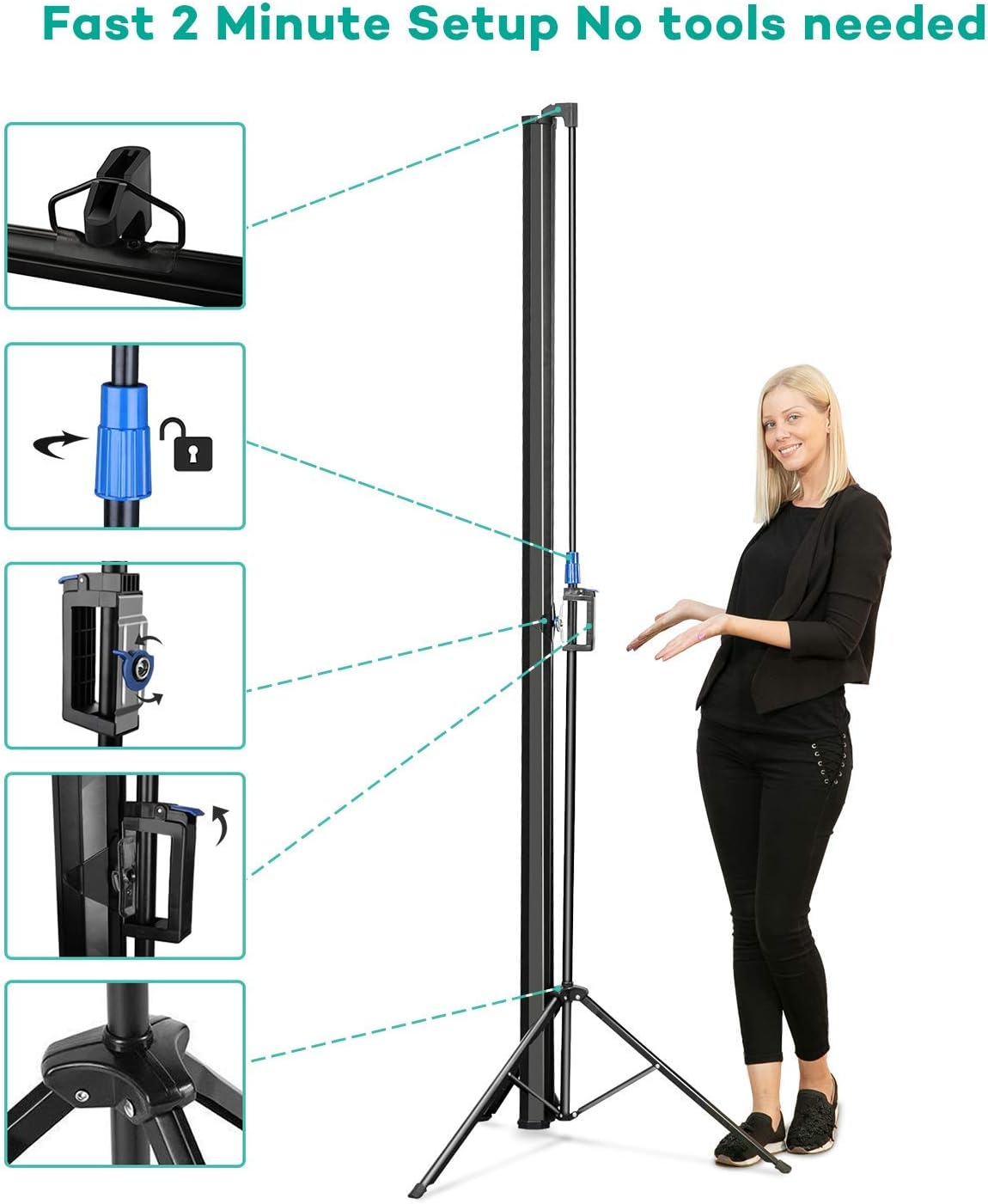
Image: Fast 2-minute setup process for the OWLENZ Projector Screen.
Video: Official product video demonstrating the assembly, disassembly, and height adjustment of the OWLENZ 100-inch Projector Screen with Stand.
Иштөө нускамалары
Once the screen is set up, you can begin projecting your content. Ensure your projector is positioned correctly and focused on the screen for the best image quality.
- Проектордун жайгашуусу: Position your projector at an appropriate distance and angle to fill the screen completely.
- Сүрөттү тууралоо: Use your projector's settings to adjust focus, keystone correction, and zoom to achieve a clear and undistorted image on the screen.
- Оптималдуу Viewing: For best results, use the screen in a dimly lit environment, especially for outdoor viewing after sunset.
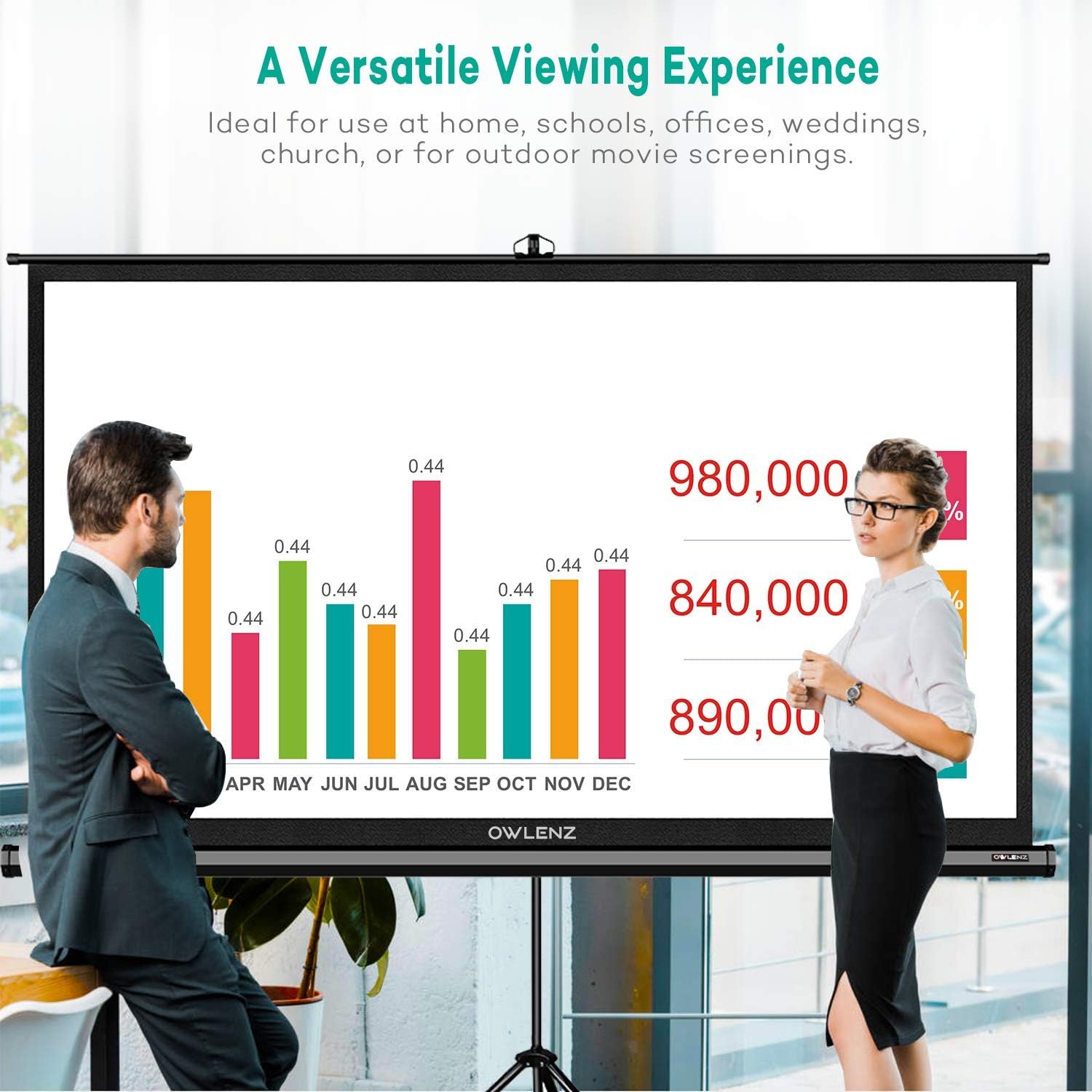
Image: The OWLENZ projector screen in use, demonstrating its versatility for various content.
Техникалык тейлөө
Proper maintenance will extend the life and performance of your projector screen.
- Экранды тазалоо: The screen material is designed to be easy to clean. Use a soft, damp cloth with mild soap and water to gently wipe the screen surface. Avoid abrasive cleaners or harsh chemicals, as these can damage the screen.
- Сактагыч: When not in use, retract the screen into its housing and store it in the provided carrying bag. Store in a cool, dry place away from direct sunlight and extreme temperatures.
- Колдонуу: Always handle the screen with care to prevent creases or damage to the viewбети.
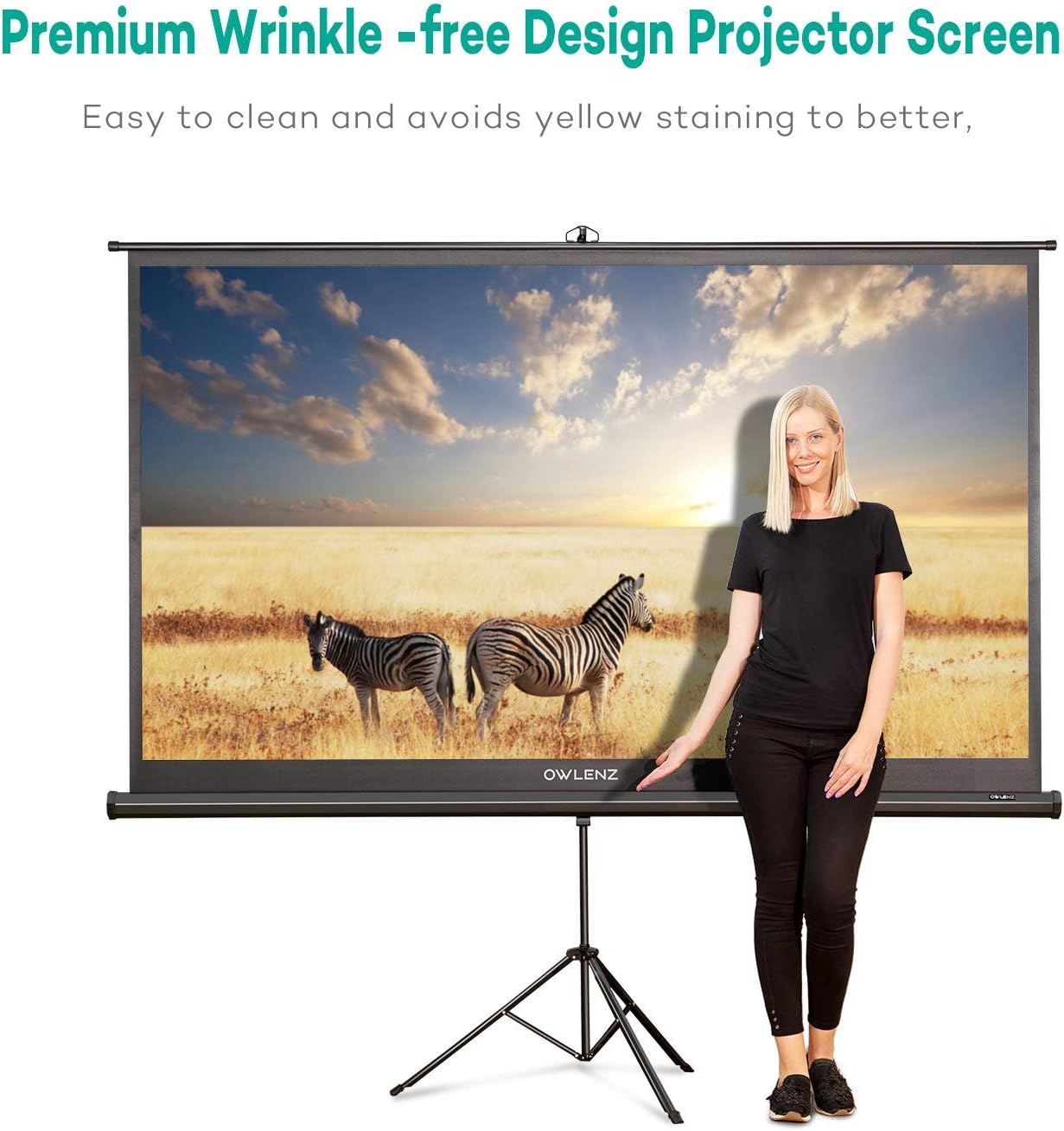
Image: The OWLENZ projector screen's wrinkle-free design, emphasizing ease of cleaning.
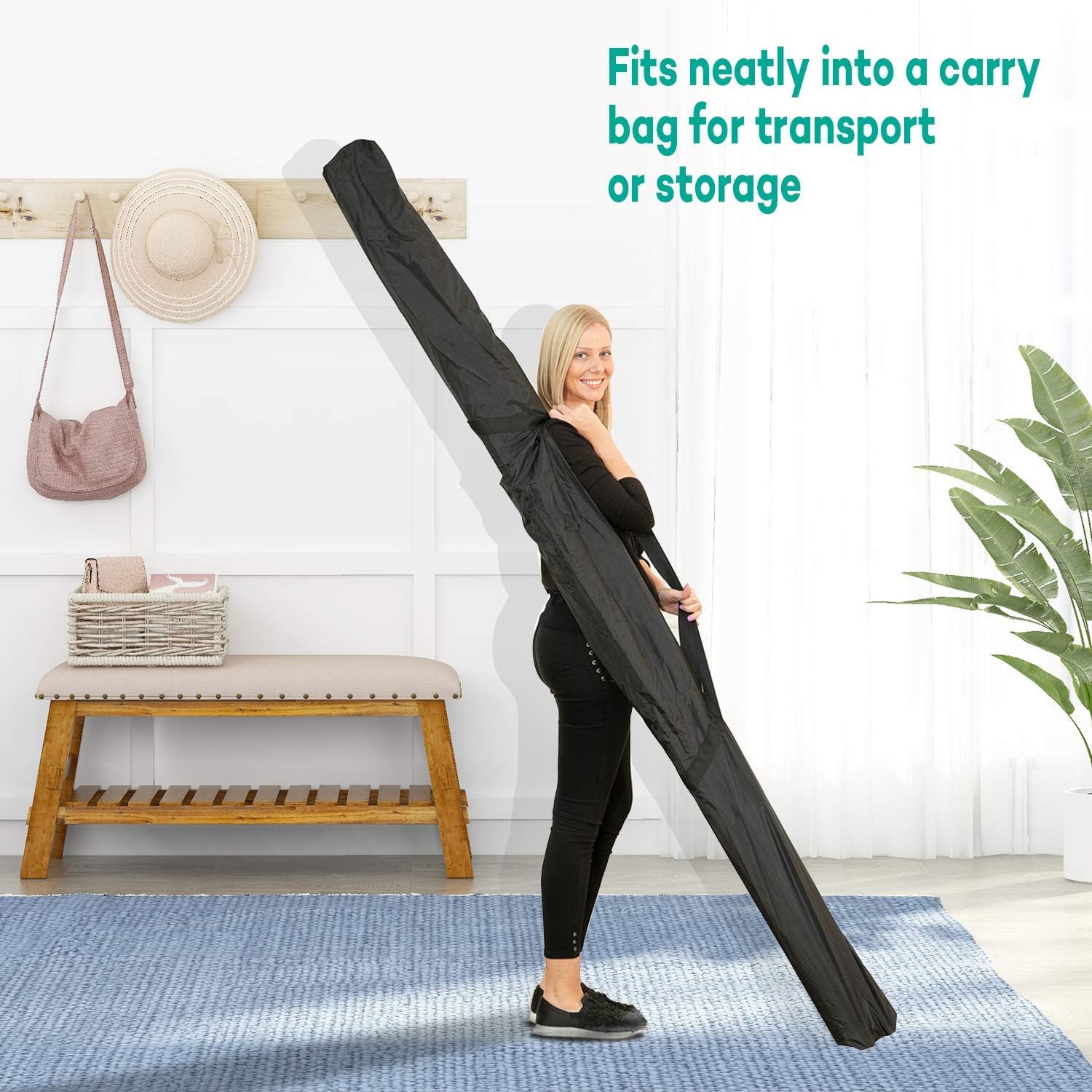
Image: The OWLENZ projector screen neatly stored in its carrying bag.
Проблемаларды чечүү
If you encounter issues with your projector screen, refer to the following common solutions:
- Экрандагы бырыштар: Ensure the screen is fully extended and properly hooked onto the support rod. Adjust the height to ensure tension. The screen is designed to be wrinkle-free, but minor creases from storage should naturally smooth out when taut.
- Туруксуз стенд: Verify that the tripod legs are fully extended and locked into position on a flat, stable surface. Avoid placing the stand on uneven ground.
- Сүрөттүн сапаты начар: This is often related to the projector settings. Check your projector's focus, keystone correction, and resolution settings. Ensure the room lighting is appropriate for projection.
- Difficulty Retracting Screen: Ensure no obstructions are preventing the screen from retracting smoothly. Gently guide the screen back into its housing.
Техникалык шарттар
| Өзгөчөлүк | Деталь |
|---|---|
| Бренд | OWLENZ |
| Модель номери | B07K7925CS |
| Дисплейдин өлчөмдөрү | 100 дюйм (диагоналдык) |
| Аспект катышы | 16:9 |
| Материал | Полиэстер |
| Пайда | 1.1 |
| Монтаж түрү | Тоо ичинде, Тоо сыртында |
| Элемент Салмагы | 20.5 фунт |
| Пакеттин өлчөмдөрү | 97.25 x 7 x 4.1 дюйм |
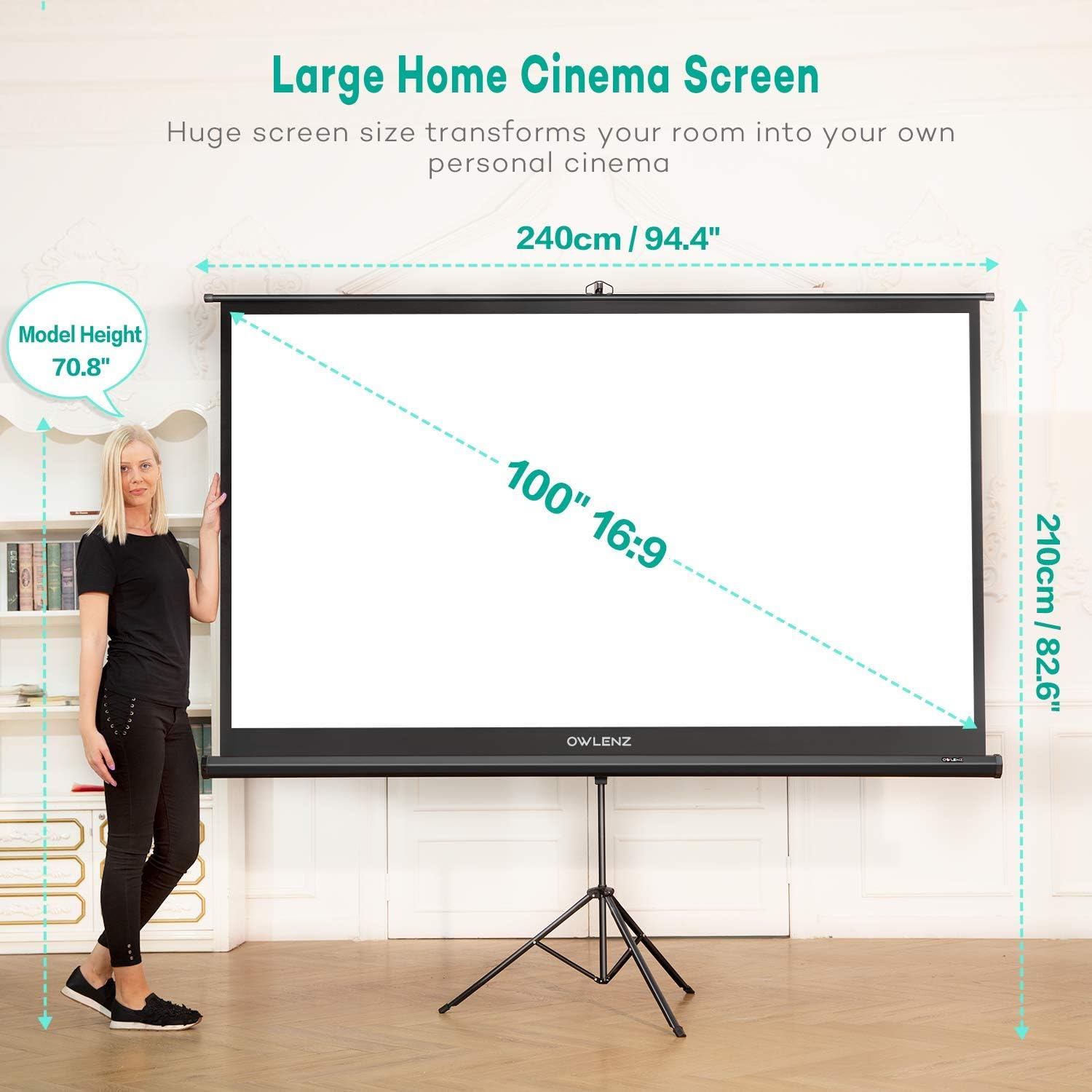
Image: OWLENZ 100-inch 16:9 Projector Screen dimensions with a person for scale.
Кепилдик жана колдоо
For warranty information or technical support, please refer to the contact details provided with your product packaging or visit the official OWLENZ webсайт. Сатып алуу квитанциясын кепилдик дооматтары үчүн сатып алуунун далили катары сактаңыз.