
Introduction
Thank you for choosing the BLACK+DECKER BEW210-QS 230W Random Orbital Sander. This manual provides essential information for the safe and effective operation, maintenance, and troubleshooting of your new tool. Please read it thoroughly before use and retain it for future reference.

Image: The BLACK+DECKER BEW210-QS 230W Random Orbital Sander.
Маанилүү коопсуздук нускамалары
ЭСКЕРТҮҮ: Бул электр куралы менен берилген бардык коопсуздук эскертүүлөрүн, нускамаларды, иллюстрацияларды жана спецификацияларды окуңуз. Төмөндө саналып өткөн бардык нускамаларды аткарбоо электр шокуна, өрткө жана/же олуттуу жаракатка алып келиши мүмкүн.
Жалпы электр шаймандарынын коопсуздугу
- Жумуш аймагынын коопсуздугу: Жумуш аймагын таза жана жакшы жарыктандырыңыз. Башаламан же караңгы жерлер кырсыкка чакырат. Жарылуучу чөйрөдө, мисалы, күйүүчү суюктуктар, газдар же чаң бар жерде электр шаймандарын иштетпеңиз.
- Электр коопсуздугу: Электр шайманынын сайгычтары розеткага дал келиши керек. Эч качан сайгычты эч кандай жол менен өзгөртпөңүз. Жерге туташтырылган же жерге төшөлгөн беттерге денеге тийбеңиз.
- Жеке коопсуздук: Always wear eye protection. Use hearing protection when operating for extended periods. Wear a dust mask when sanding. Dress properly; avoid loose clothing or jewelry.
- Электр куралын колдонуу жана сактоо: Электр аспапты күчтөп албаңыз. Колдонмоңуз үчүн туура электр шайманын колдонуңуз. Кандайдыр бир тууралоолорду жасоодон, аксессуарларды алмаштыруудан же электр шаймандарын сактоодон мурда вилканы кубат булагынан ажыратыңыз.
Сандер үчүн атайын коопсуздук
- Always hold the sander firmly with both hands during operation.
- Даярдоочу бөлүктүн бекем clamped or held to prevent movement.
- Асбести камтыган материалдарды кумдабаңыз.
- Regularly empty the dust collection bag to prevent fire hazards, especially when sanding wood.
- Иш зонасында шайкеш желдетүүнү камсыз кылыңыз.
Продукт бүттүview
The BLACK+DECKER BEW210-QS Random Orbital Sander is designed for efficient sanding and polishing on various materials including wood, metal, PVC, and painted surfaces. Its random orbital action ensures a smooth finish without swirl marks.
Компоненттер

Image: Labeled diagram showing the Power Switch, Handle, Motor Housing, Power Cord, Dust Collection Bag, Air Vents, and Sanding Pad.
- Кубат которгучу: Тегиздөөчү машинаны иштетет жана өчүрөт.
- туткасы: Эргономикалык жактан ыңгайлуу кармоо жана башкаруу үчүн иштелип чыккан.
- Мотор корпусу: Ички мотор компоненттерин коргойт.
- Электр кабели: Куралды электр розеткасына туташтырат.
- Чаң чогултуучу баштык: Gathers sanding dust for a cleaner workspace.
- Аба желдеткичтери: Provide cooling for the motor during operation.
- Тыюучу аянтча: The base where sanding discs are attached.
Негизги өзгөчөлүктөрү

Image: Graphic highlighting key features such as 125mm orbital sanding, 230W motor, 0-13000 RPM no-load speed, multipurpose usage, dust bag, and quick-fit Velcro sanding sheet attachment.
- Күчтүү 230W мотор: Provides fast material removal.
- Random Orbital Action: Allows safe sanding across wood grain without leaving swirl marks.
- Чаңды чогултуу системасы: Integrated dust bag helps keep the workspace clean.
- Quick-Fit Sanding Sheets: Velcro attachment for easy and quick paper changes.
- Ар тараптуу колдонмо: Suitable for sanding and polishing on wood, metal, PVC, and paint.
Жайгашуу
Кумдоочу дисктерди тиркөө
- Сандер кубат булагынан ажыратылганын текшериңиз.
- Жылмалоочу дисктеги тешиктерди жылмалоочу жаздыкчадагы тешиктер менен тегиздеңиз.
- Press the sanding disc firmly onto the Velcro sanding pad until it is securely attached.

Image: A user demonstrating how to attach a sanding disc to the sander's pad.
Connecting the Dust Collection Bag
- Сандер розеткадан ажыратылганын текшериңиз.
- Slide the dust collection bag onto the dust extraction port until it clicks securely into place.
- Verify that the bag is firmly attached to prevent dust leakage.
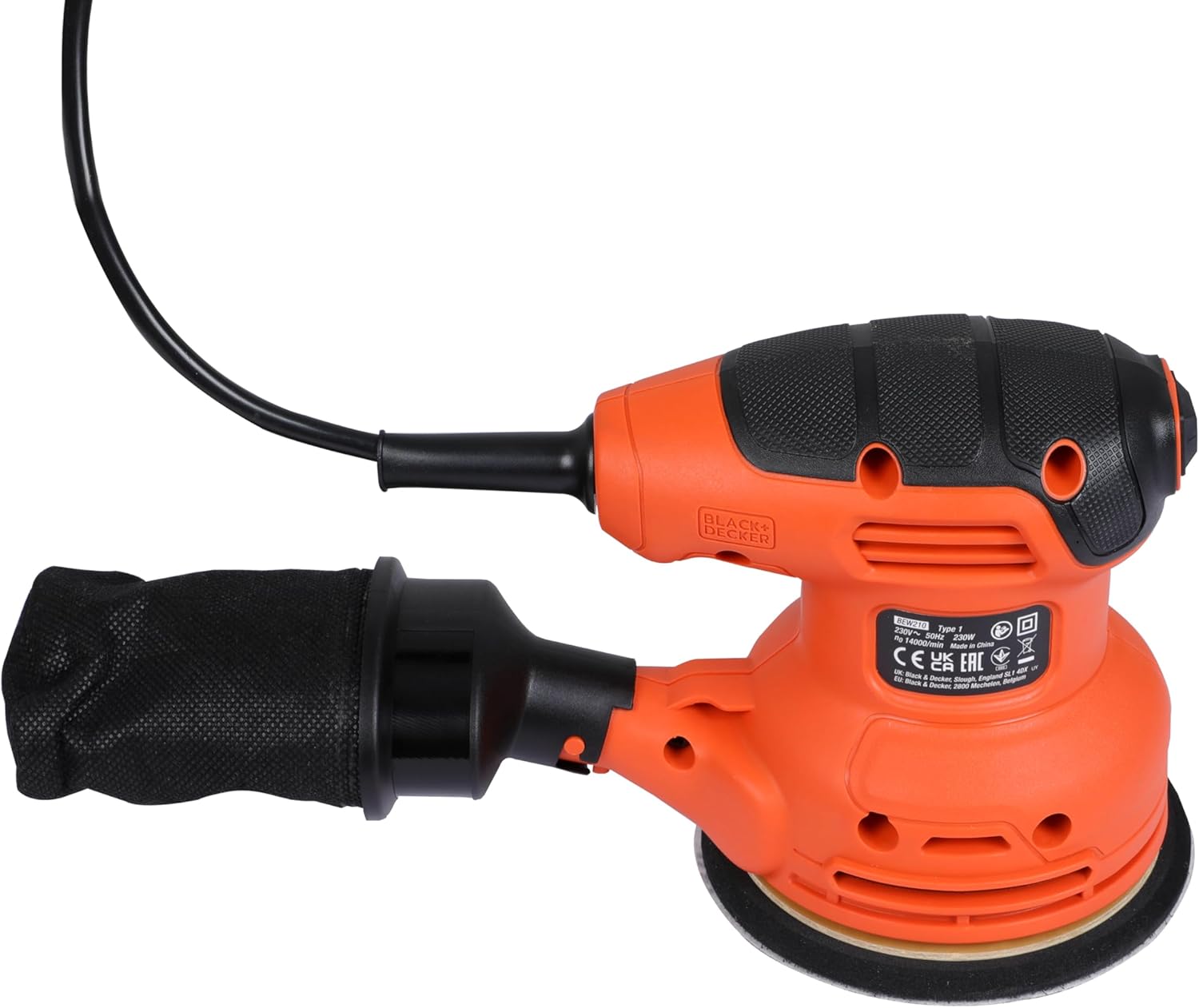
Image: The dust collection bag properly attached to the sander.
Операция
Күйгүзүү/өчүрүү
- Сандагычты ылайыктуу электр розеткасына сайыңыз.
- To turn on, press the power switch to the 'I' (ON) position.
- To turn off, press the power switch to the 'O' (OFF) position.

Сүрөт: Жакын план view of the power switch on the sander's handle.
Кумдоо техникалары
- Күйгүчтү күйгүзүүдөн мурун даярдалган тетикке тегиз коюп коюңуз.
- Apply light, even pressure and move the sander in overlapping circular motions.
- Тегиз эмес беттерди же жаракаларды пайда кылуучу шлифовкалоочу машинаны кыйшайтып койбоңуз, анткени бул тегиз эмес беттерди же жаракаларды пайда кылышы мүмкүн.
- For best results, allow the sander's weight to do most of the work.
- Always sand with appropriate grit sandpaper for the task (coarse for material removal, fine for finishing).
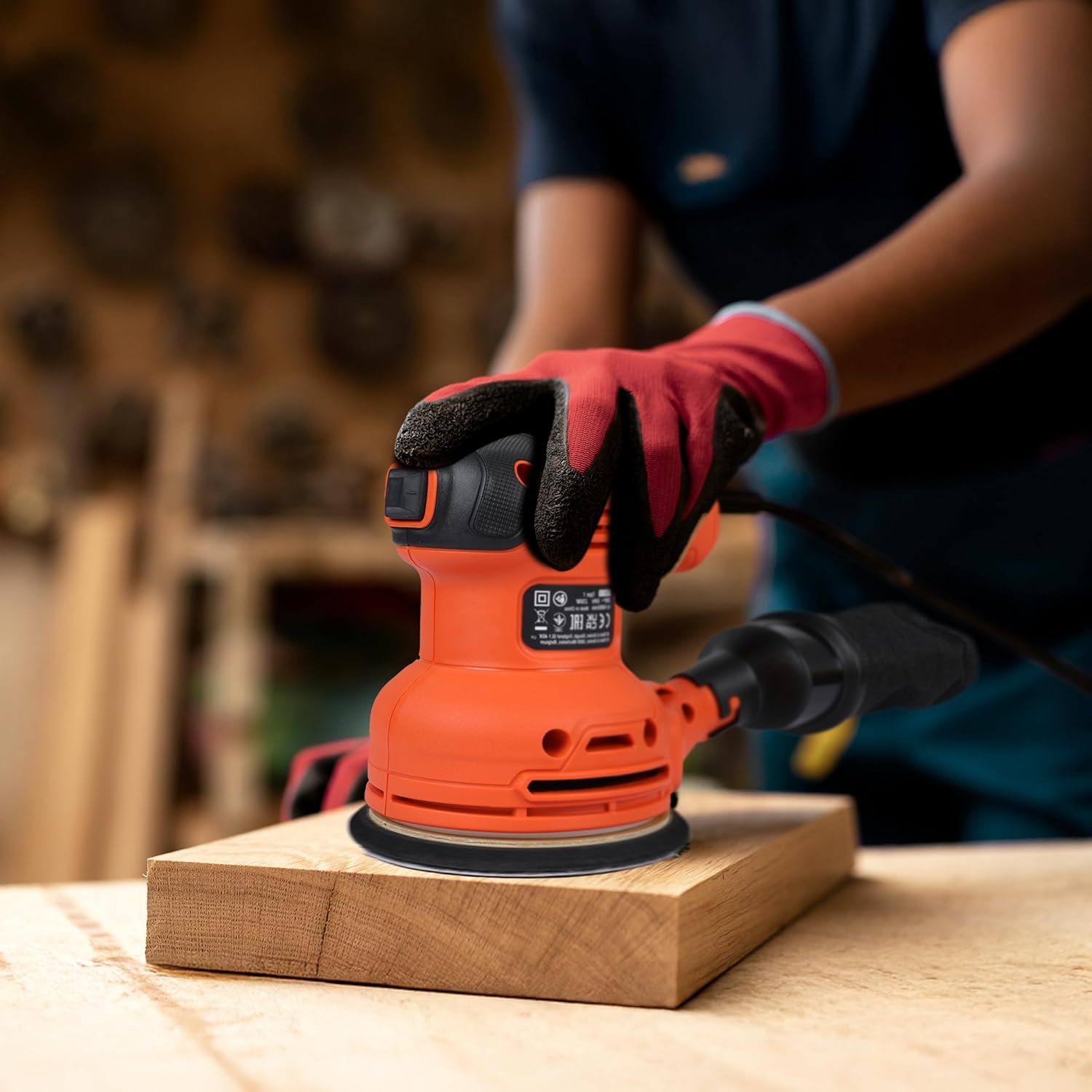
Image: A user operating the sander on a wooden board.
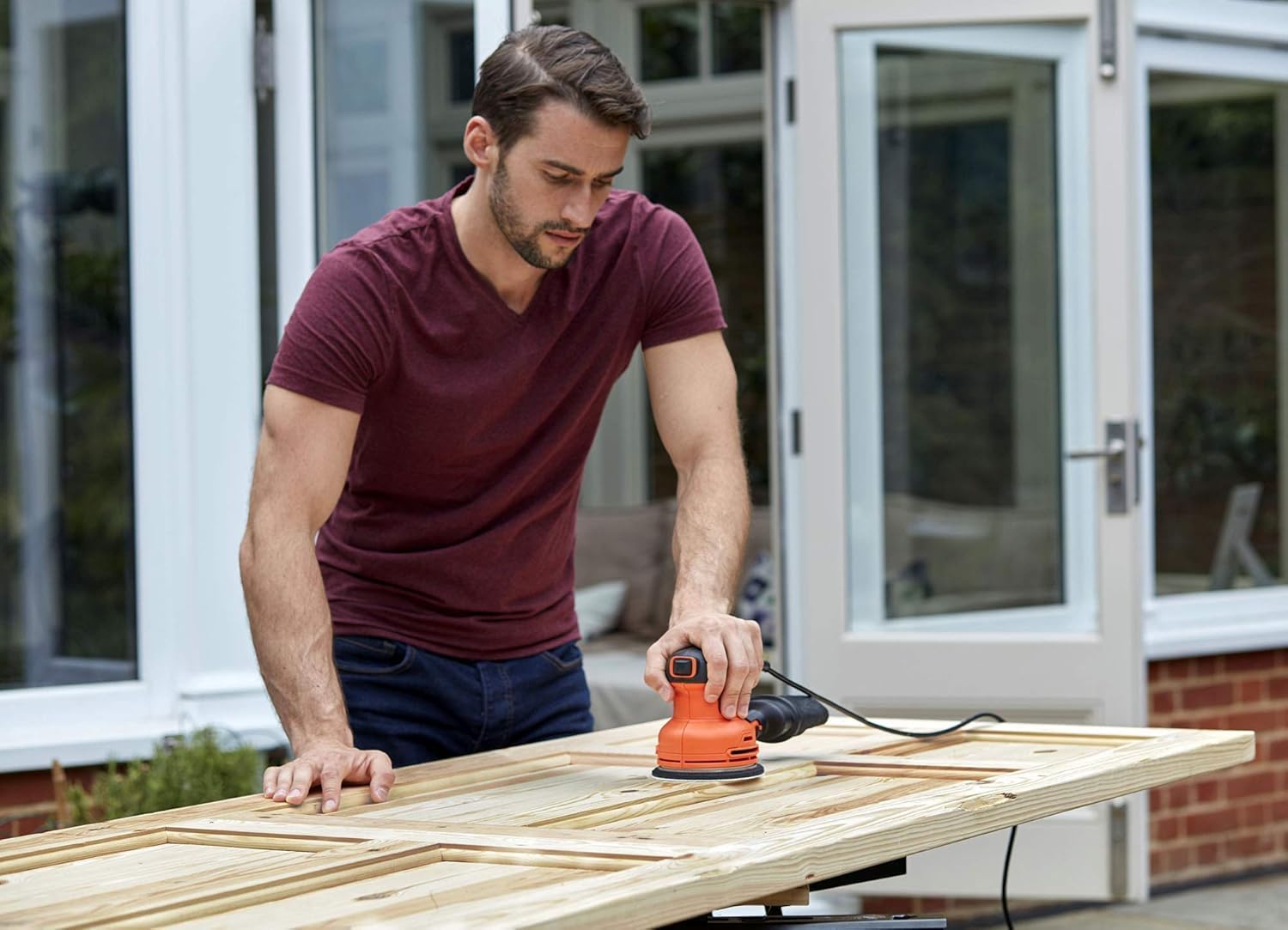
Image: A user sanding a wooden table outdoors.

Image: A user sanding a wooden chair outdoors.
Техникалык тейлөө
Чаң жыйноочу баштыкты бошотуу
- Тегирменди электр булагынан ажыратыңыз.
- Чаң жыйноочу баштыкты жонгучтан чыгарыңыз.
- Empty the contents of the bag into a waste receptacle.
- Reattach the bag securely before further use.
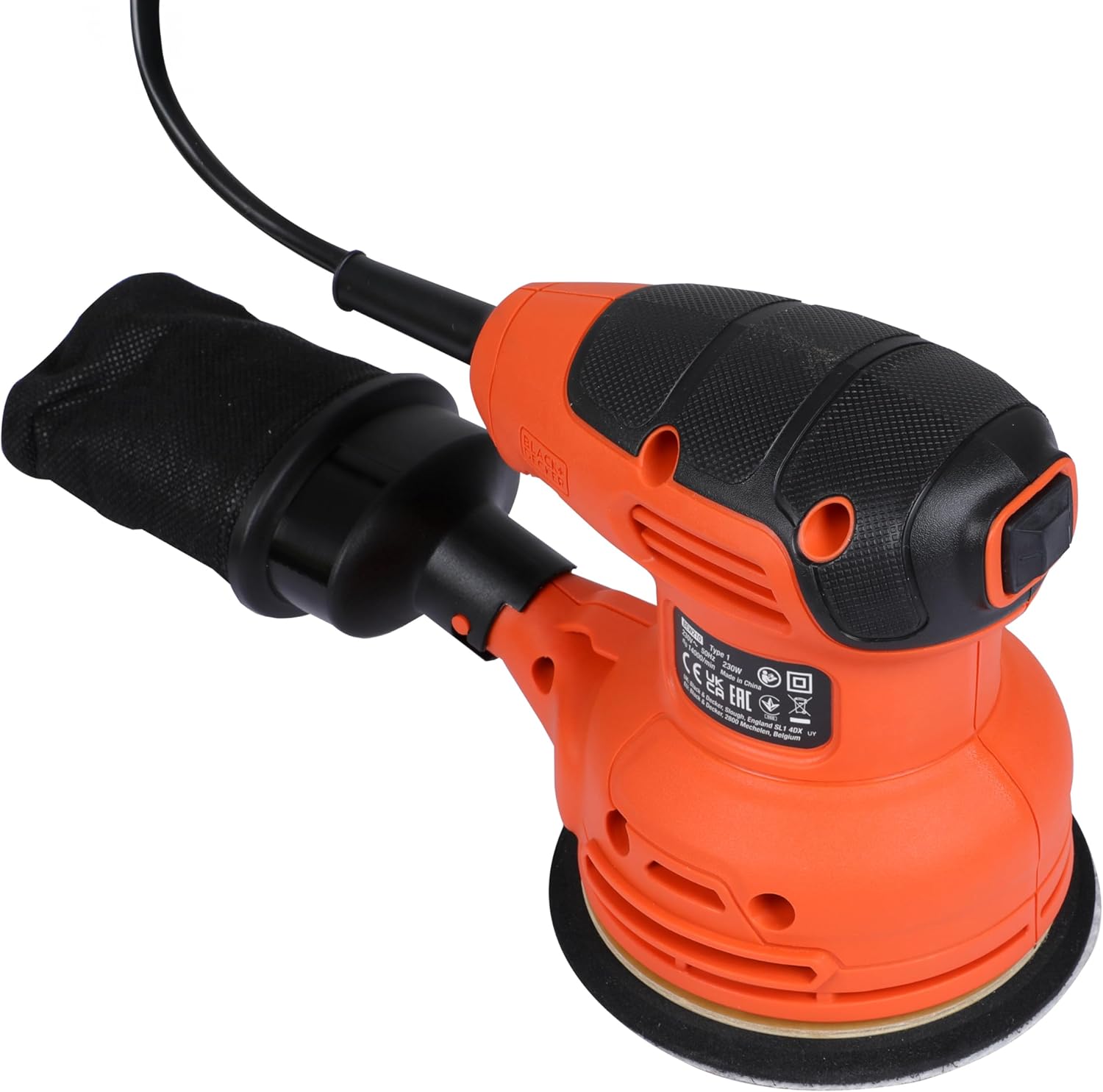
Сүрөт: жакын план view of the dust collection bag.
Жалпы тазалоо
- Ашыкча ысып кетпеши үчүн желдетүү тешиктерин таза кармаңыз.
- Жарнама менен куралдын сыртын сүртүңүзamp кездеме. Катуу химиялык заттарды же абразивдүү тазалагычтарды колдонбоңуз.
- Inspect the sanding pad regularly for wear and tear. Replace if damaged.
Проблемаларды чечүү
| Көйгөй | Мүмкүн себеп | Чечим |
|---|---|---|
| Сандер баштабайт | Электр энергиясы жок; Бузулган которгуч | Check power cord and outlet; Contact service center if switch is faulty. |
| Начар жылмалоо көрсөткүчү | Worn sanding disc; Incorrect grit; Excessive pressure | Replace sanding disc; Use appropriate grit; Apply lighter, even pressure. |
| Ашыкча термелүү | Damaged sanding pad; Improperly attached sanding disc | Inspect and replace sanding pad if damaged; Reattach sanding disc correctly. |
| Ineffective dust collection | Dust bag full; Dust port clogged; Dust bag not properly attached | Empty dust bag; Clear dust port; Reattach dust bag securely. |
Техникалык шарттар

Image: Graphic summarizing key technical specifications.
| Өзгөчөлүк | Деталь |
|---|---|
| Бренд | BLACK+DECKER |
| Модель номери | BEW210-QS |
| Power Source | Электр зымдары |
| Ватtage | 230 Ватт |
| Тtage | 230 вольт |
| Максималдуу айлануу ылдамдыгы | 13000 RPM |
| Продукциянын өлчөмдөрү | 9.06"L x 5.12"W x 5.91"H |
| Элемент Салмагы | 1.34 килограмм (2.95 фунт) |
| Grat Type | Орто |
| Материал | Жыгач, металл |
Кепилдик жана колдоо
BLACK+DECKER is committed to providing quality products and excellent customer service. Your BEW210-QS Random Orbital Sander comes with a standard manufacturer's warranty. Please refer to the warranty card included with your purchase for specific terms and conditions.
Кардарларды тейлөө кызматы менен байланыш

Image: BLACK+DECKER Total Care information, including contact details for sales, service network, warranty, original parts, and omnichannel support.
- Телефон: 1800-203-0644 (Дүйшөмбү-Ишемби, 09:00 - 06:00 IST убактысы боюнча, мамлекеттик майрамдардан тышкары)
- Электрондук почта: SBD-CUSTOMER.COMMUNICATIONS@SBDINC.COM
- WhatsApp: +91 96060 55835
- Кызмат тармагы: 500дөн ашык ыйгарым укуктуу тейлөө борборлору бар.
For further assistance or to locate an authorized service center, please use the contact information provided above.