
Introduction
This manual provides comprehensive instructions for the installation, operation, and maintenance of your Aerocool LUX RGB 650M semi-modular power supply. The LUX RGB 650M is designed to deliver stable power to your PC components while offering customizable RGB lighting effects. Please read this manual thoroughly before installation and use to ensure proper functionality and safety.

Сүрөт: бурчтуу view of the Aerocool LUX RGB 650M Power Supply, showcasing its black finish and RGB lighting panel.
Коопсуздук маалыматы
- Орнотуудан же тейлөөдөн мурун кубат булагы AC розеткадан ажыратылганын текшериңиз.
- Электр менен камсыздоо блогун ачпаңыз. Жогорку томtagичинде электр тогуна урунууга алып келиши мүмкүн болгон заттар бар.
- Электр менен камсыздоону жакшы желдетилген жерге орнотуңуз. Желдетүүчү тешиктерди жаппаңыз.
- Бул продукт жеке компьютерлерде колдонуу үчүн иштелип чыккан. Аны башка эч кандай максатта колдонбоңуз.
- Электр камсыздоосун суудан, нымдуулуктан жана өтө жогорку температуралардан алыс кармаңыз.
- Кубат менен камсыздалган кабелдерди гана колдонуңуз. Үчүнчү тараптын кабелдерин колдонуу зыян келтириши мүмкүн.
Пакеттин мазмуну
Пакетте бардык буюмдар бар экенин текшериңиз:
- Aerocool LUX RGB 650M Power Supply Unit
- Modular Cable Set (PCIe, SATA, Peripheral)
- Main ATX 20+4 Pin Cable (fixed)
- CPU 4+4 Pin Cable (fixed)
- AC Power Cord
- Монтаждоо бурамалар
- User Manual
Орнотуу жана орнотуу
Follow these steps to install your Aerocool LUX RGB 650M power supply:
- Компьютериңиздин корпусун даярдаңыз: Компьютериңиздин өчүрүлгөнүн жана розеткадан суурулганын текшериңиз. Кубат булагынын орнотулган жерине жетүү үчүн компьютериңиздин корпусун ачыңыз.
- Кубат менен жабдууну орнотуу: Carefully slide the LUX RGB 650M into the designated power supply bay in your PC case. Secure it with the provided mounting screws.
- Connect Fixed Cables:
- туташтыруу 20+4 Pin ATX cable to your motherboard's main power connector.
- туташтыруу 4+4 Pin CPU cable to your motherboard's CPU power connector.
- Модулдук кабелдерди туташтыруу: Identify the necessary modular cables for your components (graphics card, SSDs/HDDs, optical drives).
- Керектүү туташтырыңыз PCIe кабелдери to your graphics card(s).
- Туташуу SATA электр кабели to your storage drives (SSDs, HDDs).
- Туташуу Peripheral (Molex) cables for any other components requiring them.

Сүрөт: бурчтуу view of the Aerocool LUX RGB 650M Power Supply, illustrating the semi-modular design with fixed and detachable cables.
- Кабелдик башкаруу: Utilize the semi-modular design to manage cables efficiently, improving airflow and aesthetics within your PC case.
- RGB туташтыруу:
- For motherboard synchronization, connect the power supply's Addressable RGB cable to a +5V Addressable RGB header on your compatible motherboard.
- If your motherboard does not have an Addressable RGB header, you can control the lighting effects directly via the LED control button on the power supply.
- Кубат туташуу: Connect the AC power cord to the power supply's input socket and then to a wall outlet. Ensure the power switch on the PSU is in the OFF (0) position before plugging it in.
- System Configuration Note: For optimal performance and stability, ensure your system's power requirements do not exceed the PSU's capacity. A recommended maximum configuration for this 650W model is an Intel i5 processor, an RTX 3060 graphics card, and 16GB DDR4 RAM. For precise power calculations, consult online PSU calculators.
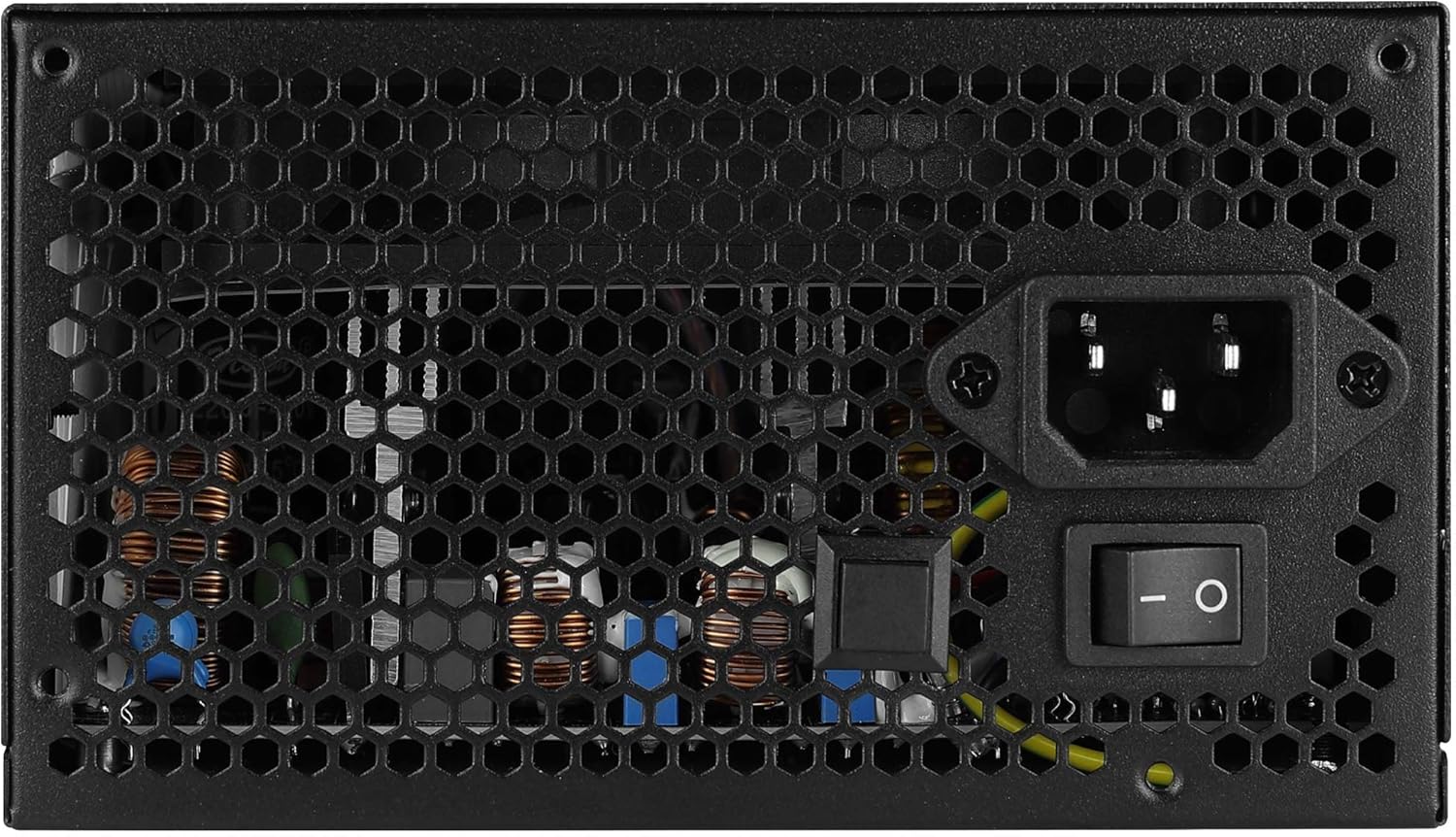
Сүрөт: Арткы view of the Aerocool LUX RGB 650M Power Supply, showing the AC power input, power switch, and ventilation grille.
Иштөө нускамалары
Ийгиликтүү орнотулгандан кийин, электр менен камсыздоону иштетүү үчүн төмөнкү кадамдарды аткарыңыз:
- Күйгүзүү: Flip the power switch on the rear of the power supply to the ON (I) position. Then, power on your computer using the case's power button.
- RGB жарыкты башкаруу:
- LED Control баскычы аркылуу: If not connected to a motherboard ARGB header, press the dedicated LED control button on the power supply to cycle through 13 predefined lighting effects.
- Энелик плата программасы аркылуу: If connected to a +5V Addressable RGB header on your motherboard, you can control and synchronize the power supply's lighting effects using your motherboard's RGB software (e.g., ASUS Aura Sync, MSI Mystic Light Sync, Gigabyte RGB Fusion, ASRock Polychrome Sync).
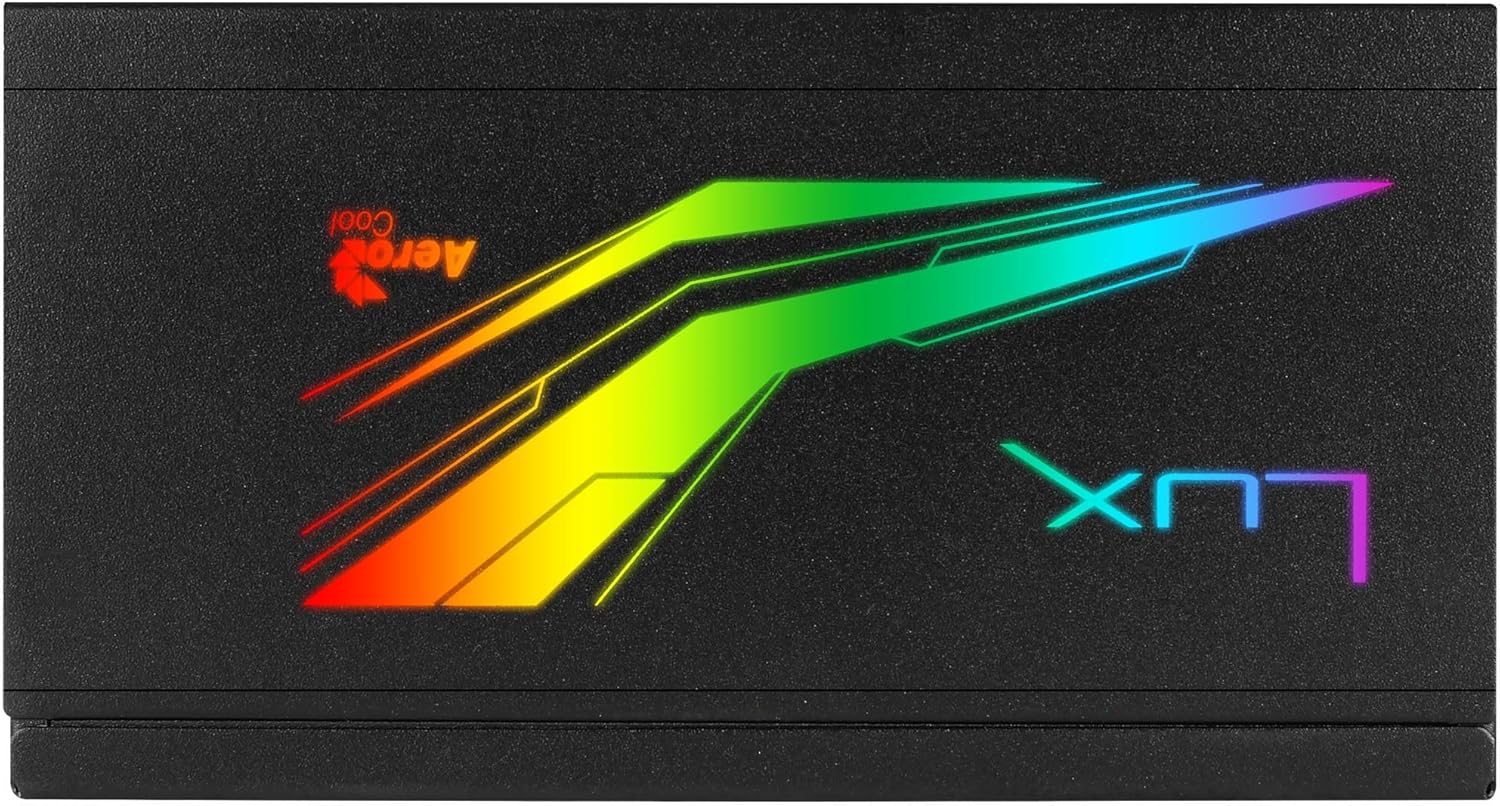
Сүрөт: Жогорку view of the Aerocool LUX RGB 650M Power Supply, highlighting the integrated RGB lighting panel with the "LUX" and "AeroCool" logos.
Техникалык тейлөө
Туура тейлөө сиздин энергия менен камсыздооңуздун узак мөөнөттүү жана оптималдуу иштешин камсыз кылат:
- Чаңды тазалоо: Periodically clean the power supply's fan and ventilation grilles to prevent dust buildup, which can impede airflow and cooling. Use compressed air for best results. Ensure the power supply is off and unplugged before cleaning.
- Аба агымы: The LUX RGB 650M features a 30% increased ventilation area for enhanced airflow. Ensure your PC case has adequate ventilation to support efficient heat dissipation from the power supply.
- Күйөрман операциясы: The 12cm silent black fan operates with optimized thermal fan speed control, adjusting its speed based on temperature to maintain quiet operation and effective cooling.

Сүрөт: каптал view of the Aerocool LUX RGB 650M Power Supply, highlighting the extensive honeycomb ventilation pattern for improved airflow.
Проблемаларды чечүү
Эгерде сиз электр менен камсыздоодо көйгөйлөргө туш болсоңуз, төмөнкү кеңири таралган көйгөйлөрдү жана чечимдерди караңыз:
- Системага кубат жок:
- AC кубат шнурунун кубат булагына жана розеткага бекем туташкандыгын текшериңиз.
- Ensure the power switch on the rear of the PSU is in the ON (I) position.
- Verify that all power cables (20+4 Pin ATX, 4+4 Pin CPU, PCIe, SATA) are correctly and firmly connected to their respective components.
- Дубалдагы розеткада кубат бар экенин ырастоо үчүн башка аспап менен сынап көрүңүз.
- Системанын туруксуздугу/бузуулар:
- Ensure your system's power draw does not exceed the 650W capacity of the PSU. Overloading can cause instability.
- Кабелдик туташуулардын боштугун текшериңиз.
- Компьютердин ысып кетишине жол бербөө үчүн анын ичинде жетиштүү желдетүүнү камсыз кылыңыз.
- RGB жарыктандыруу иштебейт:
- If using the LED control button, ensure it is being pressed correctly to cycle effects.
- If connected to a motherboard ARGB header, verify the connection is secure and that your motherboard's RGB software is installed and configured correctly. Ensure it's a +5V ARGB header, not a +12V RGB header.
Техникалык шарттар

Image: Electrical specifications label for the Aerocool LUX RGB 650M Power Supply, detailing voltage жана учурдагы чыгуулар.
| Өзгөчөлүк | Деталь |
|---|---|
| Модель номери | LUXRGB650M |
| Бренд | AeroCool |
| Power Output | 650 Ватт |
| Натыйжалуулуктун сертификациясы | 80Plus 230V EU Bronze (up to 88%+ efficiency) |
| Форма фактору | ATX |
| Cabling Design | Жарым модулдук |
| Муздатуу ыкмасы | Air (12cm silent black fan with optimized thermal speed control) |
| RGB жарыктандыруу | Prism RGB (13 predefined effects via button, compatible with +5V Addressable RGB motherboards) |
| Киргизүү көлөмүtage | 115-230 Вольт |
| Өлчөмдөрү (L x W x Y) | 16 x 15 x 8.6 см |
| Салмагы | 1.5 килограмм |
| Шайкеш түзмөктөр | Персоналдык компьютер |
Кепилдик
The Aerocool LUX RGB 650M Power Supply comes with a 2 жылдык кепилдик on spare parts. Please retain your proof of purchase for warranty claims. The warranty covers defects in materials and workmanship under normal use. It does not cover damage caused by misuse, accident, modification, or unauthorized repair.
Колдоо
For technical assistance, troubleshooting beyond this manual, or warranty inquiries, please contact AeroCool customer support. Visit the official AeroCool webбайланыш маалыматы жана кошумча ресурстар үчүн сайт.
Онлайн ресурстар: www.aerocool.io