
1. Киришүү
Welcome to the user manual for your Genius Manticore Gaming Keyboard. This guide provides essential information for setting up, operating, maintaining, and troubleshooting your new gaming keyboard. Please read these instructions carefully to ensure optimal performance and longevity of your device.
2. Продукт бүтүп калдыview
The Genius Manticore Gaming Keyboard is designed for an enhanced gaming experience, featuring a durable build and responsive keys. It connects via USB and is compatible with a wide range of devices. The keyboard includes 104 keys with a standard QWERTY layout, complemented by additional gaming-specific features.
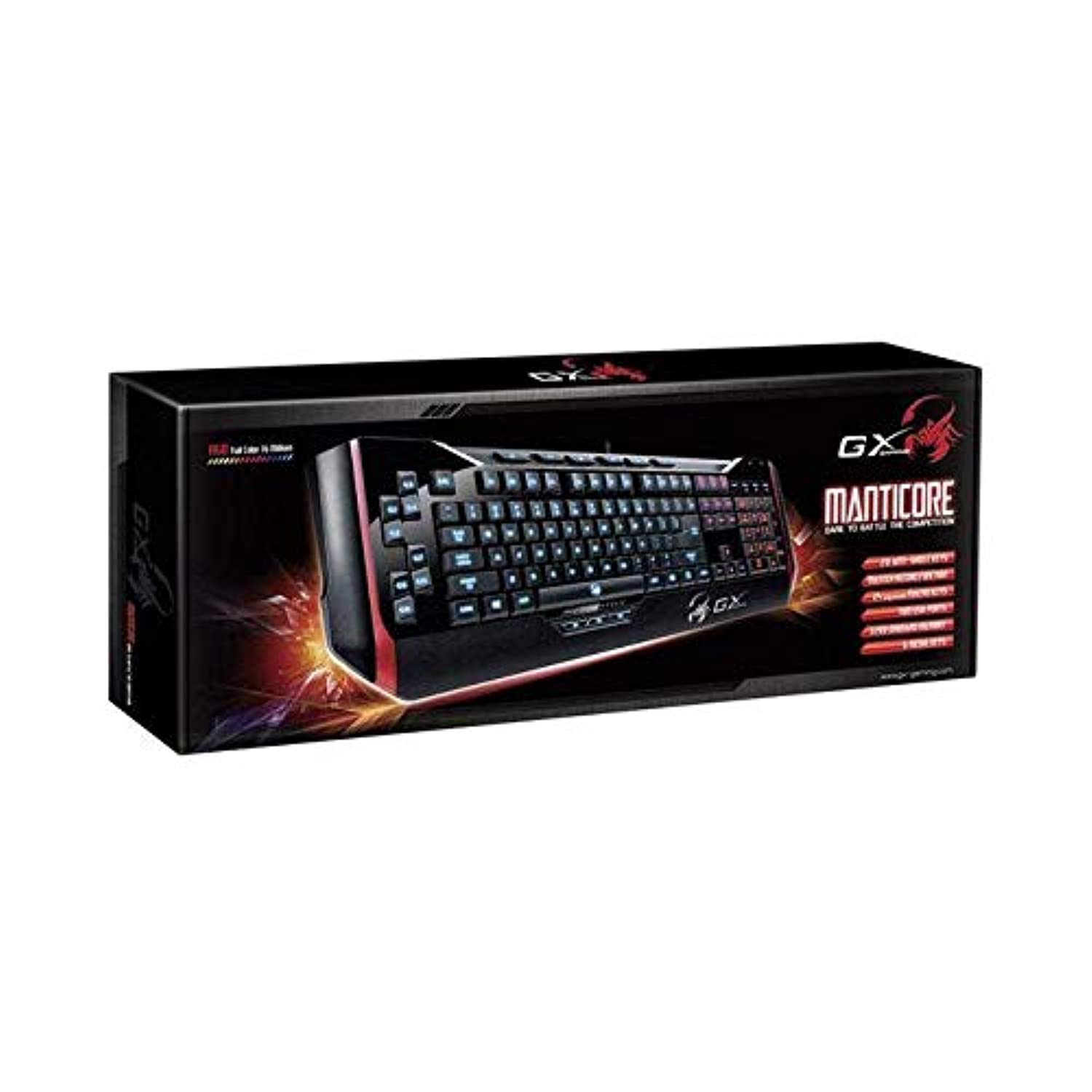
1-сүрөт: Genius Manticore Gaming Keyboard. This image displays the Genius Manticore Gaming Keyboard, featuring a black body with red accents on the sides. The keys are illuminated, indicating its gaming functionality. The keyboard has a standard QWERTY layout with additional keys on the left side, likely for macros, and a numeric keypad on the right.
3. Орнотуу
- Баскычтопту таңгактан чыгаруу: Carefully remove the Genius Manticore Gaming Keyboard from its packaging. Ensure all components are present.
- Түзмөгүңүзгө туташуу: Компьютериңизден же шайкеш келген түзмөгүңүздөн бош USB портун табыңыз. Баскычтоптун USB туташтыргычын USB портуна бекем сайыңыз.
- Драйверди орнотуу (зарыл болсо): For most modern operating systems, the keyboard will be recognized automatically, and standard drivers will be installed. If prompted, follow the on-screen instructions to complete any driver installation.
- Сыноо функциясы: Open a text editor or a web browser and test the keys to ensure they are responding correctly.
4. Иштөө нускамалары
The Genius Manticore Gaming Keyboard offers a standard QWERTY layout for general typing and dedicated features for gaming.
- Стандарттык баскыч функциялары: All standard alphanumeric, symbol, and function keys operate as expected on a typical QWERTY keyboard.
- Оюн функциялары: The keyboard is designed for gaming. Specific gaming features, such as customizable backlighting or programmable macro keys (if available on your model), can typically be configured through dedicated software provided by Genius or through specific key combinations. Refer to the Genius website for any available software downloads or advanced feature guides.
- Кубат булагы: The keyboard is powered directly via the USB connection to your device. No external power supply or batteries are required.
5. Техникалык тейлөө
Туура тейлөө клавиатураңыздын узак иштөөсүн жана иштешин камсыз кылат.
- Тазалоо: Use a soft, dry cloth to wipe down the keyboard surface. For dust and debris between keys, use compressed air. Avoid using harsh chemicals or abrasive materials.
- Суюктук таасири: This keyboard is сууга чыдамдуу эмес. Avoid spilling liquids on the keyboard, as this can cause permanent damage. If liquid exposure occurs, immediately disconnect the keyboard from your device and allow it to dry completely before attempting to use it again.
- Сактагыч: When not in use, store the keyboard in a clean, dry environment away from extreme temperatures and direct sunlight.
6. Кыйынчылыктарды
Эгерде сиз клавиатураңызда көйгөйлөргө туш болсоңуз, төмөнкү чечимдерди колдонуп көрүңүз:
- Баскычтоп жооп бербейт:
- USB кабели клавиатурага жана компьютерге бекем туташып турганын текшериңиз.
- Баскычтопту компьютериңиздин башка USB портуна туташтырууга аракет кылыңыз.
- Көйгөй клавиатурадабы же баштапкы компьютердеби, аныктоо үчүн клавиатураны башка компьютерден сынап көрүңүз.
- Компьютериңизди өчүрүп күйгүзүңүз.
- Атайын ачкычтар иштебейт:
- Check for any physical obstructions under the non-functional keys.
- Тейлөө бөлүмүндө сүрөттөлгөндөй баскычтопту тазалаңыз.
- Ensure no software conflicts are present (e.g., macro software interfering with standard key functions).
- Арткы жарыктандыруу маселелери:
- If your model features adjustable backlighting, ensure it is not turned off or set to the lowest brightness level. Consult the Genius website for specific key combinations to control backlighting.
If these steps do not resolve the issue, please contact Genius customer support for further assistance.
7. Техникалык шарттар
| Өзгөчөлүк | Деталь |
|---|---|
| Бренд аты | Genius |
| Модель номери | GE31310058108 |
| Шайкеш түзмөктөр | Баары |
| Байланыш технологиясы | USB |
| Keyboard Description | Оюндар |
| Өзгөчөлүктөр | Оюндар |
| Түс | Multi-color (Black and Red) |
| Стиль | Заманбап |
| Материал | Көптөгөн материалдар |
| Тема | Оюндар |
| Power Source | USB кубаты |
| Ачкычтардын саны | 104 |
| Баскычтоптун жайгашуусу | QWERTY клавиатурасы |
| Колдун багыты | Эки тараптуу |
| Button Quantity | 104 |
| Сууга туруктуулук деңгээли | Сууга чыдамдуу эмес |
| Өндүрүүчү | Genius |
| ASIN | B07MQMXJS9 |
8. Кепилдик жана колдоо
Your Genius Manticore Gaming Keyboard is covered by a standard manufacturer's warranty. For detailed information regarding warranty terms, registration, or to access technical support, please visit the official Genius webсайтка же кардарларды тейлөө бөлүмүнө кайрылыңыз. Сатып алганыңыздын далили катары сатып алуу дүмүрчөгүңүздү сактаңыз.
Кошумча жардам алуу үчүн, сиз иш сапары менен болот Genius Official Webсайт.