
1. Бүттүview
The Corsair RM850 is an 80 PLUS Gold certified, fully modular ATX power supply designed to deliver efficient and reliable power to your PC. It features industrial-grade, 105°C-rated capacitors for enhanced performance and durability. The RM850 supports Microsoft Modern Standby sleep mode for faster wake-from-sleep times and improved low-load efficiency. Its Zero RPM fan mode ensures quiet operation under low to medium loads.

Image 1.1: The Corsair RM850 Power Supply unit.
Негизги өзгөчөлүктөрү:
- 80 PLUS Алтын тастыкталган: Ensures high efficiency operation, reducing power consumption, heat, and noise.
- Tuned for Low Noise Operation: A 135 mm rifle bearing fan with a specially calculated fan curve minimizes noise, even under full load.
- 105°C номиналындагы конденсаторлор: Industrial-grade capacitors provide solid electrical performance and reliability.
- Microsoft Modern Standby Compatible: Уйкудан ойгонуу убактысын өтө тездетип, аз жүктөм менен иштөөнүн натыйжалуулугун жогорулатат.
- Нөл RPM желдеткич режими: The cooling fan switches off entirely at low and medium loads for near-silent operation.
- Толугу менен модулдук кабелдер: Simplifies PC builds and upgrades by allowing connection of only necessary cables.
2. Орнотуу жана орнотуу
2.1 Коопсуздук чаралары
- Орнотуудан же техникалык тейлөөдөн мурун ар дайым кубат булагын AC розеткасынан сууруп коюңуз.
- Электрдик коркунучтарды алдын алуу үчүн туура жерге туташтырууну камсыз кылыңыз.
- Do not open the power supply unit; it contains high voltage компоненттери.
- Handle components with care to avoid damage from static electricity.
2.2 Физикалык орнотуу
- PSU орнотуу: Install the RM850 into the power supply bay of your PC case. Secure it with the provided screws. Ensure the fan is oriented correctly for optimal airflow (typically facing down if your case has a bottom vent, or up if it's a top-mounted PSU).
- Модулдук кабелдерди туташтыруу: The RM850 is fully modular. Connect only the cables required for your system components.
- 24-пин ATX кабели: Motherboard'дун негизги кубат туташтыргычына туташыңыз.
- 4+4 pin CPU (EPS12V) Cable: Connect to the CPU power connector(s) on the motherboard.
- 6+2 пиндүү PCIe кабелдери: Connect to your graphics card(s). Use separate cables for each connector on the GPU if possible.
- SATA кабелдери: Connect to SSDs, HDDs, and optical drives.
- Перифериялык (Molex) кабелдер: Зарыл болсо, эски перифериялык түзүлүшкө же каптын күйөрмандарына туташыңыз.
- AC кубатына туташтыруу: Once all internal connections are secure, connect the AC power cord to the power supply and then to a wall outlet or surge protector.
- Кубат которгучу: Ensure the power switch on the back of the PSU is in the OFF (0) position before connecting to AC power. After connecting, flip it to the ON (I) position.

Image 2.1: The RM850 power supply installed within a computer case.

Сүрөт 2.2: Жакын пландан view of the modular cable connection ports on the RM850.

Image 2.3: The Corsair RM850 unit alongside its complete set of modular cables.

Image 2.4: Rear panel of the RM850, showing the AC power inlet and the main power switch.
3. Иштөө нускамалары
3.1 Системаңызды күйгүзүү
After completing the installation and ensuring all cables are securely connected, press the power button on your computer case. The RM850 will provide stable power to your components.
3.2 Zero RPM Fan Mode
The RM850 features a Zero RPM fan mode. This means the power supply fan will not spin when the power supply is under low to medium load, resulting in virtually silent operation. The fan will automatically activate when the load increases to maintain optimal temperatures.
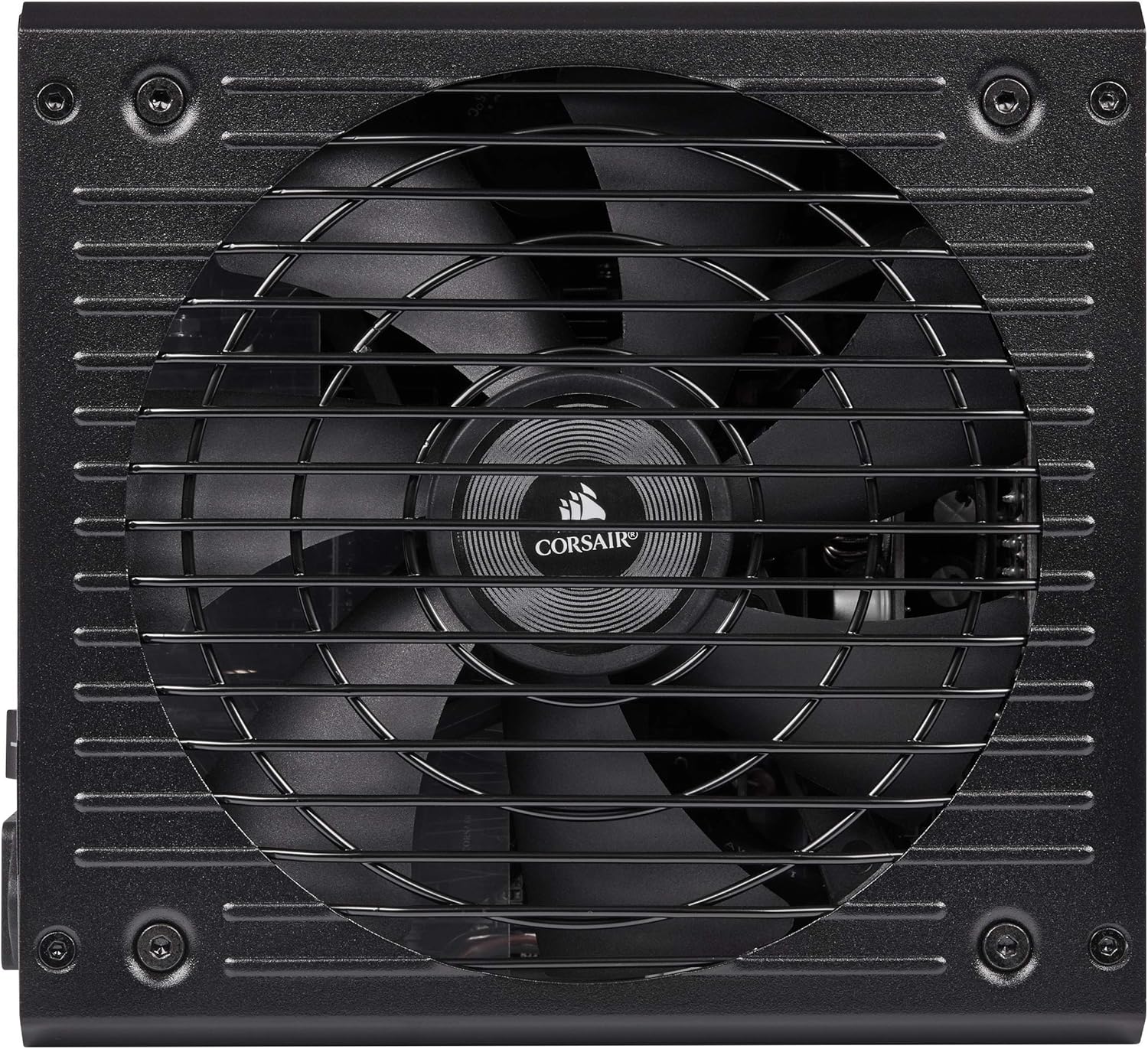
Сүрөт 3.1: Жогорку view of the RM850, showing the cooling fan grille.
3.3 Microsoft Modern Standby
The RM850 is compatible with Microsoft Modern Standby, allowing your system to wake from sleep faster and operate more efficiently at low power states. This feature is managed by your operating system and motherboard.
4. Техникалык тейлөө
Regular maintenance helps ensure the longevity and optimal performance of your Corsair RM850 power supply.
- Чаңды тазалоо: Periodically clean the exterior of the power supply and the fan grille to prevent dust buildup. Use compressed air to gently clear dust from the fan blades and heatsinks. Ensure the power supply is turned off and unplugged before cleaning.
- Кабелдик башкаруу: Кабелдердин тыкан өткөрүлүшүнө жана PC корпусунун ичиндеги аба агымына тоскоол болбогонун текшериңиз.
- Экологиялык шарттар: Operate the power supply in a well-ventilated area with stable temperature and humidity.
5. Кыйынчылыктарды
If you encounter issues with your RM850 power supply, consider the following troubleshooting steps:
- Кубат жок:
- AC кубат шнурунун кубат булагына жана розеткага бекем туташкандыгын текшериңиз.
- Ensure the power switch on the back of the PSU is in the ON (I) position.
- Verify that all modular cables (especially the 24-pin ATX and 4+4 pin CPU) are firmly seated in both the PSU and the motherboard/components.
- Дубалдагы розеткада кубат бар экенин ырастоо үчүн башка аспап менен сынап көрүңүз.
- Системанын туруксуздугу же кокусунан өчүрүлүшү:
- Ensure your system's power requirements do not exceed the RM850's 850W capacity.
- Компоненттердин, анын ичинде PSUнун ашыкча ысып кетүүсүнө жол бербөө үчүн, компьютериңиздин корпусунда туура вентиляцияны текшериңиз.
- Verify that all power connectors to your components (GPU, motherboard) are correctly installed.
- желдеткич айланбай жатат:
- RM850 нөлдүк айлануу/минуттук желдеткич режимине ээ. Вентилятор жогорку жүктөмдөрдө гана айланат. Бул кадимки иштөө.
- If the system is under heavy load and the fan is still not spinning, ensure there are no obstructions to the fan.
If these steps do not resolve the issue, refer to the Warranty and Support section for further assistance.
6. Техникалык шарттар
| Модель аты | RM сериясы |
| Бренд | Корсар |
| Чыгуу Wattage | 850 Ватт |
| 80 PLUS сертификаты | Алтын сертификатталган |
| Форма фактору | ATX |
| Энергия менен жабдуунун дизайны | Толугу менен модулдук |
| Муздатуу ыкмасы | Air (135 mm Rifle Bearing Fan) |
| Конденсатор рейтинги | 105°C-ченемдүү |
| Өлчөмдөрү (L x W x Y) | 11.89 x 8.43 x 5.08 дюйм |
| Элемент Салмагы | 2.2 фунт |
| Максималдуу киргизүү көлөмүtage | 240 вольт |
| Минималдуу киргизүү көлөмүtage | 100 вольт |

Image 6.1: Graphs illustrating the RM850's fan noise levels and power efficiency at various loads.
7. Кепилдик
The Corsair RM850 power supply is backed by a ten-year warranty, reflecting its high quality and reliability. For complete details regarding warranty terms, conditions, and the claims process, please refer to the official Corsair webсайтына же өнүмүңүзгө тиркелген кепилдик документтерине.
8. Колдоо
For additional support, including frequently asked questions, driver downloads, and contact information for technical assistance, please visit the official Corsair support webсайт:
You may also find helpful resources and community forums on the Corsair webсайт.


