
1. Киришүү
Thank you for choosing the EarFun Go Portable Bluetooth Speaker. This manual provides essential information for setting up, operating, and maintaining your device. Please read it thoroughly before use to ensure optimal performance and longevity.
Кутуда эмне бар:
- 1 x EarFun Go Wireless Speaker
- 1 x USB-C кабели
- 1 x User Manual
2. Продукт бүтүп калдыview
The EarFun Go is a compact and robust portable Bluetooth speaker designed for high-quality audio on the go. It features advanced sound technology, durable construction, and versatile connectivity options.
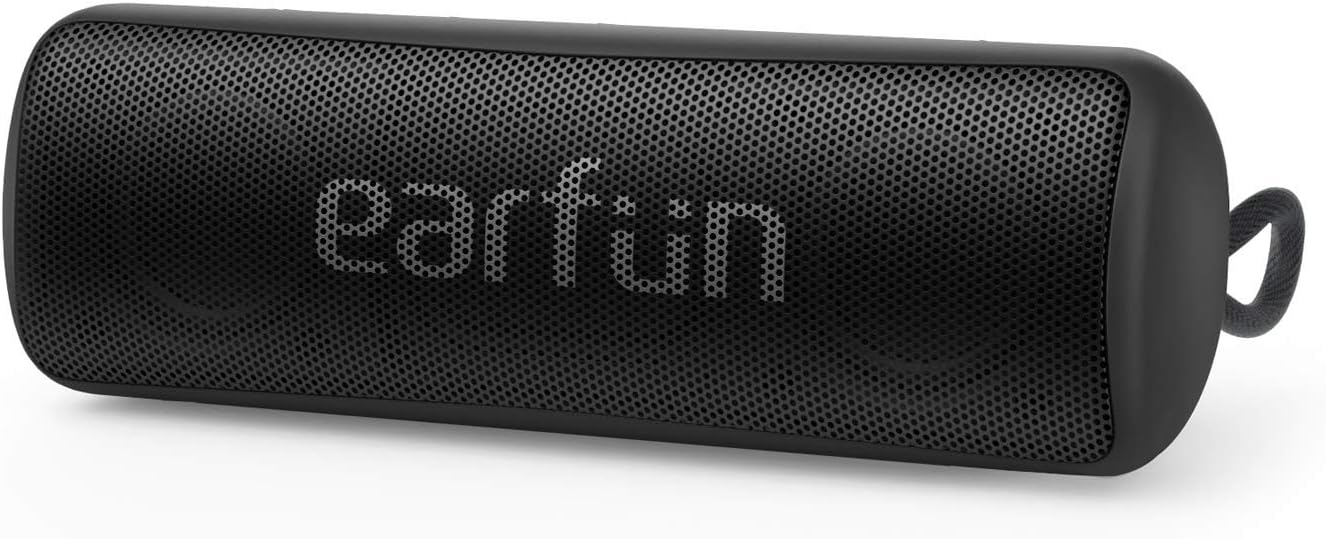
Figure 2.1: EarFun Go Portable Bluetooth Speaker (Front View)
Негизги өзгөчөлүктөрү:
- Үндүн жогорку сапаты: Equipped with dual high-performance drivers and advanced DSP chips for clear audio and enhanced bass.
- IPX7 Суу өткөрбөйт: Provides protection against spills, rain, snow, dust, and can withstand submersion in up to 1 meter of water for 30 minutes.
- Bluetooth 5.0 туташуусу: Ensures stable and instant pairing with compatible devices up to 100 feet (30 meters) away.
- 24 сааттык батареянын иштөө мөөнөтү: A built-in high-capacity rechargeable battery provides extended playtime on a single charge.
- Компакт жана портативдик дизайн: Its pocket-sized form factor and integrated strap make it ideal for travel and outdoor activities.
- Чыныгы зымсыз стерео (TWS) жупташтыруу: Connect two EarFun Go speakers for an immersive stereo sound experience.
- Камтылган микрофон: Allows for hands-free speakerphone calls and access to digital assistants.

2.2-сүрөт: Ички view highlighting dual high-performance drivers.

Figure 2.3: Speaker demonstrating IPX7 waterproof capability.

Figure 2.4: Seamless Bluetooth 5.0 connection for wireless audio.
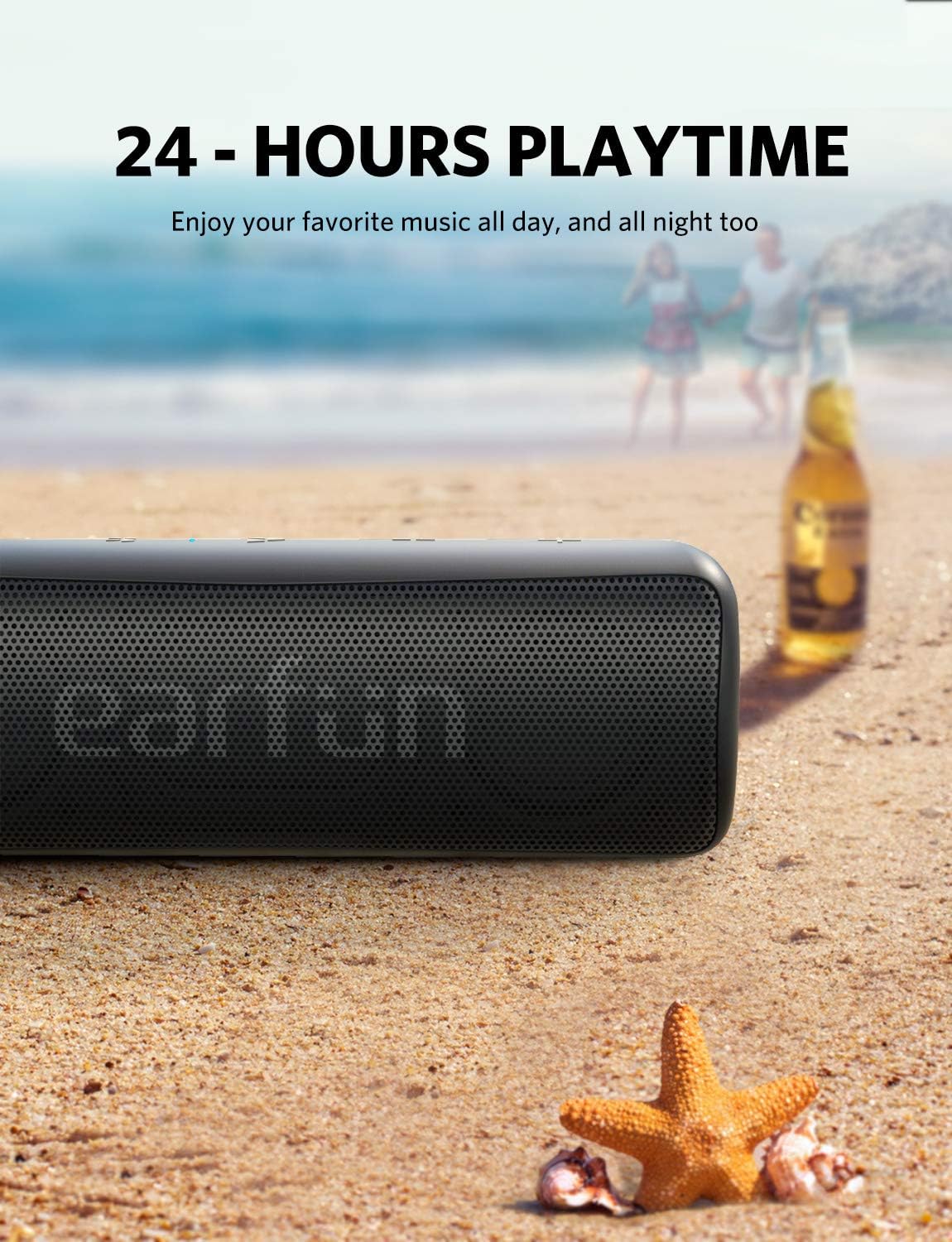
Figure 2.5: Enjoy music all day with 24-hour battery life.

Figure 2.6: Compact design with a convenient hang strap.
3. Орнотуу
3.1 Күйгүзүү/өчүрүү
- Күйгүзүү үчүн: басып, кармап туруңуз Кубат баскычы (⏻) for 2 seconds. The blue indicator light will flash.
- Өчүрүү үчүн: басып, кармап туруңуз Кубат баскычы (⏻) for 2 seconds. The indicator light will turn off.
3.2 Bluetooth жупташтыруу
- Ensure the speaker is powered on and the blue indicator light is flashing, indicating it's in pairing mode.
- Түзмөгүңүздө Bluetooth'ду жандырыңыз (смартфон, планшет, ноутбук).
- Издөө "EarFun Go" in your device's Bluetooth list and select it to connect.
- Once connected, the blue indicator light will remain solid.
3.3 Чыныгы зымсыз стерео (TWS) жупташтыруу (милдеттүү эмес)
To achieve a stereo sound experience, you can pair two EarFun Go speakers together:
- Power on both EarFun Go speakers.
- Бир динамикте (бул негизги спикер болот) басып, кармап туруңуз Bluetooth баскычы (✶) for 5 seconds until you hear a tone and the blue indicator light flashes rapidly.
- The two speakers will automatically connect to each other. Once connected, the primary speaker's blue indicator will flash slowly, and the secondary speaker's blue indicator will remain solid.
- Эми түзмөгүңүздү 3.2 бөлүмүндө сүрөттөлгөндөй Bluetooth аркылуу негизги динамикке туташтырыңыз.
3.4 AUX туташуусу
For non-Bluetooth devices, you can use a 3.5mm AUX cable (not included) to connect to the speaker's auxiliary input port.
- Open the protective flap on the back of the speaker to reveal the ports.
- Connect one end of the 3.5mm AUX cable to your audio device and the other end to the AUX-in port on the EarFun Go speaker.
- Динамик автоматтык түрдө AUX режимине өтөт.
4. Иштөө
4.1 Баскыч функциялары
The control buttons are located on the top surface of the speaker:

Figure 4.1: Button layout on the EarFun Go speaker.
- Кубат баскычы (⏻): Күйгүзүү/өчүрүү үчүн 2 секунд басып туруңуз.
- Bluetooth Button (✶): Press to enter Bluetooth pairing mode. In TWS mode, press and hold for 5 seconds on the primary speaker to initiate TWS pairing.
- Play/Pause Button (▶▶): Press once to play or pause music. Press once to answer or end a call. Press and hold for 2 seconds to reject an incoming call. Double-press to activate your device's voice assistant (Siri, Google Now).
- Үндү азайтуу баскычы (-): Press once to decrease volume. Press and hold to skip to the previous track.
- Үндү катуулатуу баскычы (+): Press once to increase volume. Press and hold to skip to the next track.
5. Техникалык тейлөө
5.1 Жалпы кам көрүү
- Динамикти жумшак менен тазалаңыз, гamp кездеме. Катуу химиялык заттарды же абразивдүү материалдарды колдонбоңуз.
- Ensure the protective flap covering the charging and AUX ports is securely closed when not in use, especially in wet environments.
- Динамикти экстремалдык температурага же түз күн нуруна узак убакытка калтыруудан сактаңыз.
5.2 Батареяны заряддоо
Charge the speaker using the provided USB-C cable. A full charge takes approximately 4 hours.
- Динамиктин артындагы коргоочу жапкычты ачыңыз.
- Connect the USB-C cable to the charging port on the speaker and to a compatible USB power source.
- The charging indicator light will show charging status (refer to LED indicator section in full manual for details).
6. Кыйынчылыктарды
If you encounter issues with your EarFun Go speaker, please refer to the following common solutions:
| Көйгөй | Чечим |
|---|---|
| Динамик күйбөйт | Батарея заряддалганын текшериңиз. USB-C кабели аркылуу кубат булагына туташуу. |
| Cannot pair with device via Bluetooth | Make sure the speaker is in pairing mode (flashing blue light). Turn off and on your device's Bluetooth. Clear previous pairings on your device. |
| Үн жок же үнү төмөн | Check volume levels on both the speaker and your connected device. Ensure the speaker is not muted. If using AUX, verify cable connection. |
| Начар үн сапаты же бурмалоо | Move the speaker closer to your Bluetooth device. Ensure there are no obstructions. Reduce volume if distortion occurs at high levels. |
| TWS жупташтыруу ишке ашпай калды | Ensure both speakers are EarFun Go models. Follow TWS pairing steps carefully, ensuring only one speaker is initially in pairing mode before initiating TWS. |
7. Техникалык шарттар
| Өзгөчөлүк | Спецификация |
|---|---|
| Модель аты | SP100B |
| Динамик түрү | Сыртта |
| Өзгөчөлүктөр | DSP Technology, Wireless Stereo Pairing (TWS), USB Type-C Port, IPX7 Waterproof, 30 Meters Bluetooth Range, 24 Hours Playtime |
| Сунушталган Колдонуулар | For Smartphones or Tablets, Travel, Outdoor/Portable audio setups |
| Шайкеш түзмөктөр | Ноутбук, смартфон, планшет |
| Продукциянын өлчөмдөрү | 2.2"D x 2.2"W x 6.3"H (5.6cm D x 5.6cm W x 16cm H) |
| Элемент Салмагы | 14.1 унция (400 грамм) |
| Сууга туруктуулук деңгээли | IPX7 суу өткөрбөйт |
| Максималдуу диапазон | 100 фут (30 метр) |
| Башкаруу ыкмасы | Үн, Баскычтар |
| Зымсыз байланыш технологиясы | Bluetooth 5.0 |
| Power Source | Батарея менен иштейт (1 литий-иондук батарейка камтылган) |
| Батарея сыйымдуулугу | 24 саатка чейин ойноо убактысы |
| Заряддоо убактысы | 4 саат |
| Динамиктин максималдуу чыгаруу күчү | 12 Watts (2 x 6W Speakers) |
| Аудио чыгаруу режими | Стерео |
8. Кепилдик жана Кардарларды колдоо
The EarFun Go Portable Bluetooth Speaker comes with an 18-month manufacturer's warranty. Additionally, a 30-day no-questions-asked return policy is offered. For any product-related inquiries, technical support, or warranty claims, please contact EarFun customer service through their official webпродукт сатылып алынган сайт же сатуучу.