
Introduction
Thank you for choosing TRANYA B530 True Wireless Earbuds. This manual provides essential information for setting up, operating, and maintaining your earbuds. Please read it thoroughly before use to ensure optimal performance and longevity of your device.
The TRANYA B530 earbuds feature Bluetooth 5.0 technology, Aptx/AAC compatibility for high-quality audio, CVC8.0 noise cancellation for clear calls, and an IPX5 waterproof rating, making them suitable for various activities including sports and exercise.
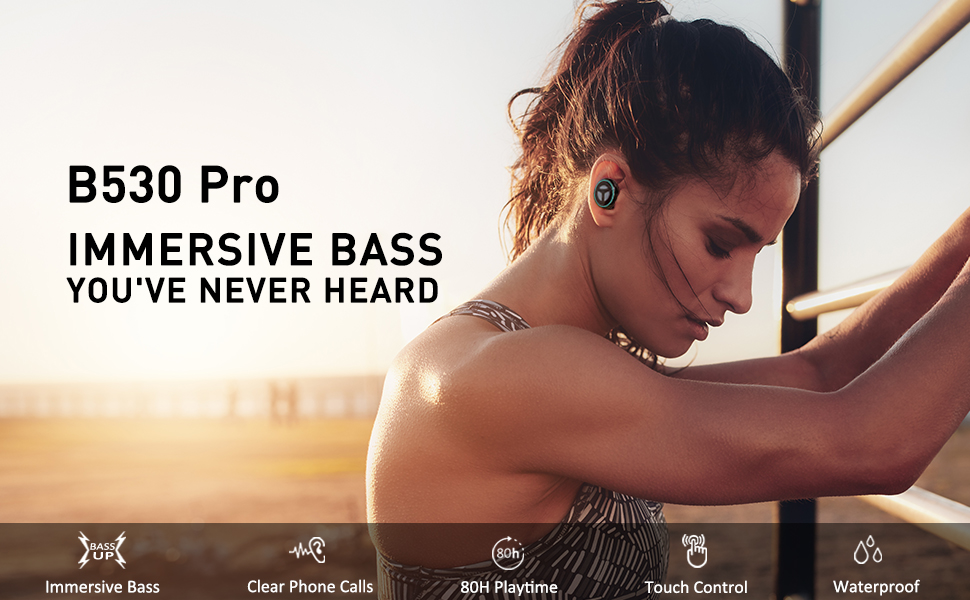
Image: TRANYA B530 True Wireless Earbuds and their charging case, showcasing жаркыраган кара дизайн.
Пакеттин мазмуну
Пакетиңизде бардык буюмдар бар экенин текшериңиз:
- TRANYA B530 True Wireless Earbuds (Left & Right)
- Заряддоо кутусу
- Silicone Eartips (3 pairs: Small, Medium, Large)
- Микро USB заряддоо кабели
- User Manual


Image: Micro USB charging cable and various sizes of silicone eartips included in the package.
Жайгашуу
1. Кулакчындарды жана кутуну кубаттоо
Before first use, fully charge the earbuds and the charging case. Connect the Micro USB charging cable to the charging port on the case and a power source. The LED indicators on the case will show the charging status.
- Заряддоо кутусу: Жалпы ойноо убактысы 80 саатка чейин.
- Кулакчындар: Бир кубаттоо менен 10 саатка чейин ойноо.

Image: TRANYA B530 earbuds shown with their charging case, highlighting the ultra-long playtime of up to 80 hours.
2. Түзмөгүңүз менен жупташтыруу
The earbuds support effortless pairing and automatic on/off functionality.
- Заряддоо кутусунан эки кулакчынды алып салыңыз. Алар автоматтык түрдө күйүп, жупташтыруу режимине кирет.
- On your device (smartphone, tablet, etc.), go to Bluetooth settings and select "TRANYA B530" from the list of available devices.
- Туташтырылгандан кийин, сиз ырастоо сигналын угасыз жана кулакчындын индикатору өчөт.
The earbuds support both Sync Mode (stereo) and Mono Mode (single earbud use).

Image: Illustration showing TRANYA B530 earbuds in both Sync Mode (stereo) and Mono Mode (single earbud), with a smartphone screen displaying successful Bluetooth pairing.
Иштөө нускамалары
The TRANYA B530 earbuds feature multi-functional touch controls for easy management of music and calls.

Image: A person using TRANYA B530 earbuds, demonstrating the multi-functional touch controls for volume, calling, voice assistance, and audio playback.
Музыкалык башкаруу
- Ойнотуу/тындыруу: Кулакчындарды бир жолу таптаңыз.
- Көлөмү: Оң кулакчынды эки жолу таптаңыз.
- Үнүн азайтуу: Сол кулакчынды эки жолу таптаңыз.
- Кийинки трек: Оң кулакчынды үч жолу таптаңыз.
- Мурунку трек: Сол кулакчынды үч жолу таптаңыз.
Чалууларды башкаруу
- Чалууга жооп берүү/аяктоо: Кулакчындарды бир жолу таптаңыз.
- Чакырууну четке кагуу: Кулакчындардын бирин 2 секунд басып туруңуз.
Үн жардамчысы
- Үн жардамчысын (Siri, Google жардамчысы) иштетүү: Кулакчындардын бирин 3 секунд басып туруңуз.
Техникалык тейлөө
Proper maintenance ensures the longevity and performance of your TRANYA B530 earbuds.
- Тазалоо: Кулакчындарды жана заряддоо кутусун жумшак, кургак чүпүрөк менен дайыма тазалаңыз. Катуу химиялык заттарды же абразивдүү материалдарды колдонуудан алыс болуңуз.
- Сактагыч: Колдонулбаганда, кулакчындарды чаңдан жана бузулуудан коргоо үчүн кубаттоочу кутуга салып сактаңыз.
- Суу таасири: While IPX5 waterproof, avoid prolonged exposure to water or submersion. Ensure earbuds are dry before placing them back in the charging case.
Проблемаларды чечүү
Эгер кулакчыныңызда көйгөйгө туш болсоңуз, төмөнкү чечимдерди колдонуп көрүңүз:
| Көйгөй | Чечим |
|---|---|
| Кулакчындар жупташкан жок | Ensure earbuds are fully charged. Turn off and on your device's Bluetooth. Try resetting the earbuds (refer to user manual for specific reset instructions). |
| Бир гана кулакчын иштейт | Place both earbuds back in the case, then remove them simultaneously to re-establish stereo connection. Check battery levels of both earbuds. |
| Үн сапаты начар | Ensure earbuds are properly seated in your ears with the correct size eartips for a good seal. Check for obstructions in the earbud nozzles. Ensure your device is within Bluetooth range. |
| Заряддоо маселелери | Ensure the charging cable is securely connected. Try a different charging cable or power adapter. Clean the charging contacts on the earbuds and inside the case. |
Техникалык шарттар
- Модел: B530
- Bluetooth версиясы: 5.0
- Зымсыз технология: Bluetooth
- Bluetooth диапазону: 10 метр
- Аудио кодектер: Aptx, AAC
- Ызы-чууну көзөмөлдөө: CVC8.0 Noise Cancellation (for calls)
- Айдоочу: Nano-Ti Diaphragm
- Сууга туруктуулук деңгээли: IPX5 (Суу өткөрбөйт)
- Earbud Playtime (Single Charge): 10 саатка чейин
- Жалпы ойноо убактысы (заряддоо кутусу менен): 80 саатка чейин
- Башкаруу түрү: Touch Control (Media, Call, Voice Assistant, Volume)
- Салмагы: 4.54 грамм (ар бир кулакчын үчүн)
- Материал: Пластик
Кепилдик жана колдоо
TRANYA B530 True Wireless Earbuds come with a standard 12-month warranty. You can extend your warranty to 15 months by registering your product on the official TRANYA webсайт сатып алгандан кийин 14 күндүн ичинде.
For product information, support, or warranty claims, please visit www.tranya.com же кардарларды колдоо бөлүмүнө кайрылыңыз support@tranya.com.
Расмий продукт Video
Видео: расмий продукт бүттүview of the TRANYA B530 Pro Wireless Earbuds, highlighting key features and design.