
1. Киришүү
The TELLUR Basic Wireless Mini Mouse (Model TLL491001) is a compact and lightweight peripheral designed for convenience and portability. Featuring a reliable 2.4GHz wireless connection with a 10-meter range and adjustable DPI settings, this mouse offers a comfortable and efficient user experience for various computing tasks. Its plug-and-play functionality ensures easy setup and immediate use.
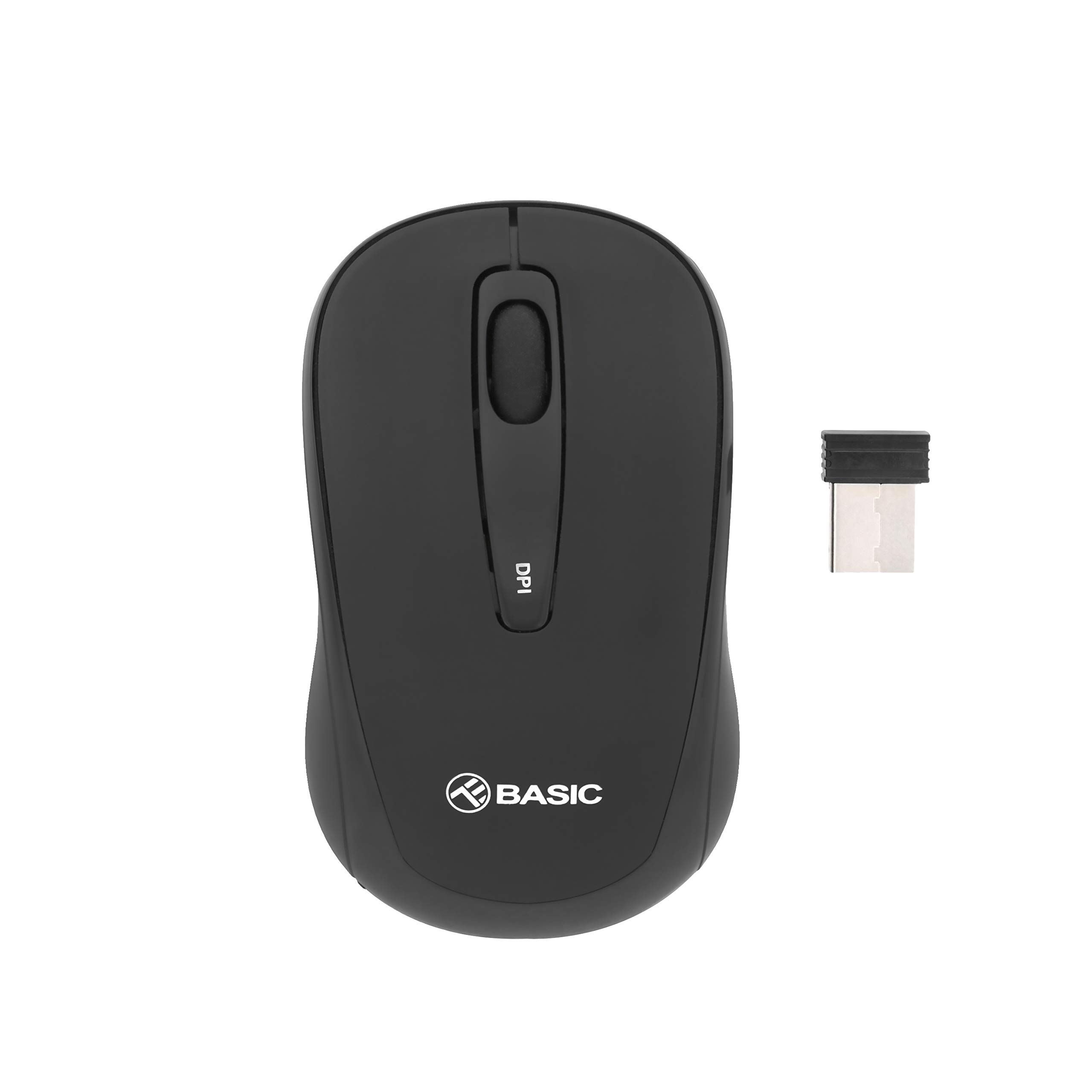
Сүрөт 1.1: Жогорку view of the TELLUR Basic Wireless Mini Mouse.
2. Пакеттин мазмуну
Пакетиңизде бардык буюмдар бар экенин текшериңиз:
- TELLUR Basic Wireless Mini Mouse
- USB Receiver (typically stored inside the mouse's battery compartment)
3. Орнотуу нускамалары
Follow these steps to set up your TELLUR Basic Wireless Mini Mouse:
- Батареяларды салыңыз: Open the battery compartment cover, usually located on the underside of the mouse. Insert two (2) AAA batteries, ensuring correct polarity (+/-). Close the battery compartment cover.
- USB кабылдагычты табыңыз: The small USB receiver is typically stored within the battery compartment or a dedicated slot on the mouse for safekeeping during transport. Remove it carefully.
- USB кабылдагычты туташтыруу: USB кабыл алгычты компьютериңиздеги жеткиликтүү USB портуна сайыңыз. Операциялык системаңыз керектүү драйверлерди автоматтык түрдө таап, орнотушу керек.
- Чычканды күйгүзүү: Чычкандын астыңкы бетиндеги кубат баскычын таап, аны "КҮЙГҮЗҮҮ" абалына жылдырыңыз. Эми чычкан колдонууга даяр болушу керек.

Сүрөт 3.1: Бурчтуу view of the mouse, showing its compact design.
4. Иштөө нускамалары
The TELLUR Basic Wireless Mini Mouse offers standard mouse functionalities and an adjustable DPI setting:
- Сол баскыч: Негизги чыкылдатуу функциясы.
- Оң баскыч: Кошумча чыкылдатуу функциясы, адатта, контексттик менюлар үчүн.
- Жылдыруу дөңгөлөгү: Документтерди өйдө же ылдый сыдырыңыз жана web барактар. Ошондой эле, ортоңку чыкылдатуу функциясы үчүн басууга болот.
- DPI жөндөө баскычы: Located on the top of the mouse, this button allows you to cycle through different sensitivity levels (800, 1200, and 1600 DPI). Press the button to change the cursor speed to suit your preference or task.

Сүрөт 4.1: Жогорку view highlighting the DPI adjustment button.
5. Техникалык тейлөө
Чычканыңыздын узак мөөнөттүү иштешин жана оптималдуу иштешин камсыз кылуу үчүн, төмөнкү техникалык тейлөө көрсөтмөлөрүн аткарыңыз:
- Тазалоо: Use a soft, dry cloth to clean the mouse's surface. For stubborn dirt, slightly dampчүпүрөктү суу же жумшак тазалоо эритмеси менен жууп салыңыз. Катуу химиялык заттарды же абразивдүү материалдарды колдонуудан алыс болуңуз.
- Сенсор тазалоо: Occasionally, gently wipe the optical sensor on the underside of the mouse with a cotton swab to remove dust or debris that may affect tracking performance.
- Батареяны алмаштыруу: When the mouse's performance becomes erratic or stops responding, it is likely time to replace the AAA batteries. Always replace both batteries at the same time.
- Сактагыч: When not in use for extended periods, turn off the mouse to conserve battery life. Store the USB receiver inside the mouse to prevent loss.
6. Кыйынчылыктарды
If you encounter issues with your TELLUR Basic Wireless Mini Mouse, refer to the following table for common problems and solutions:
| Көйгөй | Чечим |
|---|---|
| Чычкан жооп бербей жатат. |
|
| Курсордун кыймылы туруксуз же секирик. |
|
| Wireless connection is unstable or has limited range. |
|
7. Техникалык шарттар
| Өзгөчөлүк | Деталь |
|---|---|
| Бренд | TELLUR |
| Модель аты | Tellur Basic Wireless Mini Mouse |
| Элемент моделинин номери | TL491001 |
| Түс | Кара |
| Байланыш технологиясы | Зымсыз (USB кабыл алгыч) |
| Кыймылды аныктоо технологиясы | Оптикалык |
| DPI токтому | 800 / 1200 / 1600 (Жөнгө салынуучу) |
| баскычтардын саны | 3 |
| Колдун багыты | Эки тараптуу |
| Зымсыз диапазон | 10 метрге чейин |
| Батареялар талап кылынат | 2 x AAA батарейкалар |
| Элемент Салмагы | 30 грамм |
| Өзгөчө өзгөчөлүк | USB receiver included (inside or with mouse) |
8. Кепилдик жана колдоо
For warranty information or technical support, please refer to the documentation provided with your purchase or visit the official TELLUR webсайт. Кепилдик дооматтар үчүн сатып алганыңыздын далилин сактаңыз.