
Introduction
This manual provides essential instructions for the safe and efficient use of your MoKo Smart LED Light Bulb. This smart bulb offers customizable lighting with 16 million colors, adjustable brightness and color temperature, and convenient control via app or voice assistants like Alexa and Google Home. It operates on a 2.4GHz Wi-Fi network and does not require a separate hub.
Коопсуздук маалыматы
- Лампаны орнотуудан же алып салуудан мурун электр энергиясы өчүрүлгөнүн текшериңиз.
- Толугу менен жабык приборлордо колдонбоңуз, анткени бул лампочканын иштөө мөөнөтүн кыскартат.
- Not suitable for dimmers other than those controlled by the app or voice assistant.
- Лампаны сууга же жогорку нымдуулукка дуушар кылуудан алыс болуңуз.
- Бул аппарат имараттын ичинде гана колдонуу үчүн.
Пакеттин мазмуну
- MoKo Smart LED Light Bulb (BR30, E26 Base) x 1
- Колдонуучунун колдонмосу x 1
Техникалык шарттар
| Продукциянын өлчөмдөрү | 14.48 x 10.16 x 10.16 см |
| Элемент Салмагы | 153.09 г (5.4 унция) |
| Лампанын формасынын өлчөмү | BR30 |
| Лампанын базасы | E26 |
| Ватtage | 9 Ватт |
| Жарык түрү | LED |
| Ачык түс | Multicolor (RGB), Warm White, Cool White |
| Өзгөчө өзгөчөлүк | Dimmable |
| Байланыш технологиясы | Wi-Fi (2.4 ГГц гана) |
| Башкаруу ыкмасы | App, Voice (Alexa, Google Home, SmartThings) |
Жайгашуу
- Лампаны орнотуу: Screw the MoKo Smart LED Light Bulb into a standard E26 light socket. Ensure the power to the fixture is turned off before installation.
- Колдонмону жүктөп алыңыз: App Store (iOS) же Google Play дүкөнүнөн (Android) "Smart Life" колдонмосун жүктөп алыңыз.
- Катталуу/Кирүү: Open the "Smart Life" app and register for a new account or log in if you already have one.
- Жупташууга даярданыңыз: Turn the light switch ON. The bulb should begin to blink rapidly. If it does not blink, manually turn the light switch OFF and ON repeatedly (typically 3-5 times) until the bulb starts blinking rapidly. This indicates it is in pairing mode.
- Колдонмого түзмөк кошуу: In the "Smart Life" app, tap the "+" icon in the top right corner to add a device. Select "Lighting" > "Light Source (Wi-Fi)".
- Wi-Fi'га туташуу: Confirm the bulb is blinking rapidly. Enter your 2.4GHz Wi-Fi network password. Эскертүү: The bulb only supports 2.4GHz Wi-Fi networks; 5GHz networks are not compatible.
- Жупташтыруу: Колдонмо лампага туташа баштайт. Туташтырылгандан кийин, башкарууну жеңилдетүү үчүн лампанын атын өзгөртө аласыз.
- Үн жардамчылары менен интеграциялоо (милдеттүү эмес):
- Amazon Alexa үчүн: Open the Alexa app, go to "Skills & Games," search for "Smart Life," enable the skill, and link your Smart Life account. Then, discover devices.
- Google Home үчүн: Open the Google Home app, tap "+" > "Set up device" > "Works with Google," search for "Smart Life," link your account, and assign the bulb to a room.
- SmartThings үчүн: Open the SmartThings app, tap "+" > "Device," search for "Smart Life," and follow the on-screen instructions to connect.

Сүрөт: бүттүview of MoKo Smart LED Light Bulb features, including color options, connectivity, and control methods.
Иштөө нускамалары
1. Колдонмону башкаруу
- Күйгүзүү/өчүрүү: Tap the bulb icon in the Smart Life app to toggle power.
- алсыздатуу: Adjust the brightness slider within the app to set the desired light intensity.
- Түс өзгөртүү: Select from 16 million colors using the color wheel or preset scenes.
- Түс температурасы: Ак жарыкты жылуудан (2000K) муздакка (6500K) тууралаңыз.
- Пландаштыруу: Set schedules for the bulb to automatically turn on/off at specific times, or to change modes.
- Топтук көзөмөл: Create groups of multiple MoKo smart bulbs to control them simultaneously.
- Түзмөктү бөлүшүү: Share control of the bulb with family members through the app.
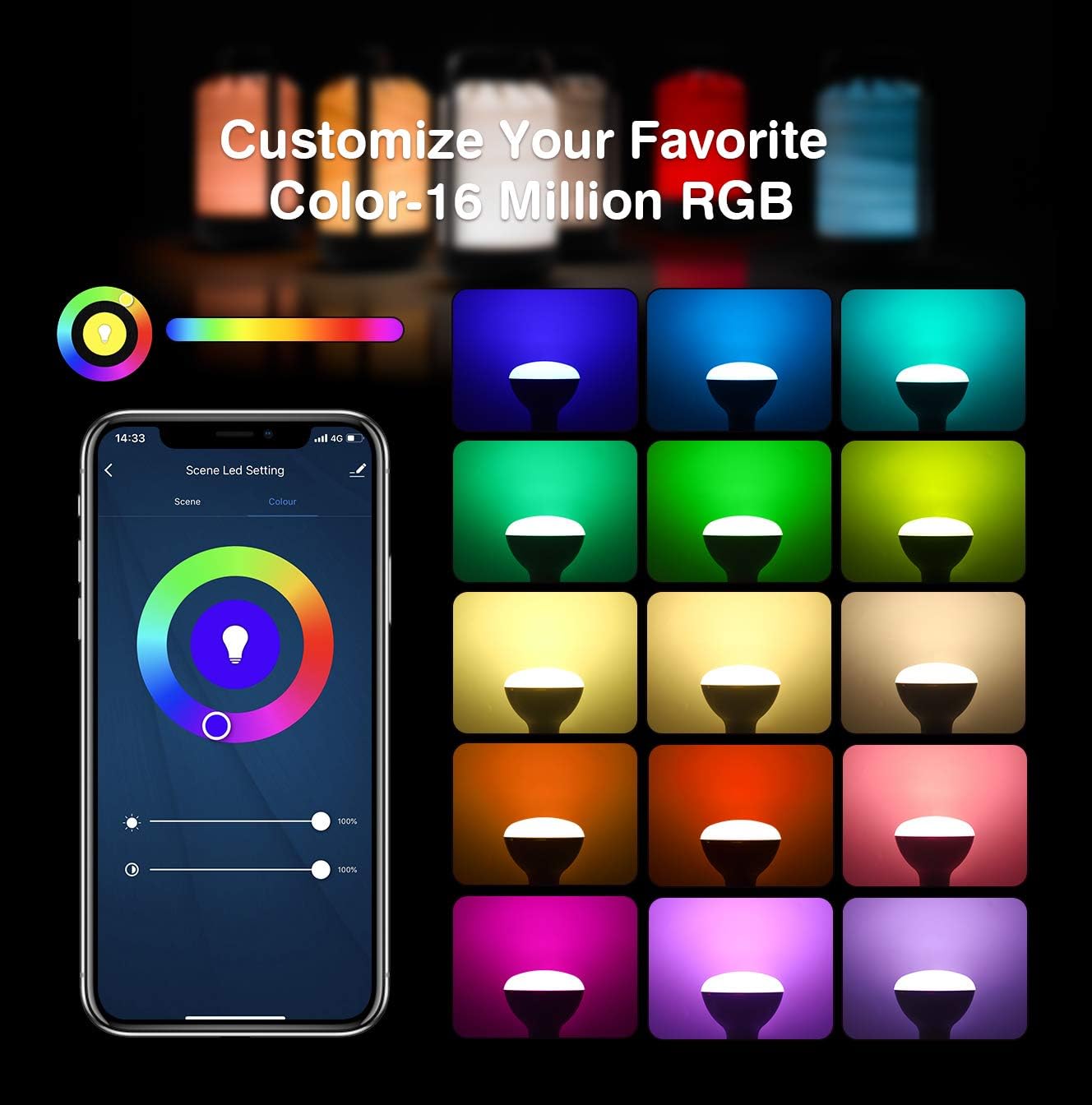
Image: App interface for customizing light color and brightness.

Image: App interface for adjusting color temperature and stepless dimming.
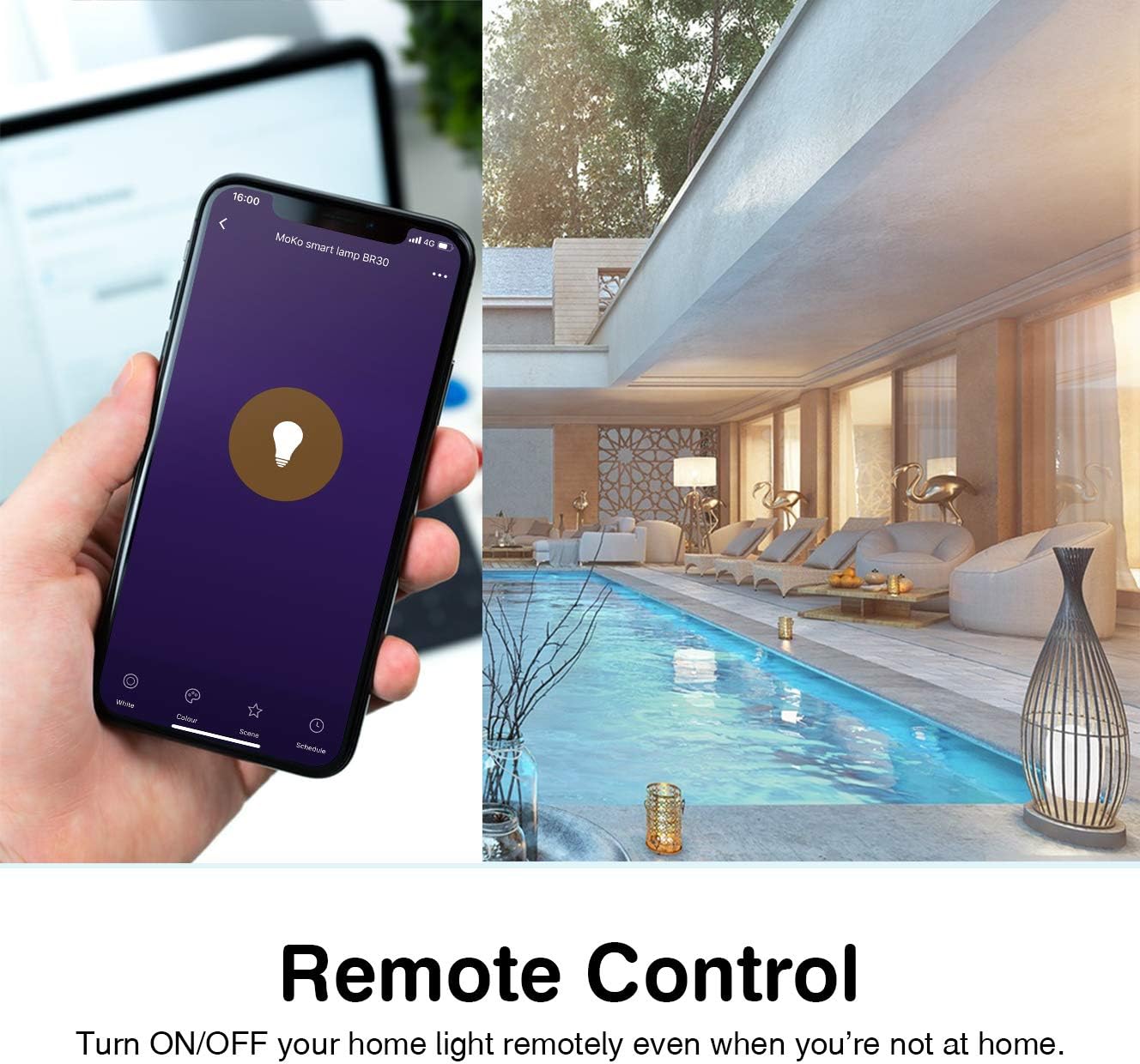
Image: Remote control functionality via the Smart Life app.

Image: Timing management and scheduling features.
2. Үн менен башкаруу
Once integrated with Amazon Alexa or Google Assistant, you can control your bulb using voice commands. Ensure your voice assistant device is connected to the same Wi-Fi network as your smart bulb.
- "Алекса, [Лампанын аты] күйгүз."
- "Эй, Google, [Лампанын аталышы] жарыкты 50% га чейин күңүрттө."
- "Alexa, set [Bulb Name] to blue."
- "Hey Google, change [Bulb Name] to warm white."

Image: Voice control integration with Amazon Alexa and Google Assistant.
3. Group Control and Device Sharing
The Smart Life app allows you to group multiple bulbs for simultaneous control and share access with other users.
- Топтук көзөмөл: In the app, select multiple bulbs and create a group. You can then control the entire group with a single command or tap.
- Түзмөктү бөлүшүү: Navigate to the device settings in the app and select "Share Device" to invite family members to control the bulb.
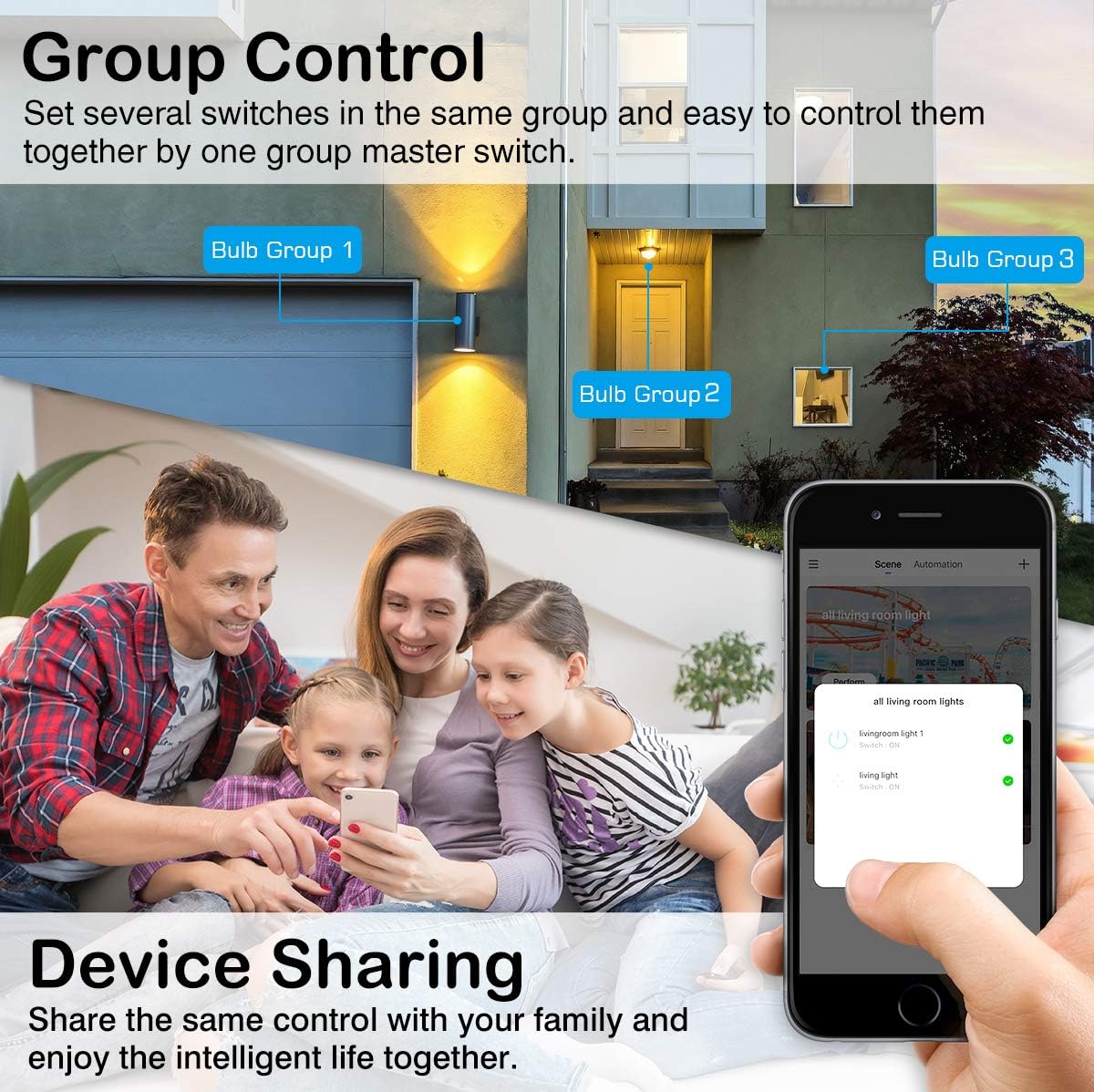
Image: Group control and device sharing features.
Техникалык тейлөө
- Тазалоо: Тазалоодон мурун лампочканын өчүрүлүп, муздатылганын текшериңиз. Жумшак, кургак чүпүрөк менен сүртүңүз. Суюк тазалоочу каражаттарды колдонбоңуз.
- Программалык камсыздоонун жаңыртуулары: Оптималдуу иштөөнү жана коопсуздукту камсыз кылуу үчүн Smart Life колдонмосунда жеткиликтүү болгон микропрограмма жаңыртууларын мезгил-мезгили менен текшерип туруңуз.
- Сактагыч: Эгерде лампочканы узак убакытка сактасаңыз, аны күн тийбеген, салкын, кургак жерде сактаңыз.
Проблемаларды чечүү
- Bulb not blinking for setup: Manually turn the light switch OFF and ON 3-5 times until the bulb starts blinking rapidly. This puts it into pairing mode.
- Wi-Fi'га туташпай жатат:
- Ensure your Wi-Fi network is 2.4GHz. The bulb does not support 5GHz networks.
- Wi-Fi сырсөзүңүздүн тактыгын текшериңиз.
- Орнотуу учурунда лампаны Wi-Fi роутериңизге жакындатыңыз.
- Роутериңизди өчүрүп күйгүзүңүз жана жупташтыруу процессин кайра аракет кылыңыз.
- Bulb loses connection:
- Verify your 2.4GHz Wi-Fi network is stable and active.
- Ensure the bulb is within range of your Wi-Fi router.
- Check for any obstructions or interference that might affect the Wi-Fi signal.
- Try resetting the bulb (turn OFF/ON 3-5 times) and re-pairing it with the app.
- Үн менен башкаруу иштебей жатат:
- Ensure the Smart Life skill/service is enabled and linked correctly in your Alexa or Google Home app.
- Verify the bulb's name in the Smart Life app matches the name you are using for voice commands.
- Үн жардамчысы түзмөгүңүз онлайн режиминде экенин жана бир тармакка туташып турганын текшериңиз.
- Colors or brightness not responding:
- Check the app for any error messages or connection issues.
- Ensure the bulb is powered on and connected to Wi-Fi.
- Try closing and reopening the Smart Life app.
Кепилдик жана колдоо
For warranty information or technical support, please refer to the contact details provided on the product packaging or the official MoKo webсайт. Сатып алганыңыздын далили катары сатып алуу дүмүрчөгүңүздү сактаңыз.