
1. Киришүү
Сатып алганыңыз үчүн рахматasing the Majority Scholars Compact DVD Player. This device is designed for versatile media playback, supporting multiple disc formats and regions. It features both HDMI and RCA connectivity for broad compatibility with various display devices, along with a USB port for playing digital media files. This manual provides essential information for setting up, operating, and maintaining your DVD player.
2. Коопсуздук маалыматы
- Өрт же электр тогуна урунуп калбаш үчүн аппаратты жамгырга же нымга тийгизбеңиз.
- Агрегаттын айланасын туура желдетүүнү камсыз кылыңыз. Вентиляция тешиктерин жаап албаңыз.
- Агрегатты туруксуз беттерге коюудан алыс болуңуз.
- в ачпагылаasinг. Бардык тейлөөлөрдү квалификациялуу кызматкерлерге тапшырыңыз.
- Чагылган бороондо же узак убакыт бою колдонбогондо, розеткадан ажыратыңыз.
- Өндүрүүчү белгилеген тиркемелерди/аксессуарларды гана колдонуңуз.
3. Пакеттин мазмуну
Сураныч, төмөнкү нерселер үчүн кутучаны белгилеңиз:
- Majority Scholars Compact DVD Player
- Алыстан башкаруу
- HDMI кабели
- RCA AV кабели
- Кубаттуу адаптер
- User Manual

Figure 3.1: Contents of the Majority Scholars DVD Player package.
4. Продукт бүтүп калдыview
4.1 алдыңкы панели

Сүрөт 4.1: Алдыңкы view of the DVD player.

Figure 4.2: Close-up of front panel controls and USB port.
The front panel includes the disc tray, a digital display, and essential control buttons such as Open/Close, Play/Pause, and Stop. A USB port is also located on the front for convenient access to digital media.
4.2 Арткы панель

Сүрөт 4.3: Туташуу порттору бар арткы панель.
The rear panel features the HDMI output for high-definition connection, RCA audio/video outputs for standard definition connections, and the power input port.
4.3 Алыстан башкаруу
The included remote control provides full functionality for operating the DVD player from a distance. It requires two AAA batteries (not included).
5. Орнотуу
5.1 Сыналгыга туташуу
You have two primary options for connecting your DVD player to a television:
- HDMI Connection (Recommended for best quality):
Connect one end of the supplied HDMI cable to the HDMI OUT port on the rear of the DVD player and the other end to an HDMI input port on your TV. Select the corresponding HDMI input on your TV using its remote control. - RCA Connection (Standard Definition):
Connect the supplied RCA AV cable to the VIDEO OUT (yellow), AUDIO OUT L (white), and AUDIO OUT R (red) ports on the rear of the DVD player. Connect the other end of the cable to the corresponding AV input ports on your TV. Select the AV input on your TV using its remote control.
5.2 Кубат туташтыруу
Connect the power adapter to the DC IN port on the rear of the DVD player, then plug the adapter into a standard electrical outlet.
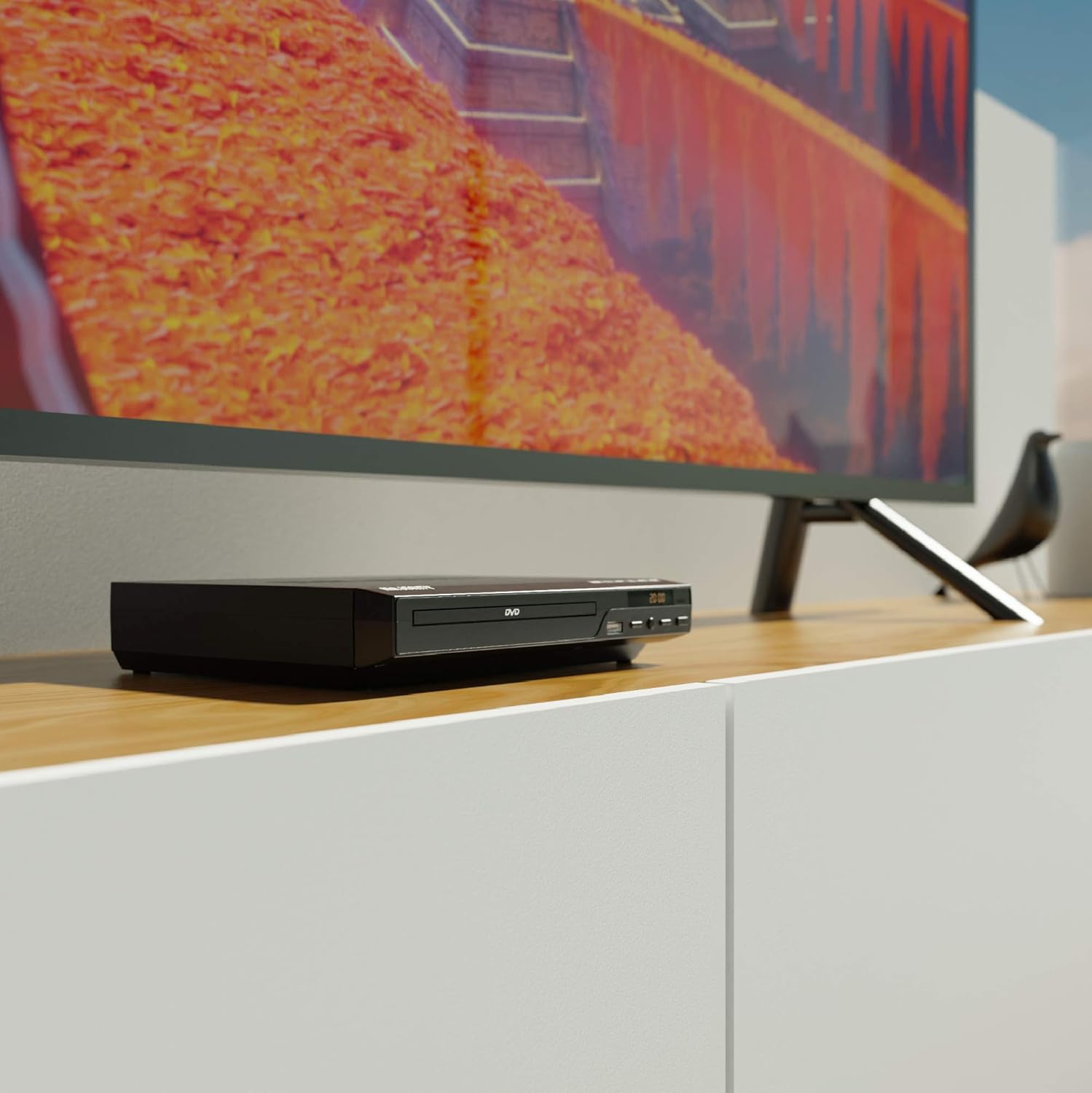
Figure 5.1: DVD player connected and ready for use.
6. Иштөө нускамалары
6.1 Негизги дискти ойнотуу
- Power on the DVD player and your TV. Select the correct input source on your TV.
- басыңыз АЧУУ/ЖАБУУ диск салгычты ачуу үчүн алдыңкы панелдеги же алыстан башкаруудагы баскычты басыңыз.
- DVD же CD дискти этикеткасы жогору каратып лотоктун ичине акырын салыңыз.
- басыңыз АЧУУ/ЖАБУУ button again to close the tray. The player will begin loading the disc.
- Playback should start automatically. If a menu appears, use the remote control's arrow keys and OK чабыттоо үчүн баскыч.
- колдонуу ОЙНОО/ТЫНЫТТЫРУ жана ТОКТОТ ойнотууну башкаруу үчүн пульттагы же алдыңкы панелдеги баскычтар.
6.2 USB ойнотуу
- USB флэш-дискти алдыңкы панелдеги USB портуна салыңыз.
- The player should automatically detect the USB device and display its contents. If not, press the USB алыстан башкаруудагы баскыч.
- Сиздин аркылуу чабыттоо files using the arrow keys on the remote and press OK to select and play media (e.g., videos, music, photos).
6.3 Multi-Region and PAL/NTSC Support
This DVD player is region-free, meaning it can play DVDs from all regions (1-6). It also features a built-in PAL/NTSC system, automatically converting video signals to match your TV's standard, ensuring compatibility with discs from different territories.
7. Техникалык тейлөө
- Агрегатты тазалоо: Use a soft, dry cloth to clean the exterior of the DVD player. Do not use liquid cleaners or aerosol sprays.
- Тазалоочу дисктер: Wipe discs from the center outwards with a soft, lint-free cloth. Avoid touching the playback surface.
- Вентиляция: Ensure the ventilation slots on the player are not obstructed to prevent overheating.
8. Кыйынчылыктарды
| Көйгөй | Мүмкүн себеп | Чечим |
|---|---|---|
| Күч жок | Power cable not connected or outlet faulty. | Check power cable connection and try a different outlet. |
| Сүрөт/үн жок | Incorrect TV input selected or connection cables loose. | Select the correct HDMI/AV input on your TV. Ensure cables are securely connected. |
| "No Disc" error | Диск кир, чийилген же туура эмес салынган. | Clean the disc. Ensure the disc is inserted label-side up. Try a different disc. |
| Пульт иштебей жатат | Батареялар түгөнгөн же туура эмес салынган. Пульт менен ойноткучтун ортосундагы тоскоолдук. | Replace batteries. Ensure line of sight to the player's sensor. |
| Disc playback skips or freezes | Disc is dirty or damaged. Player is on an unstable surface. | Clean the disc. Place the player on a stable, level surface. |
9. Техникалык шарттар
- Модел: ojksfvx-1329
- Продукциянын өлчөмдөрү: 8.86 x 7.48 x 1.77 дюйм
- Элемент Салмагы: 1.5 фунт
- Медиа түрү: CD, DVD (Multi-Region, Region Free)
- Колдоого алынган системалар: PAL/NTSC
- Чечим: Up to 1920x1080 (via HDMI upconverting)
- Туташтыргычтын түрлөрү: HDMI, RCA, USB
- Аудио чыгаруу режими: Стерео, көлөмдүү үн
- Түсү: Кара

Figure 9.1: Dimensions of the DVD player.
10. Кепилдик жана колдоо
The Majority Scholars Compact DVD Player comes with a 3-year warranty. For technical support, warranty claims, or further assistance, please refer to the contact information provided in your product packaging or visit the official Majority webсайт.