
1. Киришүү
This manual provides instructions for the setup, operation, and basic maintenance of your Easytry123 replacement remote control. This remote is designed to be compatible with specific Mitsubishi air conditioner models, including MSH-07RV, MSH-09RV, MS-09TW, MS-12TN, MS-15TN, MSY-GC71VA, MSY-GC25VA, MSY-GC35VA, and MSZ-GC71VA.
Please note that while this remote is a functional replacement, some advanced or specific functions of your original air conditioner remote may not be supported. Refer to your air conditioner's original manual for detailed information on its specific features.
2. Орнотуу
2.1 Батареяны орнотуу
Алыстан башкаруу пульту иштеши үчүн эки (2) AAA батарейкасы керектелет. Батареялар алыстан башкаруу пульту менен кошо берилбейт.
- Пульттун артындагы батарея бөлүкчөсүнүн капкагын табыңыз.
- Бөлүмдү ачуу үчүн капкакты ылдый жылдырыңыз же кулпуну (эгер бар болсо) басыңыз.
- Оң (+) жана терс (-) терминалдары бөлүмдүн ичиндеги белгилер менен туура дал келишин камсыз кылып, эки AAA батарейкасын салыңыз.
- Батарея бөлүкчөсүнүн капкагын бекем чыккыча ордуна жылдырыңыз.
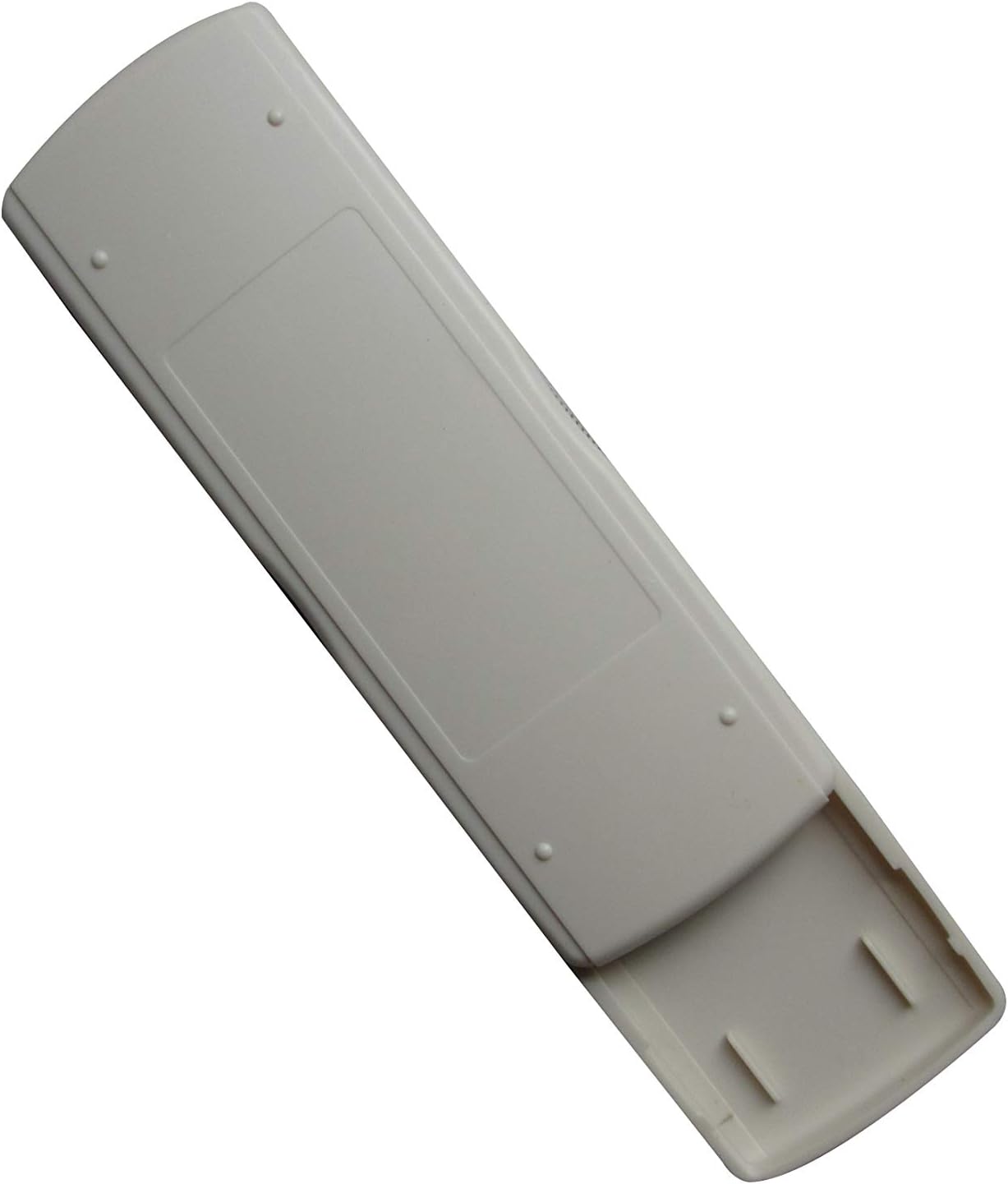
Image: Back of the remote control with the battery compartment. This view illustrates where to insert the AAA batteries.
2.2 Алгачкы колдонуу
After installing the batteries, the remote control is generally ready for immediate use. No complex pairing or programming is typically required. Point the remote control towards your Mitsubishi air conditioner unit and press the ON/OFF button to test functionality.
3. Иштөө нускамалары
This section describes the primary functions of the remote control buttons.

Сүрөт: алдыңкы view of the remote control. This image displays the layout of the buttons and the LCD screen.
- ON/OFF баскычы (): Press this button to turn the air conditioner unit ON or OFF.
- TEMP Buttons (▲ / ▼): Use these buttons to increase or decrease the desired temperature setting.
- MODE баскычы (РЕЖИМ): Press this button to cycle through the available operating modes of your air conditioner (e.g., Cool, Heat, Fan, Dry, Auto). The active mode will typically be displayed on the remote's LCD screen.
- Башка баскычтар: Depending on the specific model of the remote, there may be additional buttons for fan speed, swing, timer, etc. Refer to the remote's display and your air conditioner's manual for their specific functions.
4. Техникалык тейлөө
4.1 Батареяны алмаштыруу
Replace batteries when the remote control's range decreases, or if the display becomes dim or unresponsive. Always replace both AAA batteries at the same time with new ones. Do not mix old and new batteries, or different types of batteries.
4.2 Тазалоо
To clean the remote control, wipe it gently with a soft, dry cloth. Do not use liquid cleaners, abrasive pads, or chemical solvents, as these can damage the remote's surface or internal components.
4.3 Сактоо
Эгерде алыстан башкаруу куралы узак убакыт бою колдонулбай турган болсо, анда агып кетүүнүн жана аппаратка мүмкүн болуучу зыяндын алдын алуу үчүн батарейкаларды алып салыңыз.
5. Кыйынчылыктарды
Эгер алыстан башкаруу пультуңузда көйгөйлөр пайда болсо, төмөнкү жалпы көйгөйлөрдү жана чечимдерди караңыз:
- Remote is unresponsive or has limited range:
- Батареялар туура полярдуулук менен туура салынганын текшериңиз.
- Батареяларды жаңы AAA батарейкалары менен алмаштырыңыз.
- Ensure there are no obstructions between the remote control and the air conditioner unit's infrared receiver.
- Confirm you are within the effective operating range of the air conditioner's receiver.
- Айрым функциялар иштебейт:
- As a replacement remote, some advanced or specific functions present on your original air conditioner remote may not be fully supported. This is a common characteristic of universal or replacement remotes.
- Verify that the function you are trying to use is available on your specific air conditioner model.
- Air conditioner does not respond to any commands:
- Ensure the air conditioner unit is powered on and receiving electricity.
- Try manually operating the air conditioner from its control panel to confirm it is functioning.
6. Техникалык шарттар
| Бренд | Easytry123 |
| Шайкеш түзмөктөр | Mitsubishi Air Conditioners (MSH-07RV, MSH-09RV, MS-09TW, MS-12TN, MS-15TN, MSY-GC71VA, MSY-GC25VA, MSY-GC35VA, MSZ-GC71VA) |
| Байланыш технологиясы | Инфракызыл |
| Controller Type | Control Button |
| Power Source | 2 x AAA Батареялар (киргизилген эмес) |
| Өзгөчө өзгөчөлүк | Эргономикалык дизайн |
7. Кепилдик жана колдоо
Information regarding product warranty is not provided in this manual. For warranty details, technical support, or further assistance, please contact the seller or manufacturer directly through your purchase platform.