
Introduction
The Homcloud Mini 8S Wi-Fi Camera is designed to enhance your home security with smart, intuitive features. This camera allows you to monitor, program, and automate your home devices directly from your smartphone, providing control from anywhere. It integrates seamlessly into your smart home ecosystem, offering convenience and peace of mind.
Негизги өзгөчөлүктөр төмөнкүлөрдү камтыйт:
- Full HD 1080p Video Recording
- Night Vision up to 10 meters
- Motion Detection with Live Notifications
- Two-Way Audio and Noise Reduction
- SD Card and Cloud Storage Options
- Wi-Fi туташуусу
- Compatibility with Homcloud App, Amazon Alexa, and Google Home

Image: The Homcloud Mini 8S Wi-Fi Camera on a desk, highlighting its key features such as HD Video, Night Vision, SD Card & Cloud storage, Motion Detection, and Live Notifications.
Продукт компоненттери
The Homcloud Mini 8S Wi-Fi Camera package typically includes the following items:
- Homcloud Mini 8S Wi-Fi Camera
- USB кубат кабели
- Кубат адаптери (аймакка жараша өзгөрүшү мүмкүн)
- Монтаждоочу аксессуарлар (дубалга орнотуу үчүн)
- Колдонуучунун Колдонмосу (бул документ)

Image: The Homcloud Mini 8S Wi-Fi Camera positioned on a desk, demonstrating its compact design and typical indoor placement.
Орнотуу колдонмосу
Follow these steps to set up your Homcloud Mini 8S Wi-Fi Camera:
- Download the Homcloud App: Издөө "Homcloud" in the Apple App Store or Google Play Store, or scan the QR code below to download the official application.
- Каттоо эсебин түзүү: Open the Homcloud app and register for a new account or log in if you already have one.
- Камераны күйгүзүү: Connect the camera to a power source using the provided USB cable and power adapter. Wait for the indicator light to flash, indicating it's ready for pairing.
- Түзмөк кошуу: In the Homcloud app, tap the "+" icon (usually in the top right corner) to add a new device. Select "Security Camera" or "Smart Camera" from the device list.
- Wi-Fi'га туташуу: Follow the in-app instructions to connect the camera to your 2.4GHz Wi-Fi network. You may need to scan a QR code displayed on your phone screen with the camera lens.
- Жайгашкан жери: Position the camera in your desired location. It supports standalone placement or wall mounting. Ensure it has a clear view сиз көзөмөлдөгүңүз келген аймак.

Image: Multiple smartphones displaying the Homcloud application interface, along with the Homcloud logo and a QR code for easy app download. The QR code links to https://smartapp.tuya.com/homcloudsmart.
Иштөө нускамалары
Once your Homcloud Mini 8S Wi-Fi Camera is set up, you can control and monitor it using the Homcloud app:
- Live View: Колдонмону ачып, камераңызды тандаңыз view live video feed in Full HD 1080p resolution.
- Эки тараптуу аудио: Use the microphone and speaker icons in the app to communicate with people near the camera.
- Түнкү көрүнүш: The camera automatically switches to night vision mode in low-light conditions, providing clear black and white video up to 10 meters.
- Кыймылды аныктоо: Enable motion detection in the app settings to receive instant notifications on your smartphone when movement is detected. You can adjust sensitivity levels.
- Жаздыруу жана сактоо:
- SD карта: Insert a microSD card (not included) into the camera's slot for local video storage. The camera supports continuous recording or event-triggered recording.
- Булуттагы сактагыч: Subscribe to Homcloud's cloud storage service (if available) for secure off-site video backup.
- Smart Home интеграциясы: Connect your Homcloud account with Amazon Alexa or Google Home to control the camera using voice commands (e.g., "Alexa, show me the living room camera").
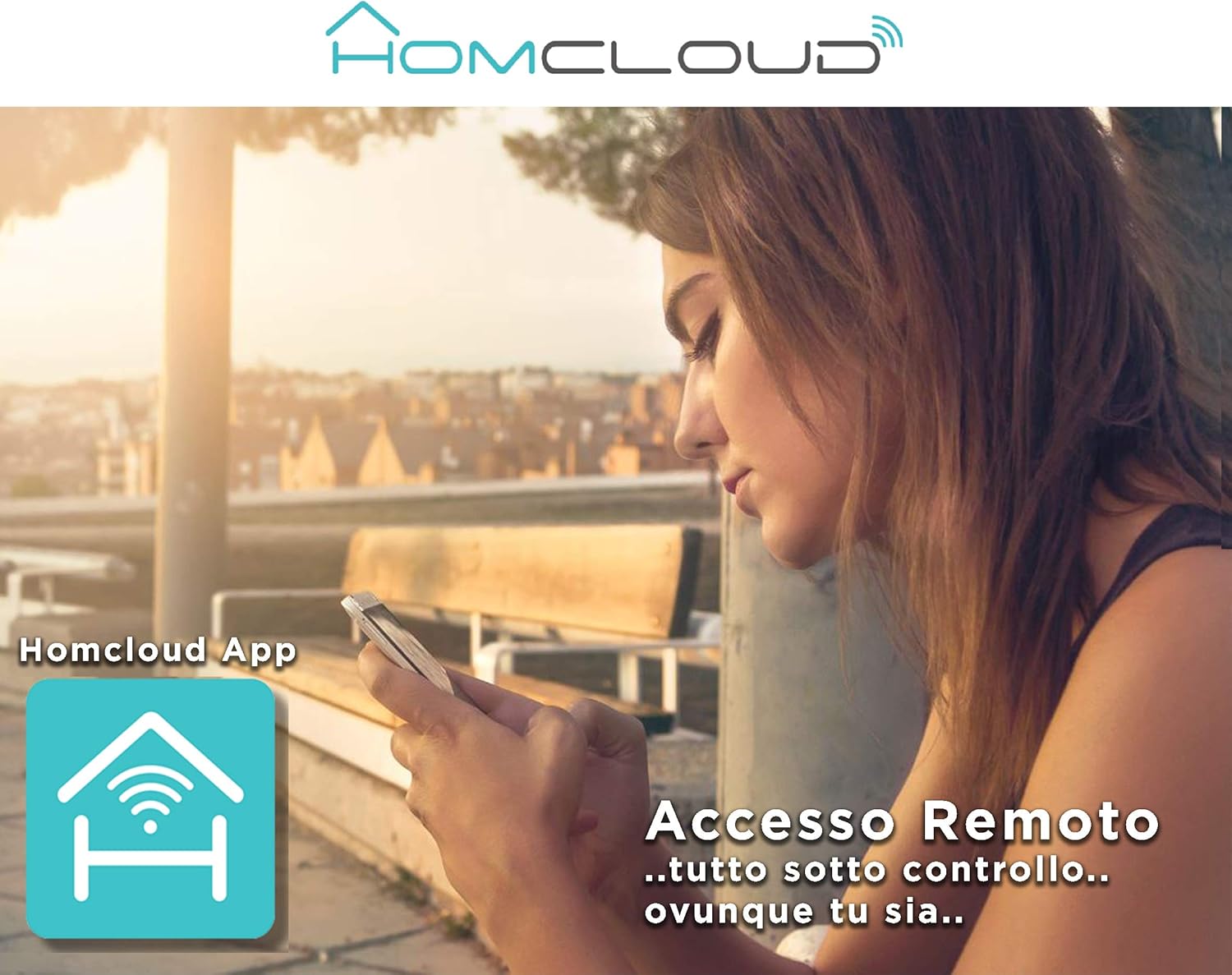
Image: A woman using her smartphone, illustrating the remote access capabilities of the Homcloud App to control and monitor the camera from any location.

Image: A family enjoying their smart home, demonstrating the integration of Homcloud solutions with Amazon Alexa and Google Assistant for convenient control.
Техникалык тейлөө
Туура тейлөө камераңыздын узак мөөнөттүү жана оптималдуу иштешин камсыз кылат:
- Тазалоо: Камера линзасын жана корпусун жумшак, кургак чүпүрөк менен акырын сүртүңүз. Линзаны тырмап же камерага зыян келтире турган катуу химиялык заттарды же абразивдүү материалдарды колдонуудан алыс болуңуз.asing.
- Программалык камсыздоонун жаңыртуулары: Regularly check the Homcloud app for available firmware updates. Keeping your camera's firmware up-to-date ensures you have the latest features, security patches, and performance improvements.
- Электр камсыздоо: Use only the original power adapter and cable provided with the camera. Ensure the power connection is secure and free from damage.
- Курчап турган чөйрө: The camera is designed for indoor use. Avoid exposing it to extreme temperatures, direct sunlight, high humidity, or water. While it is listed as "waterproof" in some specifications, this typically refers to splash resistance and not full submersion or outdoor exposure.
Проблемаларды чечүү
If you encounter issues with your Homcloud Mini 8S Wi-Fi Camera, refer to the following common solutions:
- Камера оффлайн:
- Check if the camera is powered on and the power cable is securely connected.
- Ensure your Wi-Fi router is working and the internet connection is stable.
- Камераны розеткадан чыгарып, кайра сайып, кайра күйгүзүңүз.
- Verify that the camera is within range of your Wi-Fi router.
- If the issue persists, try re-pairing the camera with the Homcloud app.
- Видеонун сапаты начар:
- Камера линзасын жумшак чүпүрөк менен тазалаңыз.
- Ensure adequate lighting in the monitored area, especially for color video.
- Wi-Fi сигналыңыздын күчүн текшериңиз; алсыз сигнал агымдын сапатына таасир этиши мүмкүн.
- Кыймылды аныктоо иштебей жатат:
- Verify that motion detection is enabled in the Homcloud app settings for your camera.
- Кыймылды аныктоо сезгичтигин тууралаңыз.
- Камераны тоскон эч кандай тоскоолдуктар жок экенин текшериңиз view.
- Колдонмого туташуу мүмкүн эмес:
- Make sure your smartphone is connected to a 2.4GHz Wi-Fi network during the pairing process.
- Confirm that you are entering the correct Wi-Fi password.
- Reset the camera (refer to the app or product for specific reset instructions, usually a small button) and try the pairing process again.
Техникалык шарттар
| Өзгөчөлүк | Деталь |
|---|---|
| Бренд | Хомклауд |
| Модель номери | TY-WCM8S |
| Видео жаздыруу чечими | 1080p толук HD |
| Натыйжалуу Video Resolution | 1080 |
| Frame Rate | 25 кадр/сек |
| Зымсыз байланыш технологиясы | Wi-Fi |
| Connectivity Protocol | Wi-Fi |
| Viewбурч | 100 градус |
| Түнкү көрүү диапазону | 10 метр |
| Өзгөчөлүктөр | Two-Way Audio, Noise Reduction, HD Resolution, Night Vision |
| Сунушталган колдонуу | Ички коопсуздук |
| Ички/тышкы колдонуу | Indoor |
| Шайкеш түзмөктөр | Homcloud App, Amazon Alexa, Android, Google Home, Smart Life, iOS |
| Power Source | Электр кабели |
| Тtage | 5 вольт |
| Энергияны керектөө | 2.5 Ватт |
| Материал | Пластик |
| Өлчөмдөрү (L x W x Y) | 8 x 5 x 9 см |
| Салмагы | 350 грамм |
| Монтаж түрү | Дубалга орнотуу |
| Сууга туруктуулук деңгээли | Waterproof (Note: Typically splash resistant for indoor use) |
Кепилдик жана колдоо
For warranty information, please refer to the documentation provided at the time of purchase or visit the official Homcloud website. If you require technical assistance or have questions not covered in this manual, please contact Homcloud customer support through their official channels.
You can find more information and support resources on the Homcloud website or through the Homcloud application.