
Elo E931896
EloPOS 15" Point of Sale System User Manual
Модели: E931896
1. Продукт бүтүп калдыview
The EloPOS System is a versatile point-of-sale solution designed for commercial environments. It features a 15-inch 4:3 touchscreen display, an Intel 8th generation i3 processor, and an integrated expansion hub for connecting various peripherals. This system is built for durability and continuous public use, making it suitable for traditional POS and self-service applications.
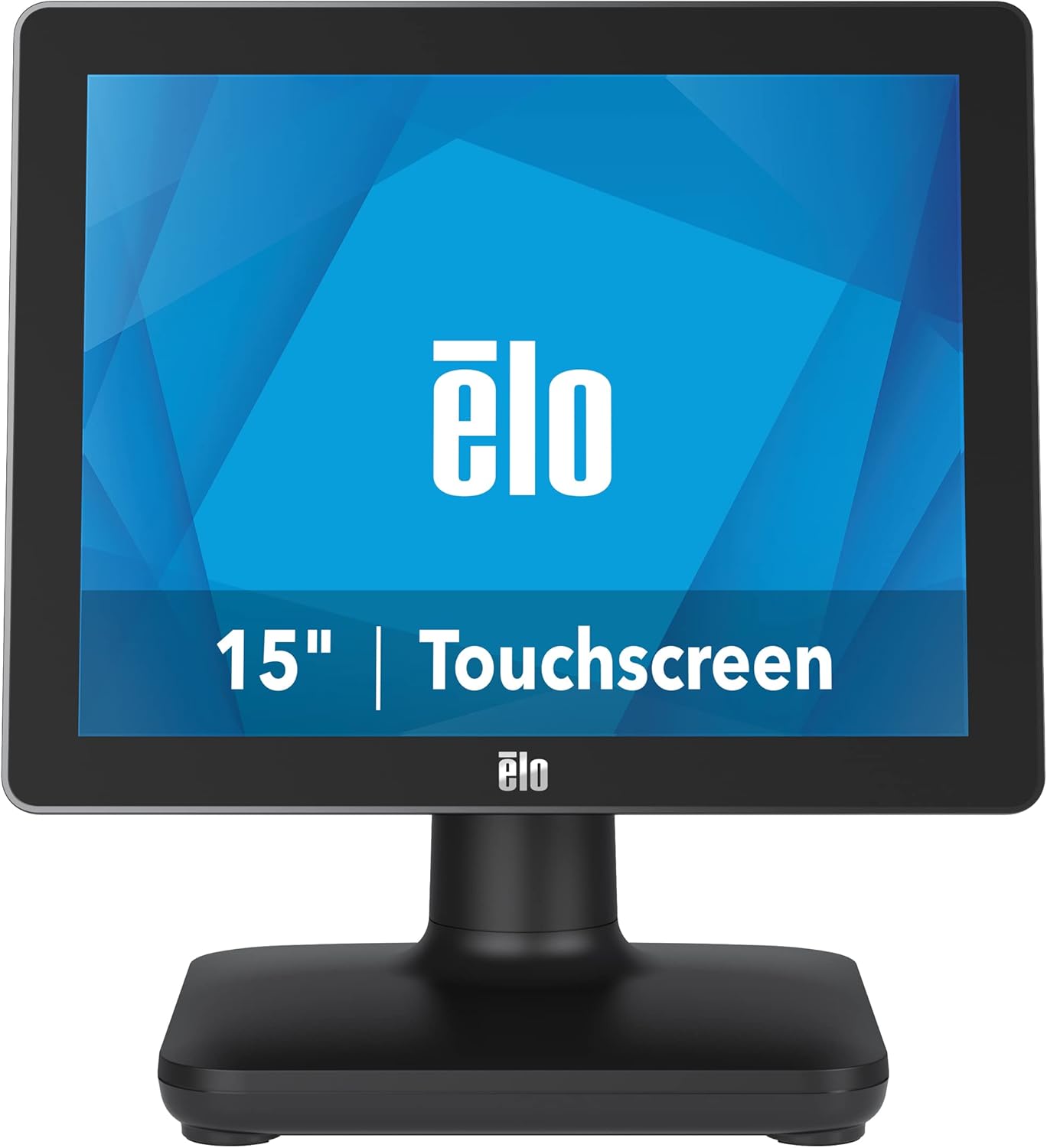
Сүрөт 1: Алдыңкы view of the EloPOS System.
The system's robust design ensures reliability in demanding retail environments, providing a stable platform for your business operations.
2. Пакеттин мазмуну
Verify that all items listed below are included in your EloPOS system package:
- EloPOS System Unit
- NA Power Cord
- EU Power Cord
- Power Adapter - 180W
- Cable RJ-45 to DB-9
- Cable Cover Locking Screw
- Ыкчам орнотуу көрсөтмөсү (QIG)
3. Негизги өзгөчөлүктөрү
The EloPOS System is equipped with several features designed to enhance its functionality and durability:
- Integrated Expansion Hub: The included stand features an integrated expansion hub, allowing connection of various POS peripherals such as cash drawers, printers, barcode scanners, and payment devices.
- Windows 10 Operating System: Utilizes the reliable performance and security of Intel 8th Generation processors, integrated Trusted Platform Modules, Intel vPro, and the Windows 10 operating system.
- Коммерциялык деңгээлдеги туруктуулук: Features a splash-proof housing and a rugged retail-hardened design, built to withstand adverse conditions common in commercial environments.
- USB-C туташуусу: Enables easy connection of a 1302L customer-facing display, providing touch, data, and power through a single cable (second display sold separately).
- Elo Edge Connect: Allows seamless attachment of up to four peripherals (sold separately) to the edge of the touchscreen, including fingerprint scanners, EMV readers, barcode scanners, or MSRs.
4. Орнотуу колдонмосу
4.1. Пакеттен чыгаруу жана жайгаштыруу
Carefully remove the EloPOS system and all components from the packaging. Place the unit on a stable, flat surface, ensuring adequate ventilation around the device.
4.2. Кубатты туташтыруу
- Connect the 180W power adapter to the power input port on the back of the EloPOS system.
- Connect the appropriate power cord (NA or EU) to the power adapter.
- Электр шнурын жерге туташтырылган электр розеткасына сайыңыз.
4.3. Перифериялык түзүлүштөрдү туташтыруу
The EloPOS system features an integrated expansion hub for connecting various peripherals. Refer to the image below for port locations.

2-сүрөт: Арткы view with connection hub.
- USB порттору: Connect USB devices such as keyboards, mice, barcode scanners, or payment terminals to the available USB 2.0 or USB 3.0 ports.
- Ethernet порту: Тармакка туташуу үчүн Ethernet кабелин туташтырыңыз.
- Сериялык порттор: Use the RJ-45 to DB-9 cable for connecting serial devices if required.
- USB-C порту: For connecting compatible USB-C devices, including the Elo 1302L customer-facing display.
5. Операция
5.1. Күйгүзүү / Өчүрүү
To power on the system, press the power button, typically located on the side or back of the display unit. To power off, use the standard Windows shutdown procedure or press and hold the power button for a few seconds.
5.2. Сенсордук экранды колдонуу
The EloPOS system features a responsive touchscreen display. Use your finger or a compatible stylus for navigation and input. Ensure the screen is clean for optimal touch performance.
6. Техникалык тейлөө
Regular maintenance helps ensure the longevity and optimal performance of your EloPOS system:
- Экранды тазалоо: Жумшак, түксүз кездемени жеңил колдонуңуз dampened with a non-abrasive, ammonia-free glass cleaner. Do not spray cleaner directly onto the screen.
- Тазалоо Casing: Сыртын сүртүңүз casing жумшак менен, гamp кездеме. Катуу химиялык заттардан же абразивдүү материалдардан алыс болуңуз.
- Вентиляция: Ашыкча ысып кетүүнүн алдын алуу үчүн системадагы желдетүү тешиктери жабылбагандыгын текшериңиз.
- Программалык камсыздоо жаңыртуулары: Regularly check for and install operating system and driver updates to maintain system security and performance.
7. Кыйынчылыктарды
This section provides solutions to common issues you might encounter with your EloPOS system.
| Көйгөй | Мүмкүн себеп | Чечим |
|---|---|---|
| Система күйбөйт. | Power cord not connected, power adapter faulty, power outlet issue. | Check power cord connections. Ensure power adapter is securely plugged in. Test the power outlet with another device. |
| Сенсордук экран жооп бербей жатат. | Screen dirty, drivers not installed/corrupted, system frozen. | Clean the screen. Restart the system. Check device manager for touchscreen driver status. |
| Peripheral (e.g., printer) not detected. | Incorrect port, driver issue, peripheral not powered on. | Ensure peripheral is powered on and connected to the correct port. Install or update peripheral drivers. |
| System runs slowly. | Too many applications running, insufficient RAM, overheating. | Close unnecessary applications. Check system resources. Ensure proper ventilation. |
8. Техникалык шарттар
| Өзгөчөлүк | Спецификация |
|---|---|
| Туруктуу экранды көрсөтүү өлчөмү | 15 дюйм |
| Screen Resolution | 1024x768 |
| Max Screen Resolution | 1366x768 |
| Процессор | 3.1 GHz core_i3 (Intel 8th Generation) |
| RAM | 4 ГБ DDR4 |
| Катуу диск | 128 ГБ SSD |
| Графикалык сопроцессор | Intel HD Graphics 520 |
| Операция системасы | Windows 10 |
| USB 2.0 порттордун саны | 2 |
| USB 3.0 порттордун саны | 3 |
| Элементтин моделинин номери | E931896 |
| Элемент Салмагы | 11.6 фунт |
| Продукциянын өлчөмдөрү (LxWxH) | 8.71 x 14.16 x 13.37 дюйм |
| Түс | Кара |
| Power Source | AC |
| Тtage | 240 вольт |
9. Кепилдик маалыматы
The EloPOS System is backed by Elo's standard 3-year warranty. This warranty covers defects in materials and workmanship under normal use. For detailed terms and conditions, please refer to the official Elo warranty policy document or contact Elo customer support.
10. Колдоо жана байланыш
For further assistance, technical support, or service inquiries, please visit the official Elo webсайтына кириңиз же алардын кардарларды колдоо кызматына кайрылыңыз. Көбүрөөк маалыматты жана ресурстарды бул жерден таба аласыз Elo Store on Amazon.
Ask a question about this manual
Ask about setup, troubleshooting, compatibility, parts, safety, or missing instructions. Manuals+ will review the question and use this page’s manual context to help answer it.