
Keychron K8J3
Keychron K8 зымсыз механикалык клавиатура Колдонуучунун колдонмосу
Model: K8J3 | Brand: Keychron
Introduction
This manual provides detailed instructions for the Keychron K8 Wireless Bluetooth/USB Wired Mechanical Keyboard. The K8 is a hot-swappable, tenkeyless (87-key) keyboard featuring RGB LED backlighting, Gateron Brown switches, and N-Key Rollover. It is designed for compatibility with both Mac and Windows operating systems, and includes an aluminum frame for durability.
Жайгашуу
Пакеттин мазмуну
- Keychron K8 Mechanical Keyboard
- USB Type-C кабели
- Баскыч капкагын тарткыч
- Switch Puller
- Extra keycaps for Windows and Mac operating systems
Баштапкы заряддоо
Before first use, connect the keyboard to a USB power source using the provided USB Type-C cable to ensure the internal 4000mAh battery is fully charged. The charging indicator light will provide status.
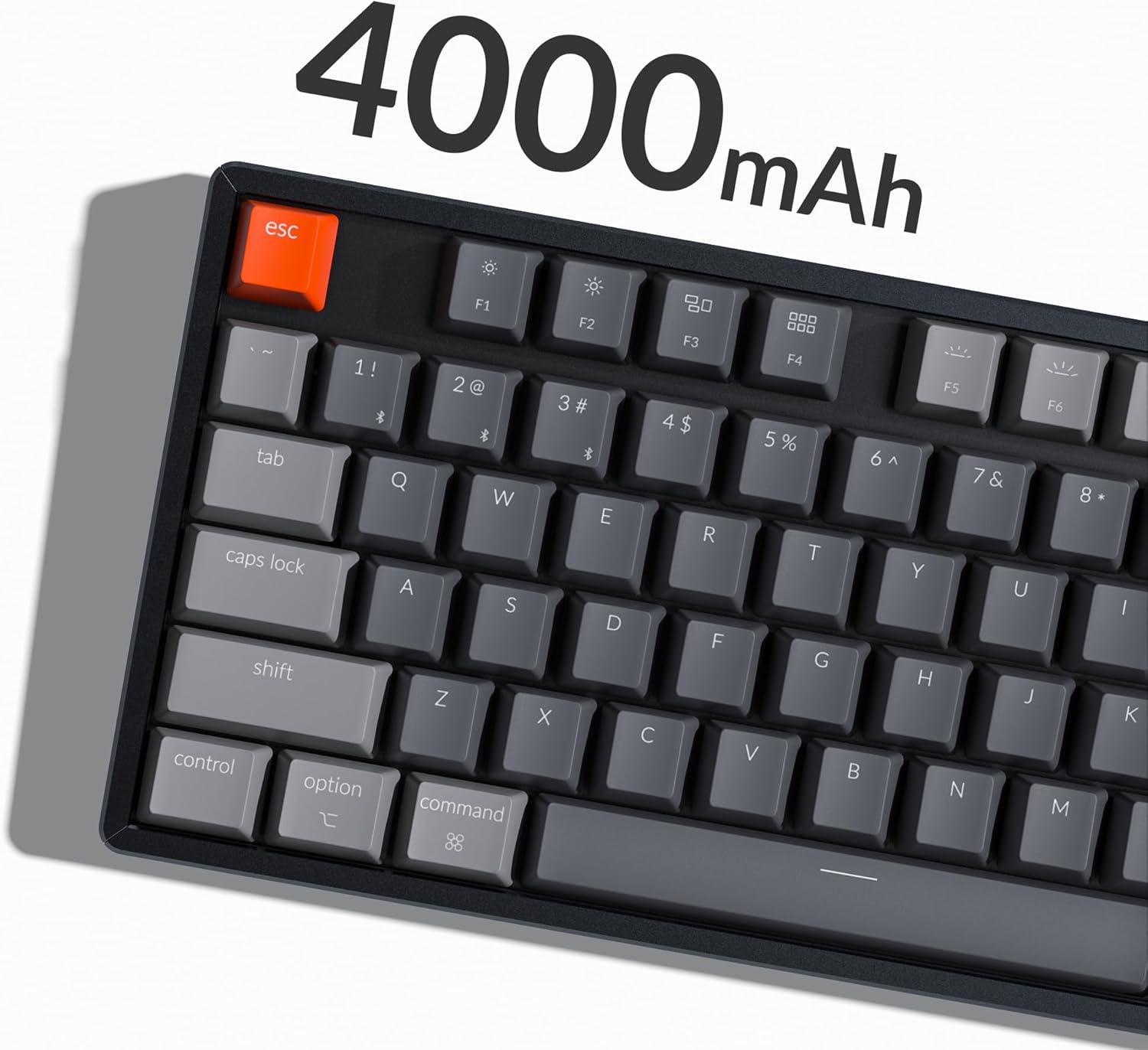
Image: The Keychron K8 keyboard highlighting its 4000mAh battery capacity.
Туташуу параметрлери
The Keychron K8 supports both wireless Bluetooth 5.1 and wired USB Type-C connections.

Image: The Keychron K8 keyboard demonstrating its dual wireless and wired connectivity options alongside a laptop and smartphone.
Bluetooth туташуу
- Ensure the keyboard's mode switch (located on the side) is set to "Bluetooth".
- басып, кармап туруңуз fn+1 (же fn+2 / fn+3) key combination for 4 seconds until the indicator light flashes rapidly, indicating pairing mode.
- Түзмөгүңүздө (смартфон, ноутбук, iPad) Bluetooth'ду күйгүзүп, "Keychron K8" деп издеңиз.
- Select "Keychron K8" to pair. The indicator light will stop flashing upon successful connection.
- The keyboard can connect with up to 3 devices and switch between them easily using fn+1, fn+2, же fn+3.

Image: The Keychron K8 keyboard positioned with a laptop, tablet, and smartphone, demonstrating its ability to connect to three devices simultaneously.
Зымдуу туташуу
- Ensure the keyboard's mode switch is set to "Cable".
- Баскычтоптон чыккан USB Type-C кабелин компьютериңиздин USB портуна туташтырыңыз.
- Баскычтоп автоматтык түрдө таанылып, колдонууга даяр болот.
Операциялык системанын шайкештиги
The K8 features a unique Mac layout with all necessary Mac function keys, and is also fully compatible with Windows. Extra keycaps for both operating systems are included. For Linux users, a dedicated user group is available for support.
Иштөө нускамалары
Негизги функциялар жана макет
The Keychron K8 is a tenkeyless (TKL) 87-key layout keyboard, designed for productivity. It supports N-Key Rollover for accurate input during fast typing or gaming.

Сүрөт: жогорудан ылдыйга view of the Keychron K8 mechanical keyboard, showcasing its 87-key tenkeyless layout, with a Gateron Brown switch displayed separately.

Сүрөт: бурчтуу view of the Keychron K8, highlighting its compact tenkeyless layout.
RGB арткы жарыкты башкаруу
The K8 features charming RGB LED backlighting with elegant keycap legends, aiding visibility in dim environments. You can cycle through various static color backlight modes and 15+ types of RGB lighting effects.

Image: The Keychron K8 keyboard displaying its vibrant RGB LED backlighting.
Refer to the included quick start guide or Keychron's official website for specific key combinations to control backlight modes and brightness.
Adjustable Angled Feet
The keyboard is equipped with two adjustable angled feet, allowing you to customize the typing angle for ergonomic comfort.
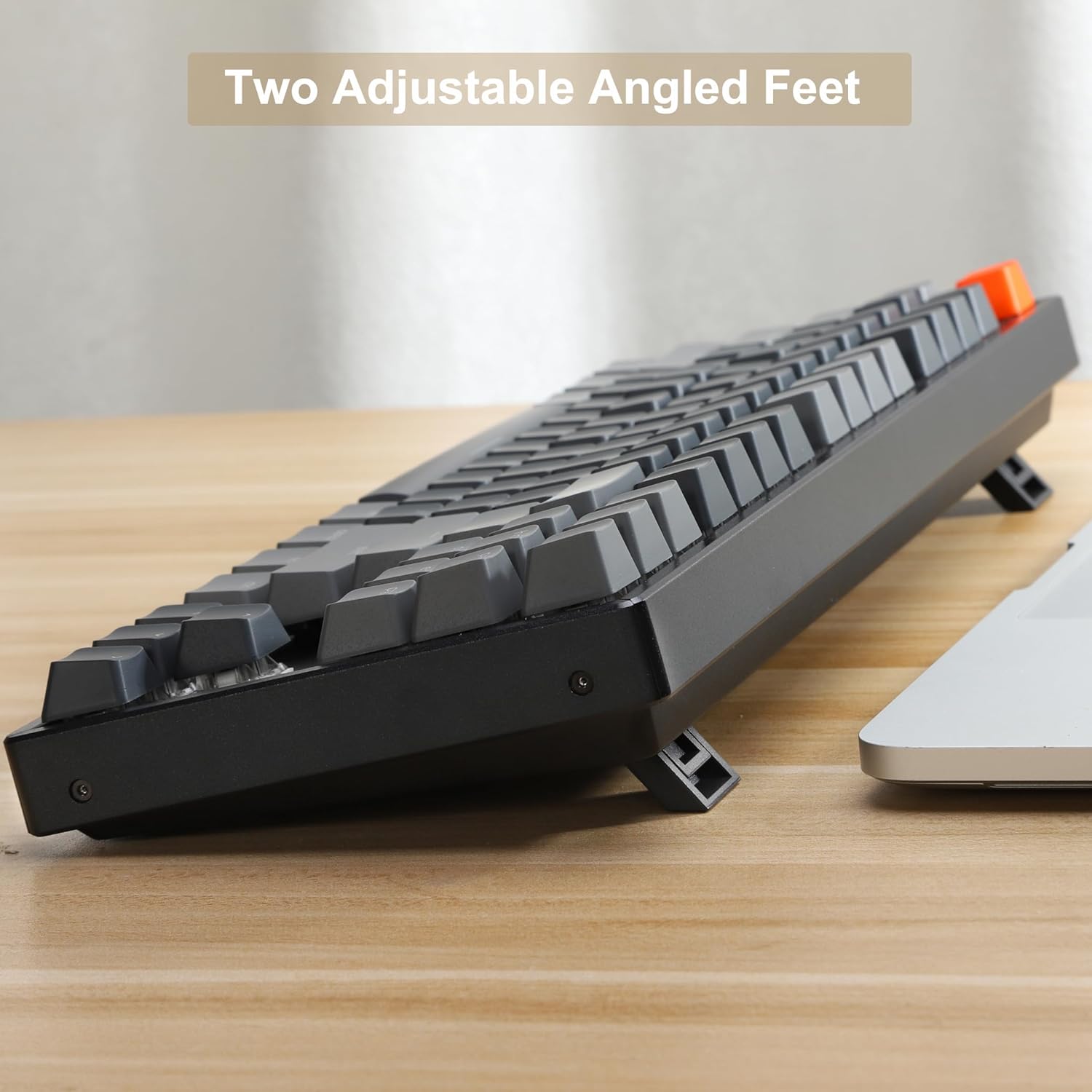
Сүрөт: бир тарап view of the Keychron K8 keyboard, illustrating its two adjustable angled feet in an extended position.
Техникалык тейлөө
Баскычтопту тазалоо
- Бир аз жумшак, түксүз кездемени колдонуңуз dampклавиатураны жана алкакты сүртүү үчүн суу же жумшак тазалоо эритмеси менен жабыңыз.
- Ачкычтардын ортосундагы чаң жана таштанды үчүн кысылган абаны колдонуңуз.
- Суюктуктарды клавиатурага түздөн-түз чачуудан алыс болуңуз.
Ыкчам алмаштыруучу которгучтар
The K8 features hot-swappable mechanical switches, allowing you to easily change switches without soldering. The PCB supports both 3-pin and 5-pin MX mechanical switches.

Сүрөт: жакын план view of the Keychron K8 keyboard demonstrating its hot-swappable switch sockets, with examples of different switch types.
- To remove a keycap, use the provided keycap puller.
- To remove a switch, use the provided switch puller. Gently grasp the switch and pull upwards.
- To install a new switch, align the pins with the holes on the PCB and press down firmly until it clicks into place. Ensure pins are not bent.
Проблемаларды чечүү
Байланыш маселелери
- Bluetooth туташпай жатат:
- Ensure the keyboard is in Bluetooth mode and pairing mode (indicator light flashing).
- Түзмөгүңүздө Bluetooth иштетилгенин текшериңиз.
- Forget the device on your computer/phone and try pairing again.
- Баскычтоп кубатталганын текшериңиз.
- Зымдуу байланыш иштебей жатат:
- Ensure the keyboard is in Cable mode.
- Компьютериңиздеги башка USB портун колдонуп көрүңүз.
- Башка USB Type-C кабелин колдонуп көрүңүз.
Арткы жарык көйгөйлөрү
- Backlight not turning on:
- Баскычтоп кубатталганын текшериңиз.
- Check backlight control key combinations (e.g., Fn + Light key, Fn + arrow keys for brightness).
Key Responsiveness
- Ачкычтар жооп бербейт:
- Check if the keyboard is properly connected (Bluetooth or wired).
- If a specific key is not working, try removing and re-inserting the switch for that key, ensuring it is seated correctly.
- Жабыркаган ачкычтын айланасын тазалаңыз.
Техникалык шарттар
| Өзгөчөлүк | Деталь |
|---|---|
| Модель номери | K8J3 |
| Макет | Ачкычсыз (87 ачкычтуу) |
| Которгучтар | Gateron Brown (Hot-swappable) |
| Байланыш | Bluetooth 5.1, USB Type-C (зымдуу) |
| Батарея сыйымдуулугу | 4000mAh |
| Арткы жарыктандыруу | RGB LED |
| Frame Material | Алюминий |
| Шайкеш түзмөктөр | Ноутбук, смартфон, планшет |
| Операциялык системанын шайкештиги | Mac, Windows, Linux |
| Продукциянын өлчөмдөрү | 14.13 x 14.13 x 5 дюйм |
| Элемент Салмагы | 2.9 фунт |
Кепилдик жана колдоо
Кепилдик маалымат
Specific warranty details for the Keychron K8 keyboard are typically provided with the product packaging or can be found on the official Keychron webсайт. Кепилдик дооматтары үчүн сатып алганыңыздын далилин сактап коюңуз.
Кардарларды колдоо
For further assistance, technical support, or inquiries, please visit the official Keychron support page or contact their customer service. A dedicated user group is also available for Linux users.
Official Keychron Store: Keychron Amazon Store
Ask a question about this manual
Ask about setup, troubleshooting, compatibility, parts, safety, or missing instructions. Manuals+ will review the question and use this page’s manual context to help answer it.