
Blisslights QS-17B
BlissLights Sky Lite жылдыз проекторунун колдонуучу колдонмосу
Модель: QS-17B
Introduction
Welcome to the world of celestial wonder with your new BlissLights Sky Lite Star Projector. This device is designed to transform any room into a mesmerizing galaxy, projecting a field of floating blue stars against a transforming blue nebula cloud. Its simple operation and stunning visual effects make it perfect for creating a relaxing ambiance, enhancing home entertainment, or simply enjoying a unique visual experience.
Please read this manual thoroughly before using your Sky Lite projector to ensure safe and optimal performance.
Коопсуздук маалыматы
- Үй ичинде гана колдонуу: Бул продукт кургак жерлерде имараттын ичинде колдонуу үчүн арналган. Сууга же нымдуулукка дуушар кылбаңыз.
- Көзгө түз тийүүдөн сактаныңыз: Do not look directly into the projector's light source. The laser light can be harmful to eyes.
- Балдардан алыс болуңуз: Бул оюнчук эмес. Кичинекей балдар жетпеген жерде сактаңыз.
- Туура желдетүү: Ensure the projector has adequate ventilation. Do not cover ventilation openings.
- Кубат булагы: Берилген кубат адаптерин гана колдонуңуз. Voltage matches your local power supply (220 Volts AC).
- Тазалоо: Unplug the device before cleaning. Use a soft, dry cloth. Do not use liquid cleaners.
- Демонтаж: Do not attempt to disassemble or modify the projector. This will void the warranty and may cause harm.
Пакеттин мазмуну
Сураныч, төмөнкү нерселер үчүн кутучаны белгилеңиз:
- BlissLights Sky Lite Star Projector (Model: QS-17B)
- Кубаттуу адаптер
- Колдонуучунун Колдонмосу (бул документ)
Жайгашуу
- Таңылганын ачуу: Carefully remove the Sky Lite projector and all accessories from the packaging.
- Жайгашкан жери: Place the projector on a stable, flat surface. For best projection results, position it in a dark room, facing a wall or ceiling. The optimal projection distance is typically 3-5 meters (10-16 feet).
- Туташуу кубаты: Insert the small end of the power adapter into the DC input port on the back of the Sky Lite projector. Plug the other end of the power adapter into a standard 220V AC power outlet.
- Күйгүзүү: Press the Power button on the projector to turn it on.
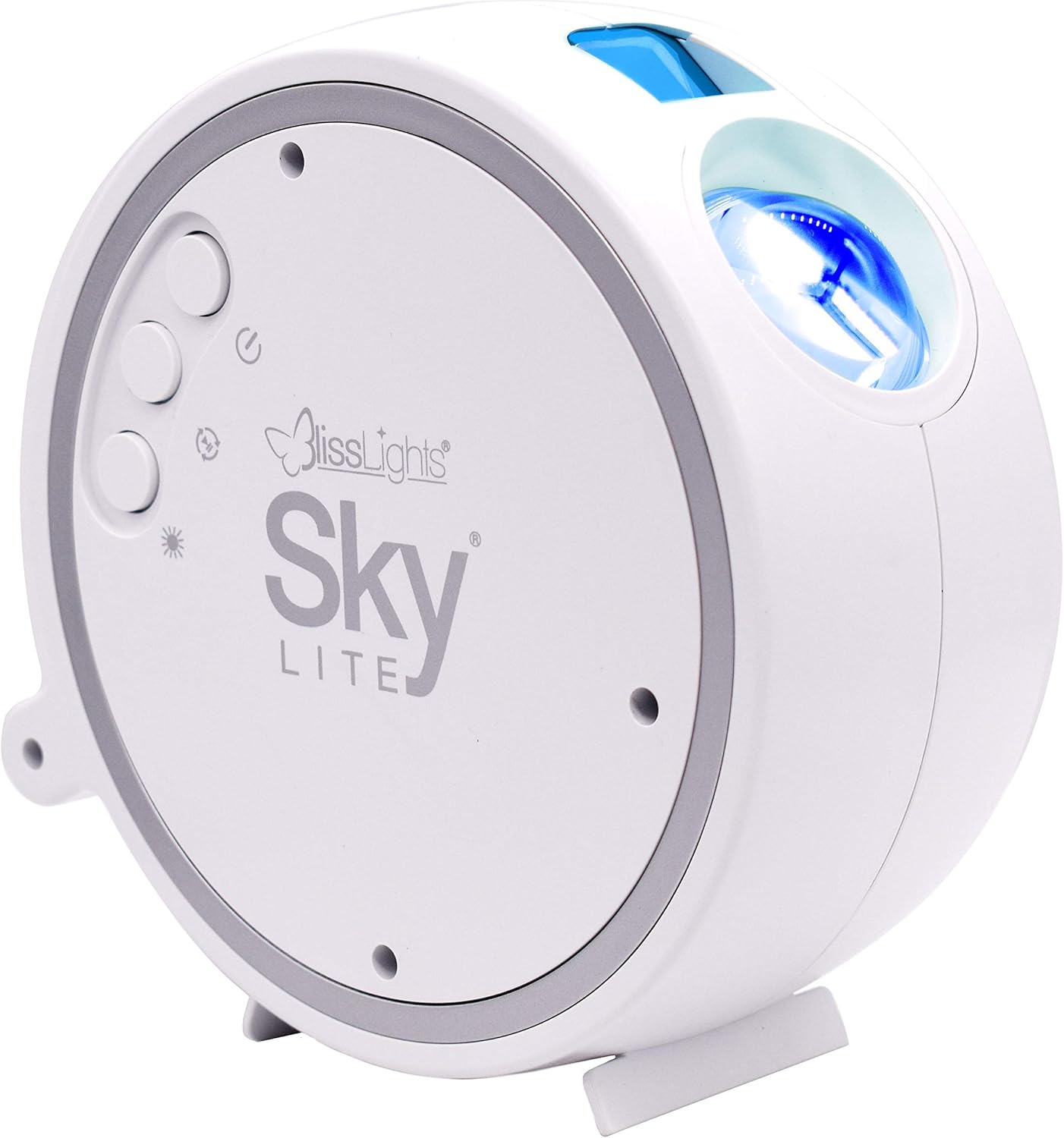
Сүрөт 1: Алдыңкы view of the BlissLights Sky Lite projector showing the control buttons and light output.
Иштөө нускамалары
The Sky Lite projector features simple button controls for easy operation.
Башкаруу баскычтары:
- Кубат баскычы (
 ): Түзмөктү ON же ӨЧҮРҮҮ үчүн басыңыз.
 - Nebula Button (
 ): Cycles through nebula effects (ON, OFF, or breathing mode).
 - Жылдыз баскычы (
 ): Cycles through star effects (ON, OFF, or breathing mode).
 - Жарыктык баскычы (
 ): Adjusts the brightness level of the projection.
 - Айлантуу баскычы (
 ): Starts or stops the rotational movement of the nebula and stars.

Figure 2: The Sky Lite projects both a dynamic nebula and distinct stars, which can be controlled independently.
Автоматтык түрдө өчүрүү:
The Sky Lite projector is designed with an automatic shut-off feature. It will turn off automatically after approximately 6 hours of continuous operation to conserve energy and ensure product longevity.
Атмосфера түзүү:
Experiment with different placements and settings to achieve your desired effect. The projector can create a calming night light, a vibrant party atmosphere, or a unique backdrop for relaxation.

Figure 3: Sky Lite transforming a bedroom into a starry night.

Figure 4: Sky Lite creating a unique ambiance in a living room.

Figure 5: Sky Lite adding a relaxing touch to a bathroom setting.
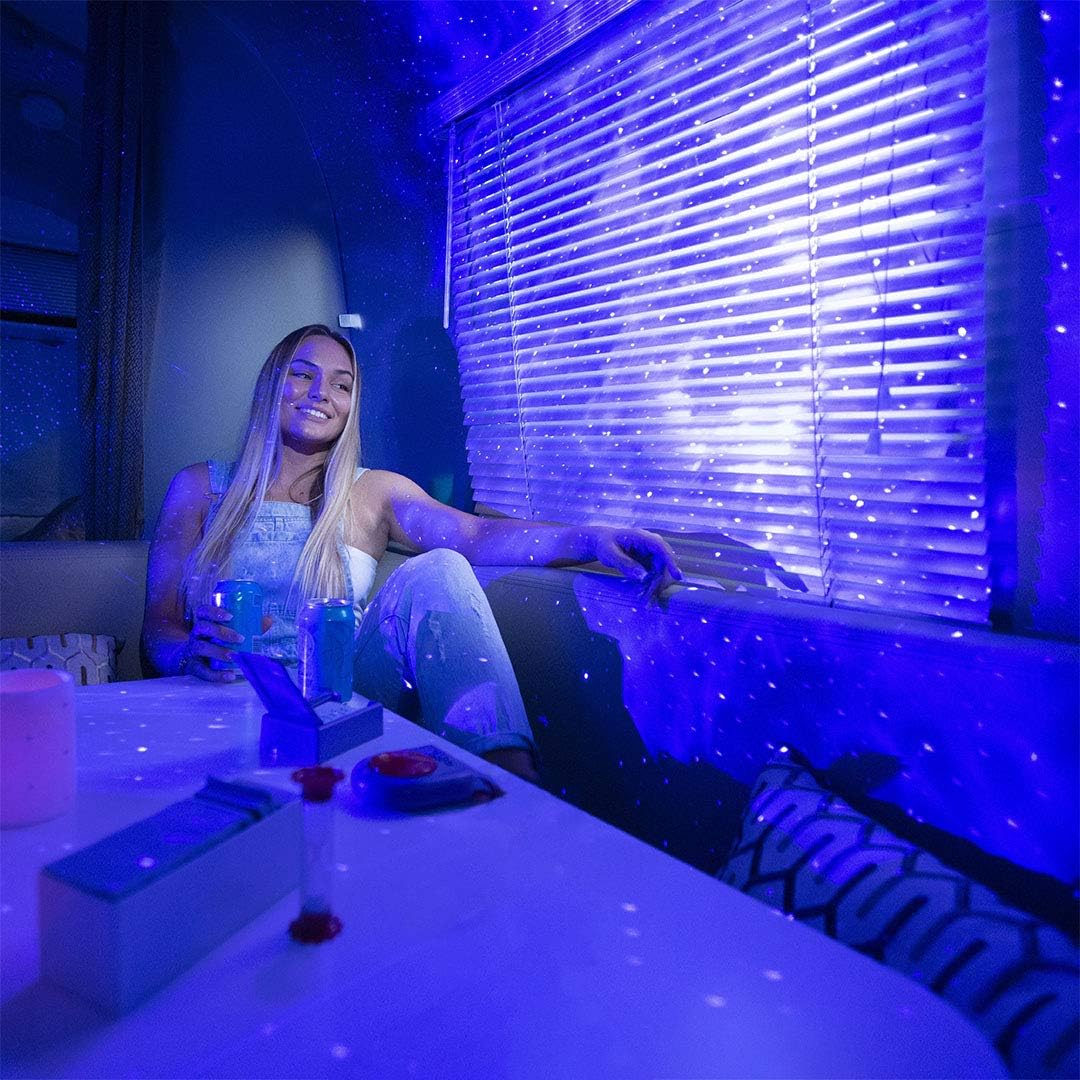
Figure 6: A user relaxing under the captivating projection of the Sky Lite.
Техникалык тейлөө
- Тазалоо: To clean the projector, unplug it from the power source. Use a soft, dry, lint-free cloth to gently wipe the exterior. Do not use abrasive cleaners, solvents, or harsh chemicals, as these may damage the surface.
- Линзага кам көрүү: If the projection lens requires cleaning, use a lens cleaning cloth specifically designed for optics. Avoid touching the lens directly with your fingers.
- Сактагыч: When not in use for extended periods, store the projector in its original packaging or a protective case in a cool, dry place, away from direct sunlight and extreme temperatures.
Проблемаларды чечүү
| Көйгөй | Мүмкүн себеп | Чечим |
|---|---|---|
| Проектор күйбөйт. | Электр байланышы жок. Бузулган кубат адаптери. | Ensure the power adapter is securely plugged into both the projector and a working power outlet. Try a different outlet. If the issue persists, contact customer support. |
| Проекция күңүрт же бүдөмүк. | Бөлмө өтө жарык. Линза кир. Incorrect distance. | Ensure the room is sufficiently dark. Gently clean the projection lens with a soft, lint-free cloth. Adjust the projector's distance from the projection surface (optimal 3-5 meters). |
| Stars or nebula are not moving. | Rotation feature is off. | Press the Rotation button to activate or deactivate the rotation effect. |
| Stars or nebula are not visible. | Specific effect is turned off. | Press the Nebula button or Star button to cycle through the available effects until the desired projection appears. |
Техникалык шарттар
| Бренд | Blisslights |
| Модель номери | QS-17B (900-00047_A) |
| Продукциянын өлчөмдөрү | 15 x 7.5 x 15 см (L x W x Y) |
| Элемент Салмагы | 850 грамм |
| Түс | Blue Stars |
| Материал | Айнек |
| Тtage | 220 вольт (AC) |
| Жарык булагы түрү | LED |
| Өзгөчөлүктөр | Color Change, Aurora Effects |
| Орнотуу түрү | Стол орнотуу |
Кепилдик жана колдоо
BlissLights products are designed for quality and durability. For information regarding warranty coverage, please refer to the warranty card included with your purchase or visit the official BlissLights website. If you encounter any issues not covered in the troubleshooting section or require further assistance, please contact BlissLights customer support through their official channels.
Акыркы колдоо маалыматы жана Көп берилүүчү суроолор үчүн төмөнкү дарекке кириңиз: www.blisslights.com/support
Ask a question about this manual
Ask about setup, troubleshooting, compatibility, parts, safety, or missing instructions. Manuals+ will review the question and use this page’s manual context to help answer it.