
Introduction
Thank you for choosing the GTRACING GT890MF Gaming Chair. This manual provides detailed instructions for the assembly, operation, maintenance, and troubleshooting of your new gaming chair. Please read this manual carefully before use to ensure proper function and longevity of the product. Keep this manual for future reference.
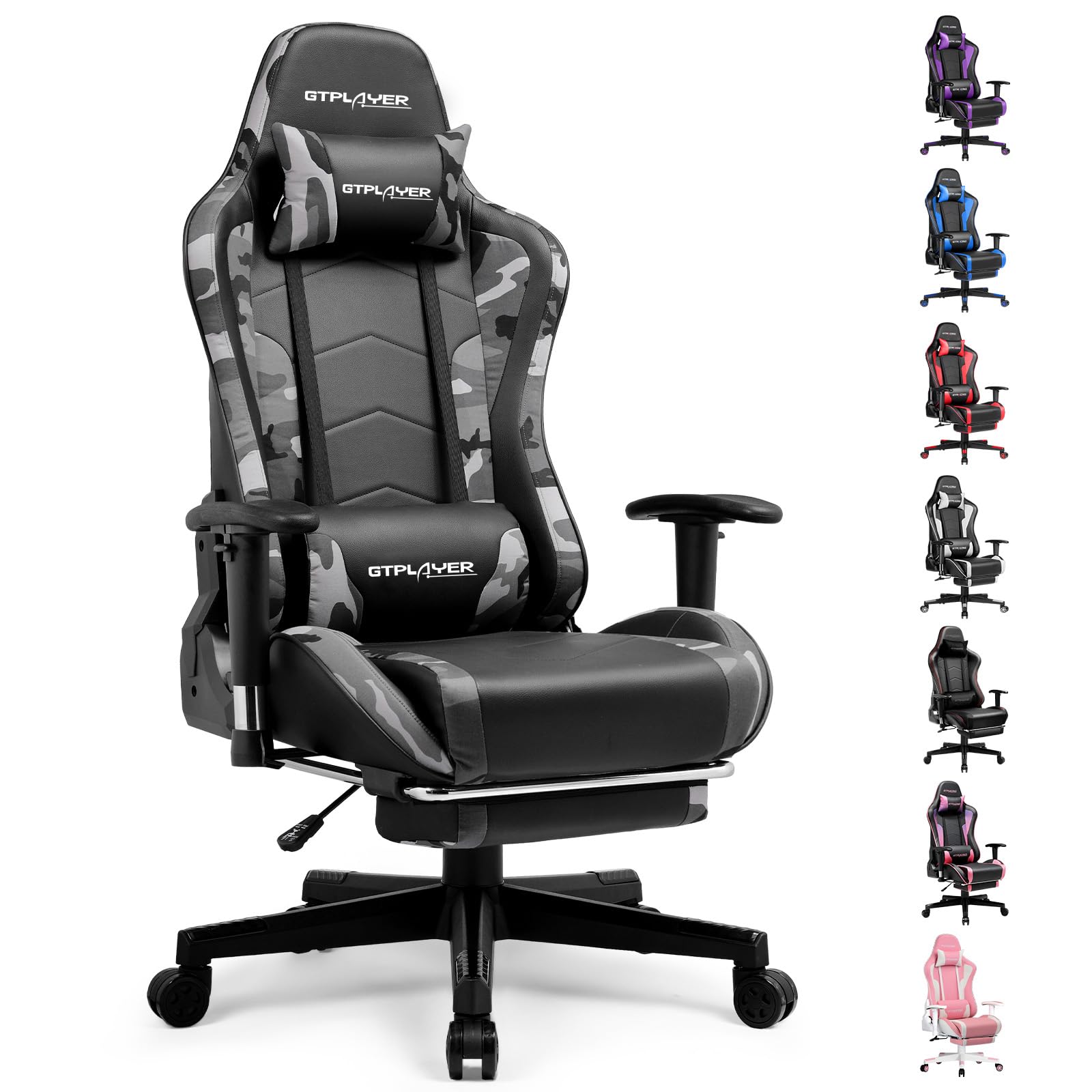
Image: The GTRACING GT890MF Gaming Chair, featuring a camouflage pattern, footrest, and integrated Bluetooth speakers, set up in a gaming environment.
Коопсуздук маалыматы
- Үй ичинде гана колдонуу үчүн.
- Максималдуу салмагы кубаттуулугу: 300 LBS. Бул чектен ашпаңыз.
- Use caution when adjusting chair height and recline to prevent injury.
- Колдонуудан мурун бардык бурамалар жана болттор бекем бекитилгенин текшерип, мезгил-мезгили менен бошоп калганын текшерип туруңуз.
- Жөндөө учурунда колдоруңузду жана манжаларыңызды кыймылдуу бөлүктөрдөн алыс кармаңыз.
- Стулга турбаңыз.
Орнотуу жана чогултуу
Assembly is required for this chair. Please follow the steps below carefully. It is recommended to have two people for assembly.
Пакеттин мазмуну

Image: An exploded diagram showing all components of the GTRACING GT890MF Gaming Chair, including the backrest, seat, armrests, base, wheels, gas lift, and footrest.
Чогултуу кадамдары
- Колтуктарды бекитүү: Securely fasten the armrests to the seat base using the provided screws. Ensure they are oriented correctly.
- Аркасын отургучка туташтыруу: Align the backrest with the seat mechanism and attach it using the designated bolts.
- Footrest орнотуу: Slide the footrest into its designated slots under the seat.
- Базаны чогултуу: Insert the casters (wheels) into the star base. Place the gas lift cylinder into the center hole of the star base.
- Отургучту негизге бекитүү: Carefully place the assembled seat and backrest onto the gas lift cylinder, ensuring it is seated firmly.
- Attach Headrest and Lumbar Pillows: Position the headrest and lumbar support pillows as desired.
Иштөө нускамалары
Креслолорду тууралоо
- Орундуктун бийиктигин жөндөө: Pull the lever located under the right side of the seat upwards to raise or lower the seat. Release the lever at the desired height.
- Арткы таяныч: Pull the lever on the right side of the chair upwards to recline the backrest. Lean back to the desired angle (90 to 160 degrees) and release the lever to lock it in place.
- Колтукту жөндөө: The armrests are multi-directional. Use the buttons or levers on the armrests to adjust their height, pivot, and slide forward/backward.
- Буттун узартылышы: Pull the footrest out from under the seat when desired. Push it back in when not in use.
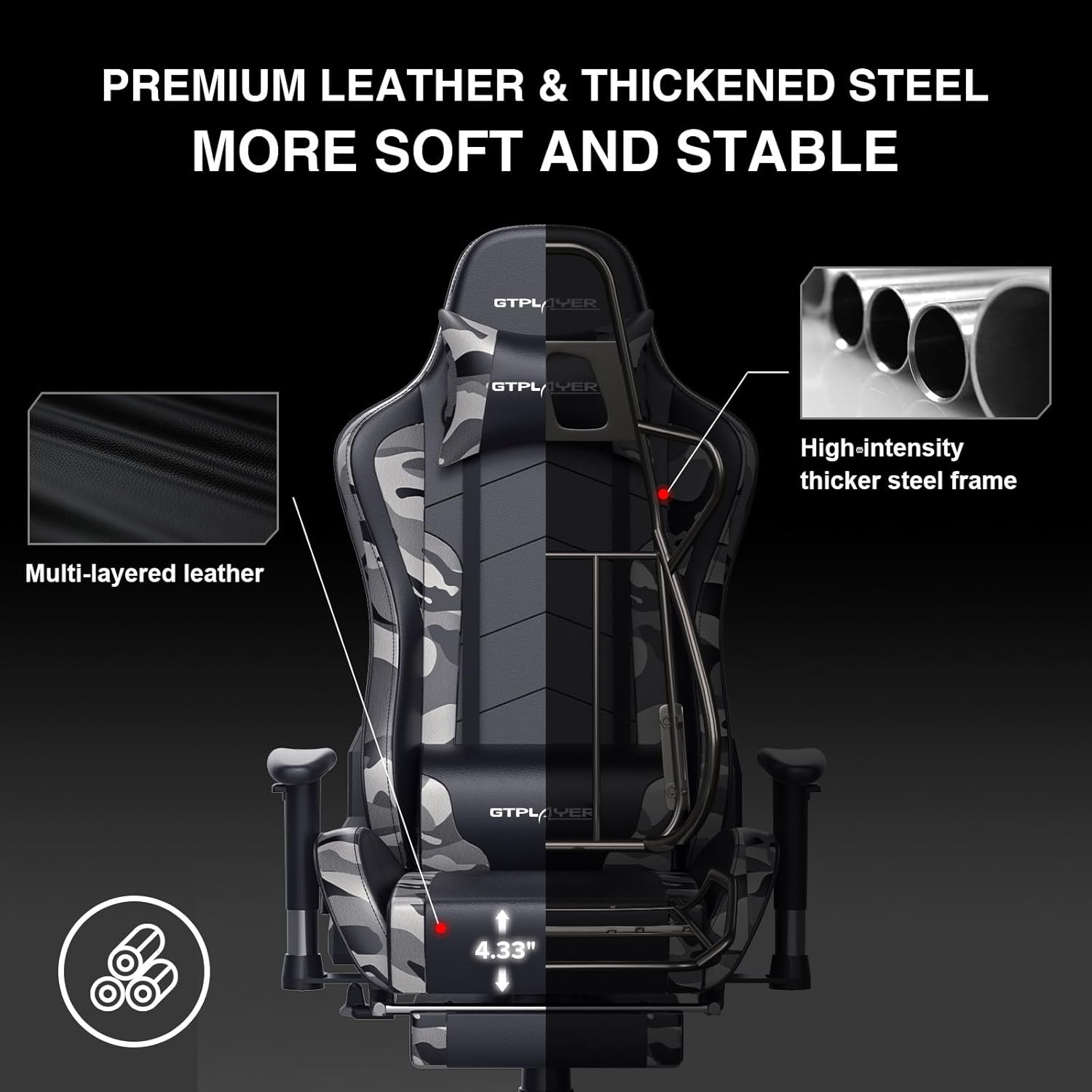
Image: The GTRACING GT890MF Gaming Chair demonstrating its backrest recline function, adjustable from 90 degrees for work to 155 degrees for resting.

Сүрөт: жакын план view of the GTRACING GT890MF Gaming Chair's adjustable multi-directional armrests, highlighting their ability to move up, down, and pivot for optimal positioning.
Bluetooth динамикинин иштеши
Your GTRACING GT890MF chair is equipped with dual Bluetooth 5.1 speakers for an immersive audio experience.
- Күйгүзүү: Locate the power button for the Bluetooth speakers, typically on the side or back of the chair. Press and hold to power on. A sound or indicator light will confirm activation.
- Жупташтыруу режими: The speakers will automatically enter pairing mode when powered on for the first time, or if no device is connected. An indicator light will usually flash.
- Түзмөктү туташтыруу: On your smartphone, tablet, or other Bluetooth-enabled device, go to Bluetooth settings and search for available devices. Select "GTPLAYER" or a similar name to connect.
- Аудио ойнотуу: Once connected, audio from your device will play through the chair's speakers. Adjust volume from your connected device.
- Өчүрүү: Press and hold the power button again to turn off the speakers.

Image: The GTRACING GT890MF Gaming Chair with a visual representation of sound waves emanating from the integrated Bluetooth speakers in the headrest area.

Image: A detailed diagram illustrating the dual Bluetooth 5.1 speakers within the GTRACING GT890MF Gaming Chair, highlighting features like clear treble, stereo sound, HiFi audio, and dust prevention.

Image: A user seated in the GTRACING GT890MF Gaming Chair, with an illustration showing how the chair's Bluetooth speakers can connect to various devices like PC/TV, PS4/PS5/XBOX, and other Bluetooth 5.1 enabled devices. A separate USB Bluetooth transmitter is shown as an option for non-Bluetooth devices.
Техникалык тейлөө
- Тазалоо: Жарнама менен тазалаңызamp cloth. Avoid harsh chemicals or abrasive cleaners that may damage the faux leather upholstery.
- Текшерүү: Periodically check all bolts and screws to ensure they are tight. Re-tighten if necessary.
- Кастерге кам көрүү: Жылмакай тоголонушун камсыз кылуу үчүн дөңгөлөктөрдү чачтан жана таштандылардан таза кармаңыз.
- Сактагыч: Store the chair in a dry, cool place away from direct sunlight to prevent material degradation.
Проблемаларды чечүү
| Көйгөй | Мүмкүн себеп | Чечим |
|---|---|---|
| Кресло бийиктигин тууралабайт | Gas lift lever not engaged or gas lift faulty. | Ensure the lever is fully pulled. If issue persists, contact support for gas lift replacement. |
| Backrest does not recline/lock | Recline lever not engaged or mechanism obstructed. | Ensure the recline lever is fully pulled/released. Check for obstructions in the recline mechanism. |
| Bluetooth speakers not pairing | Speakers not powered on, out of range, or already paired to another device. | Ensure speakers are charged and powered on. Move device closer to chair. Disconnect from other devices. Try restarting both chair speakers and your device. |
| Кресло солкулдап турат | Бош болттар же тегиз эмес монтаж. | Бардык чогултуучу болтторду текшерип, бекемдеңиз. Отургучтун тегиз, бир калыпта турганын текшериңиз. |
Техникалык шарттар
- Модель аты: GT890MF
- Бренд: GTRACING
- Түсү: Камуфляж
- Материал: Faux Leather, Foam Fill, Steel Frame
- Продукциянын өлчөмдөрү (D x W x Y): 20.87" x 21.65" x 53.15"
- Орундуктун бийиктиги: Жөнгө салынуучу, 22.04 дюймга чейин
- Отуруунун тереңдиги: 20.87 дюйм
- Элемент Салмагы: 47 фунт
- Maximum Салмагы сунуш: 300 фунт
- Артка стили: Solid Back, Reclining (90 to 160 degrees)
- Өзгөчөлүктөр: Adjustable Height, Adjustable Lumbar, Ergonomic Design, Foot Rest, Rolling Casters, Dual Bluetooth 5.1 Speakers
- Ассамблея: Талап кылынат

Image: A diagram illustrating the key dimensions of the GTRACING GT890MF Gaming Chair, including overall height, width, and depth.

Image: A detailed diagram showing various dimensions of the GTRACING GT890MF Gaming Chair, including seat height, armrest height, and backrest height, along with maximum load capacity (330 lbs) and recommended user height (6.2 ft).
Кепилдик жана колдоо
GTRACING offers a worry-free purchase experience for your gaming chair.
- 30 күндүк саясат: Free replacement or refund within 30 days of purchase.
- 1 жылдык кепилдик: Free replacement or repair within 1 year of purchase for manufacturing defects.
For any questions, suggestions, or support needs, please feel free to contact our customer service team. We are dedicated to ensuring customer satisfaction.

Image: A group of customer service representatives wearing headsets, symbolizing available support.