
1. Бүттүview
The CHONCHOW T931 is a full-sized wired gaming keyboard designed for various computing and gaming platforms. It features LED rainbow backlighting, anti-ghosting capabilities, and an ergonomic design for comfortable use. This manual provides instructions for setup, operation, maintenance, and troubleshooting.
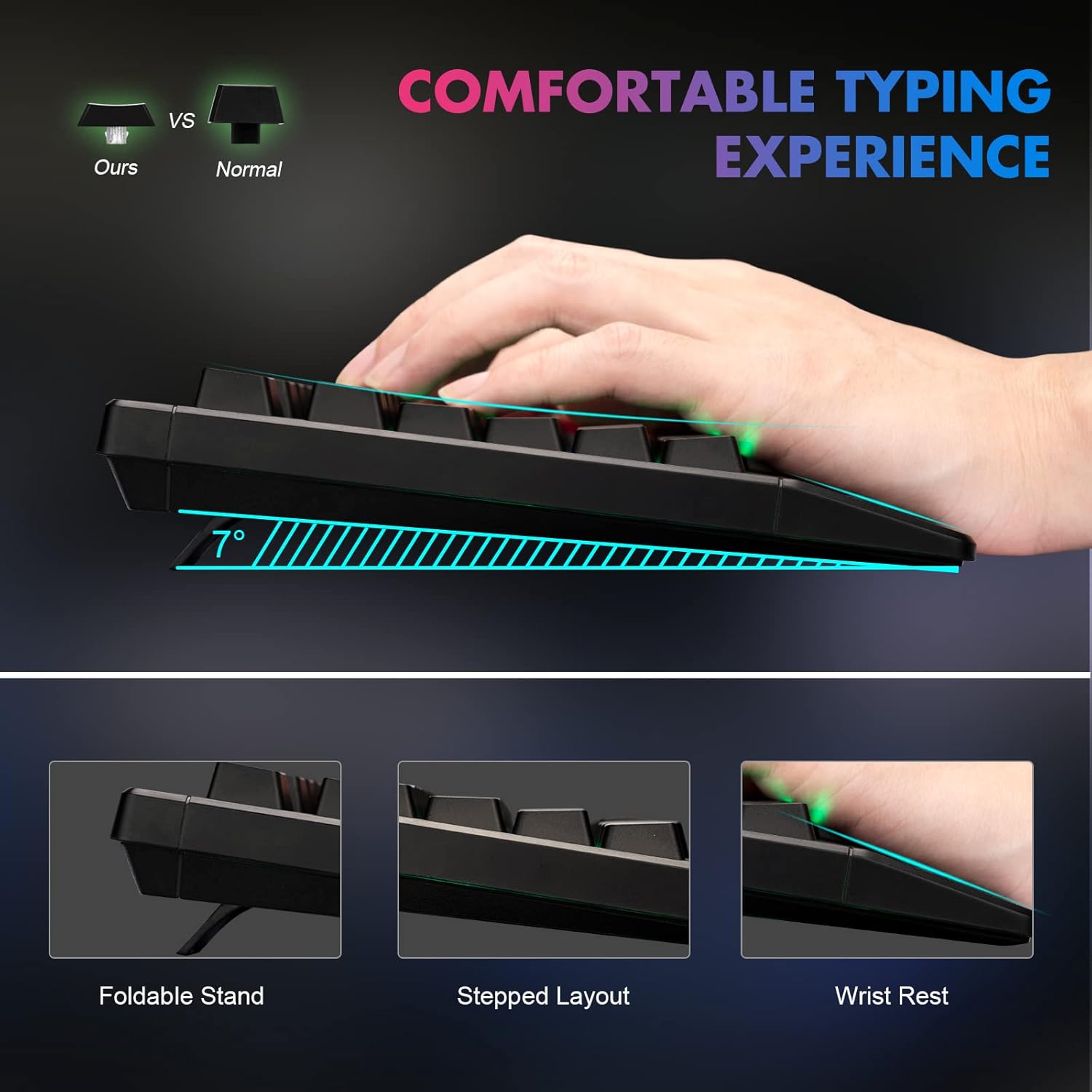
Figure 1: Ergonomic design of the CHONCHOW T931 keyboard, highlighting the integrated wrist rest, stepped key layout, and foldable feet for adjustable typing angle.
2. Орнотуу
The CHONCHOW T931 keyboard is a plug-and-play device, requiring no additional driver installation for basic functionality.
2.1 Баскычтопту туташтыруу
- Locate an available USB port on your computer, laptop, or compatible gaming console (PS3, PS4, PS5, Xbox).
- Баскычтоптун USB туташтыргычын USB портуна кыстарыңыз.
- The operating system will automatically detect and install the necessary drivers. The keyboard will be ready for use within a few seconds.
2.2 Шайкештик
This keyboard is compatible with a wide range of operating systems and devices, including:
- Операциялык системалар: Windows 2000, 2003, XP, Vista, Win7, Win8, Win10, Win11, macOS, Linux.
- Түзмөктөр: PC, Laptops, Gaming Consoles (PS3, PS4, PS5, Xbox), and various tablet models.
3. Иштөө нускамалары
3.1 Жарыкты башкаруу
The keyboard features LED rainbow backlighting with multiple modes and adjustable brightness.
- Арткы жарыкты күйгүзүү/өчүрүү: Басыңыз FN + Light Bulb Key (located next to the right ALT key) to toggle the backlight on or off.
- Жарыктандыруу режимдерин өзгөртүү: Басыңыз FN + PG UP / PG DN to cycle through available static and dynamic backlight modes.
- Жарыктыкты жөндөө: Басыңыз FN + Plus (+) / Minus (-) keys to adjust the backlight brightness (3 levels available).
- Adjust Dynamic Speed: For dynamic lighting modes, press FN + Left Arrow / Right Arrow to adjust the speed of the effect.
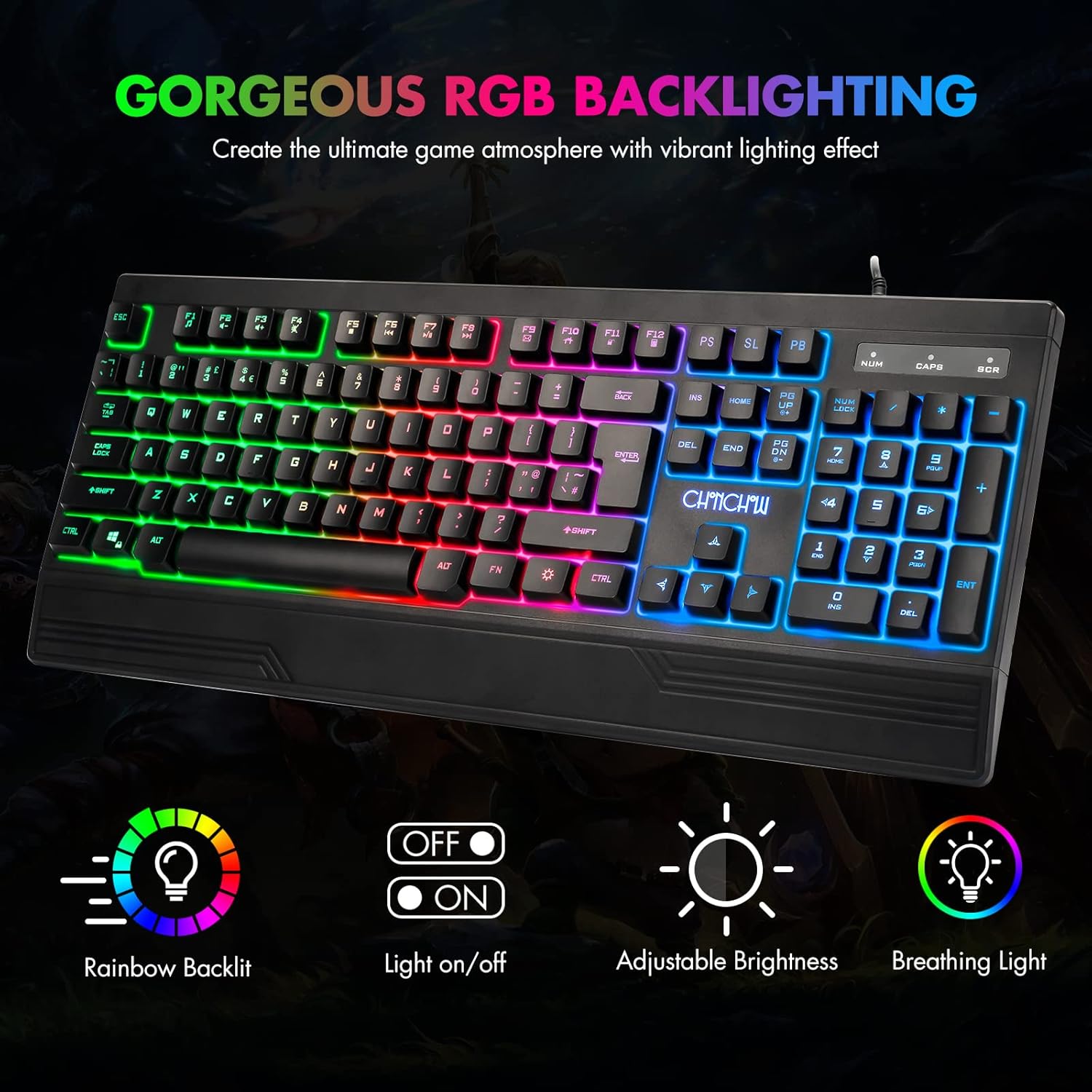
Figure 2: The CHONCHOW T931 keyboard showcasing its vibrant rainbow LED backlighting and indicators for various lighting controls.
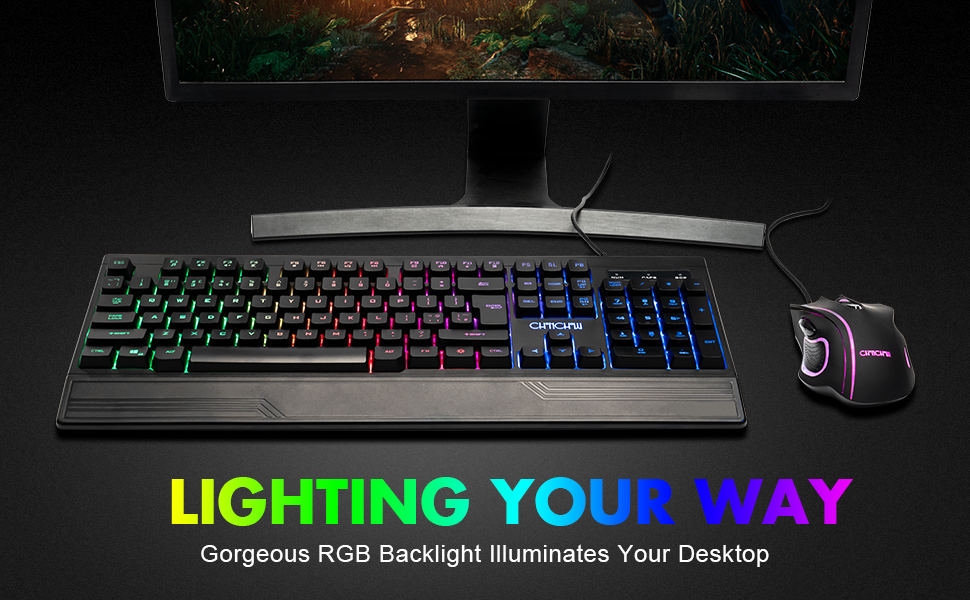
3-сүрөт: Детальдуу view of the FN key combinations for managing the keyboard's LED backlight settings.
3.2 Мультимедиа функциялары
Басуу менен мультимедиа башкарууларына жетиңиз FN key in combination with the designated function keys (F1-F12).
| Ачкыч айкалышы | Функция |
|---|---|
| FN + F1 | Музыка ойноткуч |
| FN + F2 | Үндү төмөндөтүү |
| FN + F3 | Үндү көтөрүү |
| FN + F4 | Үнсүз |
| FN + F5 | Ойнотууну токтотуу |
| FN + F6 | Мурунку трек |
| FN + F7 | Ойнотуу/Тыныгуу |
| FN + F8 | Кийинки трек |
| FN + F9 | |
| FN + F10 | Башкы бет |
| FN + F11 | Баскычтоп кулпусу |
| FN + F12 | Калькулятор |

Figure 4: Illustration of multimedia function keys and the WASD interchange function.
3.3 Оюн функциялары
- 26 Негизги Анти-Гостинг: This feature ensures that multiple key presses are registered simultaneously without conflict, which is crucial for fast-paced gaming.
- Interchangeable W/A/S/D Keys: Басыңыз FN + W to swap the functionality of the W, A, S, D keys with the arrow keys (Up, Left, Down, Right). Press FN + W again to restore the original setting.
- WIN кулпу функциясы: The keyboard includes a WIN lock function to prevent accidental presses of the Windows key during gameplay, which can minimize interruptions.

Figure 5: The keyboard's anti-ghosting capability ensures accurate registration of multiple simultaneous key presses.
4. Техникалык тейлөө
Proper maintenance can extend the lifespan and performance of your keyboard.
4.1 Spill-Resistant Design
The CHONCHOW T931 keyboard features a spill-resistant design to protect against minor liquid spills. In case of a spill, immediately disconnect the keyboard from your device and allow it to dry completely before reconnecting.

Figure 6: The keyboard's spill-resistant construction helps protect against accidental liquid exposure.
4.2 Cleaning and Detachable Keycaps
For thorough cleaning, the keycaps are detachable.
- Gently pull up on the keycaps to remove them. A keycap puller (not included) can assist in this process.
- Clean the keycaps with a soft, damp cloth. For the keyboard base, use a soft brush or compressed air to remove dust and debris.
- Ensure all components are completely dry before reattaching the keycaps.
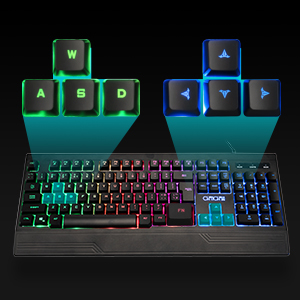
Figure 7: Detachable keycaps facilitate easy cleaning and maintenance of the keyboard.
5. Кыйынчылыктарды
If you encounter issues with your CHONCHOW T931 keyboard, please refer to the following common solutions:
- Баскычтоп жооп бербейт:
- USB кабели клавиатурага да, аспапка да бекем туташып турганын текшериңиз.
- Баскычтопту башка USB портуна туташтырууга аракет кылыңыз.
- Test the keyboard on another computer or device to rule out a device-specific issue.
- Компьютериңизди же түзмөгүңүздү өчүрүп күйгүзүңүз.
- Арткы жарык иштебейт:
- Басыңыз FN + Light Bulb Key арткы жарыктын күйүп турганын камсыз кылуу үчүн.
- жардамы менен жарыктыгын тууралаңыз FN + Plus (+) / Minus (-) ачкычтар.
- Keys Not Registering Correctly:
- Ensure no debris is lodged under the keycaps. Refer to the cleaning instructions in Section 4.2.
- If W/A/S/D keys are acting as arrow keys, press FN + W to revert to standard functionality.
Бул кадамдар маселени чечпесе, кошумча жардам алуу үчүн кардарларды тейлөө кызматына кайрылыңыз.
6. Техникалык шарттар
| Өзгөчөлүк | Деталь |
|---|---|
| Бренд | Чончоу |
| Модель номери | T931 |
| Байланыш технологиясы | USB Wired |
| Баскычтоптун жайгашуусу | QWERTY, 104 Keys |
| Которуу түрү | Crater Switch Keys |
| Арткы жарыктандыруу | LED Rainbow (RGB) |
| Өзгөчөлүктөр | Backlit, Ergonomic, Wrist Rest, 26-Key Anti-Ghosting, Spill-Resistant |
| Продукциянын өлчөмдөрү (L x W x Y) | 17.4" x 6.4" x 1.2" (44.2 см x 16.3 см x 3.0 см) |
| Материал | Пластик |
| Шайкеш операциялык системалар | Windows, macOS, Linux |
| Сунушталган колдонуу | Оюндар |
7. Кепилдик жана колдоо
CHONCHOW offers a 30-day refund or replacement policy for quality issues and a 12-month warranty from the date of purchase.
For warranty claims, technical support, or any product-related inquiries, please contact CHONCHOW customer service through the retailer's platform or the official CHONCHOW webсайт.