
1. Киришүү
Thank you for choosing LaView 1080P Indoor Wi-Fi Security Cameras. This manual provides detailed instructions to help you set up, operate, and maintain your new security system. These cameras are designed to provide reliable indoor surveillance with features such as 1080P HD video, night vision, two-way audio, and smart motion detection.
For optimal performance and safety, please read this manual thoroughly before use and retain it for future reference.
2. Кутуда эмне бар
- LaView 1080P Indoor Wi-Fi Camera Body (4 units)
- Кубат адаптерлери (4 даана)
- Quick Start Guide
3. Продукт бүтүп калдыview
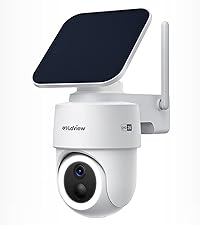
The LaView 1080P Indoor Wi-Fi Security Camera offers comprehensive home monitoring. Below is an image illustrating the cameras included in your package.

These cameras are designed for indoor use and provide clear 1080P resolution for monitoring your home, pets, or loved ones.
4. Техникалык шарттар
| Өзгөчөлүк | Спецификация |
|---|---|
| Модель аты | LV-PWF1-4PKG |
| Ички/тышкы колдонуу | Indoor |
| Байланыш технологиясы | Wired (for power), Wi-Fi (for data) |
| Натыйжалуу Video Resolution | 1080 Pixels (2.1 MP) |
| Түнкү көрүү диапазону | 33 фут чейин |
| Viewбурч | 84 градус |
| Эки тараптуу аудио | Ооба |
| Motion Detection | Yes (Motion Only Alert Type) |
| Сактагыч параметрлери | MicroSD (up to 128GB), Cloud Storage (30-day free trial) |
| Шайкеш түзмөктөр | Alexa, iOS & Android (LaView App), Web Мүмкүнчүлүк |
| Power Source | Электр зымдары (5 вольт, 2.5 ватт) |
| Элемент Салмагы | 1.37 фунт |
5. Орнотуу колдонмосу
5.1. Баштапкы орнотуу
- Камераны ачып алыңыз: Бардык камераларды жана аксессуарларды таңгактан этияттык менен алып салыңыз.
- Күйгүзүү: Plug each camera into a power outlet using the provided power adapter. The camera's indicator light will turn on.
- Камераны баштапкы абалга келтирүү: If necessary, use a pin to press and hold the reset button on the camera until the indicator light blinks, indicating it's ready for pairing.
5.2. App Setup Guide
The LaView App is essential for controlling and monitoring your cameras. Follow these steps to set up your cameras using the app:

- Жүктөп алып, катталыңыз: Download the "LaView" App from your mobile app store (iOS or Android) and register for a new account.
- Түзмөк кошуу: Tap the 'Add device' icon within the app.
- Түзмөктүн түрүн тандоо: Choose 'Smart camera' under 'video surveillance'.
- Confirm Power and Reset: Hold down the reset hole until the indicator blinks red, then confirm in the app.

- Wi-Fi чоо-жайын киргизиңиз: 2.4 ГГц Wi-Fi тармагыңыздын атын жана сырсөзүн киргизиңиз. Эскертүү: 5 ГГц Wi-Fi тармактары колдоого алынбайт.
- QR кодун сканерлөө: Use the camera to scan the QR code displayed on your phone screen until you hear a prompt.
- Add Device Successfully: The device will be added to your account.
- Мониторинг баштоо: You can now see the live-view of your camera by clicking on it in the app.
5.3. Web Кирүү колдонмосу
You can also access your camera feeds via a web browser for convenient monitoring on a larger screen.

- кирүү Webсайт: Сиздин ачыңыз web browser and navigate to the LaView web access portal.
- QR кодун сканерлөө: боюнча web page, a QR code will be displayed. Open your LaView mobile app, tap the scanner icon in the top right corner, and scan the QR code on your computer screen.
- Login Complete: Once scanned, your web access will be complete, and you can view your camera feeds.
6. Иштөө нускамалары
6.1. Live Streaming and Multi-User Sharing
Access 24/7 live streams of your cameras via the LaView колдонмо же web browser. The system supports up to 9 simultaneous live feeds, allowing you to monitor multiple areas at once.

You can share access to your cameras with up to 20 people, enabling family and friends to monitor the property as well.

6.2. Кыймылды аныктоо жана эскертүүлөр
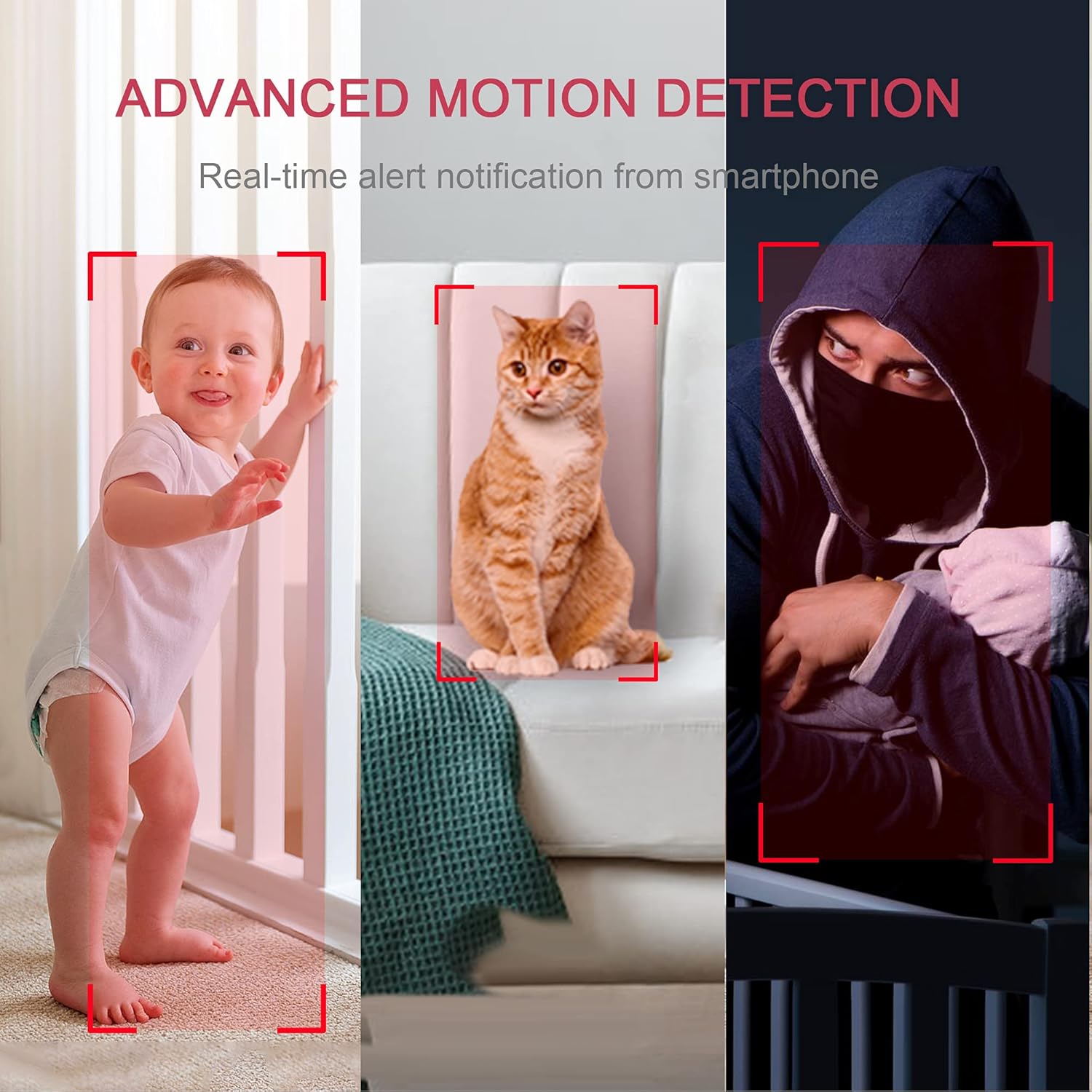
The cameras feature instant motion detection with smart alerts. When motion is detected, you will receive real-time notifications on your smartphone, keeping you informed of any activity.

6.3. Эки тараптуу аудио
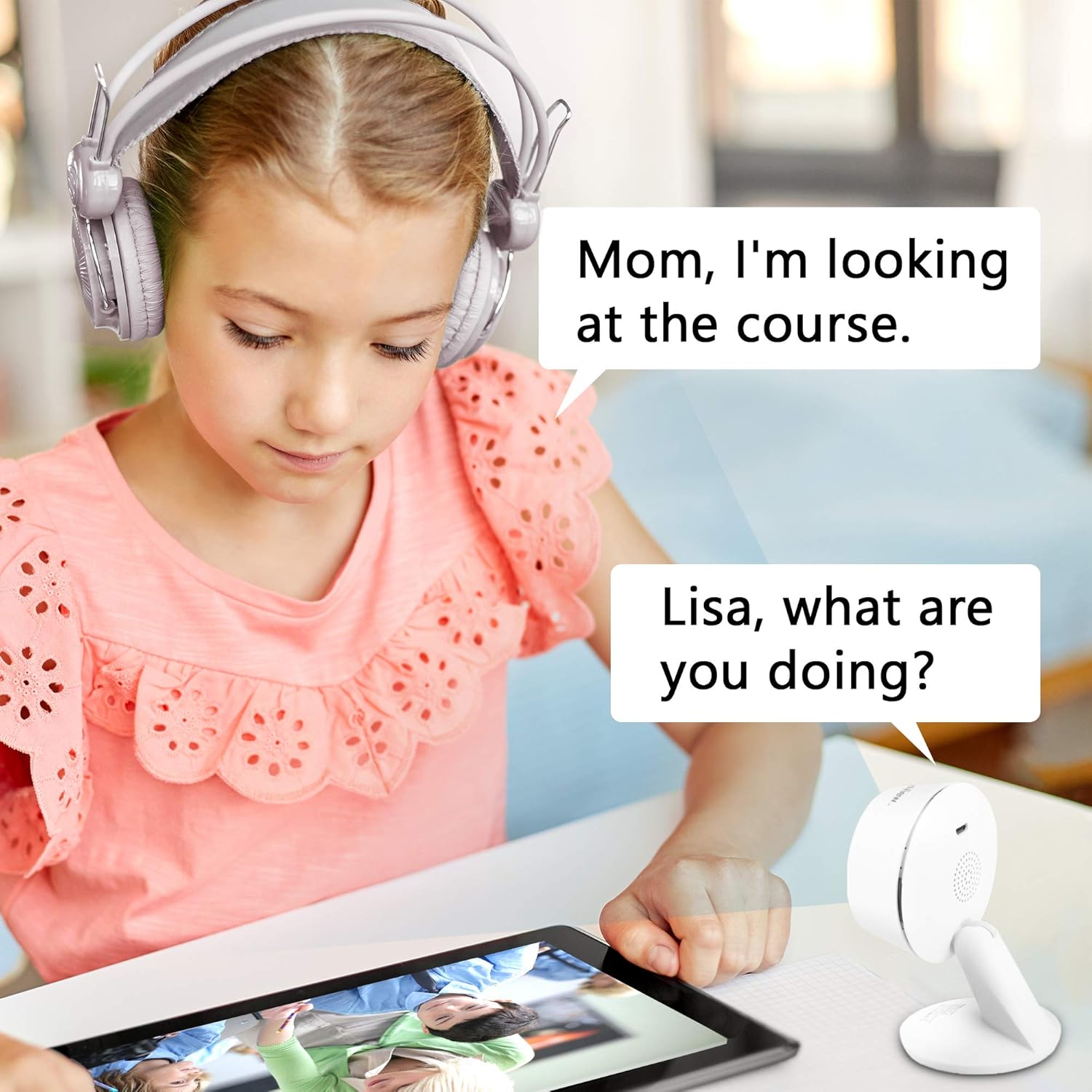
Communicate with family members or pets through the camera using the clear two-way audio feature with noise cancellation. This allows for real-time interaction from anywhere.

6.4. Түнкү көрүнүш
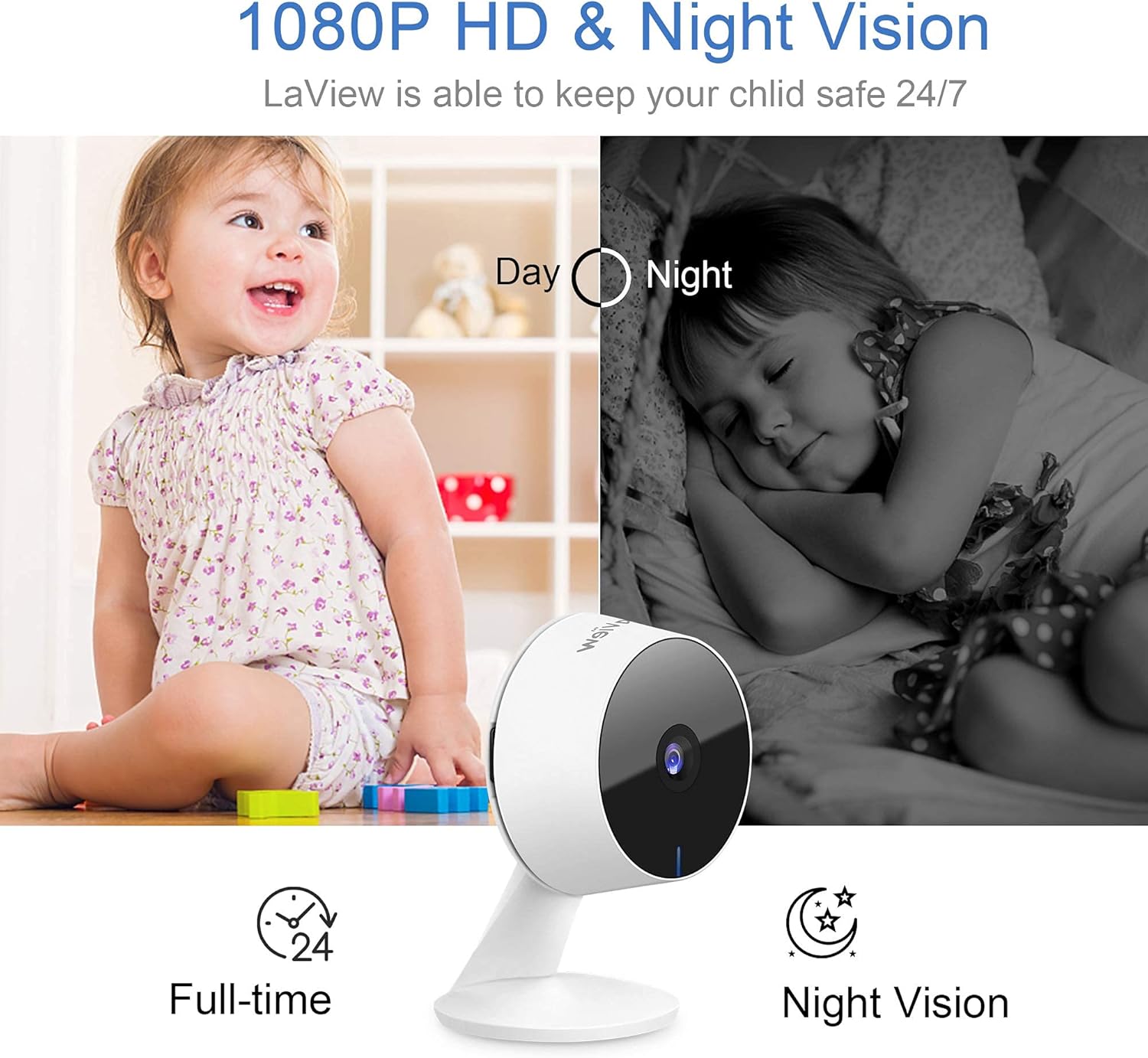
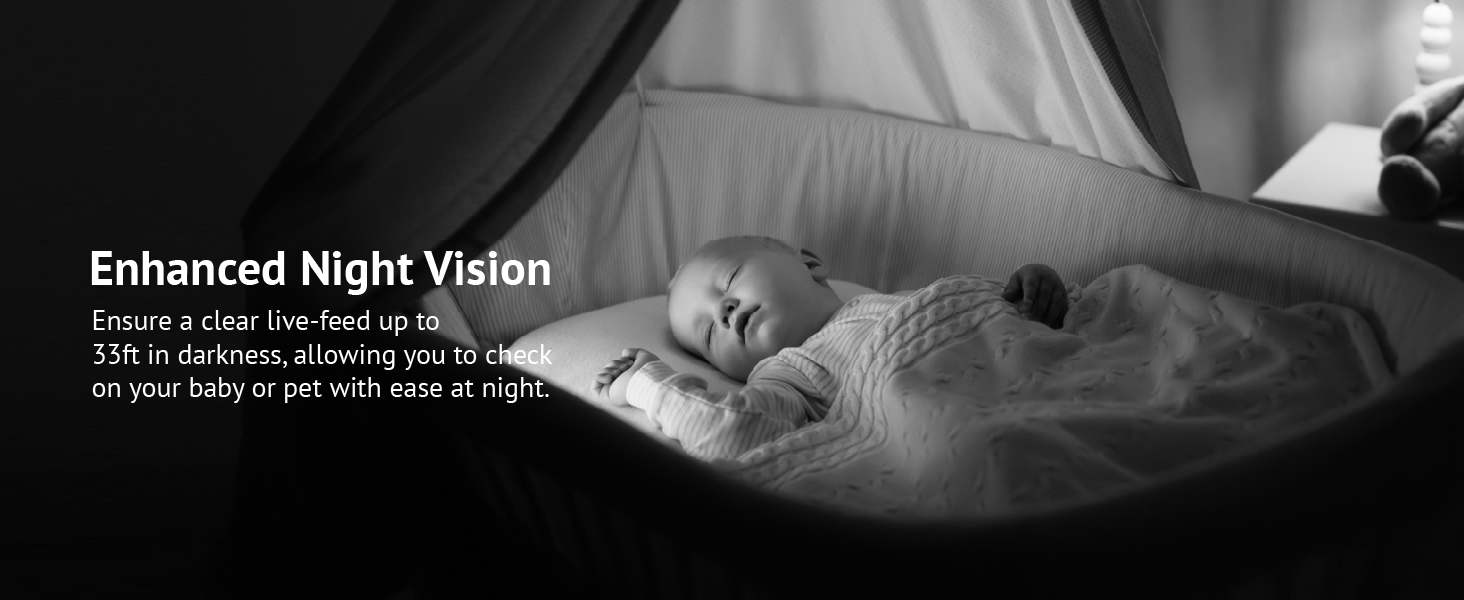
Equipped with advanced IR night vision, the cameras provide clear monitoring up to 33 feet in darkness, ensuring quality surveillance even in low-light conditions.
6.5. Сактоо параметрлери
The cameras offer flexible storage solutions. You can utilize the 30-day free trial of US cloud storage, which encrypts your data on AWS servers for security. Alternatively, you can use a microSD card (up to 128GB, not included) for local storage, avoiding monthly fees.

6.6. Smart Home интеграциясы
The LaView cameras are compatible with Alexa and Google Assistant, allowing for convenient voice control. Simply use voice commands to pull up live feeds on compatible smart displays.


7. Техникалык тейлөө
To ensure the longevity and optimal performance of your LaView security cameras, follow these maintenance guidelines:
- Тазалоо: Gently wipe the camera lens and body with a soft, dry cloth. Avoid using harsh chemicals or abrasive cleaners, as they can damage the camera's surface or lens coating.
- Программалык камсыздоонун жаңыртуулары: Ла-ны үзгүлтүксүз текшерип туруңузView app for available firmware updates. Keeping your camera's firmware up-to-date ensures you have the latest features, security patches, and performance improvements.
- Тармактын туруктуулугу: Ensure your Wi-Fi network is stable and strong in the areas where cameras are installed. A weak signal can lead to dropped connections or poor video quality.
- Электр камсыздоо: Use only the original power adapters provided with your cameras. Using incompatible power sources can damage the device.
- Экологиялык шарттар: These cameras are designed for indoor use. Avoid exposing them to extreme temperatures, high humidity, or direct water contact.
8. Кыйынчылыктарды
Эгерде сиз Лос-Анжелесиңиз менен көйгөйлөргө туш болсоңузView security cameras, refer to the following common problems and solutions:
| Көйгөй | Мүмкүн чечим |
|---|---|
| Camera offline/cannot connect |
|
| Poor video quality/pixelation |
|
| Кыймылды аныктоо эскертмелери өтө тез-тез/сейрек кездешет |
|
| Эки тараптуу аудио иштебейт |
|
| Night vision is unclear |
|
| App glitches or freezes |
|
9. Кепилдик жана колдоо
9.1. Кепилдик маалыматы
LaView products typically come with a limited warranty covering defects in materials and workmanship. Please refer to the warranty card included in your product packaging or visit the official LaView webсиздин аймакка жана продукт моделине тиешелүү белгилүү бир кепилдик шарттары жана шарттары үчүн сайт.
9.2. Кардарларды колдоо кызматы
For technical assistance, troubleshooting, or any inquiries regarding your LaView security cameras, please contact LaView Customer Support. Our professional service team is available to assist you.
Биз менен төмөнкү аркылуу байланышсаңыз болот:
- Жандуу чат: Available on the official LaView webсайт.
- Ыкчам байланыш телефону: Refer to the Quick Start Guide or LaView website for the support phone number.
- Электрондук почта: Send your queries to the support email address listed on the official webсайт.
Please have your product model number (LV-PWF1-4PKG) and purchase information ready when contacting support to expedite the process.