
1. Киришүү
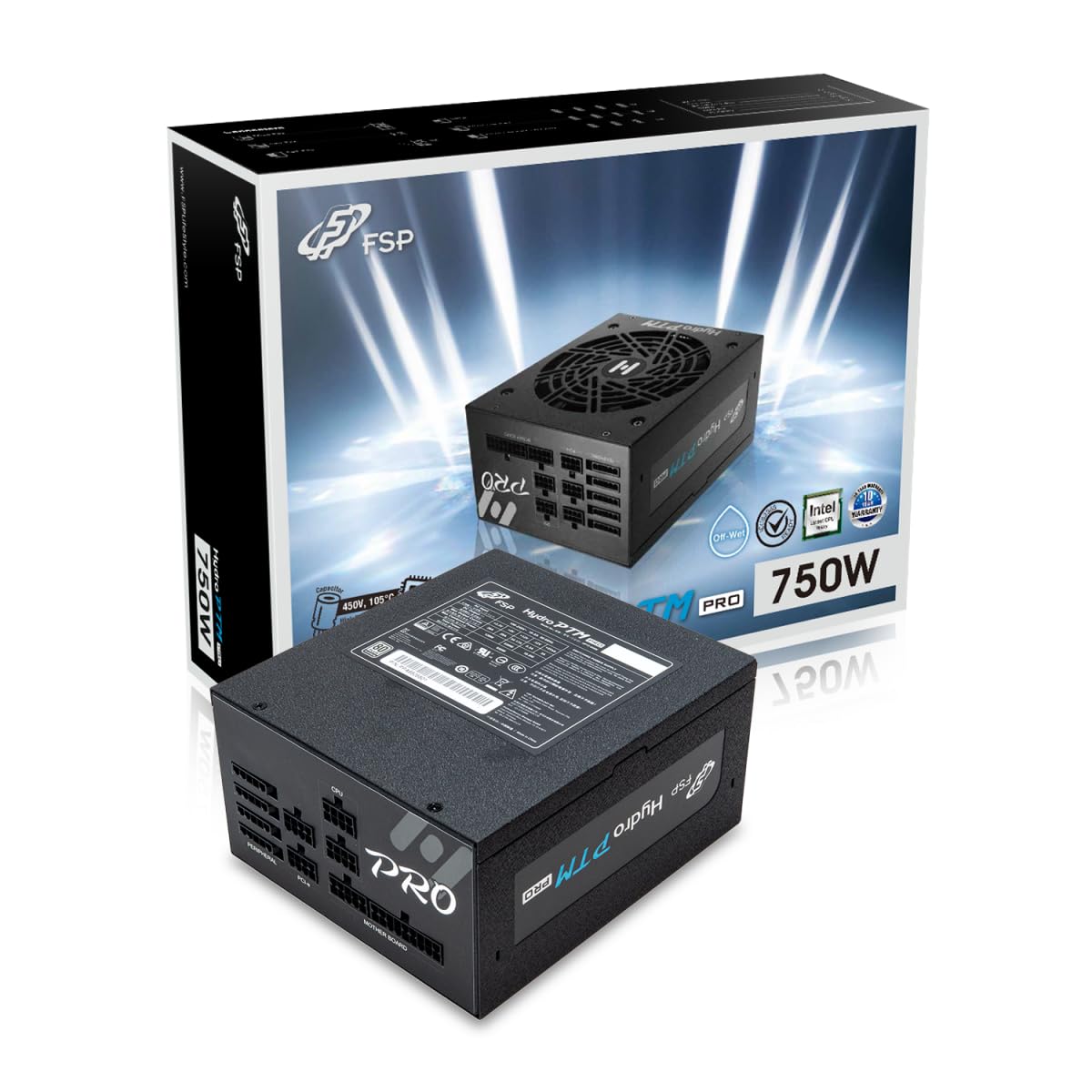
This manual provides detailed instructions for the installation, operation, and maintenance of your FSP Hydro PTM Pro 750W 80 Plus Platinum Full Modular ATX 12V Power Supply (Model: HPT2-750M). Please read this manual thoroughly before using the product to ensure proper function and safety.
The FSP Hydro PTM Pro series is designed for high efficiency and durability, featuring a conformal coating for protection against dust, humidity, and stains. It includes a semi-fanless Eco Mode for quiet operation under low loads and fully modular black ribbon cables for flexible system builds.
2. Коопсуздук маалыматы
ЭСКЕРТҮҮ: Improper installation or use can result in serious injury or damage to the power supply and other components. Always follow these safety guidelines:
- Электр менен камсыздоо блогун ачпаңыз. Жогорку томtages ичинде бар жана колдонуучу тейлей турган бөлүктөр жок. Аппаратты ачуу кепилдикти жокко чыгарат.
- Орнотуудан же тейлөөдөн мурун кубат булагы AC розеткадан ажыратылганын текшериңиз.
- Электр менен камсыздоону жакшы желдетилген жерге орнотуңуз.
- Use only the modular cables provided with this power supply. Using incompatible cables may cause damage to the power supply and connected components.
- Бул продукт жеке компьютерлерде колдонуу үчүн иштелип чыккан. Аны башка эч кандай максатта колдонбоңуз.
- Электр камсыздоосун суудан, нымдуулуктан жана өтө жогорку температуралардан алыс кармаңыз.
- Системаны күйгүзүүдөн мурун бардык туташуулардын коопсуз экенин текшериңиз.

3. Пакеттин мазмуну
Пакетиңизде бардык буюмдар бар экенин текшериңиз:
- FSP Hydro PTM Pro 750W Power Supply Unit (HPT2-750M)
- AC Power Cord
- Modular Cable Set (refer to the "Cable Length and Connectors" section for details)
- Монтаждоо бурамалар
- Колдонуучунун Колдонмосу (бул документ)
4. Орнотуу жана орнотуу
4.1 Физикалык орнотуу
- Системаңызды даярдаңыз: Компьютериңиз толугу менен өчүрүлгөнүн жана розеткадан ажыратылганын текшериңиз.
- Эски кубат менен жабдууну алып салуу (эгер бар болсо): Disconnect all cables from your old power supply and remove it from the PC case.
- Кубат менен жабдууну орнотуу: Insert the FSP Hydro PTM Pro 750W into the power supply bay of your PC case. Secure it with the provided mounting screws.
- Connect Motherboard Cables:
- Connect the 20+4 Pin ATX cable to your motherboard's main power connector.
- Connect the 4+4 Pin CPU (EPS) cable(s) to your motherboard's CPU power connector(s).
- Перифериялык кабелдерди туташтыруу:
- Connect the 6+2 Pin PCI-E cables to your graphics card(s).
- SATA электр кабелдерин SSD, HDD жана оптикалык дисктериңизге туташтырыңыз.
- Connect Molex cables to any other peripherals requiring them.
- Коопсуз байланыштар: Ensure all modular cables are firmly seated into both the power supply and the respective components.
- AC кубатына туташтыруу: Plug the AC power cord into the power supply's AC inlet and then into a wall outlet or surge protector.
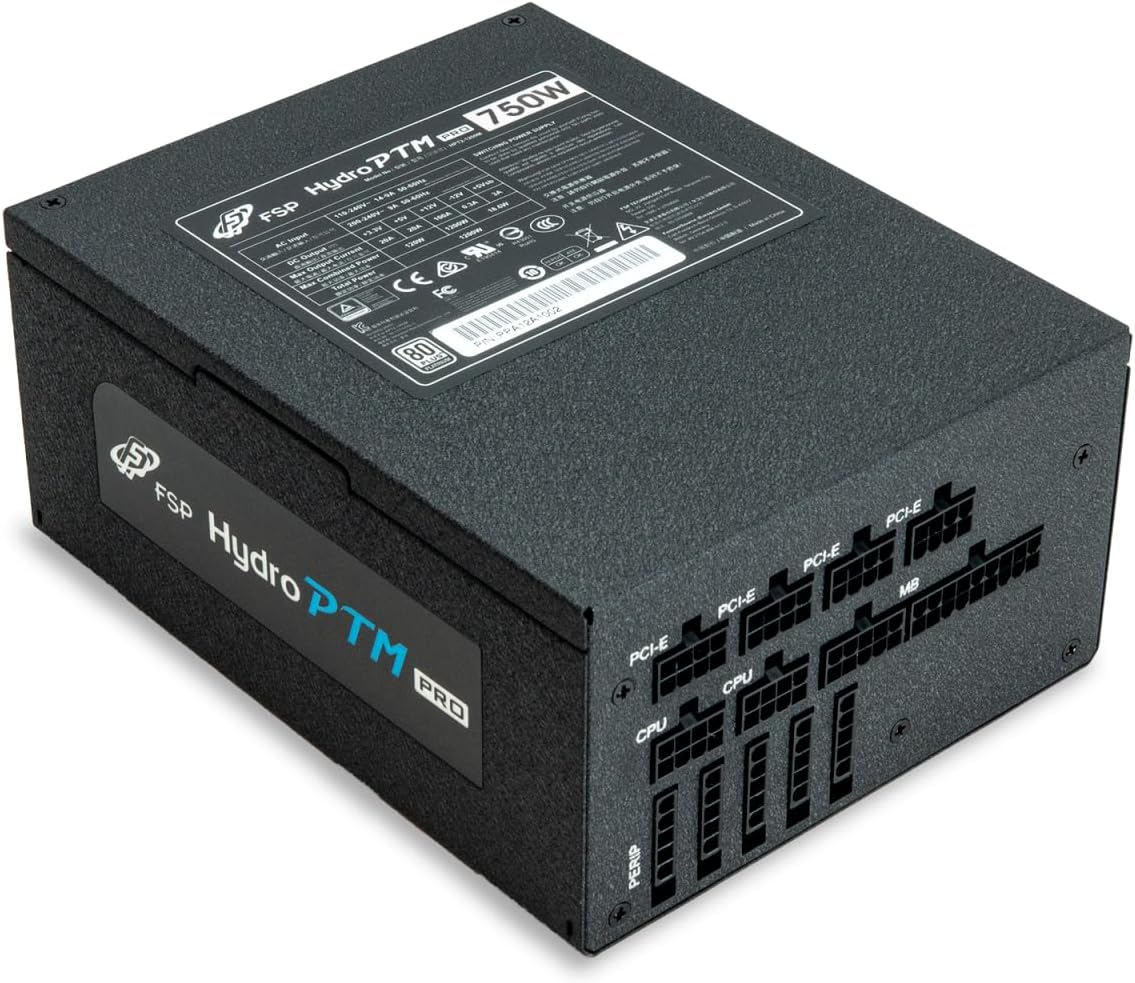
4.2 Cable Length and Connectors
The FSP Hydro PTM Pro 750W comes with a set of fully modular black ribbon cables. Refer to the diagram below for connector types and approximate lengths.

5. Операция
5.1 Күйгүзүү/өчүрүү
After completing the installation, ensure the main power switch on the back of the power supply is in the "ON" (I) position. You can then power on your computer using its case power button.
5.2 Эко режими
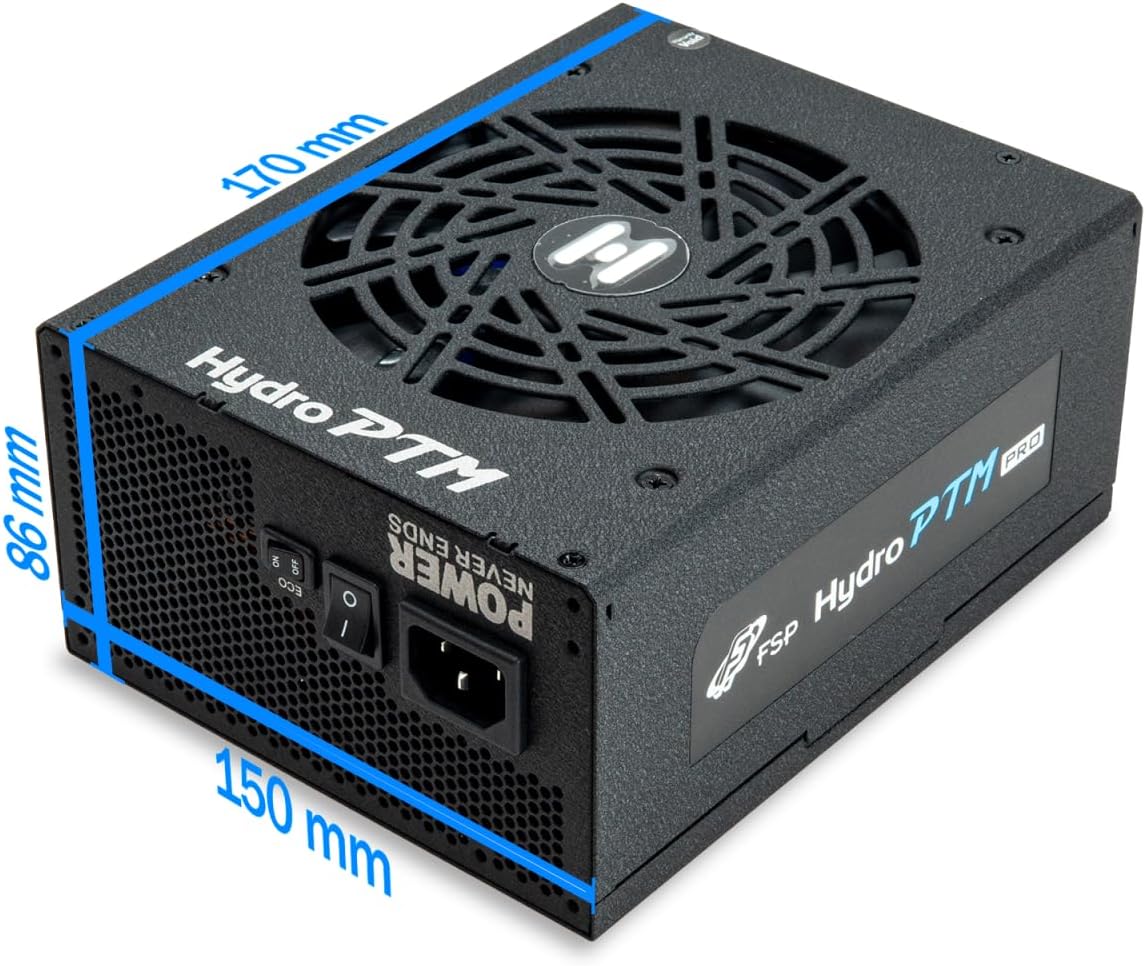
The Hydro PTM Pro features a semi-fanless Eco Mode. When enabled, the power supply fan will remain off until the system load exceeds approximately 30%. This provides silent operation during low-power tasks.
- To activate Eco Mode: Locate the "ECO" switch next to the main power switch on the rear of the power supply and set it to the "ON" position.
- To disable Eco Mode: Set the "ECO" switch to the "OFF" position. The fan will operate continuously based on temperature.
Видео: Бүттүview of the FSP Hydro PTM Pro series, highlighting features like conformal coating, Eco Mode, and modular design. This video is provided by FSP GROUP USA.
6. Техникалык тейлөө
6.1 Тазалоо
To maintain optimal performance and longevity, periodically clean your power supply:
- Ensure the power supply is completely powered off and unplugged from the AC outlet before cleaning.
- Use compressed air to gently remove dust from the fan grille and ventilation openings.
- Wipe the exterior with a soft, dry cloth. Do not use liquid cleaners or solvents.
6.2 Курчап турган чөйрөнү коргоо
The FSP Hydro PTM Pro features a proprietary conformal coating that protects internal components from dust, humidity, and stains. This allows the power supply to reliably operate in environments with up to 95% relative humidity. While this coating offers enhanced protection, it is still recommended to operate the power supply in a clean, dry environment for best results.
7. Кыйынчылыктарды
Эгерде сиз электр менен камсыздоодо көйгөйлөргө туш болсоңуз, төмөнкү кеңири таралган көйгөйлөрдү жана чечимдерди караңыз:
| Көйгөй | Мүмкүн себеп | Чечим |
|---|---|---|
| Система күйбөйт. |
|
|
| System powers on but immediately shuts down. |
|
|
| Fan is not spinning (Eco Mode off). |
|
|
If the problem persists after attempting these solutions, please contact FSP customer support.
8. Техникалык шарттар
| Өзгөчөлүк | Деталь |
|---|---|
| Модель аты | Hydro PTM Pro (HPT2-750M) |
| Бренд | FSP |
| Чыгуу Wattage | 750 Вт |
| 80+ сертификаты | Платина |
| Форма фактору | ATX |
| Энергия менен жабдуунун дизайны | Толук модулдук |
| Муздатуу ыкмасы | Аба (135мм желдеткич) |
| Киргизүү көлөмүtage | 115-240 Вольт |
| Өлчөмдөрү (L x W x Y) | 170 x 150 x 86 мм (6.7 x 5.9 x 3.4 дюйм) |
| Коргоо | OCP, OVP, SCP, OPP, UVP, OTP |
| Конденсаторлор | Japanese-made Electrolytic Capacitors |
| PFC | Active PFC ≥ 99% |
| Конформдык каптоо | Yes (Dust, Humidity, Stain protection) |
9. Кепилдик жана колдоо
9.1 Кепилдик маалыматы
The FSP Hydro PTM Pro 750W power supply is covered by a 10 жылдык кепилдик сатып алынган күндөн тартып. Бул кепилдик нормалдуу колдонуудагы материалдардагы жана жасалгадагы кемчиликтерди камтыйт. Кепилдик дооматтары үчүн сатып алганыңыздын далилин сактап коюңуз.
Кепилдик төмөнкүлөрдөн келип чыккан зыянды камтыбайт:
- Туура эмес орнотуу же иштетүү.
- Accidental damage, abuse, or misuse.
- Уруксатсыз оңдоолор же өзгөртүүлөр.
- Natural disasters or external causes.
9.2 Кардарларды колдоо
For technical assistance, troubleshooting, or warranty inquiries, please contact FSP customer support. Refer to the official FSP webэң акыркы байланыш маалыматы үчүн сайт.
FSP GROUP USA
Amazon'догу FSP дүкөнүнө баш багыңыз