
1. Киришүү
This manual provides essential information for the proper setup, operation, and maintenance of your Cuifati USB PC Camera 4K Webкамера. Түзмөгүңүздүн оптималдуу иштешин жана узак мөөнөттүү иштешин камсыз кылуу үчүн бул көрсөтмөнү кылдат окуп чыгыңыз.
The Cuifati USB PC Camera is designed for various applications including network teaching, video conferencing, remote work, and live streaming. It features a 4K pixel sensor with 2560 x 1440 resolution, a built-in microphone, and auto-focus capabilities for clear and smooth video communication.
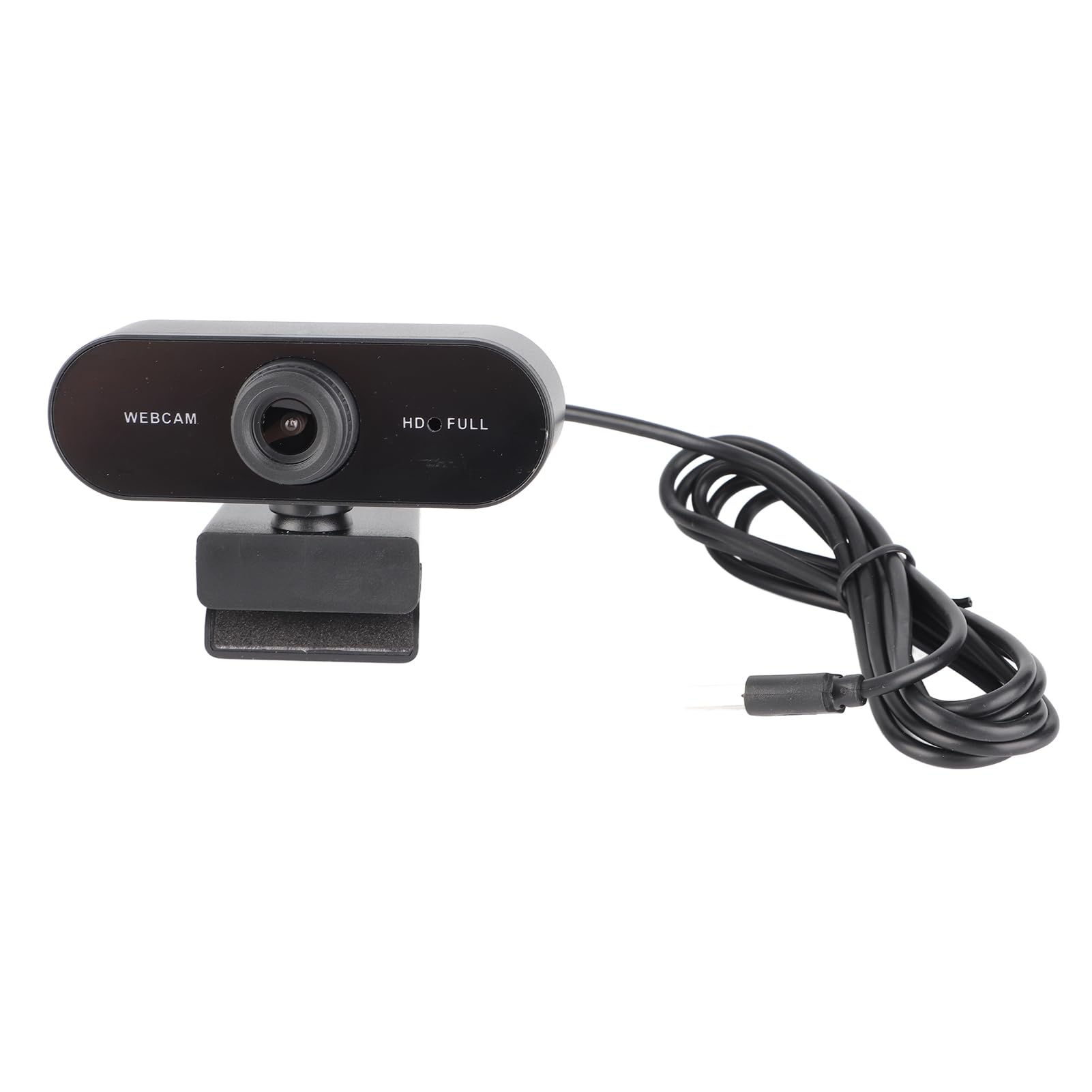
Сүрөт 1: Алдыңкы view of the Cuifati USB PC Camera 4K Webкамера
2. Орнотуу
The Cuifati USB PC Camera is a plug-and-play device, requiring no driver installation for most operating systems. Follow these simple steps to set up your webкамера:
- жайгаштыруу Webкамера: кой webcam on top of your monitor, laptop screen, or a flat surface. The adjustable clip allows for secure mounting.
- Компьютериңизге туташуу: Connect the integrated USB 2.0 cable from the webcam to an available USB port on your desktop or laptop. The device will be automatically recognized by your operating system.
- Optional Tripod Mount: For alternative positioning, the webcam features a standard tripod mounting thread on its base.

2-сүрөт: Webcam securely mounted on a laptop screen.

Figure 3: USB cable connection to a computer.
3. Иштөө нускамалары
Once connected, your Cuifati USB PC Camera is ready for use with most video conferencing and streaming applications.
- Auto Focus: The webcam features an auto-focus function, ensuring your image remains clear and sharp without manual adjustment within its focusing range of 90cm.
- Камтылган микрофон: The integrated microphone provides clear audio capture for your calls and recordings.
- 360 градуска айлануу: The webcam's clip allows for 360-degree rotation, providing flexibility to adjust your viewзарыл болгон бурч.
- Low Light Correction: The camera is equipped with automatic low-light correction to optimize video quality in dimly lit environments.
4-сүрөт: Webcam demonstrating 360-degree rotation.
4. Техникалык тейлөө
Сиздин узак жана оптималдуу иштешин камсыз кылуу үчүн webкамераны тейлөө үчүн, төмөнкү техникалык тейлөө көрсөтмөлөрүн аткарыңыз:
- Тазалоо: Линзаны жумшак, түксүз чүпүрөк менен акырын сүртүңүз. Линзаны тырмап алышы мүмкүн болгон катуу химиялык заттарды же абразивдүү материалдарды колдонуудан алыс болуңуз.
- Кабельге кам көрүү: The USB cable is non-removable. Handle it with care to prevent damage. Avoid sharp bends or excessive pulling.
- Сактагыч: Колдонулбаган учурда, дүкөндү сактаңыз webкамераны таза, кургак жерде, өтө жогорку температурадан жана түз күн нурунан алыс сактаңыз.
5. Кыйынчылыктарды
If you encounter any issues with your Cuifati USB PC Camera, refer to the following troubleshooting tips:
- Poor Picture Quality / Greenish Tinge: Ensure adequate lighting in your environment. While the camera has low-light correction, sufficient ambient light is crucial for best results. Check your software settings for any color balance or exposure adjustments.
- Focus Issues / Zoomed-in Image: The camera features auto-focus. Ensure you are within the optimal focusing range (90cm). If using third-party software, check if there are any digital zoom settings enabled that might be causing the image to appear too close or distorted.
- Unstable Mount / Loose Swivel: камсыз кылуу webcam is securely clipped to your monitor or laptop. If using a tripod, confirm it is stable. If the swivel mechanism feels loose after extended use, ensure it is properly tightened if adjustable, or consider alternative mounting solutions.
- WebКамера аныкталган жок: Try plugging the USB cable into a different USB port on your computer. Restart your computer. Ensure your operating system is up to date.
- Микрофон иштебейт: Компьютериңиздин үн жөндөөлөрүн текшерип, текшериңиз webcam's microphone is selected as the input device. Verify that the microphone is not muted in your operating system or video conferencing application.
6. Техникалык шарттар
| Өзгөчөлүк | Description |
|---|---|
| Бренд | Cuifati |
| Модель аты | USB PC Camera |
| Бөлүмдүн номери | Cuifatixf34cvewom-11 |
| Пикселдер | 4K |
| Резолюция | 2560 x 1440 (2K Full HD) |
| Линзанын түрү | HD линзасы |
| Сенсор түрү | CMOS |
| Video Format | AVI, MJPG, YUY2, H264 |
| Frame Rate | 30 FPS |
| Drive Type | Plug-and-play drive (no driver required) |
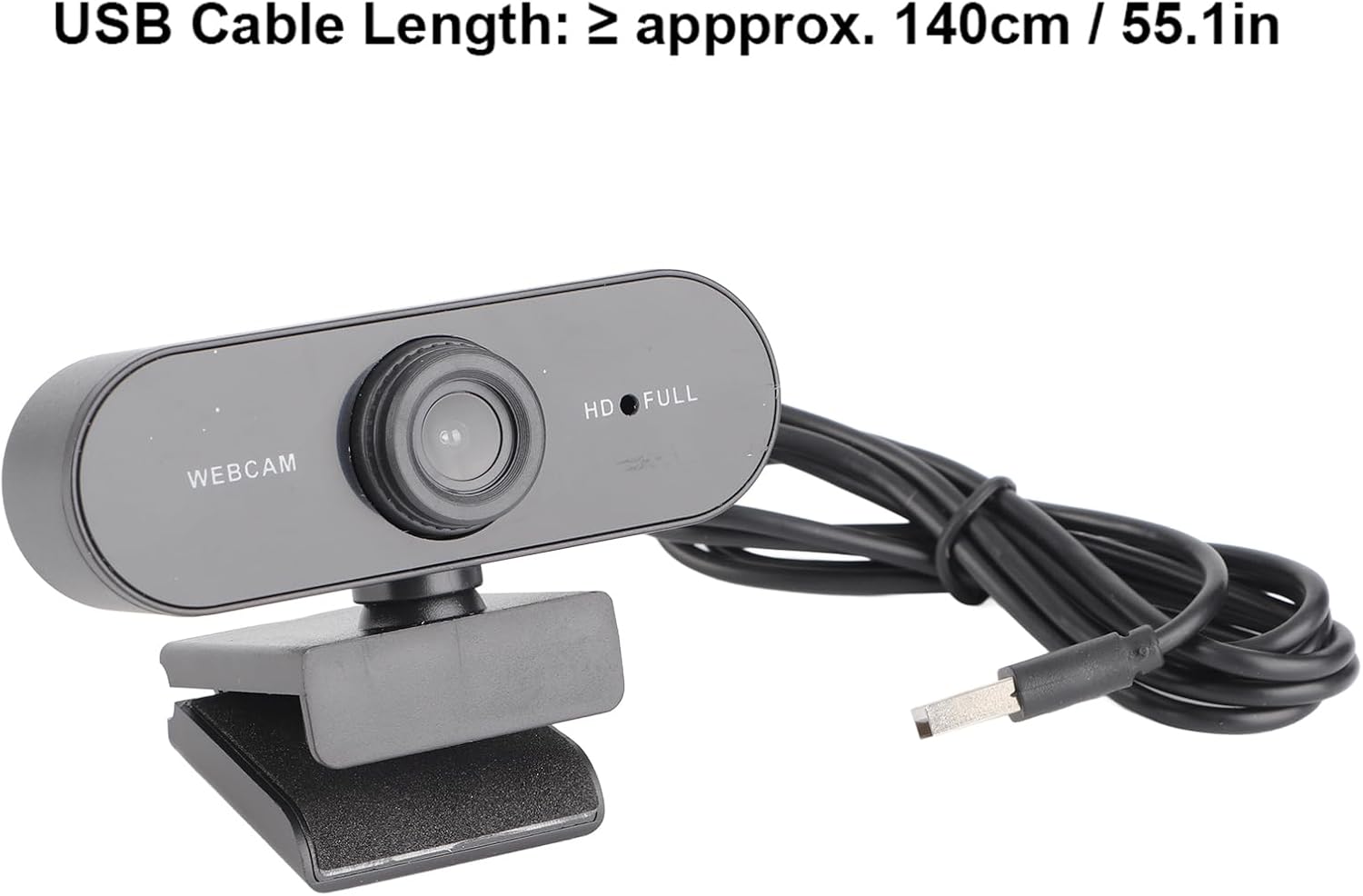
| USB кабелинин узундугу | ≥ approx. 140cm / 55.1in |
| Микрофон | Камтылган микрофон |
| Фото формат | BMP, JPG |
| Interface Type | USB2.0 |
| Фокустоо диапазону | 90см |
| Flashing Control | 50Hz |
| Шайкеш түзмөктөр | Ноутбук, персоналдык компьютер |
| Колдоого алынган OS | For 2000 / XP / XP2 / Vista / / / / OS X / Linux and other operating systems. |
7. Кепилдик жана колдоо
This product comes with a standard manufacturer's warranty. Please refer to the warranty card included in your package for specific terms and conditions. For technical support or further assistance, please contact Cuifati customer service through your retailer or the official brand webсайт.