
1. Киришүү
Thank you for choosing the Philips CoreLine Panel RC133V G4 LED36S/840 Recessed Luminaire. This manual provides essential information for the safe and correct installation, operation, and maintenance of your new lighting product. Please read this manual thoroughly before installation and retain it for future reference.
2. Коопсуздук боюнча маанилүү маалымат
Травматизмди же буюмга зыян келтирбөө үчүн ар дайым төмөнкү коопсуздук чараларын сактаңыз.
- Электр коопсуздугу: Installation must be performed by a qualified electrician in accordance with all local and national electrical codes. Ensure the main power supply is switched off before commencing any installation, maintenance, or repair work.
- Продукттун бүтүндүгү: Do not modify or alter the luminaire in any way. Use only genuine Philips replacement parts if necessary.
- Колдонуу: Handle the luminaire with care to avoid damage to the LED components or housing.
- Курчап турган чөйрө: This luminaire is designed for indoor use in dry locations. Do not expose to moisture or extreme temperatures unless specified otherwise.
- Жоюу: Dispose of the product and its components responsibly, following local regulations for electronic waste.
3. Пакеттин мазмуну
Verify that all components are present and undamaged upon opening the package. If any items are missing or damaged, contact your supplier immediately.
- 1 x Philips CoreLine Panel RC133V G4 LED36S/840 Recessed Luminaire
- 1 x Кубат менен камсыздоо бирдиги (PSU)
- Көрсөтмө (бул документ)
4. Орнотуу жана орнотуу
4.1 Баштоодон мурун
- Ensure the power supply to the installation area is switched off at the circuit breaker.
- Gather necessary tools: screwdriver, wire strippers, measuring tape, safety gloves, safety glasses.
- Confirm the ceiling opening dimensions are suitable for the W62L62 (62x62 cm) panel.
4.2 Орнотуу кадамдары
The luminaire requires assembly and professional installation.
- Шыптын ачылышын даярдаңыз: Ensure the recessed ceiling opening is clean and correctly sized for the luminaire.
- Connect the PSU: Connect the mains power supply cable (L, N, E) to the Power Supply Unit (PSU) terminals. Ensure correct polarity and secure connections.
- Connect Luminaire to PSU: Connect the output cable from the PSU to the input connector on the luminaire. Ensure a firm and secure connection.
- Жарык берүүчү лампаны жайгаштырыңыз: Carefully insert the luminaire into the prepared ceiling opening. Ensure it sits flush and is securely held by the ceiling grid or mounting clips (if applicable, not included).
- Акыркы текшерүү: Double-check all electrical connections and ensure the luminaire is properly seated.
- Күчтү калыбына келтирүү: Орнотуу аяктагандан жана текшерилгенден кийин автоматтык өчүргүчтөгү кубаттуулукту калыбына келтириңиз.
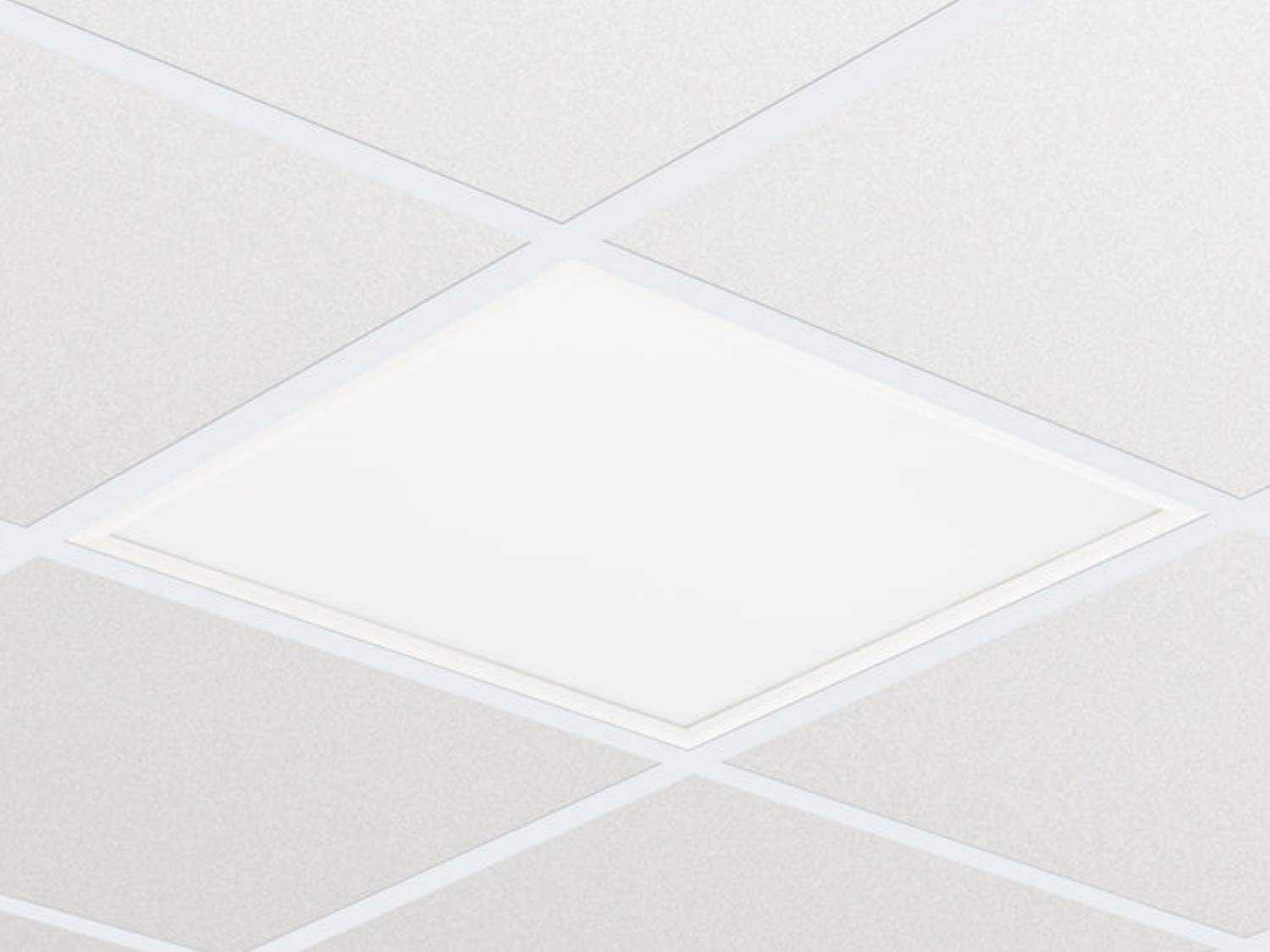
Сүрөт 1: Мисample of the Philips CoreLine Panel RC133V G4 LED36S/840 Recessed Luminaire. This image illustrates the general appearance of the panel, which is designed for seamless integration into a suspended ceiling grid.
5. Иштөө нускамалары
The Philips CoreLine Panel RC133V G4 LED36S/840 is designed for straightforward operation.
- Күйгүзүү/өчүрүү: Once installed and connected to the mains power supply, the luminaire will operate via the standard wall switch or building lighting control system it is wired to.
- Колдонуучунун башкаруусу жок: This luminaire does not feature integrated user controls (e.g., dimmers, color temperature adjustments) on the unit itself. Operation is external.
6. Техникалык тейлөө
Regular maintenance helps ensure optimal performance and longevity of your luminaire.
- Тазалоо: Тазалоодон мурун электр энергиясын өчүрүңүз. жумшак, кургак же бир аз колдонуу damp cloth to wipe the surface of the luminaire. Do not use abrasive cleaners, solvents, or harsh chemicals, as these can damage the finish or optical components.
- Текшерүү: Periodically inspect the luminaire for any signs of damage, loose connections, or unusual operation. If any issues are detected, disconnect power and consult a qualified electrician.
- Колдонуучу тейлей турган бөлүктөр жок: The LED light source and driver are integrated and not user-replaceable. Do not attempt to open or repair the unit.
7. Кыйынчылыктарды
If you encounter issues with your luminaire, refer to the table below for common problems and solutions.
| Көйгөй | Мүмкүн себеп | Чечим |
|---|---|---|
| Лампа күйбөйт. | Электр энергиясы жок. Бошоң электр байланышы. Бузулган которгуч. | Ажыраткычты жана дубалды өчүргүчтү текшериңиз. Ensure all connections are secure (биринчи өчүрүү!). Test the switch or consult an electrician. |
| Жарык бүлбүлдөп же күңүрт. | Туруксуз электр энергиясы. Туура эмес зым. Product fault. | Туруктуу электр менен камсыздоону текшериңиз. Зымдарды текшерүү үчүн квалификациялуу электрикке кайрылыңыз. If problem persists, contact Philips support. |
| Unusual noise from luminaire. | Бош компоненттер. Электр маселеси. | Disconnect power and inspect for loose parts (if safe to do so). Дароо квалификациялуу электрикке кайрылыңыз. |
8. Техникалык шарттар
Key technical details for the Philips CoreLine Panel RC133V G4 LED36S/840.
| Спецификация | Деталь |
|---|---|
| Бренд | Philips |
| Модел | RC133V G4 LED36S/840 PSU W62L62 OC |
| ASIN | B08PYWRP3N |
| Энергияны керектөө | 29 Ватт |
| Тtage | 133 вольт |
| Жарык агымы | 3600 люмен |
| Түс температурасы | 4000K (муздак ак) |
| Жарык булагы түрү | LED |
| Материал | Metal (Housing), Aluminum (Shade) |
| Стиль | Заманбап |
| Бөлмө түрү | Конок бөлмө (as per general classification, suitable for office) |
| Power Source | Электр зымдары |
| Негизги түрү | G4 (refers to internal component, not external base) |
| Ассамблея талап кылынат | Ооба |
9. Кепилдик жана колдоо
Warranty information for the Philips CoreLine Panel RC133V G4 LED36S/840 is typically provided with your purchase documentation or can be found on the official Philips website. For technical support, service, or warranty claims, please contact your retailer or visit the Philips lighting support portal.