
Introduction
This manual provides comprehensive instructions for the Attoe Bluetooth Wireless Mouse, Model XYH20. This device offers versatile connectivity options, customizable RGB lighting, and an ergonomic design for extended use. Please read this manual thoroughly to ensure proper setup and operation of your new mouse.
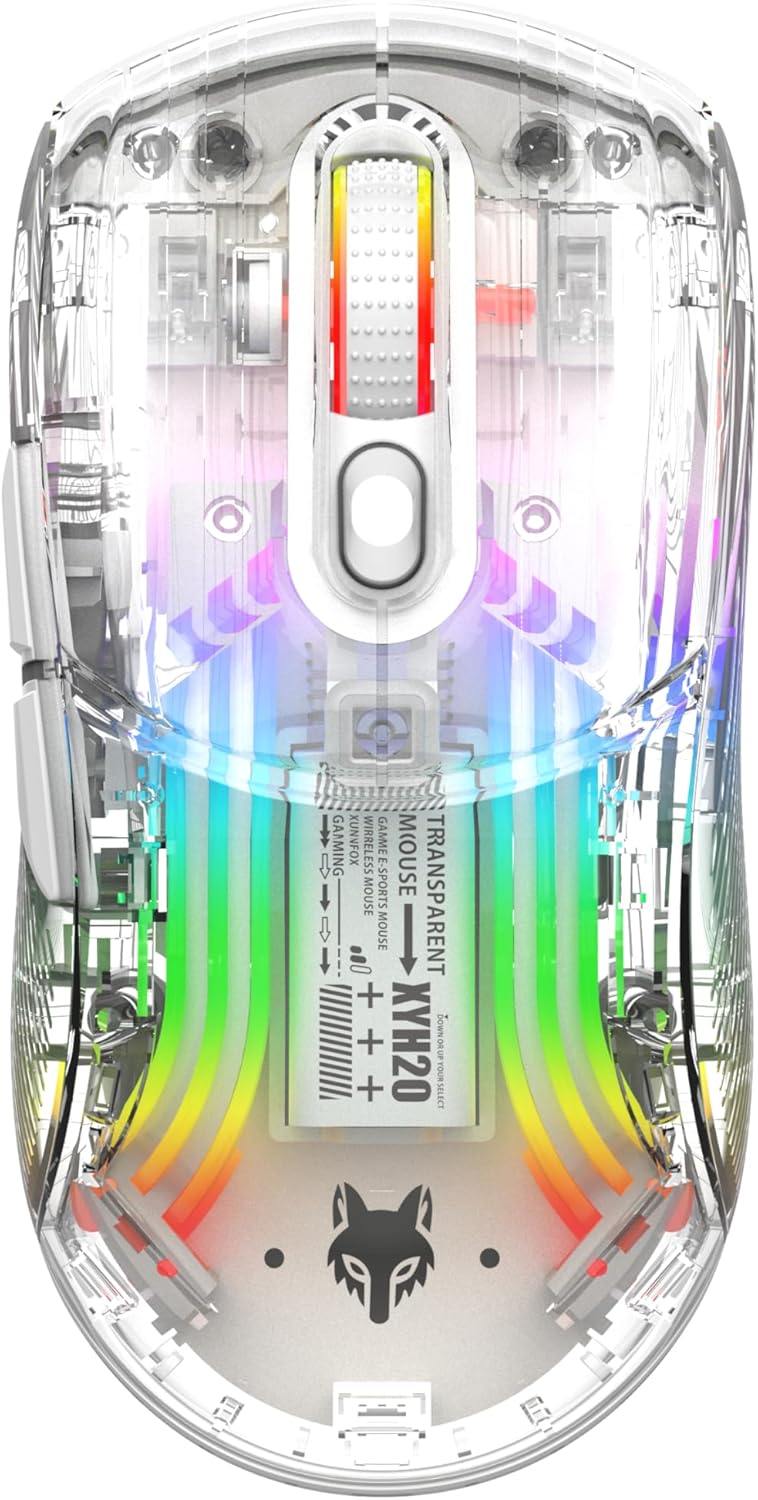
Сүрөт: Жогорку view of the Attoe Bluetooth Wireless Mouse, showcasing анын тунук casing and vibrant internal RGB lighting.
Продукт өзгөчөлүктөрү
- Transparent Shell Дизайн: Unique transparent casing with internal components visible.
- Кош режимдеги туташуу: Supports 2.4GHz wireless via USB receiver and Bluetooth connection.
- RGB арткы жарыгы: Multiple adjustable RGB lighting effects.
- Эргономикалык дизайн: Shaped for comfortable grip during prolonged use.
- Тынч чыкылдатуу баскычтары: Тынч иштөө үчүн иштелип чыккан.
- Жөнгө салынуучу DPI: 5-speed DPI settings (800-1200-1600-2000-2400) for precise control.
- Кайра заряддалуучу батарея: Built-in 500mAh large capacity rechargeable battery with Type-C charging.
- Кеңири шайкештик: Compatible with Windows 7/8/10/XP, Vista 7/8, Linux, and Mac OS. (Note: Two left side buttons are not available in Mac OS).
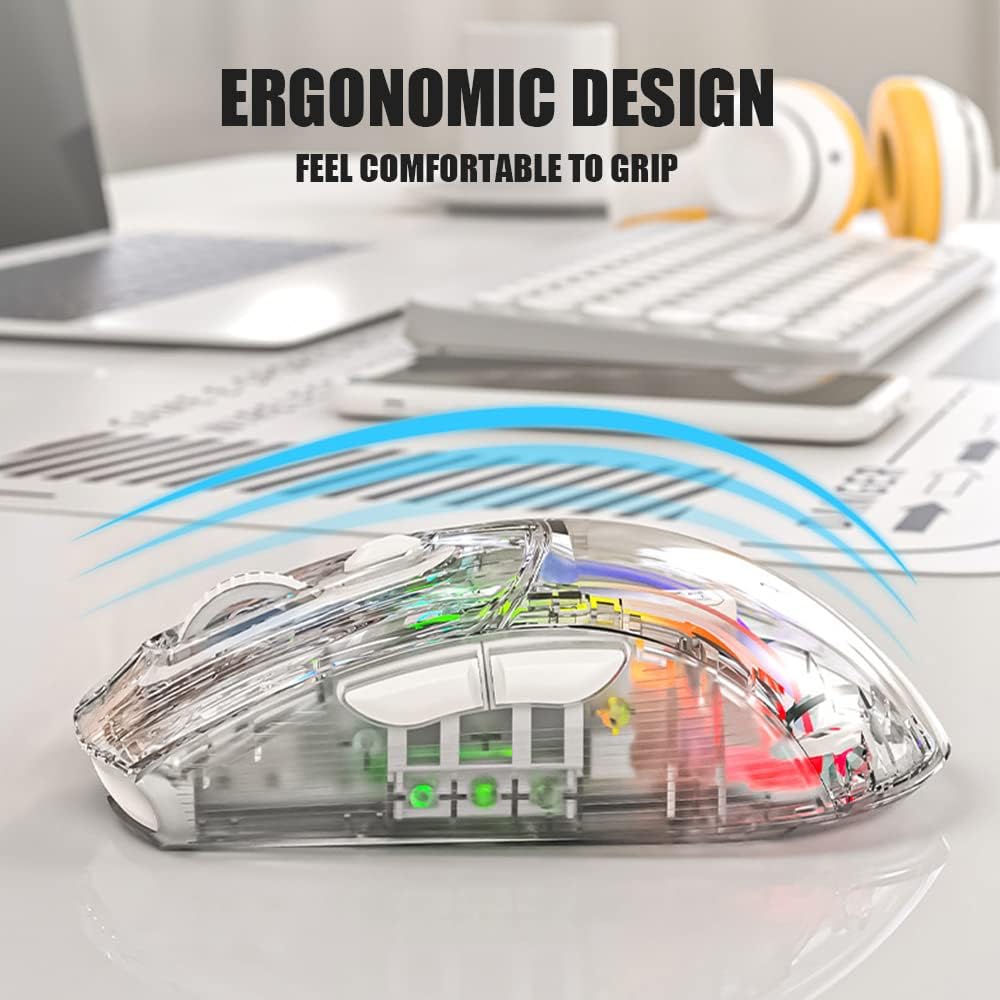
Сүрөт: каптал view of the Attoe Bluetooth Wireless Mouse, illustrating its ergonomic contour for comfortable handling.
Кутуда эмне бар
- Attoe Bluetooth Wireless Gaming Mouse
- USB Type-C кубаттоочу кабель
- Колдонуучунун Колдонмосу (бул документ)
Жайгашуу
The Attoe Bluetooth Wireless Mouse offers three connection modes: 2.4GHz wireless, Bluetooth, and wired via USB-C cable.
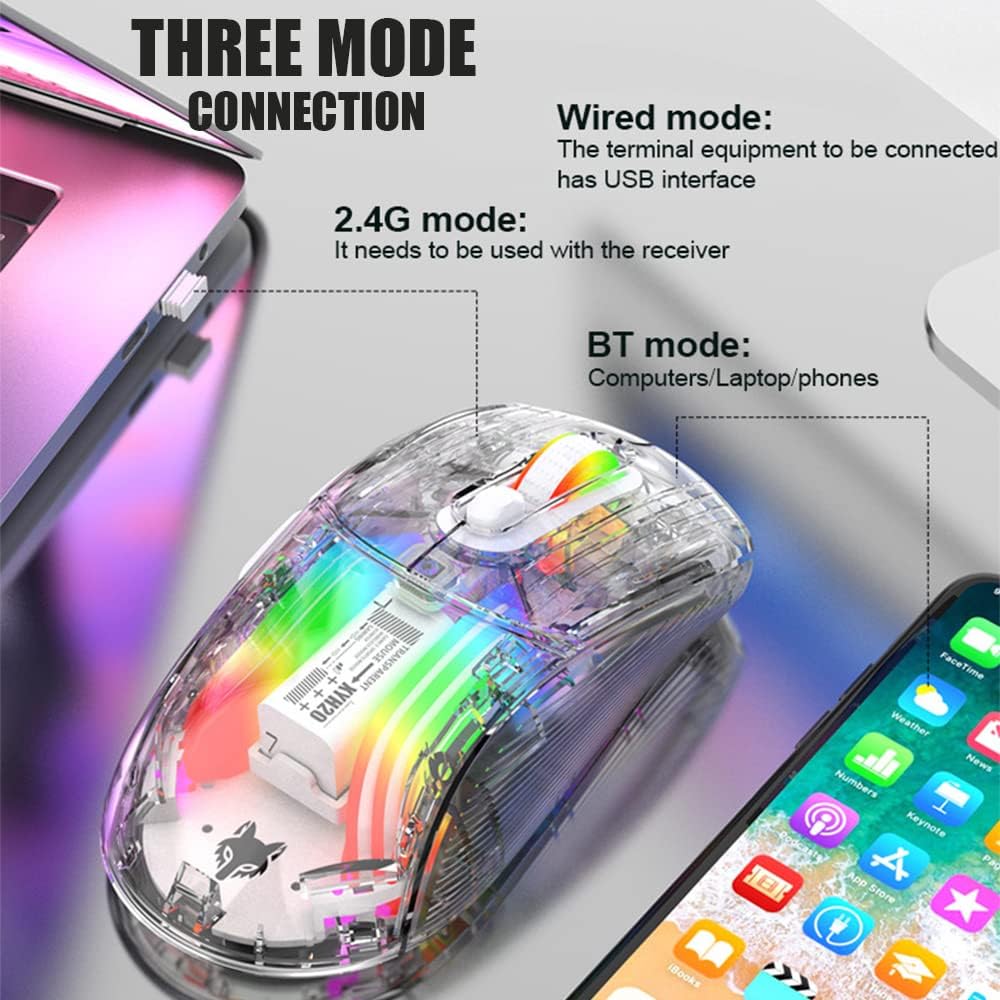
Image: Diagram illustrating the three connection modes: 2.4G wireless, Bluetooth, and wired USB, with exampтүзмөктөр.
2.4GHz зымсыз туташуу
- Locate the USB receiver stored in the bottom compartment of the mouse.
- USB ресиверди компьютериңиздеги жеткиликтүү USB портуна сайыңыз.
- Set the mode switch on the bottom of the mouse to the 2.4G position.
- Чычкан автоматтык түрдө туташышы керек.
Bluetooth туташуу
- Set the mode switch on the bottom of the mouse to the Bluetooth position.
- Long press the Left, Middle (scroll wheel), and Right buttons simultaneously for 4 seconds to enter pairing mode. The mouse's indicator light will flash.
- Компьютериңизде же түзмөгүңүздө Bluetooth жөндөөлөрүн ачып, жаңы түзмөктөрдү издеңиз.
- Select "Attoe Mouse" (or similar name) from the list of available devices to pair.
- Жупташтырылгандан кийин, индикатор жарыгы күйүп-өчүүнү токтотот.
Зымдуу туташуу
You can also use the mouse in wired mode while charging or as an alternative connection. Simply connect the provided USB Type-C cable from the mouse to a USB port on your computer.
Иштөө нускамалары

Image: Detailed diagram of the Attoe mouse, labeling its buttons, receiver storage, charging port, and switches.
Баскыч функциялары
- Сол баскыч (1): Стандарттык сол чыкылдатуу функциясы.
- Оң баскыч (2): Стандарттык оң баскычты чыкылдатуу функциясы.
- Scroll Button (3): Scroll wheel for vertical navigation; also functions as a middle-click button.
- DPI баскычы (4): DPI жөндөөлөрү аркылуу айланышат.
- Forward Button (5): Алга карай жылдырат web браузерлер же file изилдөөчүлөр.
- Back Button (6): Артка карай багыт алат web браузерлер же file изилдөөчүлөр.
DPI тууралоо
The mouse features 5 adjustable DPI (Dots Per Inch) settings to control cursor sensitivity and speed. Press the DPI баскычы (4) located below the scroll wheel to cycle through the following settings:
- 800 DPI
- 1200 DPI
- 1600 DPI
- 2000 DPI
- 2400 DPI

Image: The Attoe mouse highlighting the DPI button and its 5-speed adjustment range from 800 to 2400.
RGB жарык көзөмөлдөө
The mouse features various RGB lighting effects. To adjust or turn off the lighting, use the Light Switch (10) located on the bottom of the mouse.

Image: The Attoe mouse displaying its vibrant RGB lighting effects, with an inset showing the location of the light switch on the shell bottom.
Quiet Click Feature
The mouse is designed with mute buttons, providing a quiet clicking experience suitable for environments where noise reduction is desired.

Image: The Attoe mouse with an overlay indicating its quiet click functionality, designed not to disturb others.
Заряддоо жана Батарея
The Attoe Bluetooth Wireless Mouse is equipped with a 500mAh rechargeable battery. Use the provided USB Type-C cable to charge the mouse.
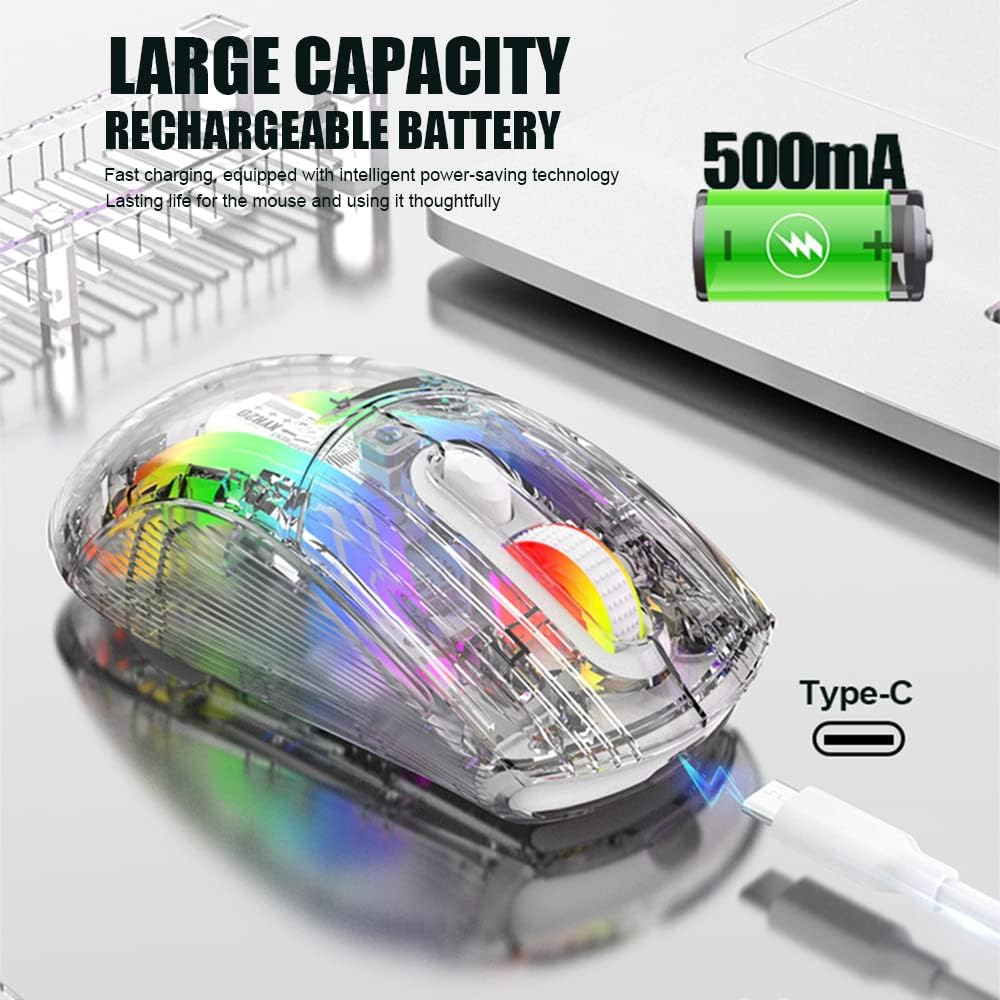
Image: The Attoe mouse connected via a Type-C cable for charging, with an icon indicating its 500mAh rechargeable battery capacity.
- Connect the Type-C end of the charging cable to the Charging Port (11) on the front of the mouse.
- Кубаттоочу кабелдин USB-A учун USB кубат булагына туташтырыңыз (мисалы, компьютердин USB порту, USB дубал адаптери).
- The mouse can be used while charging in wired mode.
Техникалык тейлөө
To ensure the longevity and optimal performance of your Attoe Bluetooth Wireless Mouse, follow these maintenance guidelines:
- Тазалоо: Чычкандын бетин сүртүү үчүн жумшак, кургак чүпүрөктү колдонуңуз. өжөр кир үчүн, бир аз гampчүпүрөктү суу же жумшак тазалоо эритмеси менен жууп салыңыз. Катуу химиялык заттардан же абразивдүү материалдардан алыс болуңуз.
- Сенсорго кам көрүү: Так көз салуу үчүн чычкандын түбүндөгү оптикалык сенсорду чаңдан же таштандыдан таза кармаңыз.
- Сактагыч: Узак мөөнөткө колдонулбаганда чычканды салкын, кургак жерде сактаңыз.
- Батареяга кам көрүү: Avoid fully discharging the battery frequently. Charge the mouse when the battery level is low.
Проблемаларды чечүү
| Көйгөй | Мүмкүн себеп | Чечим |
|---|---|---|
| Mouse not connecting (2.4GHz) | USB receiver not properly inserted; mouse not in 2.4G mode; low battery. | Ensure receiver is fully inserted. Set mode switch to 2.4G. Charge the mouse. Try a different USB port. |
| Чычкан туташпай жатат (Bluetooth) | Mouse not in pairing mode; Bluetooth disabled on device; low battery; device incompatibility. | Set mode switch to Bluetooth. Long press Left/Middle/Right buttons for 4s to enter pairing. Ensure device Bluetooth is on. Charge the mouse. Check device compatibility (Mac OS side buttons not supported). |
| RGB жарыктары иштебейт | Жарыктар өчүрүлгөн; батареянын заряды аз. | Press the Light Switch on the bottom of the mouse to cycle through modes or turn on. Charge the mouse. |
| Курсордун кыймылы туруксуз же жооп бербей жатат | Dirty optical sensor; unsuitable surface; low battery. | Clean the optical sensor. Use a mouse pad or a smooth, non-reflective surface. Charge the mouse. |
| Side buttons not working on Mac OS | Operating system limitation. | This is a known limitation; the two left side buttons are not available in Mac OS. |
Техникалык шарттар
| Өзгөчөлүк | Деталь |
|---|---|
| Модел | XYH20 |
| Продукциянын өлчөмдөрү | 4.8 x 2.8 x 0.04 дюйм (12.6 x 6.2 x 3.85 см) |
| Элемент Салмагы | 3.52 унция (110 г) |
| Байланыш технологиясы | Bluetooth, 2.4GHz Wireless, Wired (USB Type-C) |
| Кыймылды аныктоо технологиясы | Оптикалык |
| DPI орнотуулары | 800, 1200, 1600, 2000, 2400 |
| Өзгөчөлүктөр | Ergonomic Design, LED Lights (RGB), Portable, Rechargeable, Soundless (Quiet Click), Wireless |
| Батарея сыйымдуулугу | 500mAh |
| Заряддоо порту | USB Type-C |
| Шайкештик | Windows 7/8/10/XP, Vista 7/8, Linux, Mac OS (Note: Left side buttons not available in Mac OS) |
Кепилдик жана колдоо
Attoe products are designed for reliability and performance. For any issues or questions regarding your Attoe Bluetooth Wireless Mouse, please contact our customer support. We are committed to providing assistance and ensuring your satisfaction.
Please refer to your purchase documentation for specific warranty details. If you encounter problems, you can contact us at any time; we provide 24-hour after-sales service.