
Introduction
Thank you for choosing the BALDR 359V2-BL Digital Weather Station. This device provides accurate indoor and outdoor temperature and humidity readings, a 12-hour weather forecast, time display, alarm clock, and moon phase information. It supports up to three wireless outdoor sensors for comprehensive monitoring of various locations. Please read this manual carefully to ensure proper setup and operation.
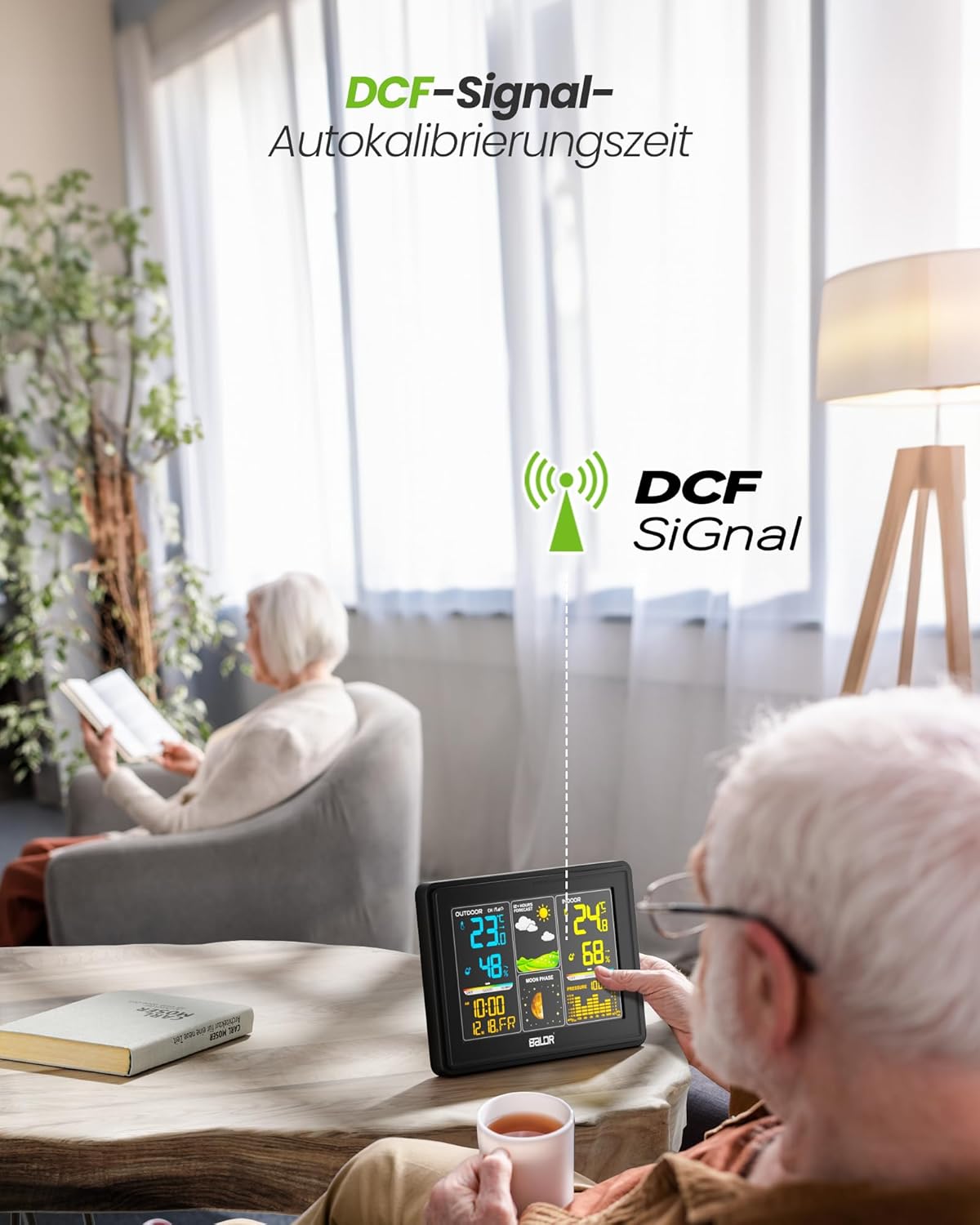
Image: The BALDR 359V2-BL Digital Weather Station main unit, showcasing its vibrant display with various weather and time data.
Жайгашуу
1. Негизги блокту кубаттоо
The main unit can be powered by the included AC adapter or by batteries (not included) for backup. For continuous display and optimal performance, it is recommended to use the AC adapter.
- AC адаптери: Connect the AC adapter to the power port on the back of the main unit and plug it into a wall outlet.
- Батареялар: Open the battery compartment on the back of the main unit and insert 3 x AAA batteries (not included), observing the correct polarity.
2. Powering the Outdoor Sensor
Сырткы сенсор үчүн 2 AA батарейкасы керек (кошулбайт).
- Сырткы сенсордун арткы жагындагы батарея бөлүмүн ачыңыз.
- Insert 2 x AA batteries, ensuring correct polarity.
- Батарея отсегин бекем жабыңыз.

Image: Powering the main unit via AC adapter and battery installation for the outdoor sensor.
3. Сырткы сенсорду жупташтыруу
Once both units are powered, the main unit will automatically search for the outdoor sensor. The outdoor temperature and humidity should appear on the display within a few minutes. If not, manually initiate pairing:
- басып, кармап туруңуз КАНАЛ button on the main unit for 3 seconds to initiate a search for outdoor sensors.
- басыңыз TX button inside the outdoor sensor's battery compartment to send a signal.

Image: Wireless connection between the main unit and the outdoor sensor.
4. Сырткы сенсорлорду жайгаштыруу
For accurate readings, place the outdoor sensor in a shaded, dry location, protected from direct sunlight and rain. Avoid placing it near heat sources or metal objects that could interfere with the wireless signal.

Image: Guidelines for optimal outdoor sensor placement to ensure accurate data.
5. DCF Signal for Automatic Time Calibration
The weather station features a DCF radio-controlled clock function, which automatically synchronizes the time with the atomic clock signal. This ensures precise timekeeping. The DCF signal icon will appear on the display when successfully synchronized.

Image: The weather station receiving the DCF signal for automatic time calibration.
Иштеп жатат
1. Display Overview
The main unit's color display is divided into several sections:
- Сырткы бөлүм: Displays outdoor temperature, humidity, and channel number.
- Аба ырайы: Shows animated icons predicting weather for the next 12-24 hours.
- Ички бөлүм: Displays indoor temperature, humidity, and comfort level indicator.
- Убактысы жана датасы: Аптанын учурдагы убактысын, күнүн жана күнүн көрсөтөт.
- Ай фазасы: Illustrates the current phase of the moon.
- Барометрдик басым: Displays current atmospheric pressure and a historical bar chart.

Image: The VA screen offers a clear viewing angle, displaying comprehensive weather data.
2. Аба ырайы
The weather station analyzes changes in atmospheric pressure to predict weather conditions for the next 12 to 24 hours. The forecast icons include Sunny, Partly Cloudy, Cloudy, Rainy, and Snowy.

Image: Visual representation of weather changes predicted for the next 12 hours.
3. Арткы жарыкты башкаруу
The display features adjustable backlight settings for comfortable viewing in various lighting conditions. Press the SNOOZE / LIGHT button to cycle through different brightness levels (Off, 10%, 50%, 100%).

Image: Adjusting the backlight to create a comfortable viewатмосфера.
4. Comfort Level Indicator
The indoor section includes a comfort level indicator (DRY, GOOD, HUMID) based on the indoor temperature and humidity, helping you maintain an optimal indoor environment.

Image: The comfort status display helps monitor indoor conditions.
5. Multiple Sensor Monitoring
The weather station supports up to three outdoor sensors (one included). You can switch between sensor channels by pressing the КАНАЛ button on the main unit. This allows monitoring of different areas like a garden, garage, or basement.

Image: Monitoring temperature and humidity from up to three different locations using multiple outdoor sensors.
Техникалык тейлөө
- Тазалоо: Дисплейди сүртүңүз жана вasing жумшак менен, гamp кездеме. Абразивдүү тазалагычтарды же эриткичтерди колдонбоңуз.
- Батареяны алмаштыруу: Replace batteries in both the main unit and outdoor sensor when the low battery indicator appears on the display. Ensure correct polarity when inserting new batteries.
- Sensor Environment: Periodically check the outdoor sensor's placement to ensure it remains protected from extreme weather conditions and direct sunlight for accurate readings.
Проблемаларды чечүү
| Көйгөй | Мүмкүн себеп | Чечим |
|---|---|---|
| Сырткы температура/нымдуулук көрсөткүчү жок. | Sensor not paired or out of range; low sensor battery. | Ensure sensor is within 100m of the main unit. Replace sensor batteries. Press and hold КАНАЛ on main unit for 3 seconds, then press TX on sensor. |
| Туура эмес убакыт көрсөтүү. | DCF signal not received; manual time not set. | Ensure main unit is placed away from interference. Manually set time if DCF signal is consistently unavailable. |
| Дисплей күңүрт же бош. | Low main unit battery; AC adapter not connected. | Replace main unit batteries or connect the AC adapter. Adjust backlight using the SNOOZE / LIGHT баскычы. |
| Inaccurate temperature/humidity. | Sensor exposed to direct sunlight/rain; poor ventilation. | Relocate outdoor sensor to a shaded, dry area. Ensure proper air circulation around both units. |
Техникалык шарттар
- Модель номери: 359V2-BL
- Негизги бирдиктин өлчөмдөрү: 16 x 11 x 2 см (L x W x Y)
- Outdoor Sensor Dimensions: 10 x 3.6 x 1.8 см (Ж x Ж x D)
- Салмагы: 400 grams (main unit)
- Байланыш технологиясы: 433 МГц зымсыз
- Температуранын тактыгы: ±2°C
- Сунушталган колдонуулар: Pressure, Temperature, Humidity, Moon Phase
- Өзгөчөлүктөр: Clock, Transparent display (VA screen)
- Компоненттер камтылган: 1 Main Unit, 1 Outdoor Sensor

Image: Dimensions of the BALDR 359V2-BL Digital Weather Station main unit.
Кепилдик
BALDR products are manufactured to high-quality standards. This product is covered by a standard manufacturer's warranty against defects in materials and workmanship. Please refer to the product packaging or BALDR's official webкепилдиктин белгилүү бир шарттары жана мөөнөтү үчүн сайтты караңыз.
Колдоо
For further assistance, technical support, or inquiries regarding your BALDR 359V2-BL Digital Weather Station, please visit the official BALDR webсайтына кириңиз же алардын кардарларды тейлөө бөлүмүнө кайрылыңыз. Байланыш маалыматын, адатта, продуктунун таңгагынан же өндүрүүчүнүн веб-сайтынан тапса болот. webсайт.