
1. Киришүү
This manual provides instructions for the Arducam 16MP Autofocus USB Camera, Model B0290. This camera module features a 16-megapixel IMX298 sensor, offering sharp images and accurate color reproduction. It is designed for various applications including home surveillance, 3D printer monitoring, object recognition, and machine vision.

Figure 1: Arducam 16MP Autofocus USB Camera Module (Model B0290).
2. Негизги өзгөчөлүктөрү
- Жогорку сапаттагы сүрөт тартуу: Adopts a 16MP IMX298 sensor for sharp images and accurate color reproduction. Maximum still picture resolution: 4656 x 3496.
- Автофокус: Automatically adjusts focus for objects at various distances without manual lens adjustment.
- Кадр ылдамдыгы: Supports MJPG 10fps@4656x3496/4160x3120/3264x2448/2592x1944; 30fps@2320x1744/1080P/720; YUY2 10fps@1024x768/800x600/640x480.
- Plug & Play: UVC-compliant, requiring no additional drivers for installation on compatible operating systems.
- Тиркемелер: Suitable for home surveillance, 3D printer monitoring, object recognition, tracking, and other machine vision tasks requiring high resolution.
3. Кутуда эмне бар
- USB кабели
4. Орнотуу нускамалары
The Arducam 16MP Autofocus USB Camera is UVC-compliant, allowing for plug-and-play functionality on most compatible operating systems without the need for additional driver installations.
4.1 Connecting to a Computer (Windows, Linux, Mac OS)
- Компьютериңизден жеткиликтүү USB портун табыңыз.
- Connect the provided USB cable to the camera module.
- Plug the other end of the USB cable into your computer's USB port.
- Операциялык система керектүү драйверлерди автоматтык түрдө таап, орнотушу керек.
- Open a camera application (e.g., Camera app on Windows, Guvcview on Linux, Photo Booth on Mac) to verify the camera's functionality.

Figure 2: Connecting the camera to a laptop via USB.
4.2 Connecting to a Raspberry Pi
- Ensure your Raspberry Pi is powered off.
- Connect the provided USB cable to the camera module.
- Plug the other end of the USB cable into an available USB port on your Raspberry Pi.
- Power on your Raspberry Pi. The camera should be recognized as a standard UVC device.
- Use appropriate software (e.g., `fswebcam`, `motion`, or custom Python scripts) to access the camera feed.

Figure 3: Connecting the camera to a Raspberry Pi.
4.3 Android түзмөгүнө туташуу
For Android devices, a USB-C to USB-A adapter (not included) may be required if your device uses a USB-C port. Ensure your Android device supports USB OTG (On-The-Go) functionality.
- Connect the provided USB cable to the camera module.
- If necessary, connect the USB-A end of the cable to a USB-C to USB-A adapter.
- Plug the adapter (or USB-A end directly) into your Android device's USB port.
- Install a compatible USB camera application from the Google Play Store (e.g., 'USB Camera' by ShenYao).
- Open the application and select the Arducam camera as the input source.
4.4 Продукт бүттүview Video
Видео 1: Бүттүview demonstrating the Arducam 16MP IMX298 Autofocus USB Camera (Model B0290) connected to various devices and showcasing its autofocus capabilities.
5. Иштөө нускамалары
Once connected, the Arducam 16MP Autofocus USB Camera operates as a standard webcam or camera module, depending on the host device and software used.
5.1 Автофокус функциясы
The camera features automatic autofocus. Simply point the camera at your desired subject, and the lens will adjust to achieve a clear image. This eliminates the need for manual focus adjustments, making it suitable for dynamic environments or varying object distances.
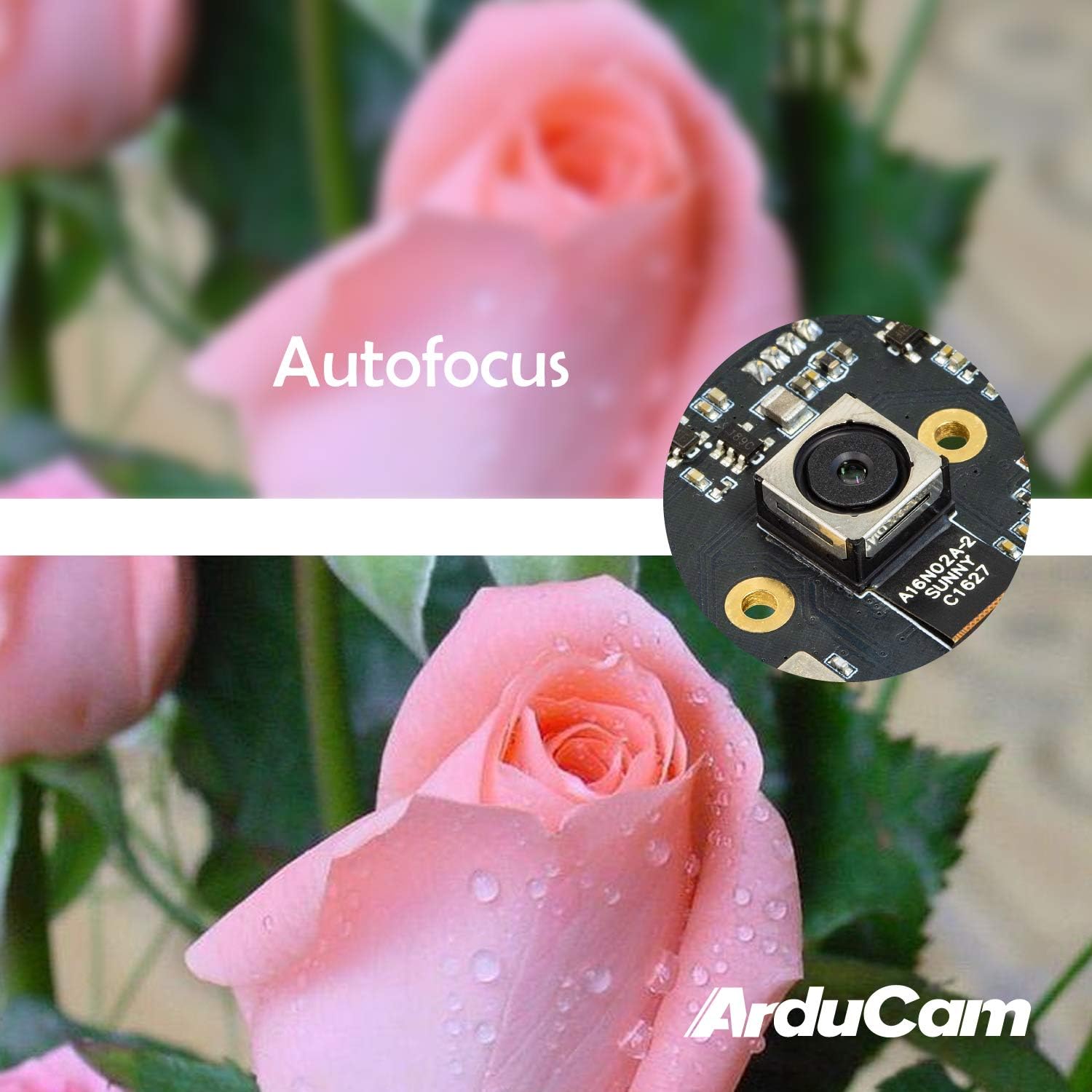
Figure 4: Demonstration of the camera's autofocus capability.
5.2 Программанын шайкештиги
The camera is compatible with standard UVC (USB Video Class) software. On Windows, you can use the built-in Camera app or third-party webcam software. On Linux, applications like Guvcview or Cheese can be used. For Mac OS, Photo Booth or QuickTime Player can access the camera. For advanced applications, programming libraries such as OpenCV can be utilized.
6. Техникалык шарттар
| Өзгөчөлүк | Деталь |
|---|---|
| Бренд | Arducam |
| Модель номери | B0290 |
| Фото сенсор технологиясы | CMOS |
| Натыйжалуу дагы эле чечим | 16 депутат |
| Видео тартуунун резолюциясы | 1080p |
| Максималдуу фокус узундугу | 100 миллиметр |
| Минималдуу фокус узундугу | 100 миллиметр |
| Фокус түрү | Автофокус |
| Байланыш технологиясы | USB |
| Операциялык системанын шайкештиги | Linux, Mac, Windows |
| Элемент Салмагы | 0.07 килограмм |
| Фото сенсордун өлчөмү | 1/2.8 дюйм |
| Колдоого алынган сүрөт форматы | MJPG/YUY2 |
| Колдоого алынган аудио формат | AAC, MP3, or PCM |
| Өзгөчөлүктөрү | Төмөн жарык |

5-сүрөт: үстү жана асты views of the camera module with dimensions.
7. Техникалык тейлөө
To ensure the longevity and optimal performance of your Arducam 16MP Autofocus USB Camera, follow these maintenance guidelines:
- Тазалоо: Use a soft, dry, lint-free cloth to gently wipe the camera lens and module surface. Avoid using liquid cleaners or abrasive materials, as they can damage the lens or electronic components.
- Сактагыч: When not in use, store the camera in a cool, dry place away from direct sunlight, extreme temperatures, and high humidity. Keep it protected from dust and physical impact.
- Колдонуу: Handle the camera module by its edges to avoid touching the lens or sensitive electronic components.
8. Кыйынчылыктарды
If you encounter issues with your Arducam 16MP Autofocus USB Camera, consider the following troubleshooting steps:
- Камера аныкталган жок:
- Ensure the USB cable is securely connected to both the camera and the host device.
- Try connecting the camera to a different USB port on your device.
- Test the camera on another computer or compatible device to rule out a device-specific issue.
- Компьютериңизди же хост түзмөгүңүздү өчүрүп-күйгүзүңүз.
- Сүрөт жок же кара экран жок:
- Verify that the correct camera is selected in your camera application settings.
- Close and reopen the camera application.
- Check if any other application is currently using the camera, as some systems only allow one application to access it at a time.
- Poor Image Quality / Focus Issues:
- Камера объективинин таза жана чаң же тактар жок экенин текшериңиз.
- Provide adequate lighting for your subject.
- For autofocus, ensure there is sufficient contrast in the scene for the camera to lock focus.
- Шайкештик маселелери:
- Confirm that your operating system and software are compatible with UVC devices.
- For Android, ensure USB OTG is supported and enabled.
9. Кепилдик жана колдоо
Кепилдик маалыматы жана техникалык колдоо үчүн расмий Arducamга кайрылыңыз webсайтына кириңиз же сатуучуга түз кайрылыңыз. Кепилдик боюнча дооматтар үчүн сатып алуу дүмүрчөгүңүздү сактап коюңуз.
кире аласыз Arducam Store кошумча продукт маалымат жана ресурстар үчүн.