
1. Киришүү
This manual provides instructions for the safe and efficient operation of your Lepro PR210002-US LED Table Lamp. Бул ар тараптуу лamp offers a range of lighting options, including tunable white light, RGB color changing, dimming capabilities, and an auto-off timer. Please read this manual thoroughly before use and retain it for future reference.

Figure 1: Lepro PR210002-US LED Table Lamp.
2. Пакеттин мазмуну
Before proceeding with setup, please ensure all components are present:
- 1 x Lepro PR210002-US LED Table Lamp
- 1 x АКШ кубат адаптери
- 1 x Type C USB кабели
- 1 х Колдонуучунун колдонмосу (бул документ)
3. Орнотуу
Follow these steps to set up your LED Table Lamp:
- Таңылганын ачуу: Бардык компоненттерди таңгактан кылдаттык менен алып салыңыз.
- Туташуу кубаты: Insert the Type C USB cable into the lamp's charging port. Connect the other end of the USB cable to the provided US power adapter, then plug the adapter into a standard wall outlet.

Figure 2: Connecting the lamp to power. The lamp measures 3.9 inches in diameter and 7.1 inches in height, with a 4.9 ft cable.
4. Иштөө нускамалары
The Lepro LED Table Lamp features intuitive touch controls located on the top surface and the base.

Figure 3: Touch Control Overview.
4.1. Күйгүзүү/өчүрүү
- Кыска басуу: Lightly tap the top touch area (power symbol) to turn the lamp күйгүзүү же өчүрүү.
4.2. Adjusting White Light (Tunable White Mode)
лamp offers three white light temperatures: 2700K (Warm White), 4000K (Neutral White), and 5700K (Cool White).
- Температураны өзгөртүү: Press the 'M' button on the lamp's base to cycle through the white light temperatures (2700K → 4000K → 5700K).
- Жарыктыкты жөндөө: While in any white light mode, Узак басуу the top touch area to continuously adjust the brightness from 5% to 100%. Release when desired brightness is reached.

Figure 4: Tunable White Light Options (2700K, 4000K, 5700K).
4.3. RGB Color Changing Modes
лamp features 7 static RGB colors and an auto-color changing mode.
- Access RGB Modes: Press the 'M' button repeatedly until the lamp enters RGB mode.
- Select Static Color: While in RGB mode, Узак басуу the top touch area to cycle through the 7 available colors. Release when your desired color is displayed.
- Auto Color Changing: Continue pressing the 'M' button after the static RGB colors to activate the auto-color changing mode.
- Adjust Speed (Auto Mode): While in auto-color changing mode, Узак басуу the top touch area to adjust the speed of the color transitions (3-level speed).

Figure 5: RGB Color Changing Mood Light.
4.4. Автоматтык өчүрүү таймери
лamp includes a convenient auto-off timer function for 30 or 60 minutes.
- Таймерди иштетүү: Press the timer button (clock symbol) on the lampнегизи.
- 30 мүнөттүк таймер: One press activates the 30-minute timer (indicated by one green LED on the base).
- 60 мүнөттүк таймер: A second press activates the 60-minute timer (indicated by two green LEDs on the base).
- Deactivate Timer: A third press will turn off the timer function (no green LEDs).
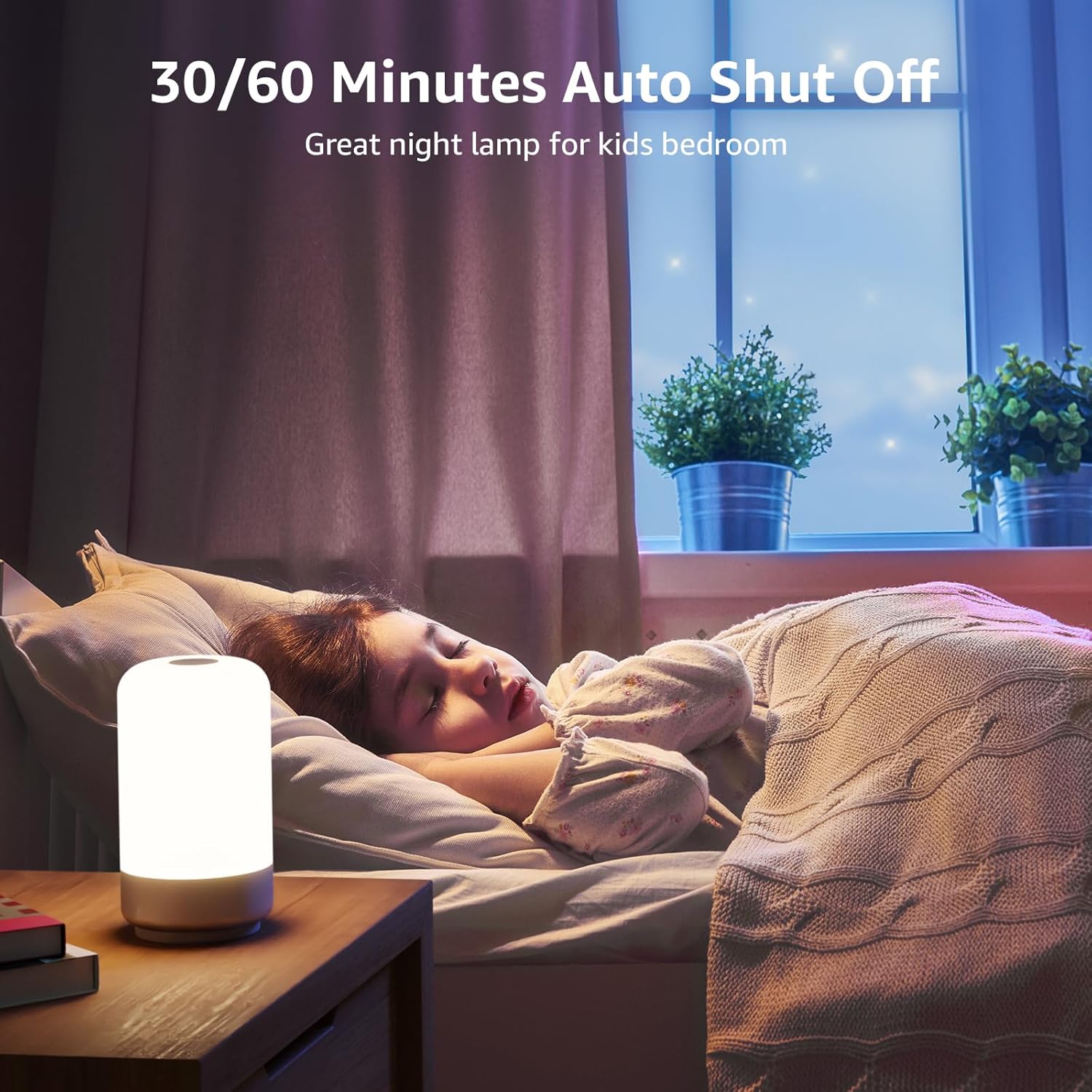
Figure 6: Auto-Off Timer Function.
4.5. Эстутум функциясы
лamp retains the last used brightness and color setting when turned off and on again, ensuring a consistent experience.
5. Техникалык тейлөө
Унааңыздын узак мөөнөттүү кызматын жана оптималдуу иштешин камсыз кылуу үчүнamp, бул тейлөө көрсөтмөлөрүн аткарыңыз:
- Тазалоо: lamp тазалоодон мурун электр кубатынан ажыратыңыз. Жумшак, кургак чүпүрөк менен сүртүңүзamp's surface. Do not use abrasive cleaners, solvents, or harsh chemicals, as these can damage the finish.
- Колдонуу: Колдонуу lamp камкордук менен. Аны түшүрүүдөн же катуу таасирлерден сактаныңыз.
- Сактагыч: Эгерде лamp узак убакыт бою, ал таза жана кургак болушу керек. Аны күн нурунан алыс салкын, кургак жерде сактаңыз.
6. Кыйынчылыктарды
If you encounter issues with your Lepro LED Table Lamp, төмөнкү жалпы көйгөйлөрдү жана чечимдерди караңыз:
| Көйгөй | Мүмкүн себеп | Чечим |
|---|---|---|
| Lamp күйбөйт. | Электр байланышы жок. | Ensure the power adapter is securely plugged into a working outlet and the USB-C cable is firmly connected to the lamp. |
| Brightness adjustment is not smooth or lamp turns off when dimming. | Incorrect operation of touch control. | Ensure you are performing a Узак басуу on the top touch area to adjust brightness. A short press will turn the lamp off. Release your finger when the desired brightness is achieved. |
| Colors are not changing or cycling. | Not in RGB mode or incorrect operation. | Press the 'M' button to cycle through modes until RGB mode is active. For static colors, Узак басуу the top touch area. For auto-changing, ensure auto-color changing mode is selected via the 'M' button, then Узак басуу the top touch area to adjust speed. |
| Таймер функциясы иштебей жатат. | Timer not activated or incorrectly set. | Press the timer button on the base. One green LED indicates 30-minute timer, two green LEDs indicate 60-minute timer. Ensure the correct timer setting is active. |
7. Техникалык шарттар
| Өзгөчөлүк | Деталь |
|---|---|
| Модель номери | PR210002-US |
| Бренд | Лепро |
| Продукциянын өлчөмдөрү | 3.9"D x 3.9"W x 7.1"H |
| Элемент Салмагы | 0.85 фунт (13.6 унция) |
| Материал | Пластик |
| Жарык булагы түрү | LED |
| Жарыктык | 350 Lumen |
| Ватtage | 7 ватт |
| Тtage | 120 вольт (AC) |
| Ачык түс параметрлери | 7 Colors + 3 White Light Temperatures (2700K-4000K-5700K) |
| Башкаруу ыкмасы | тийүү |
| Power Source | Электр зымдары |
| Кабелдин узундугу | 4 Фут |
| Ички/тышкы колдонуу | Үй ичинде гана колдонуу |
| Сууга туруктуулук деңгээли | Сууга чыдамдуу эмес |
8. Кепилдик жана колдоо
For warranty information or technical support, please contact Lepro customer service through their official website or the retailer where the product was purchased. Please have your model number (PR210002-US) and purchase details ready when contacting support.