
Introduction
Thank you for choosing the Arenti IN1 WiFi Pet Camera. This manual provides detailed instructions on how to set up, operate, and maintain your camera. Please read this manual thoroughly before use to ensure proper functionality and safety. Keep this manual for future reference.
Продукт бүттүview
The Arenti IN1 WiFi Pet Camera is designed to provide reliable indoor surveillance with advanced features for monitoring your pets, children, or home. It offers high-definition video, two-way audio, and smart detection capabilities.
Негизги өзгөчөлүктөрү:
- 1080p Full HD Video: Так жана деталдуу фоону тартатtagсекундасына 25 кадр жыштыгында.
- Жакшыртылган түнкү көрүнүш: Provides clear images even in low-light conditions, ensuring 24/7 monitoring.
- AI Human & Sound Detection: Intelligently detects human movement and abnormal sounds, sending instant notifications to your smartphone.
- Эки тараптуу аудио: Built-in microphone and speaker allow for seamless communication with your pets or family members.
- Купуялык режими: Offers features like one-touch sleep mode, geofencing, and off-timer settings to protect your privacy.
- Булут жана SD карта сактагычы: Securely store recordings on AWS cloud service or a local SD card.
- Smart Home интеграциясы: Үн менен башкаруу үчүн Alexa жана Google Assistant менен шайкеш келет.
- Arenti App Control: Manage all camera settings, monitor live view, and share access through the intuitive Arenti smartphone application.
Пакеттин мазмуну:
- Arenti IN1 WiFi Pet Camera
- Кубаттуу адаптер
- USB кабели
- Орнотуу комплекти (бурамалар, дубал анкерлери)
- User Manual
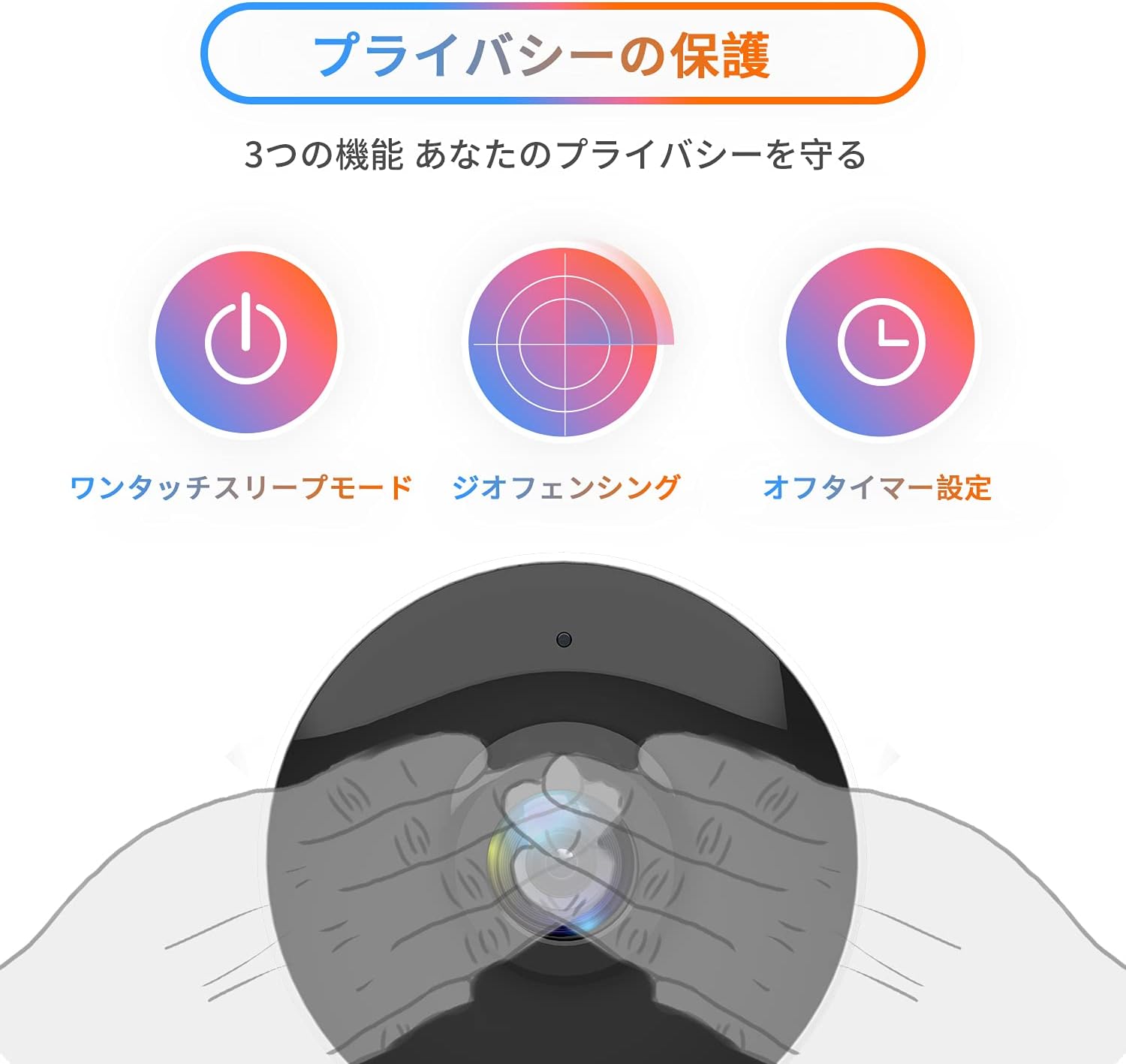
Image: The Arenti IN1 WiFi Pet Camera, a compact indoor camera with a white body and black lens, shown with its adjustable stand.
Орнотуу колдонмосу
Follow these steps to set up your Arenti IN1 WiFi Pet Camera:
- Download the Arenti App: Издөө "Arenti" in the App Store (iOS) or Google Play Store (Android) and download the application.
- Каттоо эсебин түзүү: Open the Arenti app and register for a new account or log in if you already have one.
- Камераны күйгүзүү: Камераны берилген USB кабелин жана кубат адаптерин колдонуп, розеткага туташтырыңыз. Камеранын индикатор жарыгы күйөт.
- Түзмөк кошуу: In the Arenti app, tap the "+" icon to add a new device. Select your camera model (IN1) from the list.
- Wi-Fi'га туташуу: Follow the in-app instructions to connect your camera to your 2.4GHz Wi-Fi network. You may need to scan a QR code displayed on your phone with the camera lens.
- Жайгашкан жери: Place the camera on a flat surface or mount it to a wall or ceiling using the included mounting kit. Ensure it has a clear view сиз көзөмөлдөгүңүз келген аймак.


Image: A series of smartphone screenshots illustrating the process of downloading the Arenti app, adding a device, and viewтүз эфирди көрүү.
Иштөө нускамалары
Live View:
Open the Arenti app and select your camera to view Түз эфирдеги лента. Сүрөттү чоңойтуп жана жылдырып көрүү үчүн чымчып чыкылдатсаңыз болот.
Эки тараптуу аудио:
Түз эфирде микрофон сүрөтчөсүн басыңыз view to speak through the camera's speaker. Tap again to end. This allows you to communicate with anyone near the camera.

Image: A child smiling while a speech bubble indicates communication with a person via the Arenti camera, demonstrating the two-way audio feature.
Кыймылды жана үндү аныктоо:
The camera uses AI to detect human movement and abnormal sounds. When an event is detected, you will receive a push notification on your smartphone. You can adjust the detection sensitivity and set specific detection zones within the app.

Image: An illustration highlighting the camera's features including night vision, human detection, motion/sound detection, privacy mode, and compatibility with Alexa voice control.
Түнкү көрүнүш:
The camera automatically switches to night vision mode in low-light conditions, providing clear black and white images. This ensures continuous monitoring day and night.
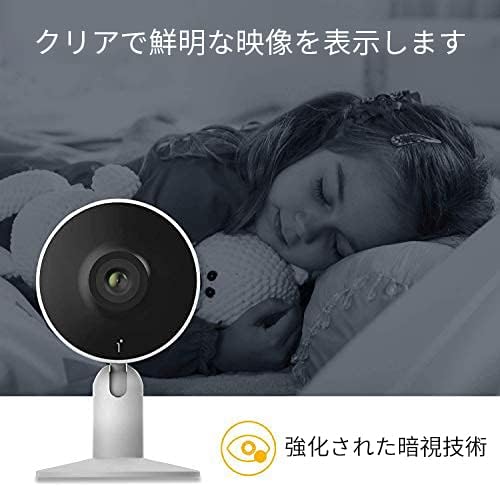
Image: A child sleeping peacefully in a dimly lit room, with the Arenti camera in the foreground, demonstrating its enhanced night vision capabilities for clear monitoring.
Купуялык режими:
Activate privacy mode through the app to temporarily disable recording and live view. Options include one-touch sleep mode, geofencing (automatically activating privacy when you are home), and setting an off-timer.

Image: Three icons illustrating privacy protection features: a power button for one-touch sleep mode, a radar for geofencing, and a clock for off-timer settings.
Жаздыруу жана сактоо:
The camera supports both cloud storage (via Arenti Cloud Service, powered by AWS) and local storage using a microSD card (up to 128GB, sold separately). You can review foo жазылганtage through the app's history timeline.
Smart Home интеграциясы:
Connect your Arenti camera to Amazon Alexa or Google Assistant for convenient voice control. For example, you can say, "Alexa, show me the living room camera."
Видео: Генералдын иши бүттүview video demonstrating the features and usage of the Arenti camera, including app interface and live monitoring.
Техникалык тейлөө
- Тазалоо: Use a soft, dry cloth to clean the camera lens and body. Avoid using harsh chemicals or abrasive materials that could scratch the surface.
- Программалык камсыздоонун жаңыртуулары: Regularly check the Arenti app for available firmware updates. Keeping your camera's firmware up-to-date ensures optimal performance and security.
- Сактагычты башкаруу: If using a microSD card, periodically check its storage capacity and delete old recordings if necessary. For cloud storage, manage your subscription and data retention settings within the app.
- Power Cycle: Эгерде камерада көйгөйлөр жаралса, аны бир нече секундга кубат булагынан сууруп, андан кийин кайра сайып көрүңүз.
Проблемаларды чечүү
| Көйгөй | Мүмкүн себеп | Чечим |
|---|---|---|
| Камера оффлайн | No power, Wi-Fi disconnected, poor signal | Электр кубатына туташууну текшериңиз. Камераны жана роутерди өчүрүп-күйгүзүңүз. Камеранын Wi-Fi диапазонунда экенин текшериңиз. |
| Wi-Fi'га туташпай жатат | Incorrect password, 5GHz Wi-Fi, network issues | Verify Wi-Fi password. Ensure you are connecting to a 2.4GHz network. Try resetting the camera and repeating setup. |
| Эскертмелер жок | App settings, phone settings, detection sensitivity | Check notification settings in the Arenti app and on your smartphone. Adjust motion/sound detection sensitivity. |
| Видеонун сапаты начар | Low bandwidth, dirty lens | Ensure stable internet connection. Clean the camera lens with a soft cloth. |
| Эки тараптуу аудио иштебейт | Microphone/speaker disabled, volume low | Check audio settings in the app. Ensure phone volume is up. |
Техникалык шарттар
| Өзгөчөлүк | Деталь |
|---|---|
| Video Resolution | 1080p (Full HD) |
| Frame Rate | 25 кадр/сек |
| Байланыш | Wi-Fi (2.4 ГГц гана) |
| Түнкү көрүнүш | Ооба |
| Аудио | Эки тараптуу аудио |
| аныктоо | Motion Sensor, Sound Detection |
| Сактагыч параметрлери | Cloud Storage, MicroSD Card (up to 128GB) |
| Шайкеш түзмөктөр | Smartphones (iOS/Android) |
| Өлчөмдөр | 21.2 x 18.4 x 6.6 см (Пакеттин өлчөмү) |
| Салмагы | 480 г (Пакет Салмагы) |
Кепилдик жана колдоо
Arenti products typically come with a limited warranty. For specific warranty details, please refer to the warranty card included with your product or visit the official Arenti website. If you encounter any issues or require technical assistance, please contact Arenti customer support through their official website or the Arenti app.